Zuper TV: Plugins, Tv, Pelis
Actualizada
Versión actual
Ofrecida por

Deje de preocuparse por los recargos cuando use Zuper TV: Plugins, Tv, Pelis en su teléfono celular, libérese de la pequeña pantalla y disfrute usando la aplicación en una pantalla mucho más grande. A partir de ahora, obtenga una experiencia de pantalla completa de su aplicación con teclado y mouse. MEmu le ofrece todas las características sorprendentes que esperaba: instalación rápida y configuración fácil, controles intuitivos, no más limitaciones de batería, datos móviles y llamadas molestas. El nuevo MEmu 9 es la mejor opción para usar Zuper TV: Plugins, Tv, Pelis en su computadora. Codificado con nuestra absorción, el administrador de instancias múltiples hace posible abrir 2 o más cuentas al mismo tiempo. Y lo más importante, nuestro exclusivo motor de emulación puede liberar todo el potencial de su PC, hacer que todo sea fluido y agradable.
Más detalles
Disfruta de una experiencia increíble usando Zuper TV: Plugins, Tv, Pelis en tu PC con MEmu Play. Es un potente emulador de Android gratuito que te ofrece miles de aplicaciones de Android en su versión de escritorio. ¡Conéctate con tus amigos y optimiza tu trabajo! Zuper TV is a multimedia center with plugins for watching movies, series, and live TV on your phone, tablet, Android TV, or TV box.
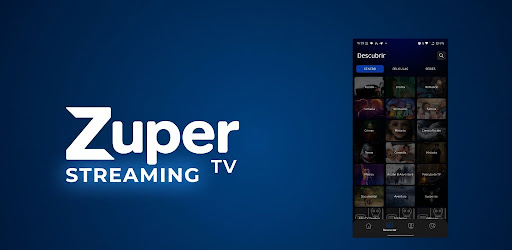
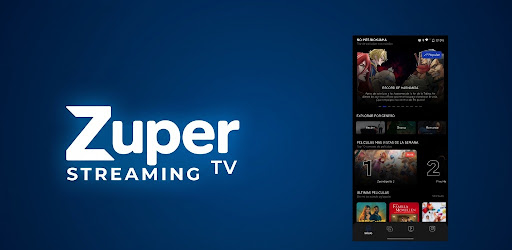
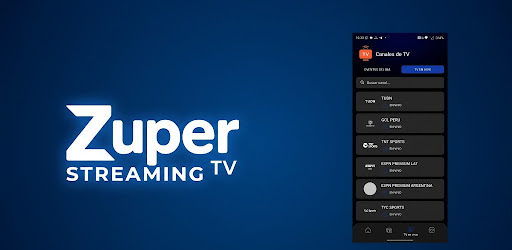
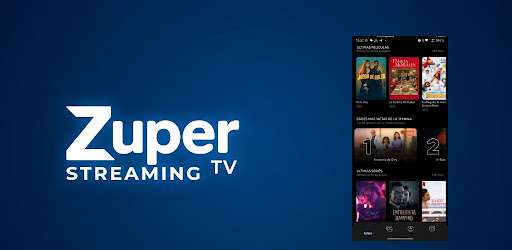
Zuper TV is a multimedia center with plugins for watching movies, series, and live TV on your phone, tablet, Android TV, or TV box. Install plugins, add-ons, and other add-ons, connect your legal sources, and organize all your entertainment in a single, fast, modern, and easy-to-use streaming app.
Forget about switching between apps: with Zuper TV, you can bring together your personal videos, your media server, public domain content, free channels, and lists of authorized providers in one place. You choose which plugins to use and build a media center tailored to your needs.
PLUGINS, ADD-ONS, AND OTHER ADD-ONS
• Install, update, activate, or deactivate plugins in seconds.
• Each plugin adds new catalogs, searches, and sources to the player.
• Manage your plugin repositories from a simple dashboard.
• Unified search: find movies and series across all your plugins at once.
MOVIES AND SERIES ALWAYS ORGANIZED
• Library with cover art, synopses, genres, seasons, and episodes.
• Continue watching: pick up your movies and series right where you left off.
• Favorites, history, and custom playlists.
• Ideal for classic films, documentaries, anime, courses, and educational content.
LIVE TV AND IPTV
• IPTV player compatible with your own M3U and M3U8 playlists or those from authorized providers.
• Program Guide (EPG) to see what's on each channel.
• Organize channels by category and save your favorites.
POWERFUL VIDEO PLAYER
• Smooth streaming in HD, Full HD, and 4K, depending on your source and connection.
• Subtitles, multiple audio tracks, and speed control.
• Plays local files, USB drives, and shared folders on your network (DLNA and SMB).
• Cast videos from your phone to your Smart TV.
DESIGNED FOR ANDROID TV AND TV BOX
• Optimized interface for remote control.
• Also works on Android phones and tablets.
• Separate profiles and parental controls with PIN.
• Lightweight, fast, and with dark mode.
WHAT LEGAL CONTENT CAN YOU WATCH ON ZUPER TV?
• Your own movies, series, and videos.
• Your library stored on a personal media server.
• Public domain movies and series or those licensed under Creative Commons.
• Free-to-air television channels for news, music, and entertainment that officially broadcast online.
• Video podcasts, lectures, tutorials, and creator channels.
• Channel lists from authorized IPTV providers to which you subscribe.
Download Zuper TV and turn your Android device into a multimedia center with plugins for movies, series, and live TV, always with legal sources and your way.
LEGAL NOTICE AND DISCLAIMER
Zuper TV is solely a media player and plugin manager. It does not host, store, distribute, sell, or provide movies, TV series, channels, or any other audiovisual content, and has no affiliation with content providers or third-party plugin developers.
The plugins, repositories, lists, and sources that each user adds or uploads are created and maintained by third parties unrelated to Zuper TV, which does not endorse their content and is not responsible for its availability, legality, or use.
Each user is solely responsible for the content they add and play, and for having the necessary rights or permissions under the laws of their country. Zuper TV does not support or promote piracy: accessing copyrighted content without authorization may be illegal, and any misuse is the sole responsibility of the user.
If you are a rights holder and believe that any plugin or source linked to Zuper TV infringes your rights, please write to us at [your email address] and we will take the necessary measures. That same email address is available for support, questions, and suggestions.
Más detalles

1. Descargar el instalador de MEmu y finalice la instalación

2. Iniciar MEmu y abrir Google Play en la página de inicio

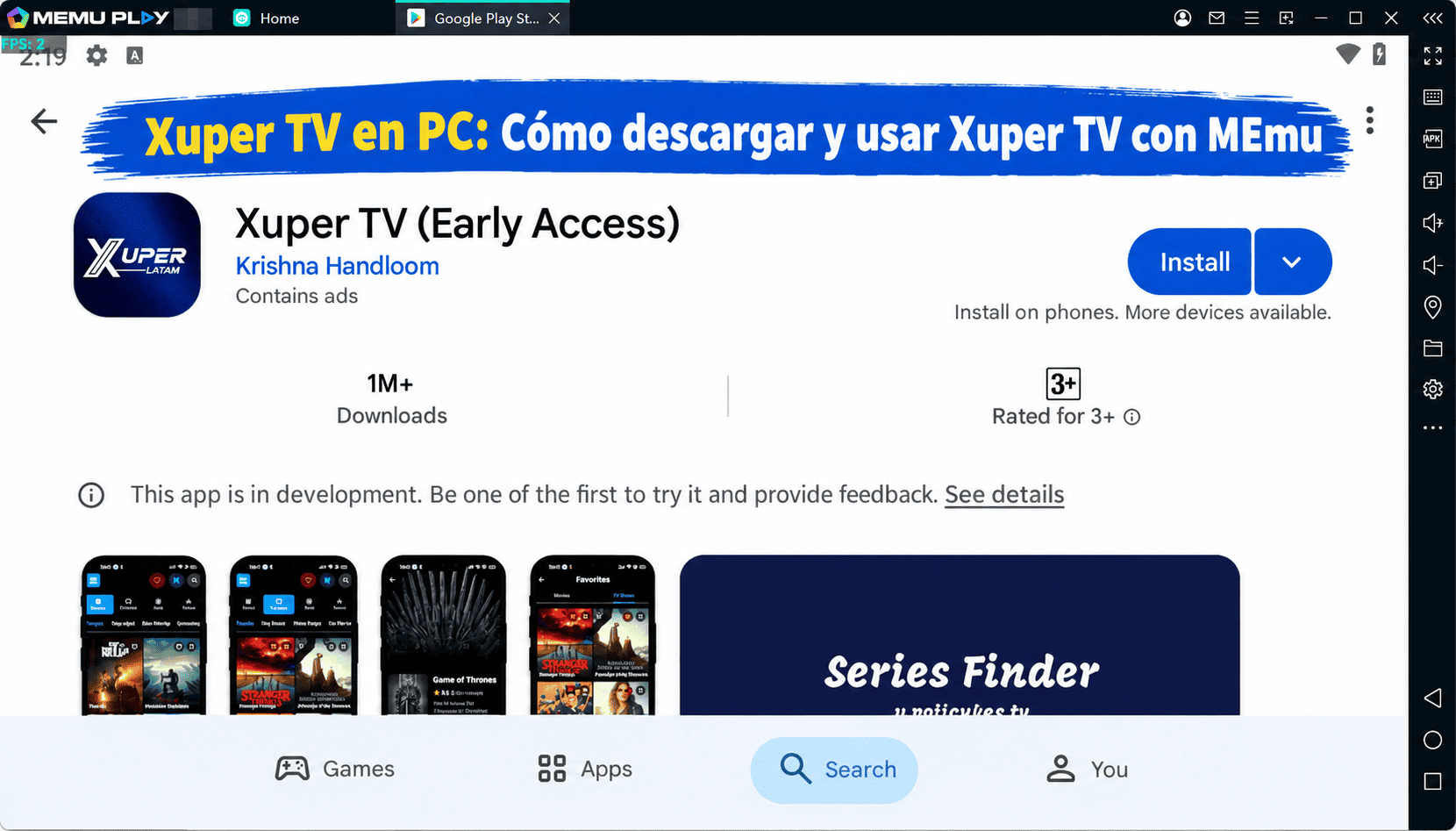
3. Buscar Zuper TV: Plugins, Tv, Pelis en Google Play
Install
4. Descargar y instalar Zuper TV: Plugins, Tv, Pelis
5. Hacer click al icono para iniciar

6. Experiencia Zuper TV: Plugins, Tv, Pelis en PC con MEmu
MEmu App Player es el mejor emulador de Android gratuito y 50 millones de personas ya están disfrutando su magnífica experiencia de aplicación en Android. La tecnología de virtualización de MEmu te permite jugar a miles de aplicaciones Android suavemente en tu PC, incluso los más intensivos gráficamente.
Pantalla más grande con mejores gráficos; Larga duración, sin limitación de batería o datos móviles.
Soporte completo de keymapping para un control preciso del teclado y el mouse o gamepad.
Múltiples cuentas de juegos o tareas en una sola PC a la vez con el administrador de instancias múltiples.
Use Zuper TV: Plugins, Tv, Pelis on PC by following steps: