Bunker Random Defense
अपडेट किया गया
वर्तमान वर्शन
संसाधन

अपने सेलफोन पर Bunker Random Defense का उपयोग करते समय ओवरचार्ज के बारे में चिंता करना बंद करें, अपने आप को छोटी स्क्रीन से मुक्त करें और बहुत बड़े डिस्प्ले पर ऐप का उपयोग करने का आनंद लें। अब से, कीबोर्ड और माउस के साथ अपने ऐप का पूर्ण-स्क्रीन अनुभव प्राप्त करें। एमईएमयू आपको उन सभी आश्चर्यजनक सुविधाओं की पेशकश करता है जिनकी आपको उम्मीद थी: त्वरित इंस्टॉल और आसान सेटअप, सहज नियंत्रण, बैटरी की कोई सीमा नहीं, मोबाइल डेटा और परेशान कॉल। आपके कंप्यूटर पर Bunker Random Defense का उपयोग करने का सबसे अच्छा विकल्प नया MEmu 9 है। हमारे अवशोषण के साथ कोडित, बहु-उदाहरण प्रबंधक एक ही समय में 2 या अधिक खाते खोलना संभव बनाता है। और सबसे महत्वपूर्ण, हमारा अनन्य उत्सर्जन इंजन आपके पीसी की पूरी क्षमता को जारी कर सकता है, सब कुछ सुचारू और सुखद बना सकता है।
और दिखाएं
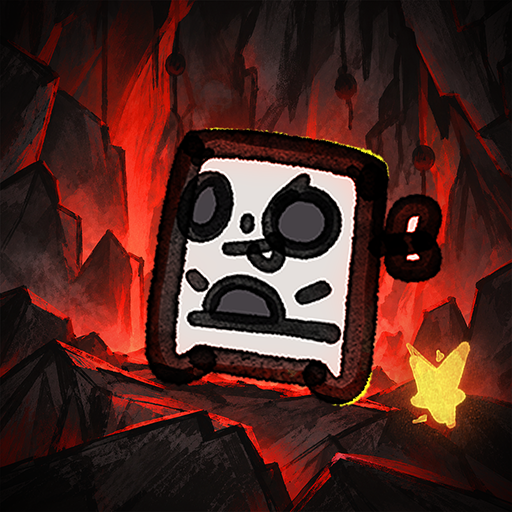
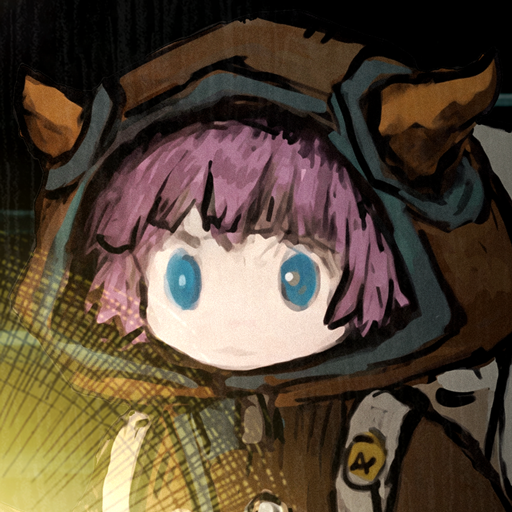
डाउनलोड करें Bunker Random Defense पीसी पर MEmu एंड्रॉयड एमुलेटर के साथ बड़े पर्दे पर खेलने का आनंद लें। The last bunker stands on a contaminated planet.
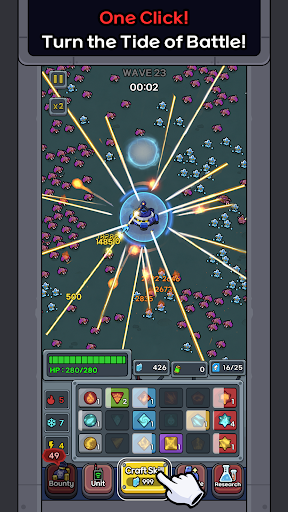
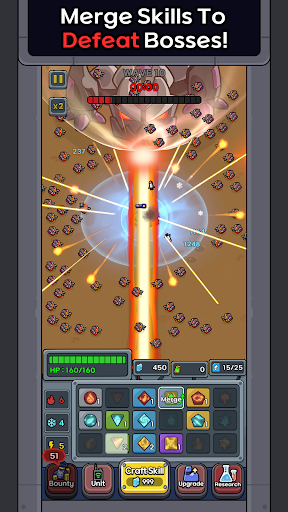
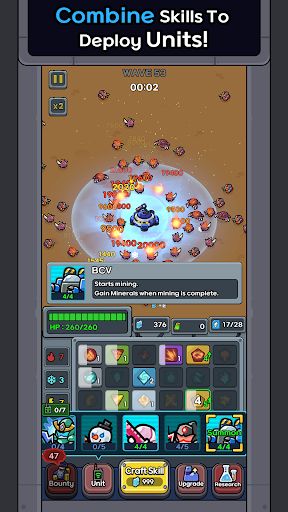
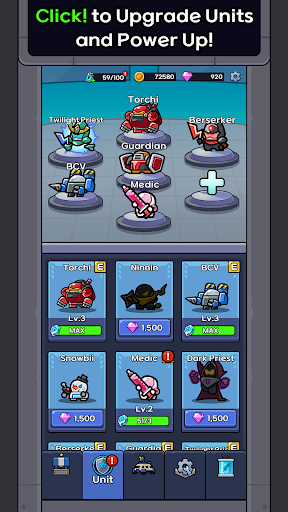
The last bunker stands on a contaminated planet.
Develop skills, merge them, and deploy units to defend against monsters attacking from every direction.
■ Random Skill Development
Skills are generated randomly during battle.
Use Pyro, Frost, and Electro skills to fend off the incoming monsters.
■ Merge to Grow Stronger
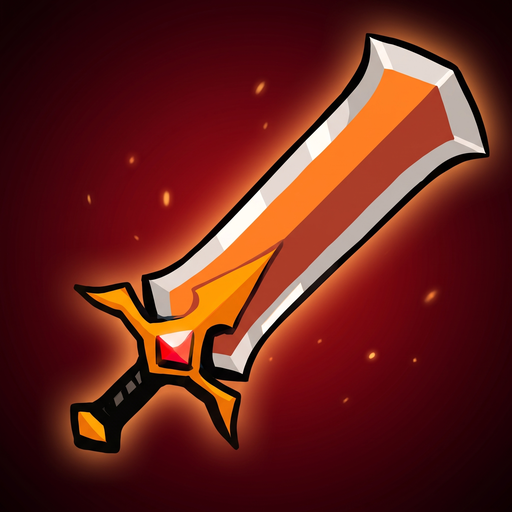
Merge skills of the same tier to obtain higher-tier skills.
Even low-tier skills can become powerful combat resources through merging.
■ Complete Combinations to Deploy Units
Each unit requires a different skill combination.
Complete the required combination to deploy powerful units that will join the battlefield and help defend the bunker.
■ Endless Waves
The monsters never stop.
Repeat skill generation, merging, and unit deployment to survive increasingly intense attacks.
■ Grow After Battle
Use battle rewards to upgrade your units and skills.
Return with stronger forces and break through higher waves than before.
Craft randomly, merge smartly,
and summon units with the right combinations.
Start defending your bunker now!
Customer Support: bunkerdefense@teamsparta.co
Terms of Service: https://rocketdan21.blogspot.com/2025/03/terms-of-service.html
और दिखाएं

1. MEmu इंस्टॉलर को डाउनलोड करें और इंस्टॉलेशन को पूरा करें

2. MEmu शुरू करें फिर होमपेज पर Google Play खोलें

3. Google Play में Bunker Random Defense खोजें
Install
4. Bunker Random Defense डाउनलोड कर इंस्टॉल करें
5. इंस्टॉल पूरा होने पर आइकन दबाएं

6. MEmu से पीसी पर Bunker Random Defense खेलने का आनंद लें
MEmu Play सबसे बेहतरीन मुफ़्त Android एमुलेटर है और 5 करोड़ लोग पहले ही इसके शानदार Android गेमिंग अनुभव का आनंद ले चुके हैं। MEmu 9 वर्चुअलाइज़ेशन तकनीक आपको अपने PC पर हज़ारों Android गेम, यहाँ तक कि सबसे ज़्यादा ग्राफ़िक्स वाले गेम भी, आसानी से खेलने की सुविधा देती है।
असीमित बैटरी या मोबाइल डेटा के साथ बेहतर ग्राफिक्स के साथ बड़ी स्क्रीन; लंबी अवधि।
कीबोर्ड और माउस या गेमपैड के उत्तम नियंत्रण के लिए संपूर्ण कीमैपिंग का समर्थन करता हैं।
एक ही पीसी पर मल्टी-इंस्टेंस मैनेजर के साथ एक समय में कई गेम खाते या कार्य कर सकते हैं।
Play Bunker Random Defense on PC by following steps: