Angry Birds 2
Updated
Current Version
10.0.1
Offered By

With your passion for Angry Birds 2, you shouldn’t have to limit yourself to the small screen of a phone. Play like a pro and take full control of the game using a keyboard and mouse. MEmu gives you everything you’re looking for. Download and play Angry Birds 2 on PC. Play as long as you want — no more worries about battery life, mobile data, or unexpected calls. The all-new MEmu 9 is the best way to play Angry Birds 2 on PC. With our expertly designed keymapping system, Angry Birds 2 feels just like a real PC game. The MEmu multi-instance manager lets you run two or more accounts on the same device at the same time. Most importantly, our exclusive emulation engine unlocks your PC’s full potential, delivering smooth and seamless performance.
Show more
Download Angry Birds 2 on PC with MEmu Android Emulator. Enjoy playing on big screen. Join hundreds of millions of players for FREE and start the fun slingshot adventure now!
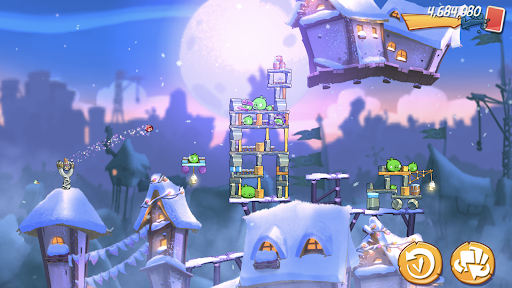
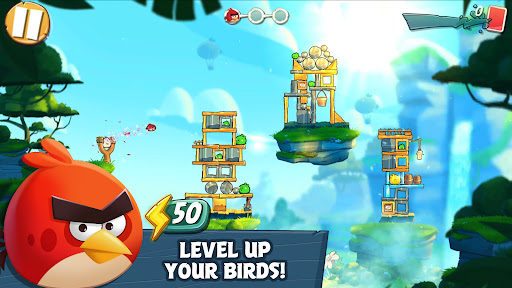
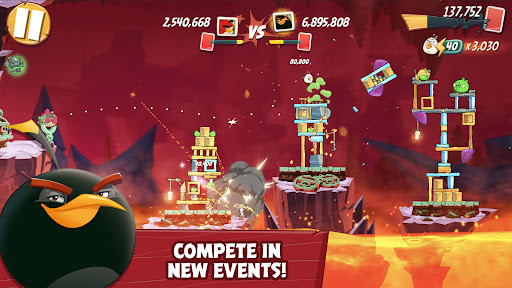
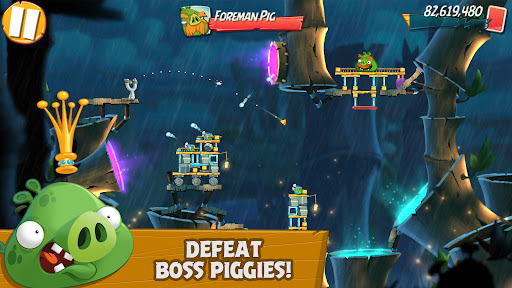
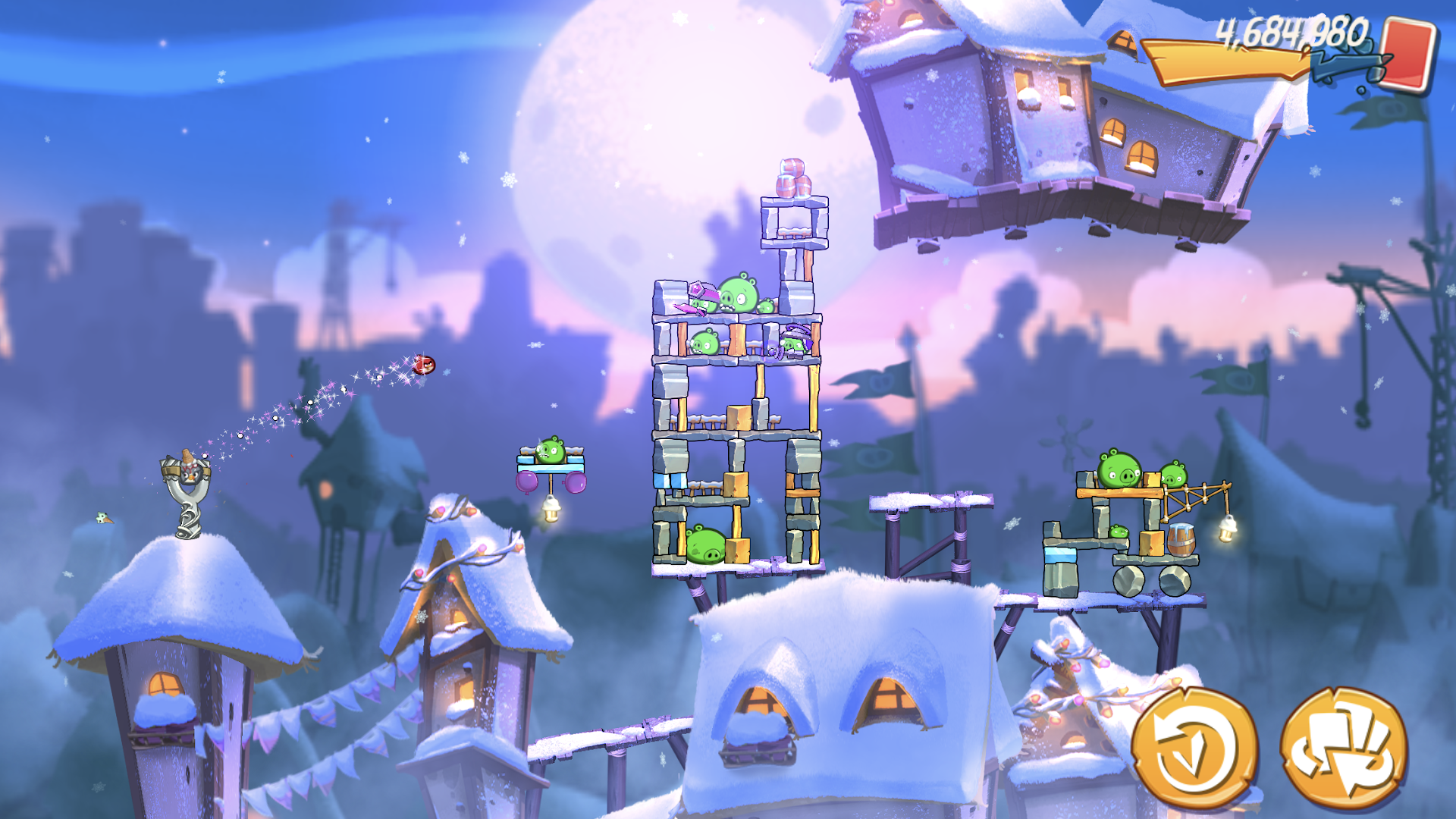
Join hundreds of millions of players for FREE and start the fun slingshot adventure now! Team up with your friends, climb the leaderboards, gather in clans, collect hats, take on challenges, and play fun events in all-new game modes. Evolve your team and show your skills in this exciting Angry Birds game !
Get to know all of the iconic Angry Birds characters and experience the fun gameplay that has captured the hearts of millions of players.
Features:
● DAILY CHALLENGES. Have a minute? Complete a daily challenge and earn some quick rewards.
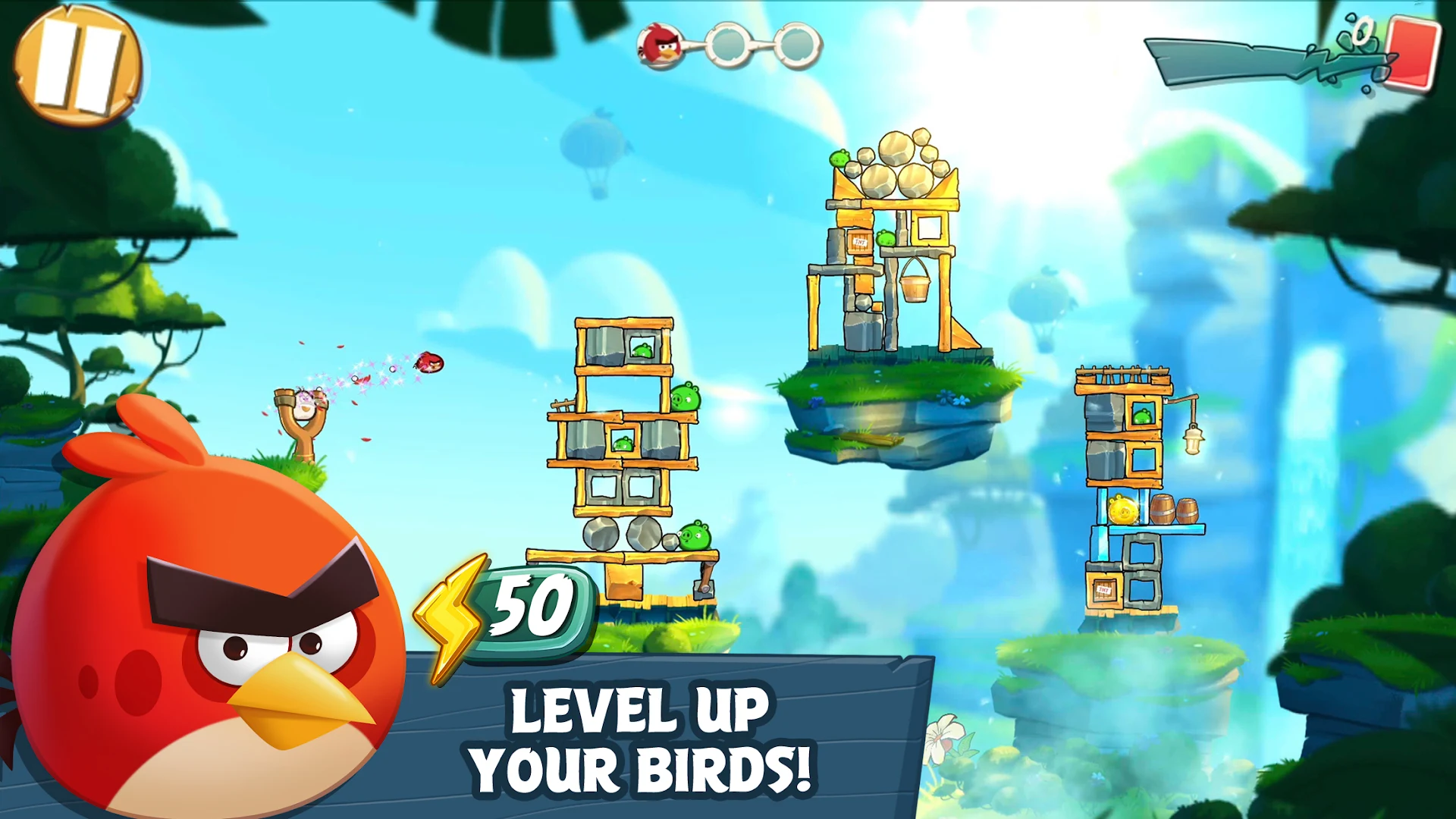
● LEVEL UP your characters with feathers and up their scoring power. Build the ultimate flock!
● JOIN A CLAN to take down the pigs with friends and players around the world.
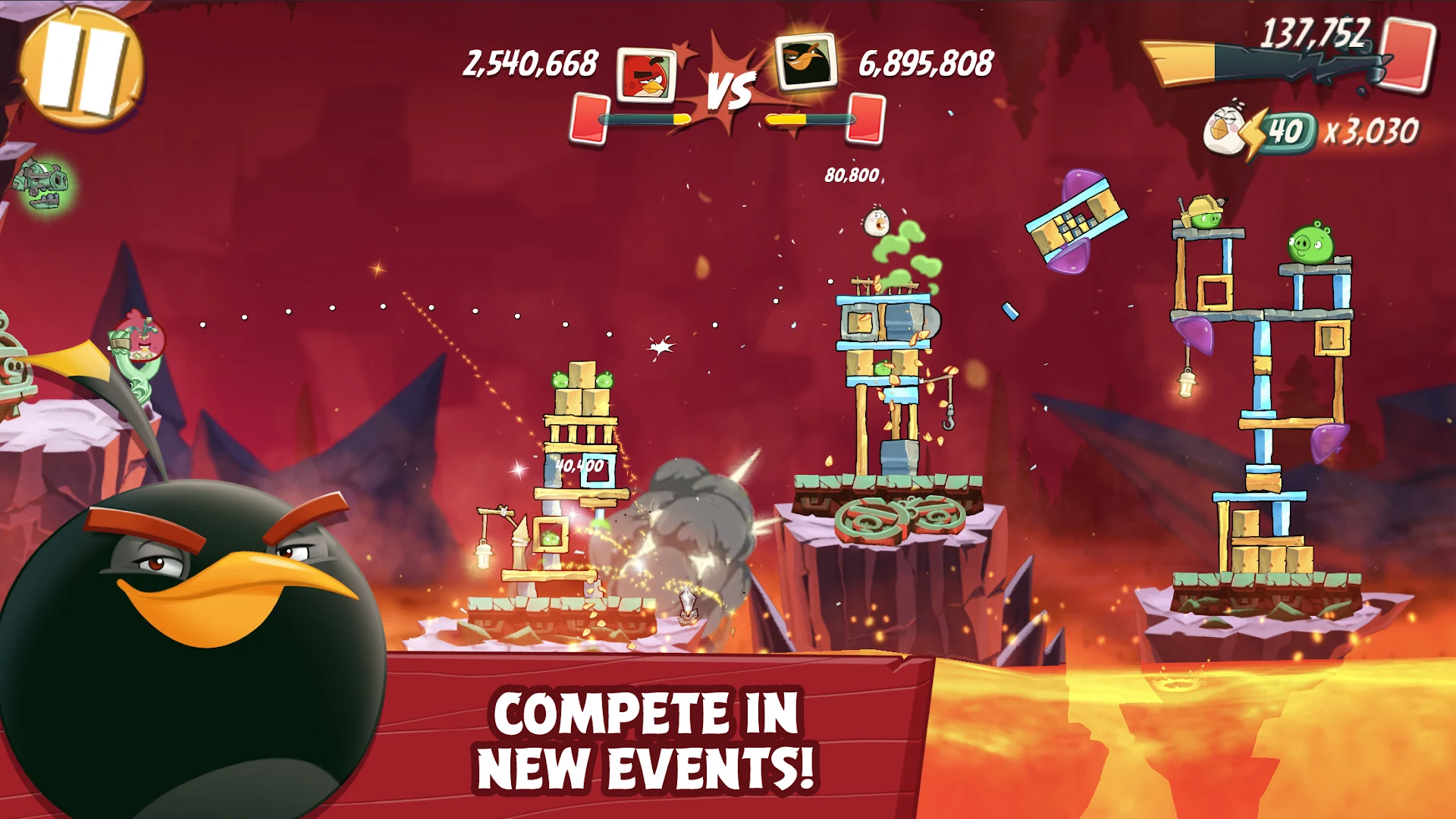
● COMPETE in the ARENA. Compete with other players for some friendly bird flinging fun and prove who is the best.
● COLLECT SILLY HATS. Collect hats with different fun themes to level up your flock’s fashion game and take part in special events.
● IMPRESS THE MIGHTY EAGLE in special challenges in Mighty Eagle’s Bootcamp and earn coins to use in his exclusive shop.
● LOTS OF LEVELS. Play hundreds of levels with more added in regular updates and limited time events.
● LEADERBOARDS. Compete with your friends and other players and prove who is the best on the global leaderboards.
● CHOOSE YOUR BIRD. Choose which bird to put in the slingshot and defeat the pigs with strategy!
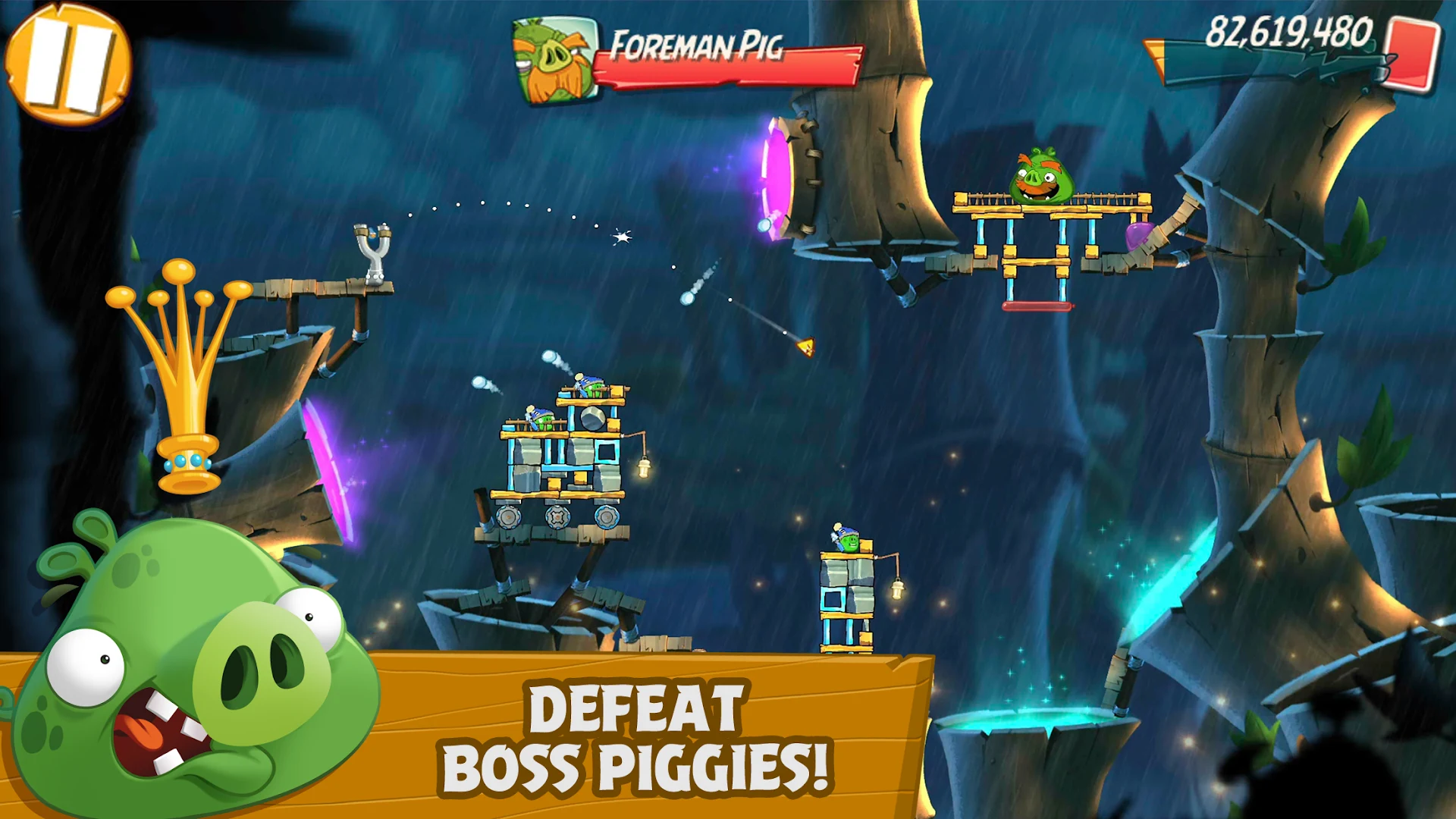
● MULTI-STAGE LEVELS. Play fun, challenging levels with multiple stages – just watch out for Boss Pigs!
● FREE to download! --- Angry Birds 2 is completely free to play. Although Angry Birds 2 can be downloaded for free, there are optional in-app purchases available.
---
When playing this game, Rovio will offset the carbon footprint caused by the device’s energy consumption.
This game may include:
- Direct links to social networking websites that are intended for an audience over the age of 13.
- Direct links to the internet that can take players away from the game with the potential to browse to any web page.
- Advertising of Rovio products and also products from third parties.
Although some features are available offline, this game may require internet connectivity for certain features. Normal data transfer charges apply. Note: When the game is played for the first time, there is a one-time download of additional content that cannot be completed while offline.
We may update the game periodically, for example to add new features or content or to fix bugs or other technical issues. Please note that the game may not function properly if you do not have the newest version installed. If you have not installed the latest update, Rovio will not be responsible for the game failing to function as expected.
Terms of use: http://www.rovio.com/terms-of-service
Privacy Policy: http://www.rovio.com/privacy
Show more

1. Download MEmu installer and finish the setup

2. Start MEmu then open Google Play on the desktop

3. Search Angry Birds 2 in Google Play
Install
4. Download and Install Angry Birds 2
5. On install completion click the icon to start

6. Enjoy playing Angry Birds 2 on PC with MEmu
MEmu Play is the best Android emulator and 100 million people already enjoy its superb Android gaming experience. The MEmu virtualization technology empowers you to play thousands of Android games smoothly on your PC, even the most graphic-intensive ones.
Bigger screen with better graphics; Long duration, without limitation of battery or mobile data.
Full Keymapping support for precise control of keyboard and mouse or gamepad.
Multiple game accounts or tasks on single PC at one time with Multi-Instance manager.
Play Angry Birds 2 on PC by following steps: