
Another Eden Begins
Updated
Current Version
Offered By

With your passion for Another Eden Begins, you shouldn’t have to limit yourself to the small screen of a phone. Play like a pro and take full control of the game using a keyboard and mouse. MEmu gives you everything you’re looking for. Download and play Another Eden Begins on PC. Play as long as you want — no more worries about battery life, mobile data, or unexpected calls. The all-new MEmu 9 is the best way to play Another Eden Begins on PC. With our expertly designed keymapping system, Another Eden Begins feels just like a real PC game. The MEmu multi-instance manager lets you run two or more accounts on the same device at the same time. Most importantly, our exclusive emulation engine unlocks your PC’s full potential, delivering smooth and seamless performance.
Show more
Download Another Eden Begins on PC with MEmu Android Emulator. Enjoy playing on big screen. Embark on an Adventure Beyond Time and SpaceMasato Kato, the creator of numerous RPG classics, presents an epic adventure spanning the past, present, and future!
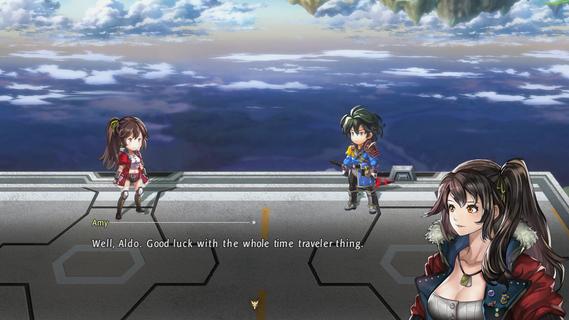
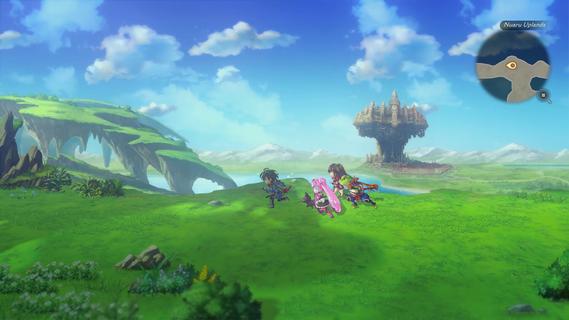
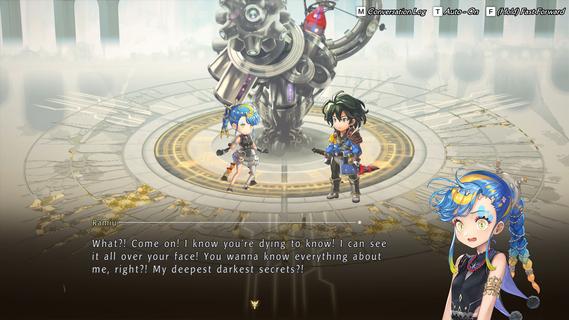
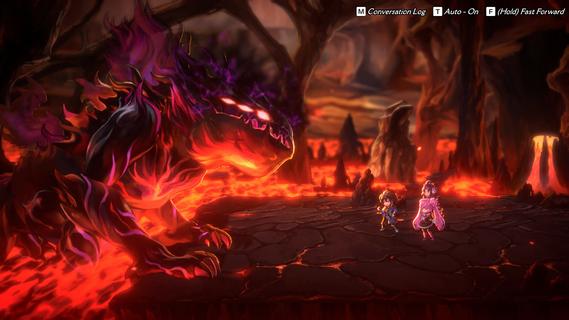
Embark on an Adventure Beyond Time and SpaceMasato Kato, the creator of numerous RPG classics, presents an epic adventure spanning the past, present, and future! The main story is a richly woven tale with full voice acting, accompanied by a main theme song composed by Yasunori Mitsuda and music incorporating traditional folk instruments and an orchestra by Procyon Studios! Strategic command battles rely on building parties around characters' roles and synergies to unleash additional skills! Use the power of Another Force to execute devastating attacks and edge closer to victory! After completing the main story, another adventure awaits with New Game+! All of the characters retain their strength for this new journey as actions and choices determine which of over 10 endings will unfold!Strategic Command BattlesFor command battles you initiate, creating a balanced party of attackers, supporters, and healers is key to victory! Unleash attacks to fill the Another Force gauge, and activate Another Force to stop enemies from taking action while your characters deliver devastating attacks!Embark on a New Adventure with New Game+Clear the main story to unlock New Game+ and start a new adventure with your characters as they were! With the aid of a mysterious girl who prompts Aldo to undertake this new journey, discover over 10 different endings that unfold based on your actions and choices. A world of new experiences awaits!Encounters and Friendships with 18 CompanionsDuring his adventure across time, Aldo encounters 18 characters with differing backgrounds and talents. Learn more about them through unique encounter quests, character quests, and kinship quests, the last of which becomes available by forging deep connections with them!StoryAldo and his younger sister, Feinne, enjoy a peaceful life in the idyllic village of Baruoki, until one day, when Feinne is taken by the Beast King. Aldo pursues them into the Moonlight Forest, but following a fierce battle with a beast, he is sent through a tear in spacetime—and finds himself in a world 800 years in the future.
Show more

1. Download MEmu installer and finish the setup

2. Start MEmu then open Google Play on the desktop

3. Search Another Eden Begins in Google Play
Install
4. Download and Install Another Eden Begins
5. On install completion click the icon to start

6. Enjoy playing Another Eden Begins on PC with MEmu
MEmu Play is the best Android emulator and 100 million people already enjoy its superb Android gaming experience. The MEmu virtualization technology empowers you to play thousands of Android games smoothly on your PC, even the most graphic-intensive ones.
Bigger screen with better graphics; Long duration, without limitation of battery or mobile data.
Full Keymapping support for precise control of keyboard and mouse or gamepad.
Multiple game accounts or tasks on single PC at one time with Multi-Instance manager.
Play Another Eden Begins on PC by following steps:

















































