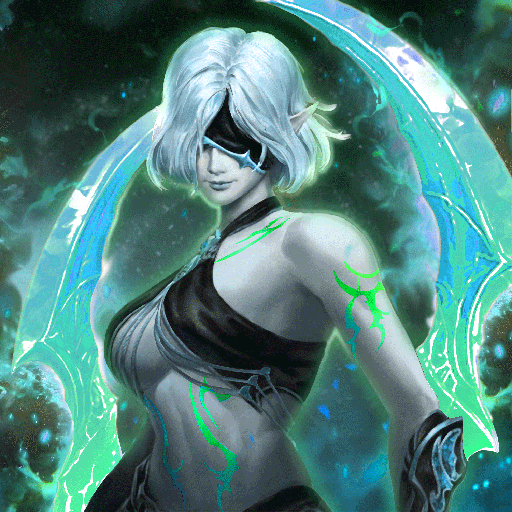
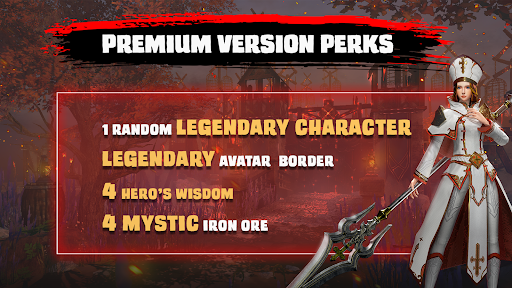
Avalar: Raid of Shadow Premium
Updated
Current Version
03.91.00.00
Offered By

With your passion for Avalar: Raid of Shadow Premium, you shouldn’t have to limit yourself to the small screen of a phone. Play like a pro and take full control of the game using a keyboard and mouse. MEmu gives you everything you’re looking for. Download and play Avalar: Raid of Shadow Premium on PC. Play as long as you want — no more worries about battery life, mobile data, or unexpected calls. The all-new MEmu 9 is the best way to play Avalar: Raid of Shadow Premium on PC. With our expertly designed keymapping system, Avalar: Raid of Shadow Premium feels just like a real PC game. The MEmu multi-instance manager lets you run two or more accounts on the same device at the same time. Most importantly, our exclusive emulation engine unlocks your PC’s full potential, delivering smooth and seamless performance.
Show more
Download Avalar: Raid of Shadow Premium on PC with MEmu Android Emulator. Enjoy playing on big screen. Avalar: Raid of Shadow .
Avalar: Raid of Shadow
An Elemental Base RPG Adventure Where Shadows Reign and Legends Rise
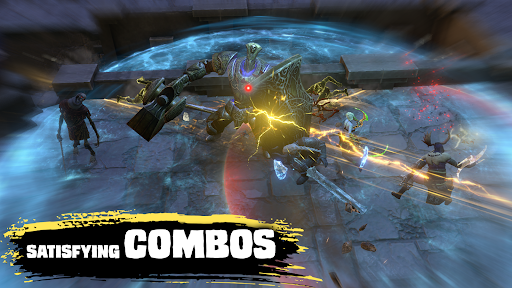
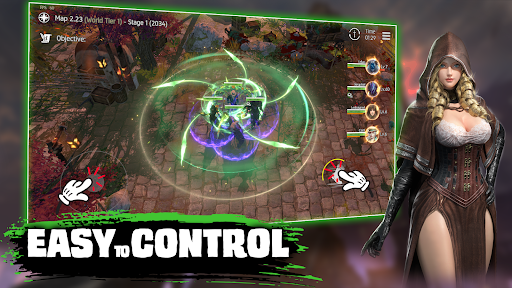
Embark on a gripping RPG journey in Avalar: Raid of Shadow, a dark fantasy ARPG where you fight to reclaim a shattered world from creeping corruption. With a blazing sword in hand and elemental power in your veins, you’ll lead a team of warriors into a war of light and darkness.
MASTER THE ELEMENTS, UNLOCK THE LEGENDS
Summon mighty heroes from sly rogue assassins to blazing warriors of fire and unlock their true potential. Each champion carries unique elements, roles, and stories, ready to clash in tactical, real-time fighting.
RAID THE KINGDOM, FIGHT THE SHADOW
Step into cursed lands, forgotten kingdom ruins, and nightbound arenas. Every fight is a test of reflex, wit, and will as you unravel the secrets behind Avalar’s fall. Take on PvE bosses, crush rivals in PvP arena battles, and dive into an adventure that never sleeps.
BUILD YOUR FIGHT SQUAD
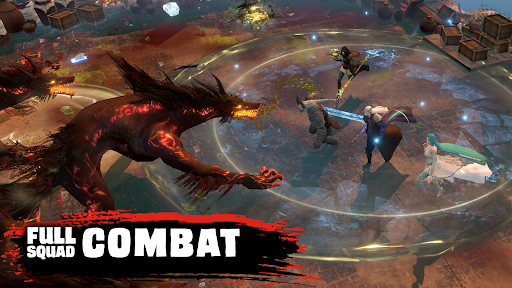
From shadow demon slayer types to armoured titans, form your dream roster through ancient rituals and fate-bound calls. With strategic depth that rivals the best fighting games, every hero you call forth adds new layers to your roleplay journey.
FANTASY. STRATEGY. SHOWCASE YOUR POWER.
Dive into dramatic showcase events and rise through evolving RPG game systems. Whether you thrive in solo quests or thrive in guild-based warzones, every move counts. Every victory echoes.
YOUR SWORD. YOUR STORY. YOUR LEGENDS.
In Avalar, nothing is random. Everything is earned. Every shadow hides a challenge, and every choice leads to glory—or doom.
So fight. Collect. Command your arena. Rewrite fate.
The shadow rises.
Will you?
Show more

1. Download MEmu installer and finish the setup

2. Start MEmu then open Google Play on the desktop

3. Search Avalar: Raid of Shadow Premium in Google Play
Install
4. Download and Install Avalar: Raid of Shadow Premium
5. On install completion click the icon to start

6. Enjoy playing Avalar: Raid of Shadow Premium on PC with MEmu
MEmu Play is the best Android emulator and 100 million people already enjoy its superb Android gaming experience. The MEmu virtualization technology empowers you to play thousands of Android games smoothly on your PC, even the most graphic-intensive ones.
Bigger screen with better graphics; Long duration, without limitation of battery or mobile data.
Full Keymapping support for precise control of keyboard and mouse or gamepad.
Multiple game accounts or tasks on single PC at one time with Multi-Instance manager.
Play Avalar: Raid of Shadow Premium on PC by following steps: