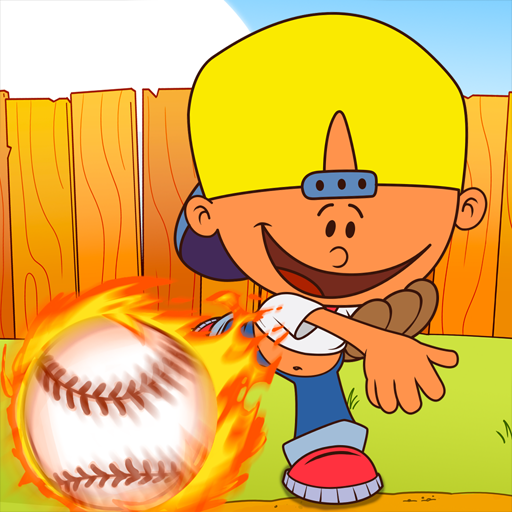
Backyard Baseball '01
Updated
Current Version
1.3.21
Offered By

With your passion for Backyard Baseball '01, you shouldn’t have to limit yourself to the small screen of a phone. Play like a pro and take full control of the game using a keyboard and mouse. MEmu gives you everything you’re looking for. Download and play Backyard Baseball '01 on PC. Play as long as you want — no more worries about battery life, mobile data, or unexpected calls. The all-new MEmu 9 is the best way to play Backyard Baseball '01 on PC. With our expertly designed keymapping system, Backyard Baseball '01 feels just like a real PC game. The MEmu multi-instance manager lets you run two or more accounts on the same device at the same time. Most importantly, our exclusive emulation engine unlocks your PC’s full potential, delivering smooth and seamless performance.
Show more
Download Backyard Baseball '01 on PC with MEmu Android Emulator. Enjoy playing on big screen. STEP UP TO THE PLATE.
STEP UP TO THE PLATE
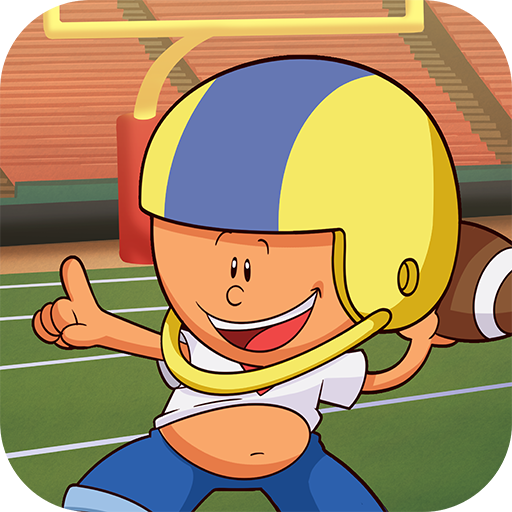
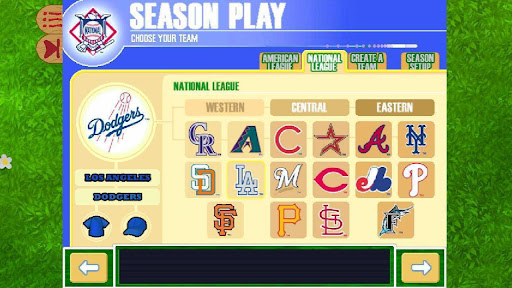
Relive the second baseball game in the Backyard Sports franchise, now enhanced to run on Android devices. Whether you're picking your dream team, playing a pick-up game, or diving into a full season, step up to the plate and experience the game that made baseball fun for everyone!
Backyard Baseball ‘01 teams up the Backyard kids with Backyardified professional legends. Create your own Backyard team, customize your uniforms, and strategize to win the Championship. Play a single pick-up game or play through an entire season. Backyard Baseball ‘01 features intuitive controls for all ages!
SWING BACK INTO BASEBALL
Enjoy baseball like it’s 2001!
- 30 Charming Backyard kids
- Legendary Professional Players
- Hilarious Bloopers
- 8 Classic Ballparks
- 9 Pitching Power-ups and 4 batting Power-ups
- Lively commentary from Sunny Day and Vinnie
To get into the swing of things, choose a batter and face Mr. Clanky for some batting practice. This is where you’ll learn just when to click to make your chosen batter hit the ball!
THE GOAT RETURNS
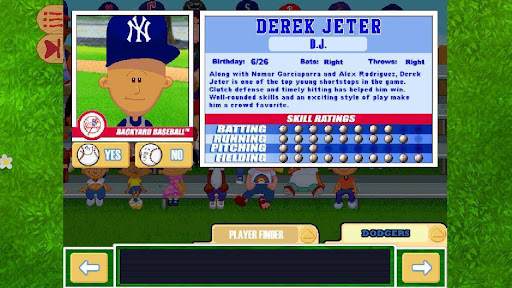
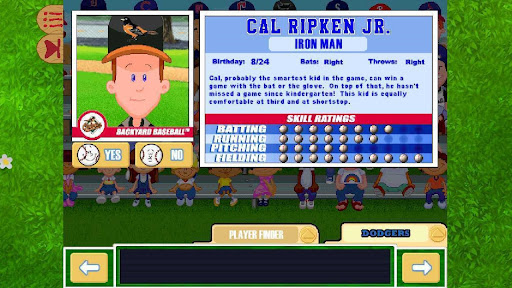
Play with the legend himself, Pablo Sanchez. Build a roster from a cast of 30 hilarious child athletes and 28 legendary pros that made Backyard Baseball ‘01 a sports classic. Returning MLB players include Derek Jeter, Alex Rodriguez, Cal Ripken Jr., Sammy Sosa, Mike Piazza, Randy Johnson, Nomar Garciaparra, Jeff Bagwell, Jason Giambi, Chipper Jones, Jeromy Burnitz, Mark McGwire, Shawn Green, Vladimir Guerrero, Kenny Lofton, Jason Kendall, Barry Larkin, Marty Cordova, Mo Vaughn, Raul Mondesi, Curt Schilling, Alex Gonzalez, Juan Gonzalez, Larry Walker, Carlos Beltran, Tony Gwynn, Ivan Rodriguez, and Jose Canseco.
Game Modes include:
- Choose from three modes of play (Easy Mode, Medium Mode, Hard Mode)
- Random Pick-up: A quick way to jump right in! The computer chooses a random team for you and itself, and the game starts immediately.
- Single Game: You take turns with the computer, choosing players from a random pool of characters.
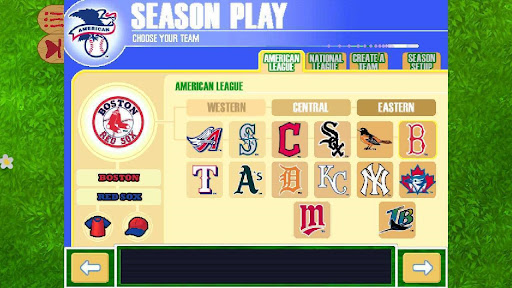
- Season: You pick your home field, create a team, and manage the team through a 14-game series. The opposing teams are computer-generated. At the end of the season, the best two teams advance to the BBL playoffs (best of 3). If you keep winning, you’ll compete in the Super Entire Nation Tournament and Ultra Grand Championship of the Universe Series!
ADDITIONAL INFORMATION
At our core, we are fans first – not just of video games, but of the Backyard Sports franchise. Fans have asked for accessible and legal ways to play their original Backyard titles for years, and we are excited to deliver.
Without having access to the source code, there are hard limitations on the experience we can
create. As an example, we can’t use the original 32-bit code to support modern macOS, as even with an incredibly clever wrapper, macOS can’t execute the binaries.
Show more

1. Download MEmu installer and finish the setup

2. Start MEmu then open Google Play on the desktop

3. Search Backyard Baseball '01 in Google Play
Install
4. Download and Install Backyard Baseball '01
5. On install completion click the icon to start

6. Enjoy playing Backyard Baseball '01 on PC with MEmu
MEmu Play is the best Android emulator and 100 million people already enjoy its superb Android gaming experience. The MEmu virtualization technology empowers you to play thousands of Android games smoothly on your PC, even the most graphic-intensive ones.
Bigger screen with better graphics; Long duration, without limitation of battery or mobile data.
Full Keymapping support for precise control of keyboard and mouse or gamepad.
Multiple game accounts or tasks on single PC at one time with Multi-Instance manager.
Play Backyard Baseball '01 on PC by following steps: