Beat Battle Music Challenge
Updated
Current Version
1.0.4
Offered By

With your passion for Beat Battle Music Challenge, you shouldn’t have to limit yourself to the small screen of a phone. Play like a pro and take full control of the game using a keyboard and mouse. MEmu gives you everything you’re looking for. Download and play Beat Battle Music Challenge on PC. Play as long as you want — no more worries about battery life, mobile data, or unexpected calls. The all-new MEmu 9 is the best way to play Beat Battle Music Challenge on PC. With our expertly designed keymapping system, Beat Battle Music Challenge feels just like a real PC game. The MEmu multi-instance manager lets you run two or more accounts on the same device at the same time. Most importantly, our exclusive emulation engine unlocks your PC’s full potential, delivering smooth and seamless performance.
Show more
Download Beat Battle Music Challenge on PC with MEmu Android Emulator. Enjoy playing on big screen. Don’t miss your chance to dive into the thrilling world of Beat Battle!
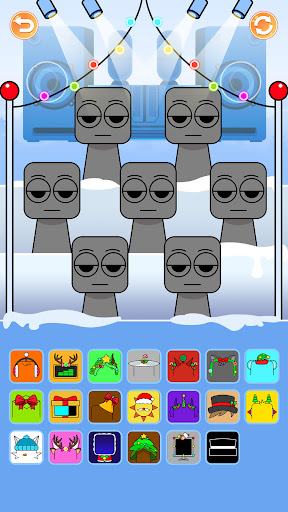
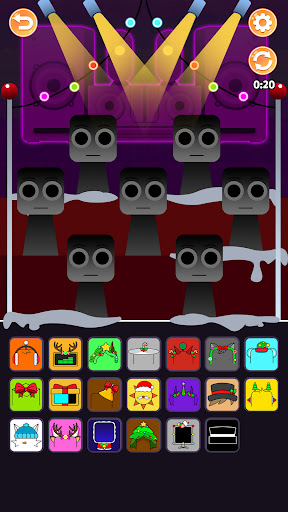
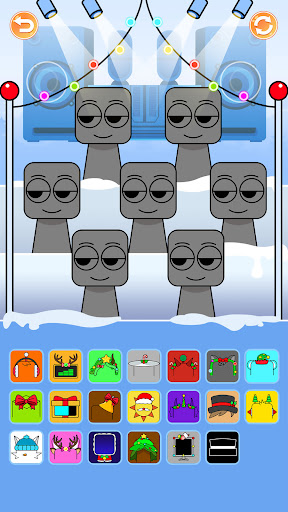
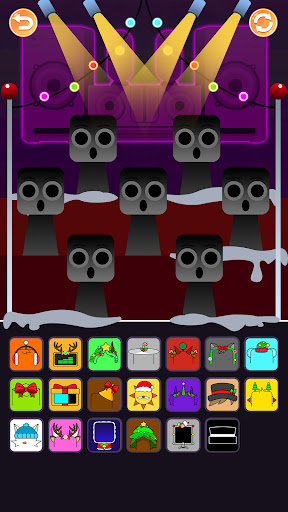
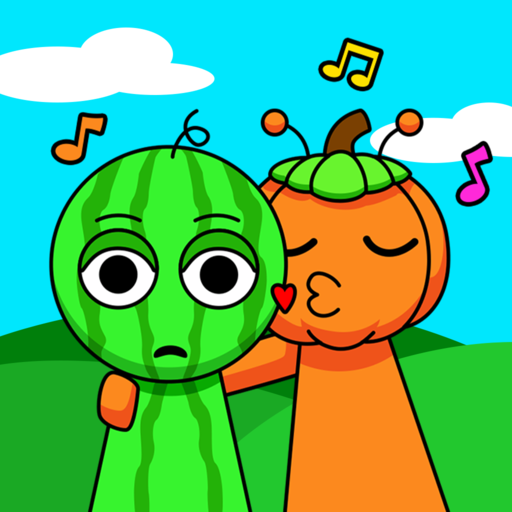
Don’t miss your chance to dive into the thrilling world of Beat Battle! Here, you’ll encounter a mesmerizing blend of spine-tingling horror and enchanting fantasy music. Get ready to meet an array of quirky and creepy characters, each bringing their own unique sounds and expressive effects to the stage.
This is not just a game; it’s a musical adventure where your creativity knows no bounds! Your mission is to combine these fascinating characters into unforgettable musical compositions. Each character has its own distinct sound be it a playful giggle, a haunting whisper, or a powerful thump allowing you to experiment and create songs that resonate with fun or evoke chilling suspense.
Start your journey with adorable creatures that infuse your tracks with joy and whimsy. These cheerful beings are perfect for crafting upbeat, catchy tunes that will have players dancing. As you explore deeper, you'll encounter sinister beings that introduce darker, more eerie sounds. These characters are ideal for creating haunting soundscapes that can send shivers down your spine, perfect for horror-themed compositions.
Simply drag and drop characters into your mixing area, experiment with their sounds, and watch your song come to life! The user-friendly interface allows you to layer sounds, adjust volumes, and add effects, so you can focus on unleashing your musical genius.
Engage in exciting challenges that test your creativity and musical skills. Compete with friends or other players to see who can make the most captivating or spine-chilling track. Share your creations with the community and discover a world of musical exploration and collaboration.
With an endless array of character combinations and sound options, the potential for creativity is limitless. Whether you're aiming to create a catchy tune that gets everyone moving or a haunting melody that lingers in the shadows, Beat Battle equips you with the tools to express your musical vision.
So, gather your monstrous friends, tap into your imagination, and embark on a musical journey unlike any other. The stage is set, the characters are waiting, and the beats are ready, let Beat Battle begin!
Show more

1. Download MEmu installer and finish the setup

2. Start MEmu then open Google Play on the desktop

3. Search Beat Battle Music Challenge in Google Play
Install
4. Download and Install Beat Battle Music Challenge
5. On install completion click the icon to start

6. Enjoy playing Beat Battle Music Challenge on PC with MEmu
MEmu Play is the best Android emulator and 100 million people already enjoy its superb Android gaming experience. The MEmu virtualization technology empowers you to play thousands of Android games smoothly on your PC, even the most graphic-intensive ones.
Bigger screen with better graphics; Long duration, without limitation of battery or mobile data.
Full Keymapping support for precise control of keyboard and mouse or gamepad.
Multiple game accounts or tasks on single PC at one time with Multi-Instance manager.
Play Beat Battle Music Challenge on PC by following steps: