Bing: Let's Play (Kids Games)
Updated
Current Version
1.0.7
Offered By

With your passion for Bing: Let's Play (Kids Games), you shouldn’t have to limit yourself to the small screen of a phone. Play like a pro and take full control of the game using a keyboard and mouse. MEmu gives you everything you’re looking for. Download and play Bing: Let's Play (Kids Games) on PC. Play as long as you want — no more worries about battery life, mobile data, or unexpected calls. The all-new MEmu 9 is the best way to play Bing: Let's Play (Kids Games) on PC. With our expertly designed keymapping system, Bing: Let's Play (Kids Games) feels just like a real PC game. The MEmu multi-instance manager lets you run two or more accounts on the same device at the same time. Most importantly, our exclusive emulation engine unlocks your PC’s full potential, delivering smooth and seamless performance.
Show more
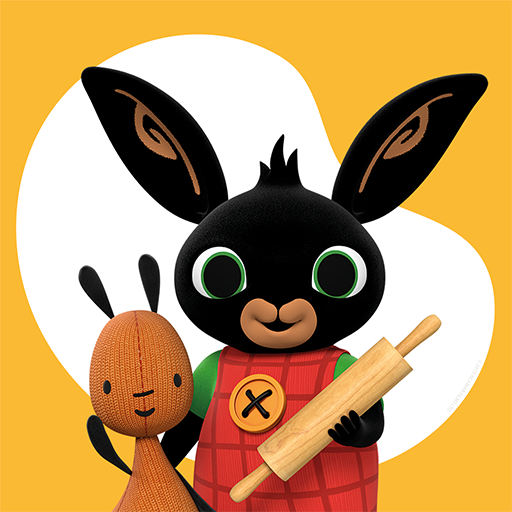
Download Bing: Let's Play (Kids Games) on PC with MEmu Android Emulator. Enjoy playing on big screen. "Bing: Let's Play" is a collection of fun, beautiful learning games from the award-winning pre-school series Bing.
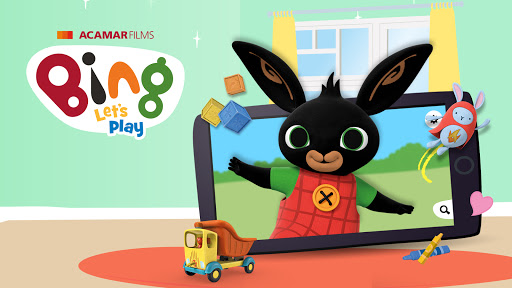
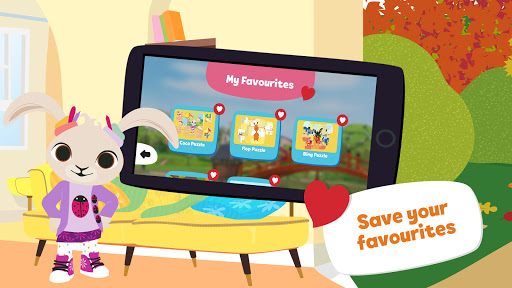
"Bing: Let's Play" is a collection of fun, beautiful learning games from the award-winning pre-school series Bing.
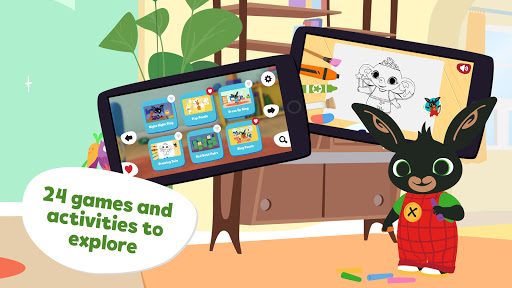
Download the app to meet Bing and friends in 24 mini activities. Specifically designed for children aged 2+, nursery, pre-school or in Early Years Education.
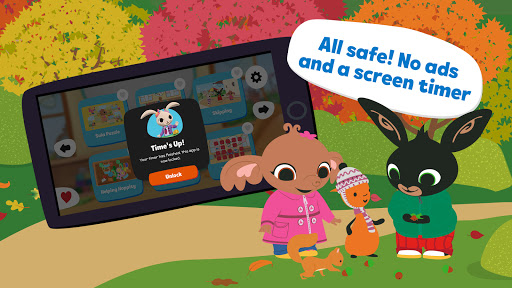
Our app is completely safe and ad-free, allowing Bingsters to play Bing games either at home or on the go.
Download this app on your child's device to start exploring with Bing:
:: 24 Bing mini learning games and activities for everyday fun and play
:: Get creative! Draw, colour, stick and personalise your own Bing, Sula and Pando artboards. Share your creations with friends and family.
:: Stimulate and develop your Bingster's memory with beautifully themed pair games
:: Learn to sort shapes, recognise colours and have fun with 'Lunch', 'Buttons', 'Leaf' and 'Shopping' games.
:: Practice motor skills and hand-eye coordination with uniquely designed 'Skipping' and 'Mr Rainybow' games
:: Bingsters can also help Bing get ready for bed with "Night Night Bing" and go through that bedtime routine with Bing!
:: Plus more games and activities for you and your child to explore!
Enjoy "Bing: Let's Play!" for a one-off cost. No subscriptions, no ads - pay just once and enjoy unrestricted access!
**Technical help**
We do everything we can to make this app bug-free. However, if you are experiencing any technical difficulties, please email hello@bingbunny.com, and we'll do all we can to help fix things.
Our app support team is available from 9 am-6 pm (GMT), Monday to Friday, and it's our priority to get back to any queries as soon as possible within these hours.
You can also visit https://uk.bingbunny.com/hello/
Terms: https://uk.bingbunny.com/terms-conditions/
**About Bing**
Produced by Acamar Films, with Dublin-based studio Brown Bag Films, Bing has seen extraordinary success since it launched in the UK in 2014, winning the International Emmy for Best Children’s Programme, the Writer’s Guild Award for best writing in a children's programme, and a BAFTA nomination for best children’s programme. Adapted specially for television, from the original books by Ted Dewan, Bing celebrates the joyful, messy reality of pre-school life and finds the big stories in the little moments. Bing is broadcast in 130 territories worldwide and continues to move and delight Bingsters and their grown-ups through an increasing range of award-winning films, books, magazines, apps, consumer products, digital, live shows and cinema experiences.
www.bingbunny.com
**About Acamar Films**
Acamar Films is an independent creative studio headquartered in Camden, London and we love what we do. Our mission is to move and delight audiences worldwide. We produce Bing, the international award-winning animated series based on Montessori education principles. We are truly dedicated to serving the needs of young children in all that we do. Visit us at www.acamarfilms.com
Show more

1. Download MEmu installer and finish the setup

2. Start MEmu then open Google Play on the desktop

3. Search Bing: Let's Play (Kids Games) in Google Play
Install
4. Download and Install Bing: Let's Play (Kids Games)
5. On install completion click the icon to start

6. Enjoy playing Bing: Let's Play (Kids Games) on PC with MEmu
MEmu Play is the best Android emulator and 100 million people already enjoy its superb Android gaming experience. The MEmu virtualization technology empowers you to play thousands of Android games smoothly on your PC, even the most graphic-intensive ones.
Bigger screen with better graphics; Long duration, without limitation of battery or mobile data.
Full Keymapping support for precise control of keyboard and mouse or gamepad.
Multiple game accounts or tasks on single PC at one time with Multi-Instance manager.
Play Bing: Let's Play (Kids Games) on PC by following steps: