Block Color Mania, Puzzle Game
Updated
Current Version
2.6.0
Offered By

With your passion for Block Color Mania, Puzzle Game, you shouldn’t have to limit yourself to the small screen of a phone. Play like a pro and take full control of the game using a keyboard and mouse. MEmu gives you everything you’re looking for. Download and play Block Color Mania, Puzzle Game on PC. Play as long as you want — no more worries about battery life, mobile data, or unexpected calls. The all-new MEmu 9 is the best way to play Block Color Mania, Puzzle Game on PC. With our expertly designed keymapping system, Block Color Mania, Puzzle Game feels just like a real PC game. The MEmu multi-instance manager lets you run two or more accounts on the same device at the same time. Most importantly, our exclusive emulation engine unlocks your PC’s full potential, delivering smooth and seamless performance.
Show more
Download Block Color Mania, Puzzle Game on PC with MEmu Android Emulator. Enjoy playing on big screen. Match colors, smash blocks, and clear the wood board in NO TIMER Block Color Mania!
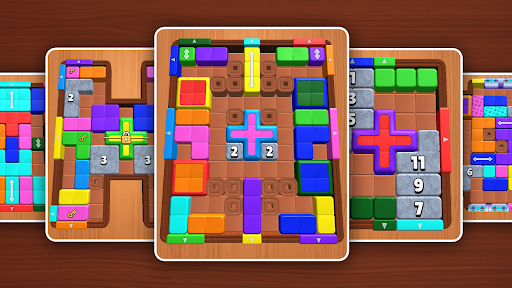
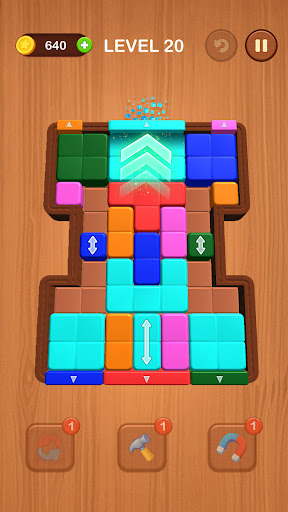
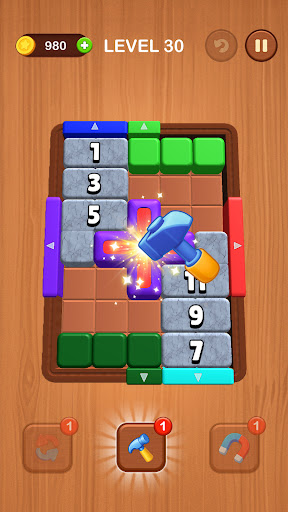
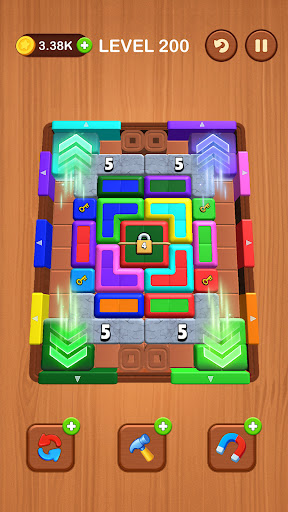
Match colors, smash blocks, and clear the wood board in NO TIMER Block Color Mania!
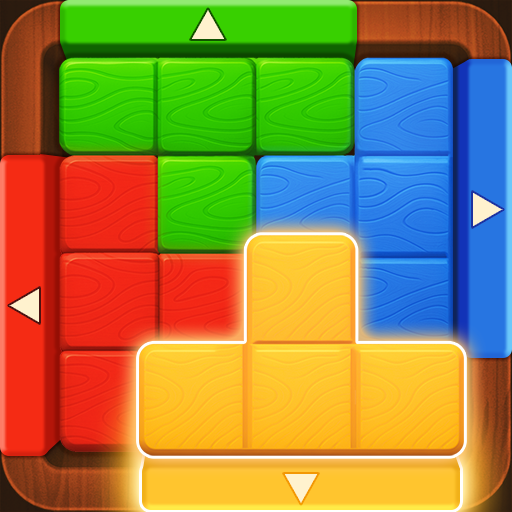
Each vibrant block has its own shape and matching color gate. Your goal? Drag every piece to its color-coded exit. No filling rows - this is a challenging, precision-driven twist on the classic wood block puzzle, with no time limits and zero pressure. Relax and enjoy the challenge at your own pace!
With silky-smooth controls, bold visuals, and that oh-so-satisfying smash when a block hits its target, this game delivers a tactile, brain-tingling experience from the very first move.
How to Play
Drag & Move the Color Blocks
Slide each uniquely shaped, colorful block across the board and guide it to the matching colored exit gate.
Match Colors to Smash
Once a block reaches the gate with the same color, BOOM - it's smashed! Each correct match clears space.
Avoid Gridlock
Don't let the board get too crowded. Misplaced blocks can block paths for others, so plan your order carefully to prevent a full-blown block jam.
Discover New Patterns & Obstacles
As you progress, new twists emerge: trickier block shapes, tighter grids, and unpredictable color layouts. Each level offers a fresh puzzle that pushes your reflexes and strategy to the next level.
Game Features
Wood Puzzle Feel, Fresh Gameplay
Classic wood block charm meets smooth movement and color logic.
⏰ No Time Limits, Just Relax & Play
There's no timer, so you can take your time and enjoy solving each puzzle without any pressure.
Color Match & Smash
Guide each block to its matching gate and smash it!
Tough but Fair
Levels get trickier with tighter grids and unique shapes.
Offline & Free
No Wi-Fi needed. Pure puzzle fun anytime, anywhere.
What Makes It Different?
No Timer, No Stress
Enjoy a completely stress-free experience - without a timer, you can focus on the puzzle and make each move at your own pace.
Slick, Responsive Controls
Feel every drag and release. With ultra-smooth mechanics, your decisions translate into instant, satisfying action.
Polished Wood Aesthetic Meets Bold Colors
The perfect mix of calming wood textures and eye-catching color design keeps you visually engaged.
Satisfying Clean-the-Board Goals
Deliver every block to its destination and leave no pieces behind. That full-clear moment? Unbeatable.
Ready to test your reflexes, logic, and color sense?
Block Color Mania is the fresh, relaxing twist on wood block jam puzzles you've been waiting for. Start playing now and smash your way to mastery!
Privacy Policy: https://blockcolor.gurugame.ai/policy.html
Terms of Service: https://blockcolor.gurugame.ai/termsofservice.html
Show more

1. Download MEmu installer and finish the setup

2. Start MEmu then open Google Play on the desktop

3. Search Block Color Mania, Puzzle Game in Google Play
Install
4. Download and Install Block Color Mania, Puzzle Game
5. On install completion click the icon to start

6. Enjoy playing Block Color Mania, Puzzle Game on PC with MEmu
MEmu Play is the best Android emulator and 100 million people already enjoy its superb Android gaming experience. The MEmu virtualization technology empowers you to play thousands of Android games smoothly on your PC, even the most graphic-intensive ones.
Bigger screen with better graphics; Long duration, without limitation of battery or mobile data.
Full Keymapping support for precise control of keyboard and mouse or gamepad.
Multiple game accounts or tasks on single PC at one time with Multi-Instance manager.
Play Block Color Mania, Puzzle Game on PC by following steps: