Bully: Anniversary Edition
Updated
Current Version
1.4.311
Offered By

With your passion for Bully: Anniversary Edition, you shouldn’t have to limit yourself to the small screen of a phone. Play like a pro and take full control of the game using a keyboard and mouse. MEmu gives you everything you’re looking for. Download and play Bully: Anniversary Edition on PC. Play as long as you want — no more worries about battery life, mobile data, or unexpected calls. The all-new MEmu 9 is the best way to play Bully: Anniversary Edition on PC. With our expertly designed keymapping system, Bully: Anniversary Edition feels just like a real PC game. The MEmu multi-instance manager lets you run two or more accounts on the same device at the same time. Most importantly, our exclusive emulation engine unlocks your PC’s full potential, delivering smooth and seamless performance.
Show more
Download Bully: Anniversary Edition on PC with MEmu Android Emulator. Enjoy playing on big screen. Download and play Bully: Anniversary Edition for up to thirty minutes as a free trial.

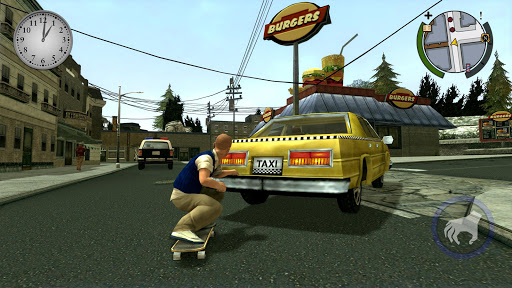
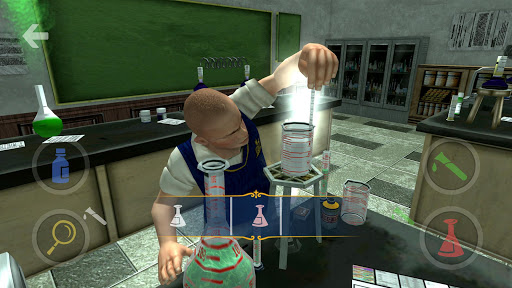

Download and play Bully: Anniversary Edition for up to thirty minutes as a free trial. Purchase the full game as a one-time, in-app purchase to play without any time limits. GTA+ Members can enjoy unlimited access while subscribed for as long as it is included in GTA+.
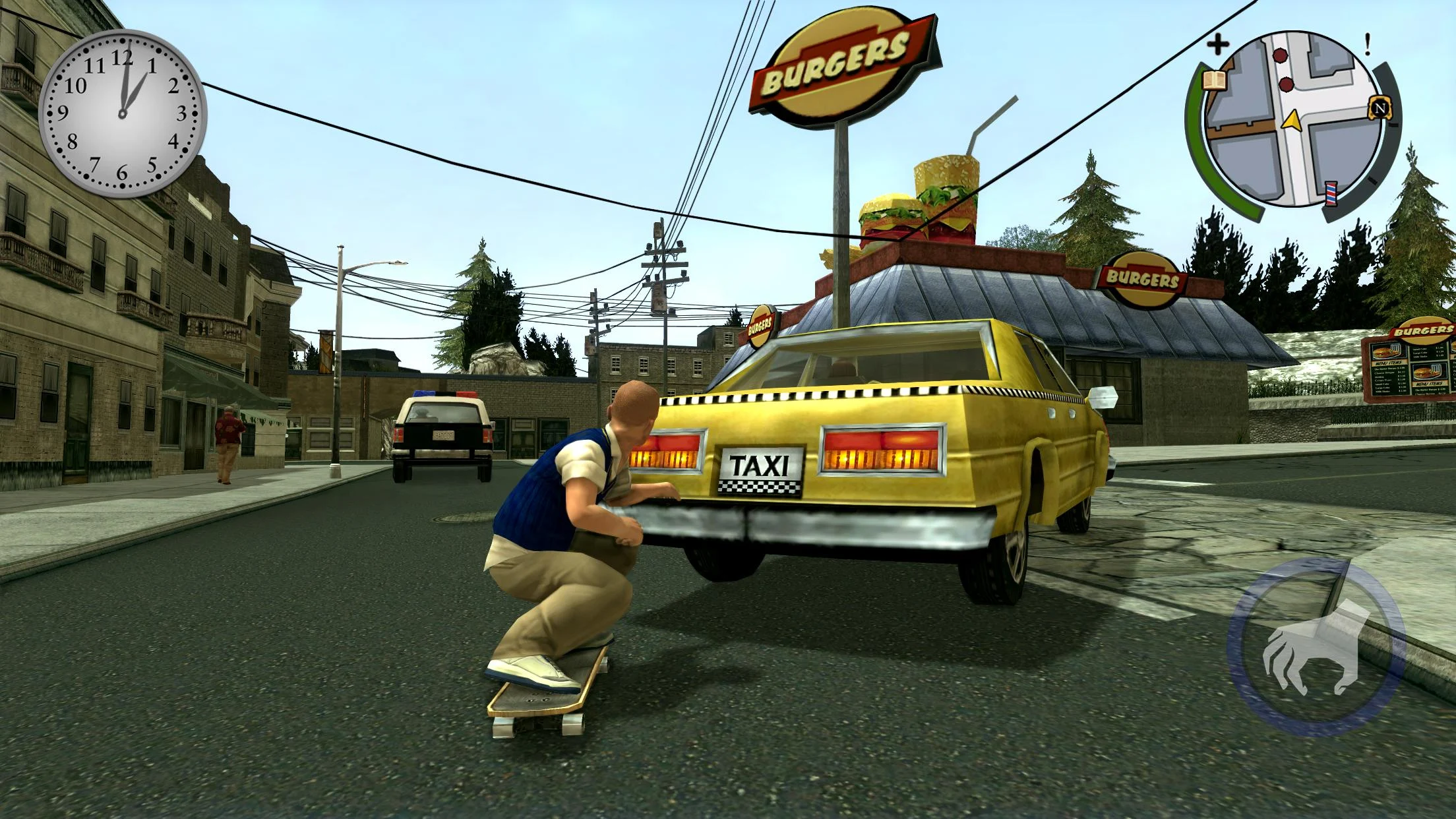
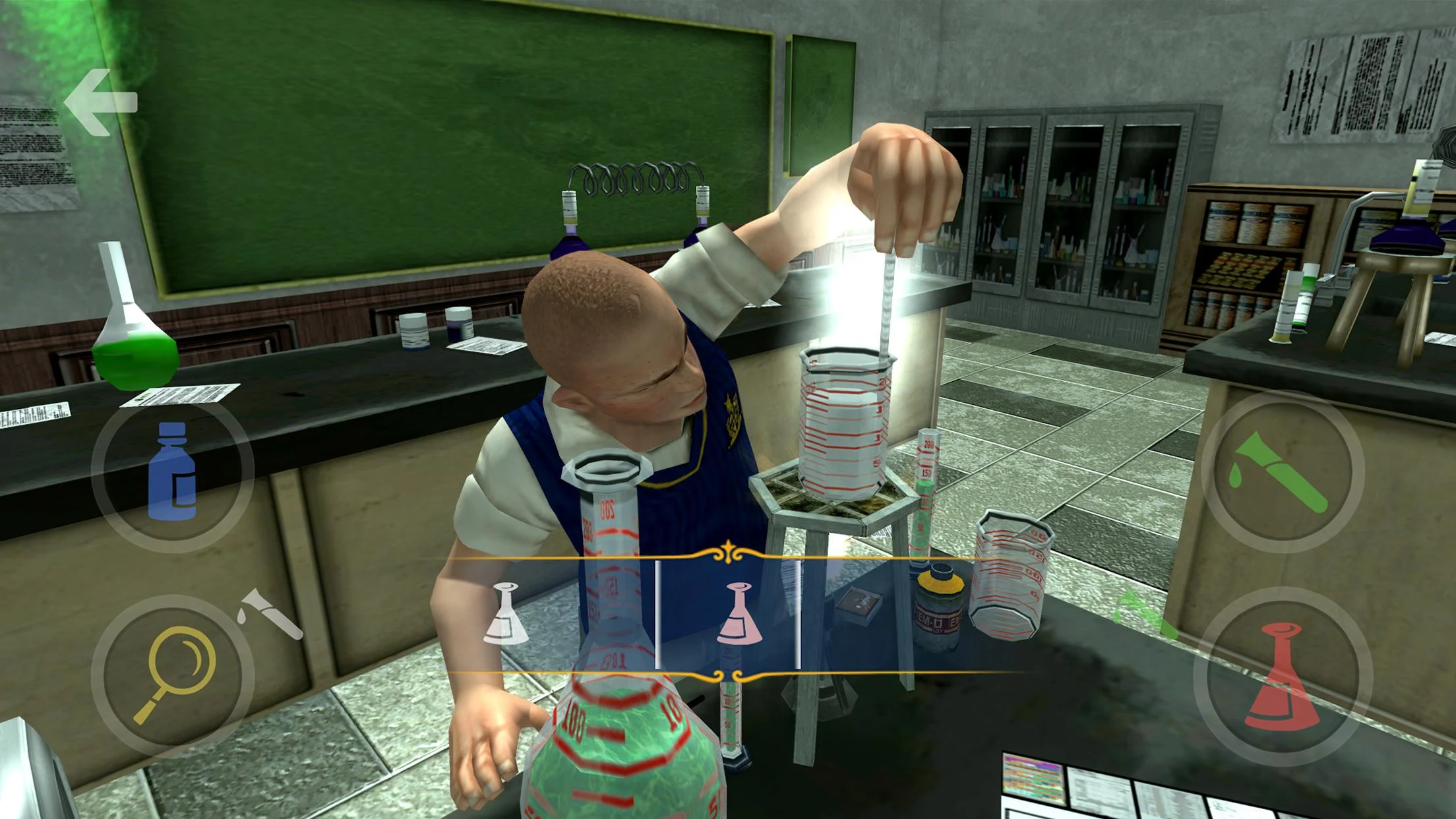
The Anniversary Edition of Bully has been designed for mobile compatibility and includes four bonus classes and additional non-storyline missions in addition to everything from the original Bully release.
The Rockstar tradition of groundbreaking, original gameplay, and tongue-in-cheek storytelling invades the schoolyard.
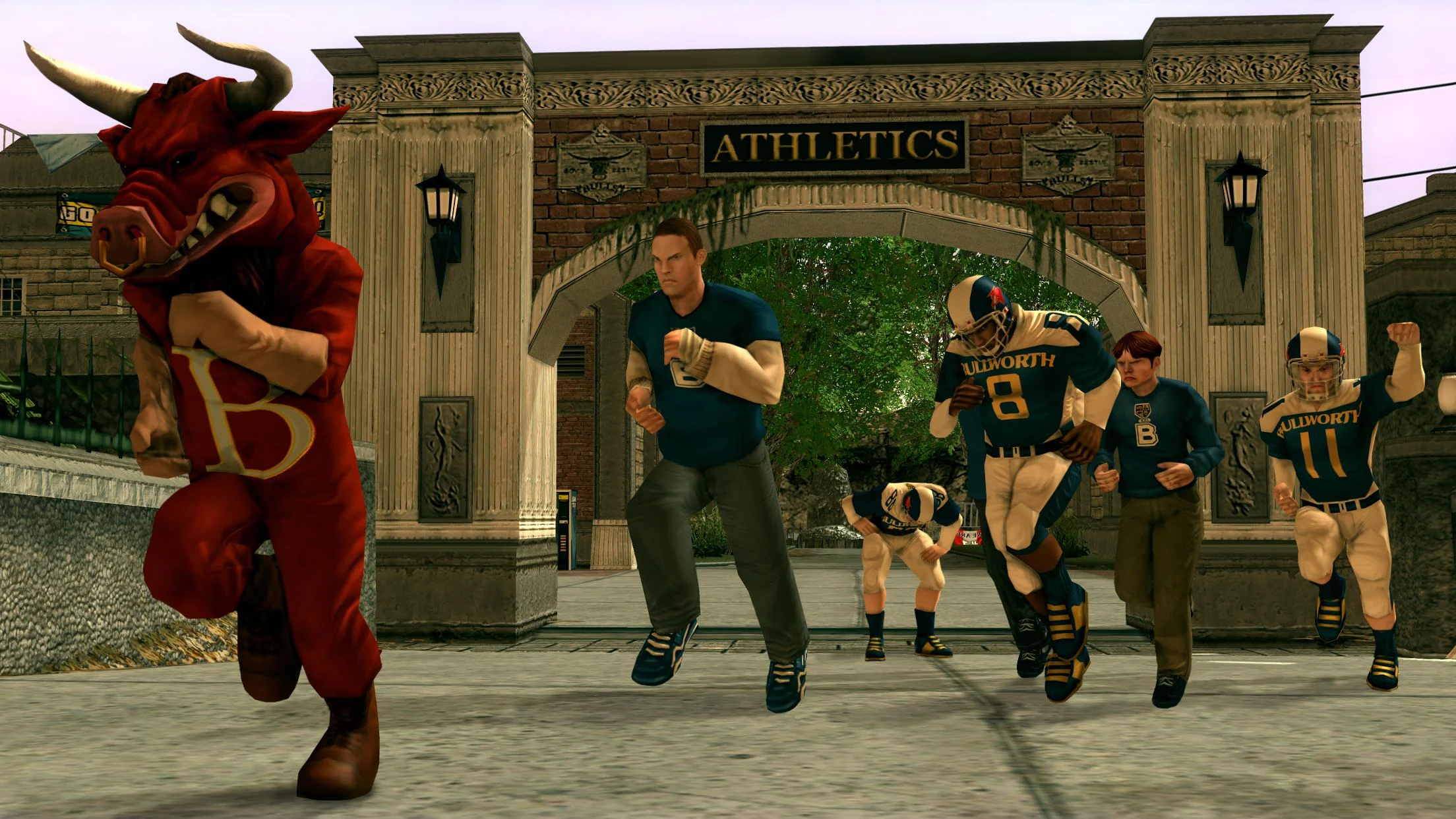
As a mischievous teenager, Jimmy Hopkins, you’ll stand up to bullies, take on the liars, cheats, and snobs who are the most popular members of the student body and faculty at Bullworth Academy — the corrupt and crumbling prep school with an uptight façade — and ultimately learn to navigate the obstacles of life in the worst school around.
If you can survive the school year and outsmart your rivals, you could rule the school.
Mobile version developed in conjunction with War Drum Studios.
Use of this game, including all online features, is governed by the Terms of Service (“ToS”) and Privacy Policy in-game and at www.rockstargames.com/legal and www.rockstargames.com/privacy. Access to special/bonus/online features, content, services, or functions (“Special Features”), may require single-use serial code, additional fee, and/or Rockstar Games account registration (minimum age varies). Special Features may require internet connection, may not be available to all users or at all times, and may be terminated, modified, or offered under different terms in accordance with the ToS. Violation of the ToS may result in restriction or termination of access to game or online account. For info, customer service and tech support, visit www.rockstar.com/support.
The content of this videogame is purely fictional, and is not intended to represent or depict any actual event, person, or entity; any similarities to real-world places, people, or entities is coincidental and does not imply any third-party sponsorship or endorsement of game content. The makers and publishers of this videogame do not in any way endorse, condone or encourage engaging in any conduct depicted in this videogame.
©2005-2025 Rockstar Games, Inc. Rockstar Games, Rockstar Vancouver, Rockstar New England, R*, Bully, Bully: Anniversary Edition, and related logos are trademarks and/or registered trademarks of Take-Two Interactive Software Inc. Portions of this software are included under license ©2007 Emergent Game Technologies, Inc. The ratings icon(s) and all other marks and trademarks are properties of their respective owners. All Rights Reserved.
Show more

1. Download MEmu installer and finish the setup

2. Start MEmu then open Google Play on the desktop

3. Search Bully: Anniversary Edition in Google Play
Install
4. Download and Install Bully: Anniversary Edition
5. On install completion click the icon to start

6. Enjoy playing Bully: Anniversary Edition on PC with MEmu
MEmu Play is the best Android emulator and 100 million people already enjoy its superb Android gaming experience. The MEmu virtualization technology empowers you to play thousands of Android games smoothly on your PC, even the most graphic-intensive ones.
Bigger screen with better graphics; Long duration, without limitation of battery or mobile data.
Full Keymapping support for precise control of keyboard and mouse or gamepad.
Multiple game accounts or tasks on single PC at one time with Multi-Instance manager.
Play Bully: Anniversary Edition on PC by following steps: