GTA: Chinatown Wars
Updated
Current Version
4.4.187
Offered By

With your passion for GTA: Chinatown Wars, you shouldn’t have to limit yourself to the small screen of a phone. Play like a pro and take full control of the game using a keyboard and mouse. MEmu gives you everything you’re looking for. Download and play GTA: Chinatown Wars on PC. Play as long as you want — no more worries about battery life, mobile data, or unexpected calls. The all-new MEmu 9 is the best way to play GTA: Chinatown Wars on PC. With our expertly designed keymapping system, GTA: Chinatown Wars feels just like a real PC game. The MEmu multi-instance manager lets you run two or more accounts on the same device at the same time. Most importantly, our exclusive emulation engine unlocks your PC’s full potential, delivering smooth and seamless performance.
Show more
Download GTA: Chinatown Wars on PC with MEmu Android Emulator. Enjoy playing on big screen. Download and play up to thirty minutes as a free trial.
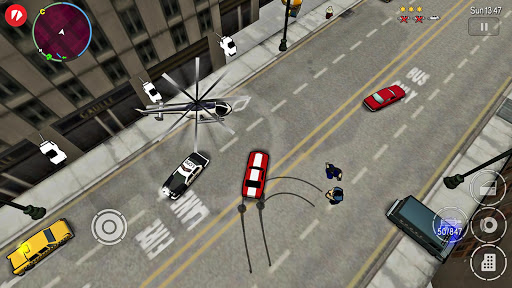
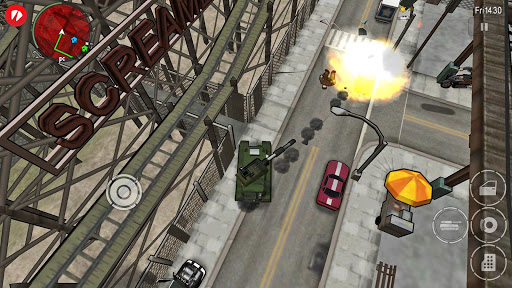
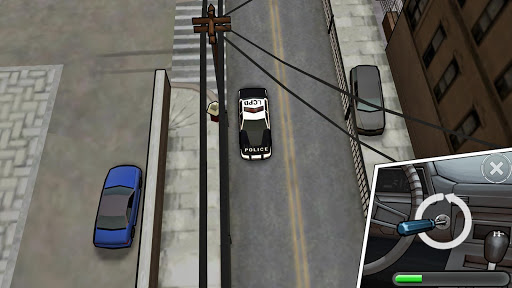
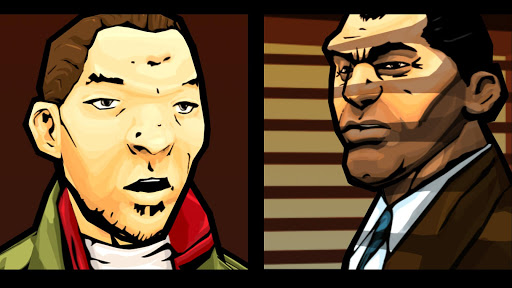
Download and play up to thirty minutes as a free trial.* Purchase GTA: Chinatown Wars Full Game as a one-time, in-app purchase to play without any time limits.
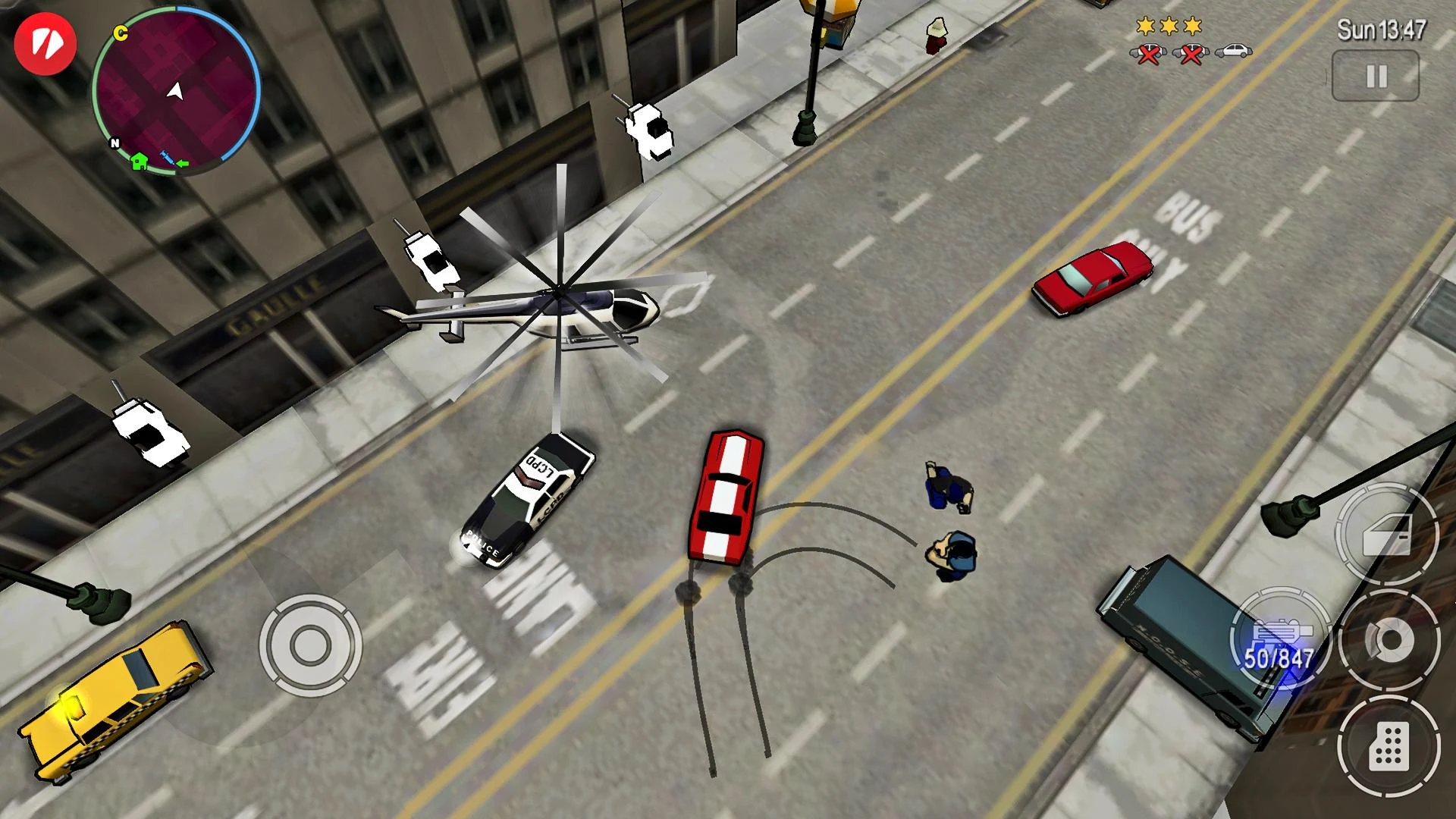
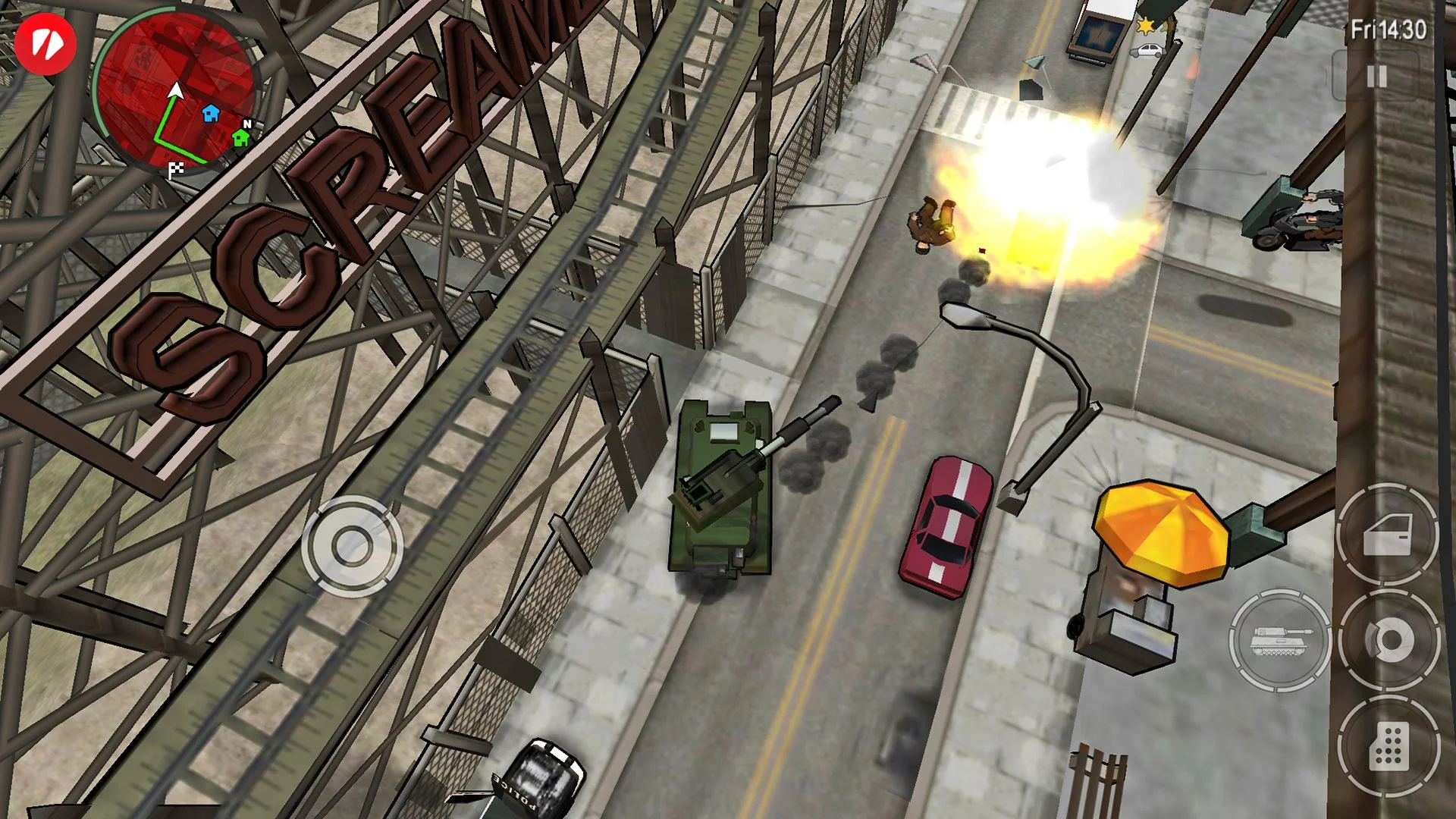
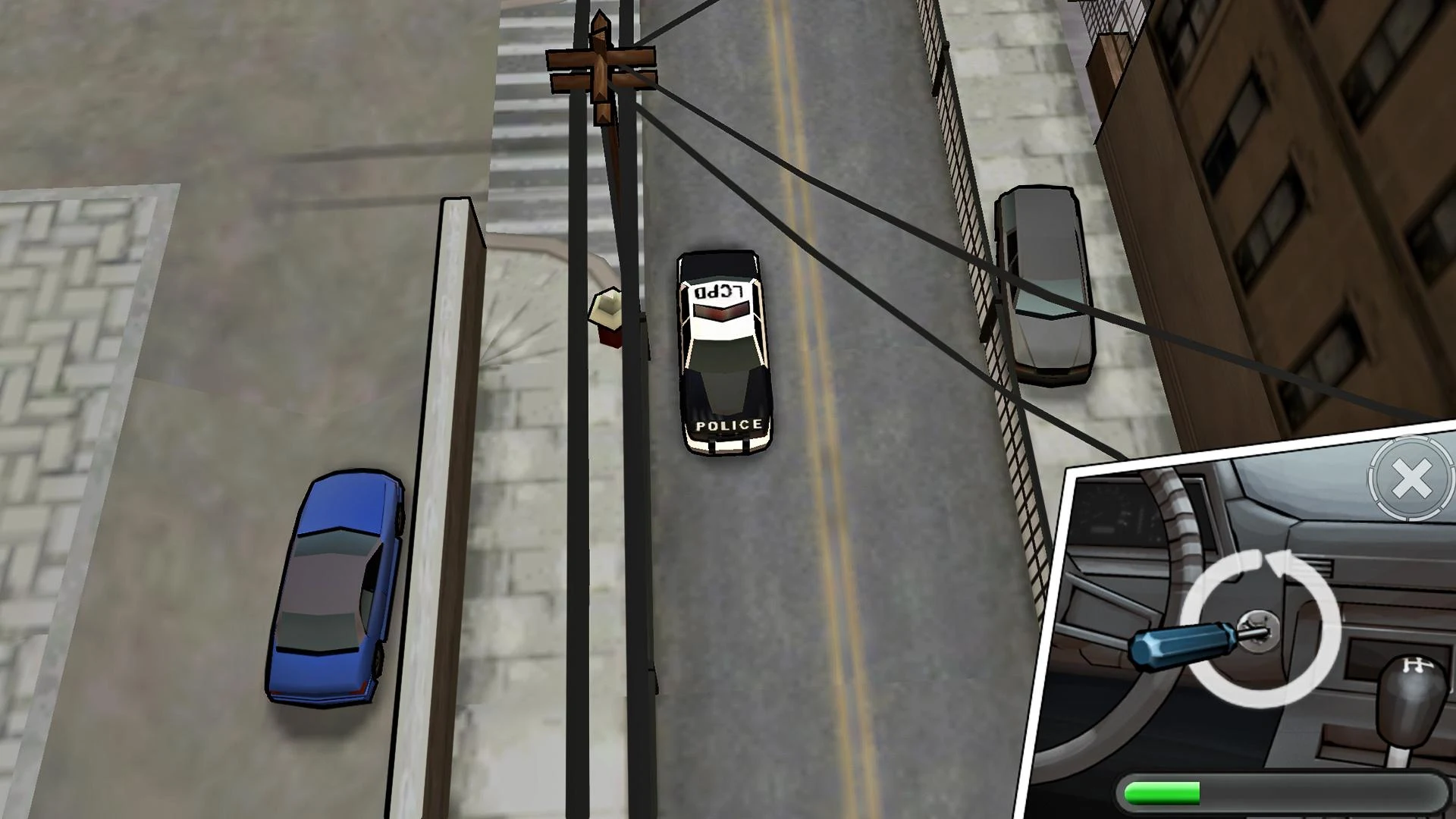
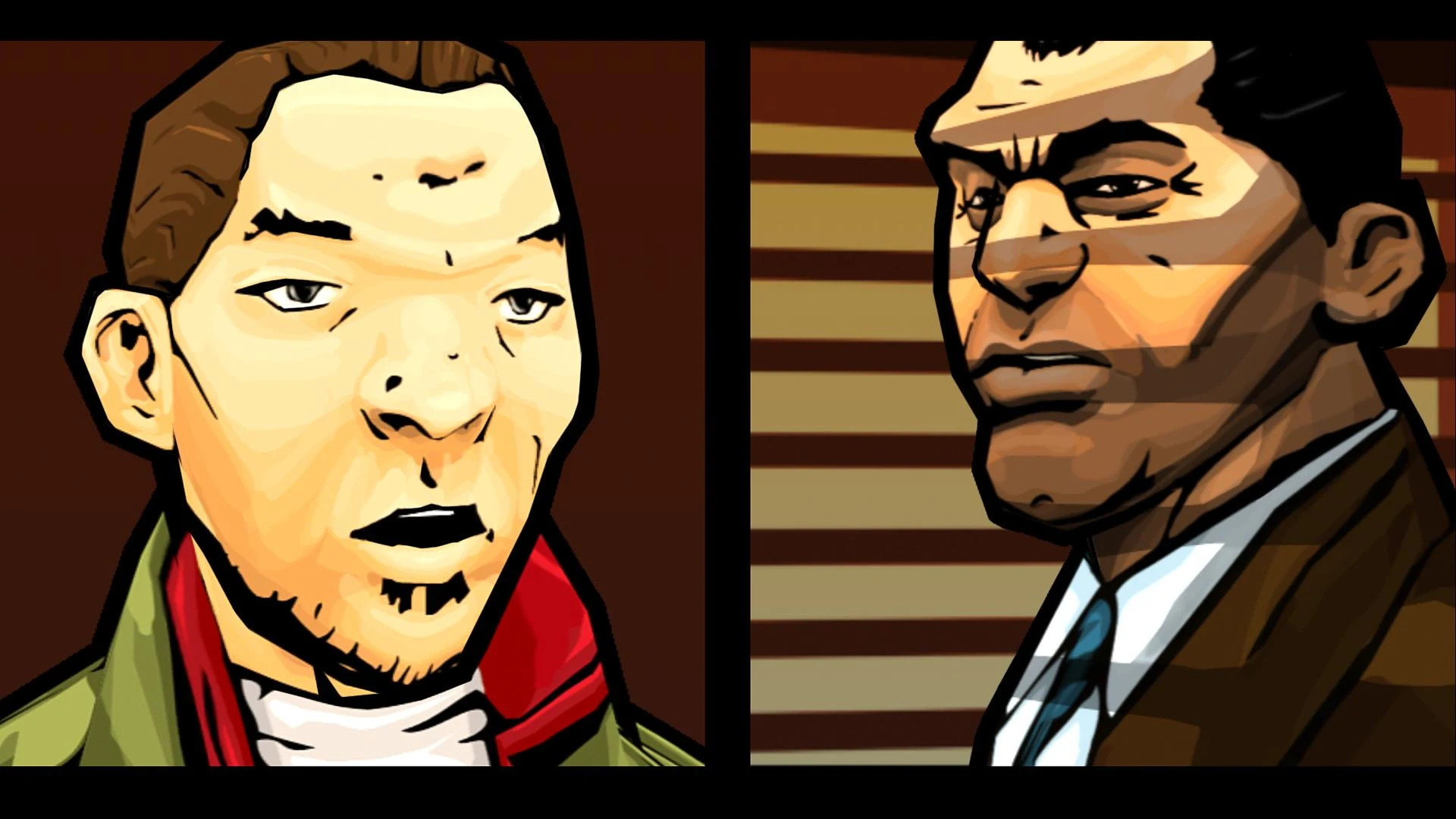
Following his father's murder, Huang Lee has a simple mission: deliver an ancient sword to his Uncle Kenny to ensure his family retains control of the Triad gangs of Liberty City. Huang is a spoiled rich kid who expects everything to run smoothly, but his trip does not go exactly as planned. After being robbed and left to die, he will search for honor, riches and revenge in the most dangerous and morally bankrupt city in the world.
Software license terms in game and at www.rockstargames.com/eula; online account terms at www.rockstargames.com/socialclub.
Non-transferable access to special features such as exclusive, unlockable, downloadable or online content, services, or functions may require single-use serial code, additional fee and/or account registration (varies 13+). Access to special features require internet connection, may not be available to all users, and may, upon 30 days notice, be terminated, modified, or offered under different terms. Violation of EULA, Code of Conduct, or other policies may result in restriction or termination of access to game or online account. For customer & tech support visit www.rockstargames.com/support.
This videogame is fictional; doesn’t depict any actual event/person/entity; & any similarities are coincidental. Take-Two doesn’t endorse or encourage engaging in any conduct depicted in game. Unauthorized copying, reverse engineering, transmission, public performance, rental, pay for play, or circumvention of copy protection is strictly prohibited.
*Free trial limited to one per user. Any unused portion of a free trial period will be forfeited.
Show more

1. Download MEmu installer and finish the setup

2. Start MEmu then open Google Play on the desktop

3. Search GTA: Chinatown Wars in Google Play
Install
4. Download and Install GTA: Chinatown Wars
5. On install completion click the icon to start

6. Enjoy playing GTA: Chinatown Wars on PC with MEmu
MEmu Play is the best Android emulator and 100 million people already enjoy its superb Android gaming experience. The MEmu virtualization technology empowers you to play thousands of Android games smoothly on your PC, even the most graphic-intensive ones.
Bigger screen with better graphics; Long duration, without limitation of battery or mobile data.
Full Keymapping support for precise control of keyboard and mouse or gamepad.
Multiple game accounts or tasks on single PC at one time with Multi-Instance manager.
Play GTA: Chinatown Wars on PC by following steps: