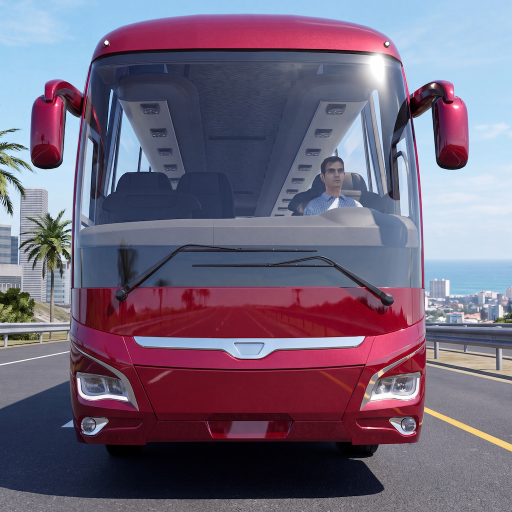
Bus Simulator : Coach Master
Updated
Current Version
0.9.17
Offered By

With your passion for Bus Simulator : Coach Master, you shouldn’t have to limit yourself to the small screen of a phone. Play like a pro and take full control of the game using a keyboard and mouse. MEmu gives you everything you’re looking for. Download and play Bus Simulator : Coach Master on PC. Play as long as you want — no more worries about battery life, mobile data, or unexpected calls. The all-new MEmu 9 is the best way to play Bus Simulator : Coach Master on PC. With our expertly designed keymapping system, Bus Simulator : Coach Master feels just like a real PC game. The MEmu multi-instance manager lets you run two or more accounts on the same device at the same time. Most importantly, our exclusive emulation engine unlocks your PC’s full potential, delivering smooth and seamless performance.
Show more
Download Bus Simulator : Coach Master on PC with MEmu Android Emulator. Enjoy playing on big screen. Become a real coach bus driver in Bus Simulator : Coach Master — the bus driving simulator where your passengers actually matter.
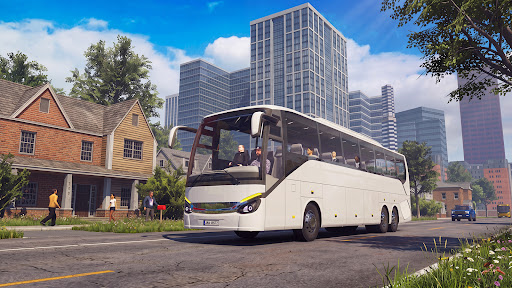
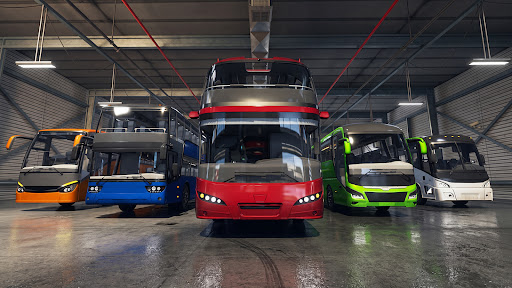
Become a real coach bus driver in Bus Simulator : Coach Master — the bus driving simulator where your passengers actually matter. Drive intercity coach buses across diverse routes, board real passengers, care for their comfort, and grow from rookie bus driver to master of the road.
A new kind of bus simulator
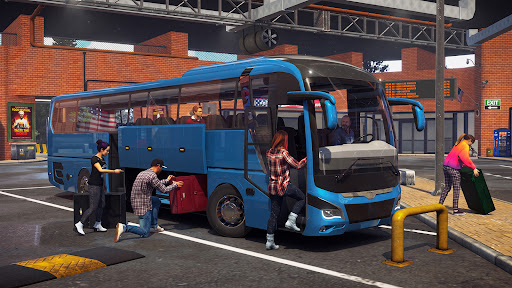
Most bus games treat passengers like cargo. In this coach driving simulator, passengers board your bus with luggage, take their seats and ask for what they need — cooler air, cabin lights, Wi-Fi, a rest stop. Great bus driving and real care raise passenger satisfaction, and satisfaction raises your pay. That's the heart of this passenger simulator: drive well, care more, earn big. Keep your passengers happy in this realistic bus simulator and become the best coach driver.
Realistic coach bus driving
* Realistic driving physics made for heavy intercity coaches
* True-to-life steering, gearboxes and retarder braking
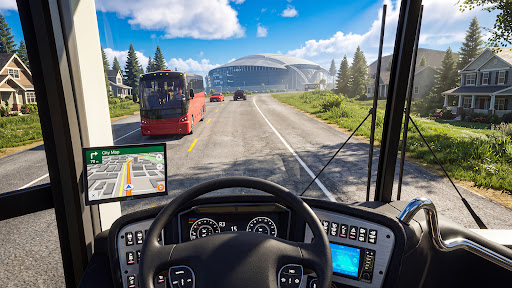
* Professional coach systems: AC, Wi-Fi, cabin lights and more from your driver panel
* Cockpit view with working mirrors for precise bus parking and terminal maneuvers
* Day and night driving, sunshine and rain — every route feels different
Drive coach buses across diverse routes
Take the wheel on intercity routes between major cities. Cross bridges, cruise highways, navigate busy city streets past iconic landmarks, and finish quiet night drives with a cabin full of sleeping passengers. New destinations are coming in future updates of this bus driver simulator. Manage your passengers, improve your skills and experience realistic coach simulator journeys with happy passengers.
Collect and upgrade your coaches
Start your bus driving career in a trusted standard coach and unlock bigger machines — high-deck coaches and a giant double-decker bus. Each coach class carries more passengers, demands sharper driving skills and earns more money. Customize your bus with paint colors and performance upgrades for better driving performance and satisfied passengers.
Why players love this coach simulator
* Passengers with real requests — a bus simulator first
* Satisfaction system: better service, better earnings
* Realistic coach bus simulator driving on highways
* Fleet progression from standard coach to double-decker
* Free to play — start your bus simulator journey today
Ready for the open road? Download **Bus Simulator : Coach Master** now — take the driver's seat, welcome your passengers aboard, and prove you're the best coach bus driver.
Show more

1. Download MEmu installer and finish the setup

2. Start MEmu then open Google Play on the desktop

3. Search Bus Simulator : Coach Master in Google Play
Install
4. Download and Install Bus Simulator : Coach Master
5. On install completion click the icon to start

6. Enjoy playing Bus Simulator : Coach Master on PC with MEmu
MEmu Play is the best Android emulator and 100 million people already enjoy its superb Android gaming experience. The MEmu virtualization technology empowers you to play thousands of Android games smoothly on your PC, even the most graphic-intensive ones.
Bigger screen with better graphics; Long duration, without limitation of battery or mobile data.
Full Keymapping support for precise control of keyboard and mouse or gamepad.
Multiple game accounts or tasks on single PC at one time with Multi-Instance manager.
Play Bus Simulator : Coach Master on PC by following steps:















































