C64.emu (C64 Emulator)
Updated
Current Version
1.5.85
Offered By

With your passion for C64.emu (C64 Emulator), you shouldn’t have to limit yourself to the small screen of a phone. Play like a pro and take full control of the game using a keyboard and mouse. MEmu gives you everything you’re looking for. Download and play C64.emu (C64 Emulator) on PC. Play as long as you want — no more worries about battery life, mobile data, or unexpected calls. The all-new MEmu 9 is the best way to play C64.emu (C64 Emulator) on PC. With our expertly designed keymapping system, C64.emu (C64 Emulator) feels just like a real PC game. The MEmu multi-instance manager lets you run two or more accounts on the same device at the same time. Most importantly, our exclusive emulation engine unlocks your PC’s full potential, delivering smooth and seamless performance.
Show more
Download C64.emu (C64 Emulator) on PC with MEmu Android Emulator. Enjoy playing on big screen. Advanced open-source Commodore 64 (C64) emulator based on VICE with a minimalist UI and a focus on low audio/video latency, supporting a wide variety of devices from the original Xperia Play to modern devices like the Nvidia Shield and Pixel phones.
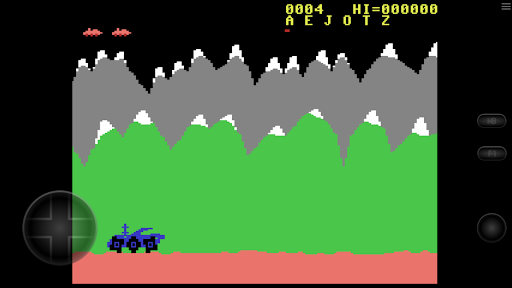
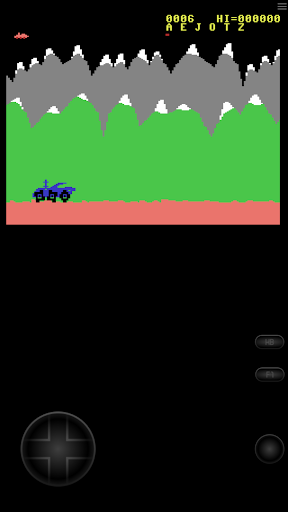
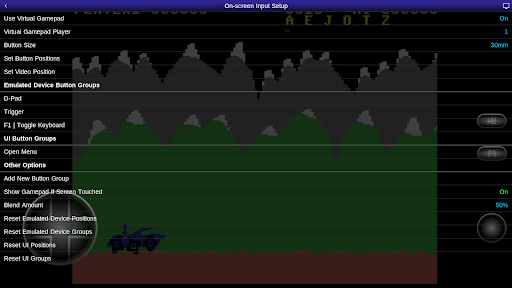
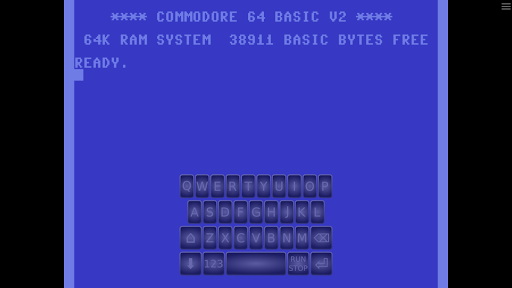
Advanced open-source Commodore 64 (C64) emulator based on VICE with a minimalist UI and a focus on low audio/video latency, supporting a wide variety of devices from the original Xperia Play to modern devices like the Nvidia Shield and Pixel phones.
Features include:
* Supports common cart/tape/disk file formats, optionally compressed with ZIP, RAR, or 7Z
* Includes emulation modules for C64, C64 (Cycle Accurate), C64DTV, C128, CBM-II, PET, Plus/4, and VIC-20
* Configurable on-screen controls
* Bluetooth/USB gamepad & keyboard support compatible with any HID device recognized by the OS like Xbox and PS4 controllers
No ROMs/disk images are included with this app and must be supplied by the user. It supports Android's storage access framework for opening files on both internal and external storage (SD cards, USB drives, etc.)
View the full update changelog:
https://www.explusalpha.com/contents/emuex/updates
Follow development of my apps on github and report issues:
https://github.com/Rakashazi/emu-ex-plus-alpha
Please report any crashes or device-specific problems via email (include your device name and OS version) or Github so future updates continue to run on as many devices as possible.
Show more

1. Download MEmu installer and finish the setup

2. Start MEmu then open Google Play on the desktop

3. Search C64.emu (C64 Emulator) in Google Play
Install
4. Download and Install C64.emu (C64 Emulator)
5. On install completion click the icon to start

6. Enjoy playing C64.emu (C64 Emulator) on PC with MEmu
MEmu Play is the best Android emulator and 100 million people already enjoy its superb Android gaming experience. The MEmu virtualization technology empowers you to play thousands of Android games smoothly on your PC, even the most graphic-intensive ones.
Bigger screen with better graphics; Long duration, without limitation of battery or mobile data.
Full Keymapping support for precise control of keyboard and mouse or gamepad.
Multiple game accounts or tasks on single PC at one time with Multi-Instance manager.
Play C64.emu (C64 Emulator) on PC by following steps: