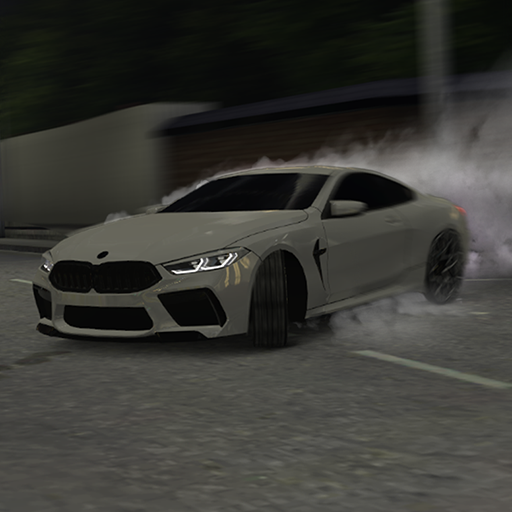
Caucasus Parking: Парковка 3D
Updated
Current Version
18
Offered By

With your passion for Caucasus Parking: Парковка 3D, you shouldn’t have to limit yourself to the small screen of a phone. Play like a pro and take full control of the game using a keyboard and mouse. MEmu gives you everything you’re looking for. Download and play Caucasus Parking: Парковка 3D on PC. Play as long as you want — no more worries about battery life, mobile data, or unexpected calls. The all-new MEmu 9 is the best way to play Caucasus Parking: Парковка 3D on PC. With our expertly designed keymapping system, Caucasus Parking: Парковка 3D feels just like a real PC game. The MEmu multi-instance manager lets you run two or more accounts on the same device at the same time. Most importantly, our exclusive emulation engine unlocks your PC’s full potential, delivering smooth and seamless performance.
Show more
Download Caucasus Parking: Парковка 3D on PC with MEmu Android Emulator. Enjoy playing on big screen. Mobile game - Caucasus Parking.
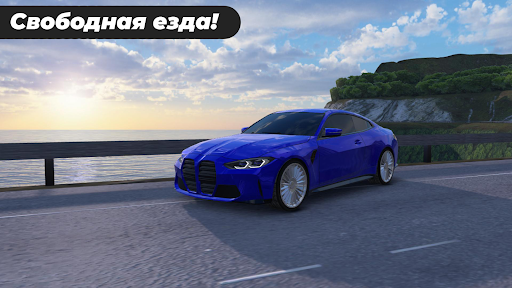
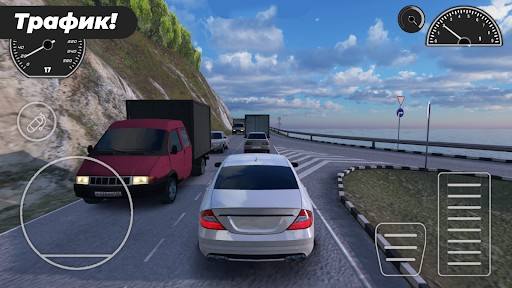
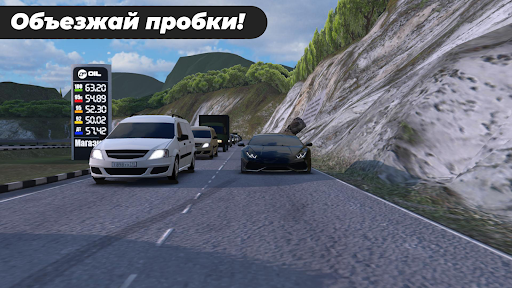
Mobile game - Caucasus Parking.
- In order to make a fuss on the warm southern streets, it is not necessary to have an expensive and powerful car, it is enough just to have a phone.
The meaning of the game is that you appear in a random place on the map, you must find a parking space, which is marked with a green marker, then you must park your car with the front wheels.
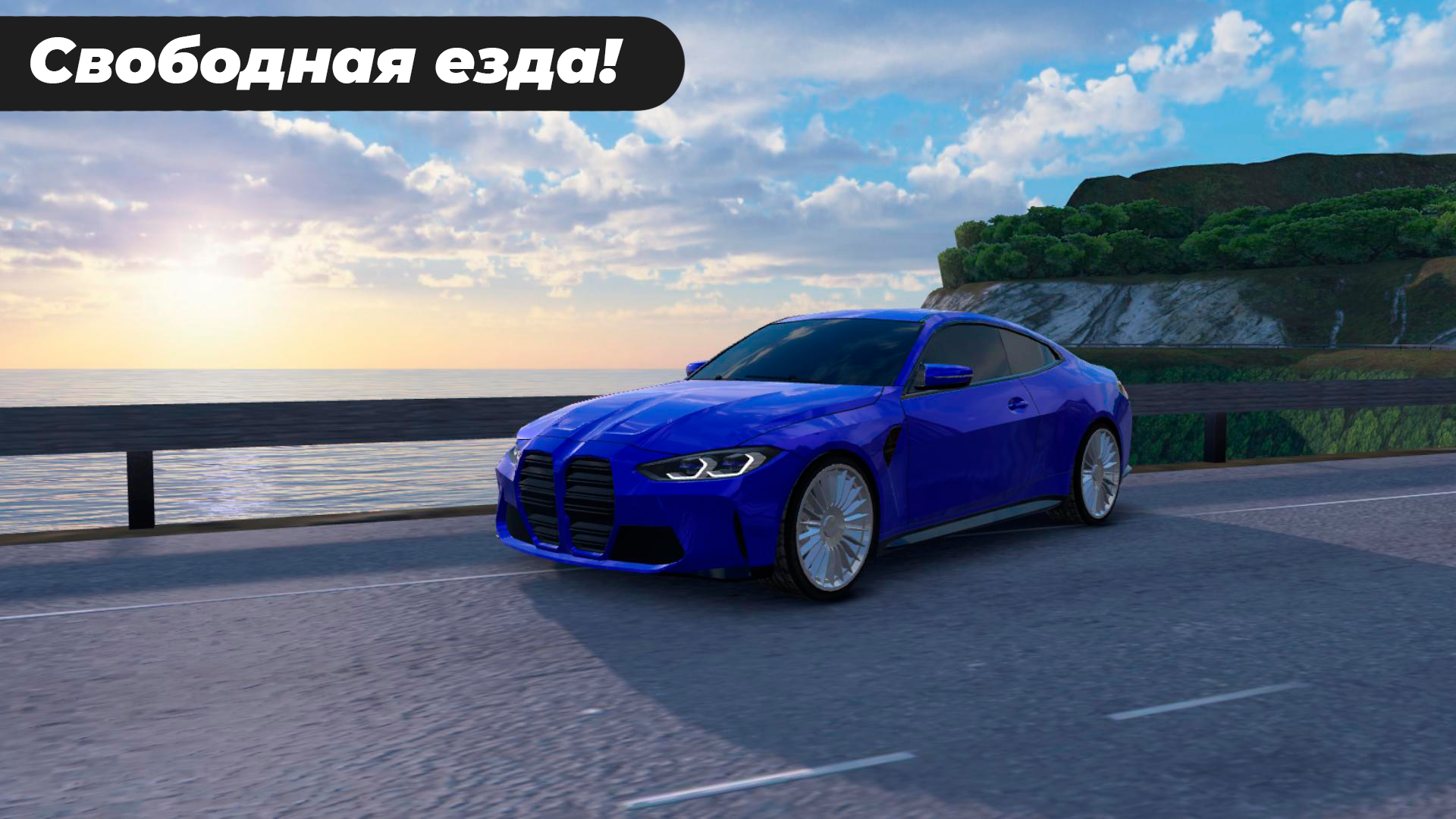
A beautiful and high-quality 3d parking simulator in which you can upgrade your driving skills.
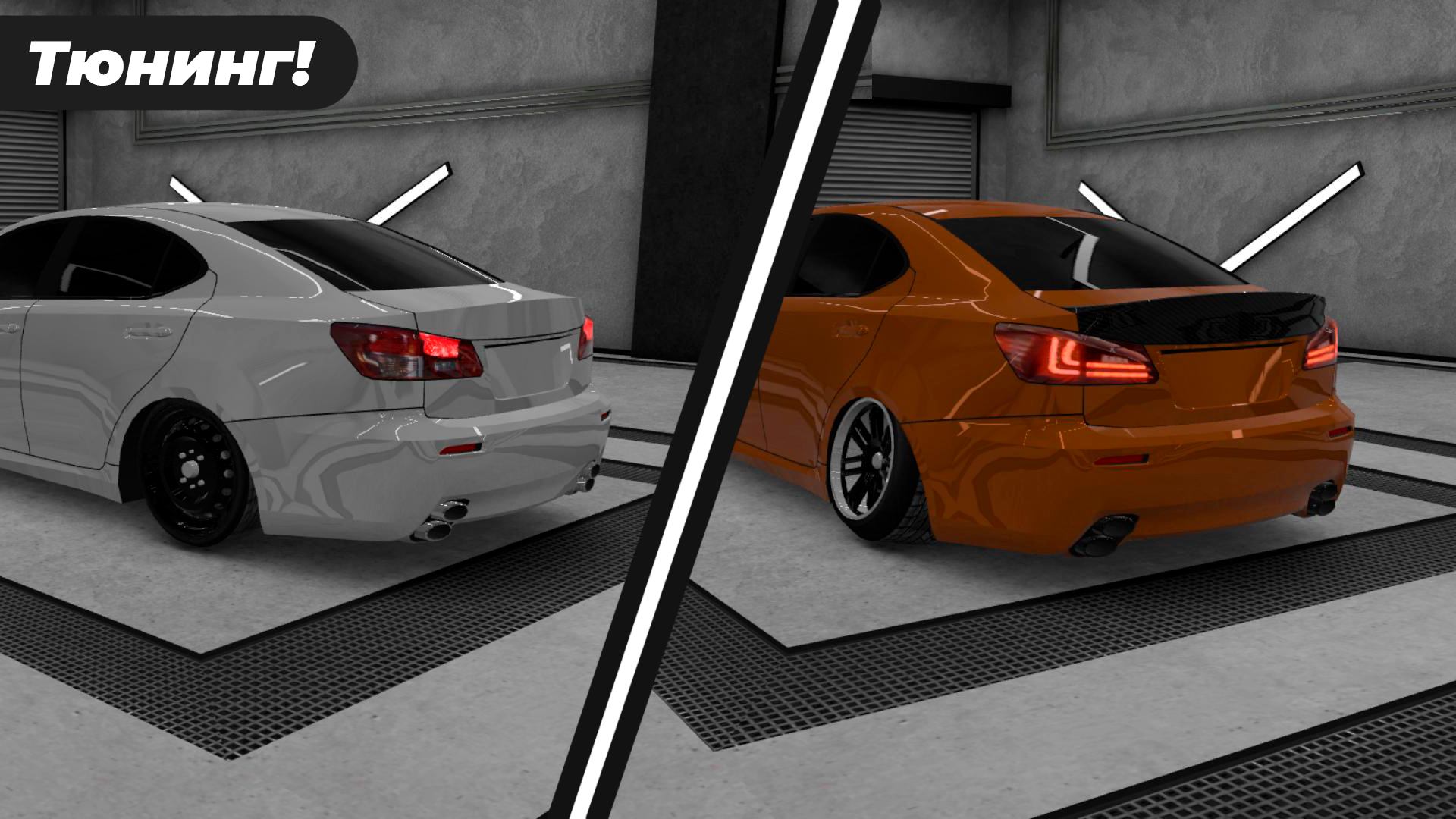
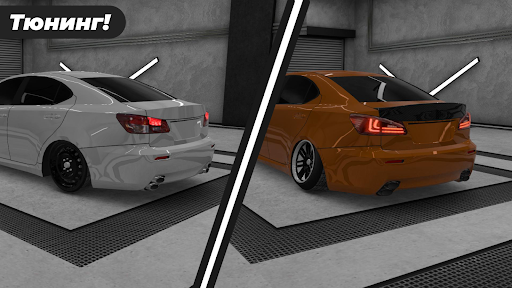
There is car tuning, you can customize your car as you want! Choose the type of car with which you will pass the levels, you can make both a bright car and a strict “oper-style” style.
More than 20 cars are presented in the parking simulator! From the most popular models LADA, BMW, Mercedes, Audi, Nissan to rare cars such as Buggati and Aston Martin.
Also in the game there is an investigative committee machine! You can feel like a real detective!
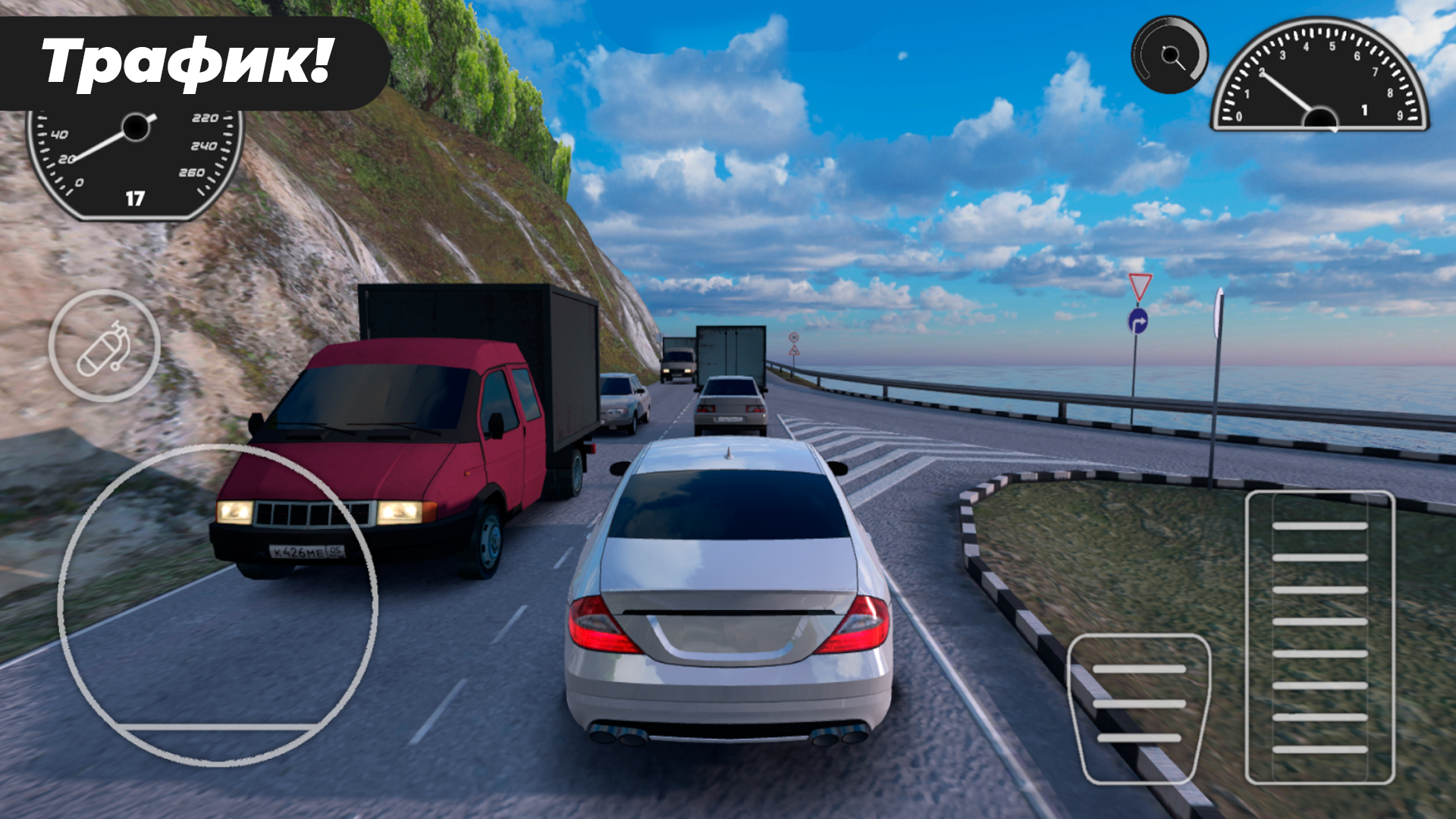
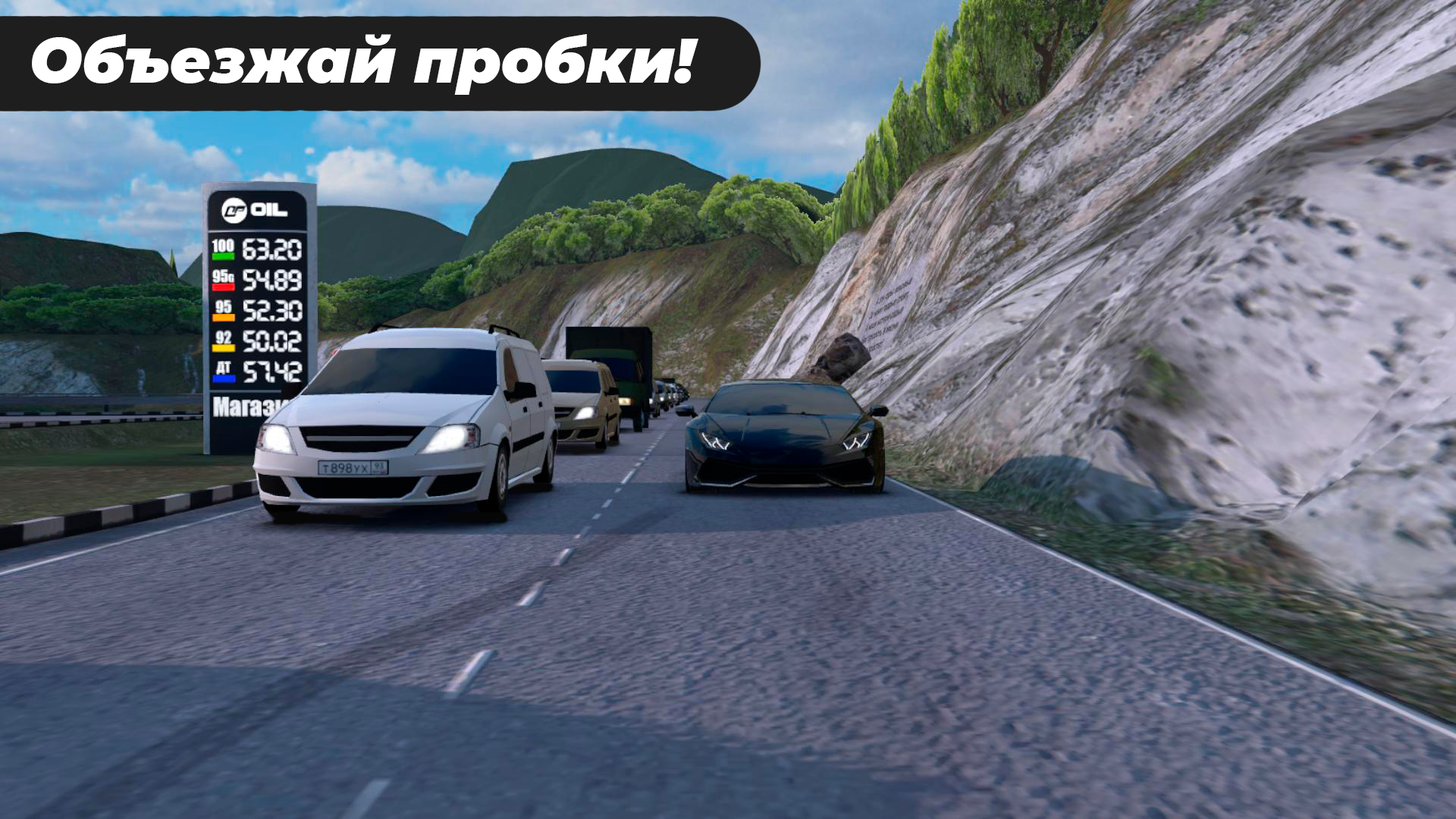
Realistic car physics will add a pleasant pastime in this 3d parking simulator! Drive your favorite cars through the narrow streets of the Caucasus and improve your driving skills. Every resident of the south should be able to drive a car!
The game features 104 levels, go through them all and become a real "vanity", because only true racers are awarded this title.
All actions of the game take place in Russia! A lot of Russian cars! Tune and drive Russian cars!
Caucasus Parking game is a car game and car driving simulator and one of the most realistic car games you will ever play. Enjoy modern car parking and simulation. car driving with amazing levels of difficulty ranging from the easiest to the hardest parking levels.
If you like 3D parking games, car driving games, car parking games and are looking for an amazing parking simulator game, this game is for you. Become a parking king by showing your friends your level and become a parking master!
Playing in Caucasus Parking (Parking Caucasus), you learn to manage your iron horse more and more well.
The creator of this game was inspired by the nature and streets of Russia, Dagestan, Chechnya, Armenia, Georgia, as well as other regions! I also took examples of houses from such popular cities as Krasnodar, Makhachkala, Derbent, Grozny, Sochi and so on!
Peculiarities:
- Realistic 3D graphics.
- 2 camera modes.
- Ability to disable the interface for high-quality screenshots.
- Realistic car controls for better driving simulation.
- More than 20 different cars.
- Realistic map of the Caucasus.
- Control using the accelerometer, steering wheel or arrows.
- Personalization in car paint.
- Lots of disks.
Show more

1. Download MEmu installer and finish the setup

2. Start MEmu then open Google Play on the desktop

3. Search Caucasus Parking: Парковка 3D in Google Play
Install
4. Download and Install Caucasus Parking: Парковка 3D
5. On install completion click the icon to start

6. Enjoy playing Caucasus Parking: Парковка 3D on PC with MEmu
MEmu Play is the best Android emulator and 100 million people already enjoy its superb Android gaming experience. The MEmu virtualization technology empowers you to play thousands of Android games smoothly on your PC, even the most graphic-intensive ones.
Bigger screen with better graphics; Long duration, without limitation of battery or mobile data.
Full Keymapping support for precise control of keyboard and mouse or gamepad.
Multiple game accounts or tasks on single PC at one time with Multi-Instance manager.
Play Caucasus Parking: Парковка 3D on PC by following steps: