Tomodachi Life: Live The dream
Updated
Current Version
8
Offered By

With your passion for Tomodachi Life: Live The dream, you shouldn’t have to limit yourself to the small screen of a phone. Play like a pro and take full control of the game using a keyboard and mouse. MEmu gives you everything you’re looking for. Download and play Tomodachi Life: Live The dream on PC. Play as long as you want — no more worries about battery life, mobile data, or unexpected calls. The all-new MEmu 9 is the best way to play Tomodachi Life: Live The dream on PC. With our expertly designed keymapping system, Tomodachi Life: Live The dream feels just like a real PC game. The MEmu multi-instance manager lets you run two or more accounts on the same device at the same time. Most importantly, our exclusive emulation engine unlocks your PC’s full potential, delivering smooth and seamless performance.
Show more
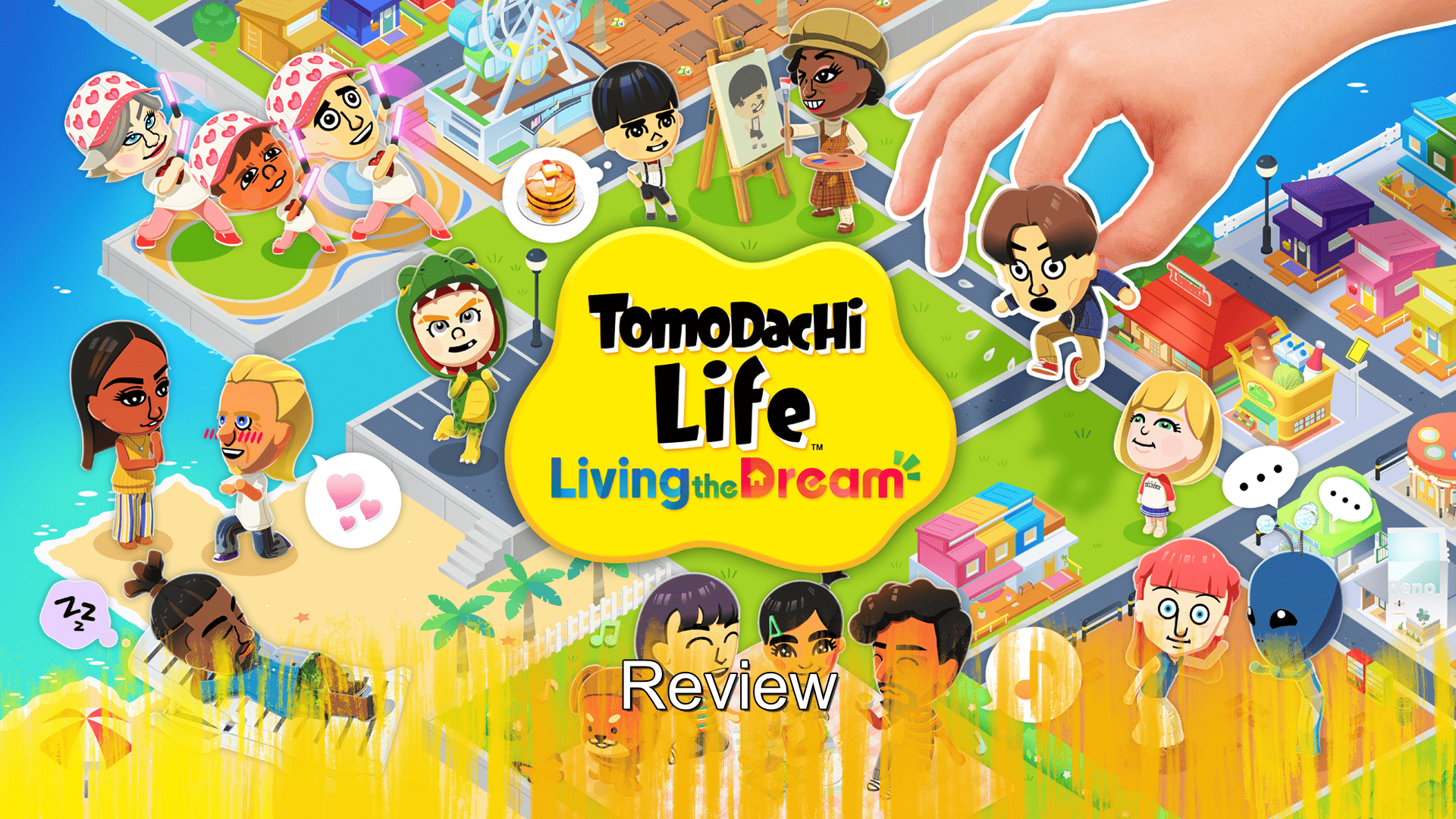
Download Tomodachi Life: Live The dream on PC with MEmu Android Emulator. Enjoy playing on big screen. Tomodachi Life: Living the Dream turns your island into a living digital playground filled with custom Mii characters inspired by you, your friends, famous personalities, or completely imaginary creations.
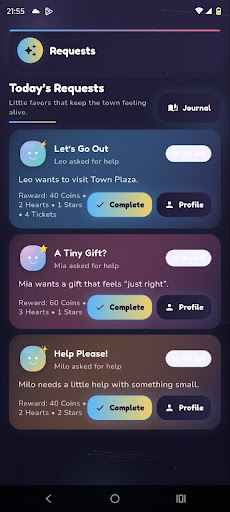
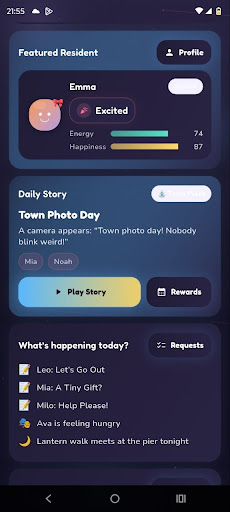
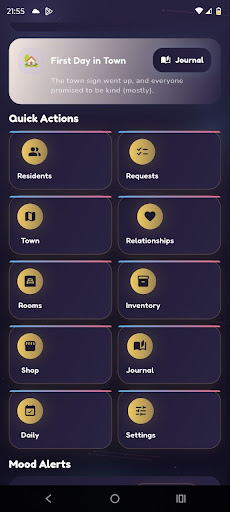
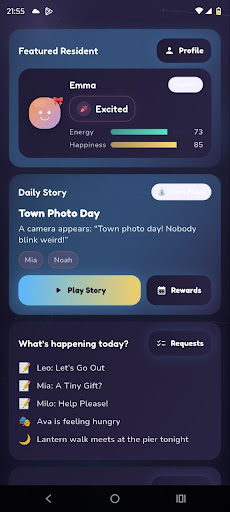
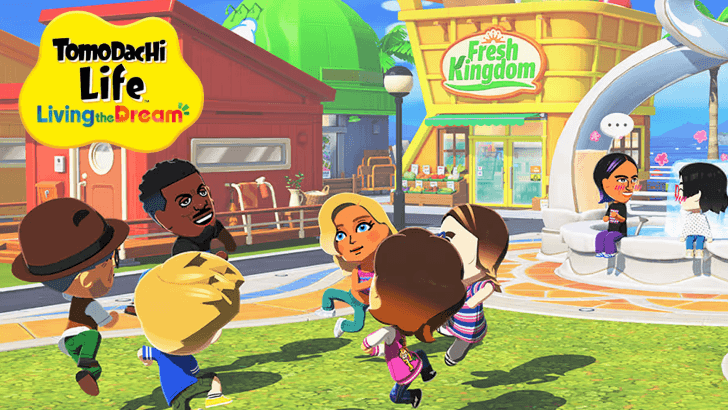
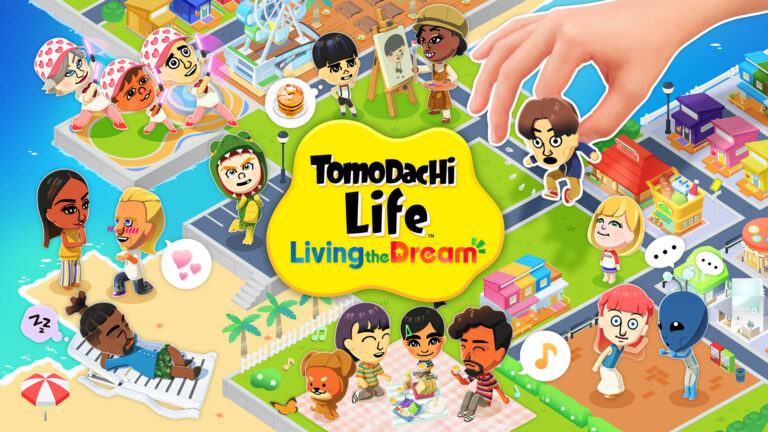
Tomodachi Life: Living the Dream turns your island into a living digital playground filled with custom Mii characters inspired by you, your friends, famous personalities, or completely imaginary creations. It feels like a playful virtual dollhouse, but with much more personality. Every resident has their own voice, habits, relationships, moods, and funny little surprises, making the island feel alive in a strange, charming, and often hilarious way.
The real fun comes from creating your own cast of characters and watching their lives unfold. You can dress them up, give them food, decorate their apartments, help solve their problems, and even interfere in their friendships or romantic stories. The more creativity you put into your island, the more entertaining it becomes. Your community slowly starts to reflect your humor, your ideas, your inside jokes, and your imagination.
A big part of the experience is the improved Mii Maker. Compared to older versions, the character creation tools feel much richer and more flexible. You can customize hairstyles in more detail, mix different hair sections, choose secondary colors, adjust facial features, shape the eyes, fine-tune pupils, and create Miis that feel more unique than ever. The HD visuals also make every character and location look cleaner, brighter, and more expressive while still keeping the simple, cute style that makes the game so recognizable.
Overall, Tomodachi Life: Living the Dream is a funny, personal, and creative life simulation game where your imagination drives the experience. Build your island, create unforgettable Miis, watch their stories develop, and enjoy a world full of unexpected moments, comedy, friendship, and everyday chaos.
Show more

1. Download MEmu installer and finish the setup

2. Start MEmu then open Google Play on the desktop

3. Search Tomodachi Life: Live The dream in Google Play
Install
4. Download and Install Tomodachi Life: Live The dream
5. On install completion click the icon to start

6. Enjoy playing Tomodachi Life: Live The dream on PC with MEmu
MEmu Play is the best Android emulator and 100 million people already enjoy its superb Android gaming experience. The MEmu virtualization technology empowers you to play thousands of Android games smoothly on your PC, even the most graphic-intensive ones.
Bigger screen with better graphics; Long duration, without limitation of battery or mobile data.
Full Keymapping support for precise control of keyboard and mouse or gamepad.
Multiple game accounts or tasks on single PC at one time with Multi-Instance manager.
Play Tomodachi Life: Live The dream on PC by following steps: