Золотоискатели
Updated
Current Version
2.152.1
Offered By

With your passion for Золотоискатели, you shouldn’t have to limit yourself to the small screen of a phone. Play like a pro and take full control of the game using a keyboard and mouse. MEmu gives you everything you’re looking for. Download and play Золотоискатели on PC. Play as long as you want — no more worries about battery life, mobile data, or unexpected calls. The all-new MEmu 9 is the best way to play Золотоискатели on PC. With our expertly designed keymapping system, Золотоискатели feels just like a real PC game. The MEmu multi-instance manager lets you run two or more accounts on the same device at the same time. Most importantly, our exclusive emulation engine unlocks your PC’s full potential, delivering smooth and seamless performance.
Show more
Download Золотоискатели on PC with MEmu Android Emulator. Enjoy playing on big screen. Dreaming of your own farm where everything is under your control?
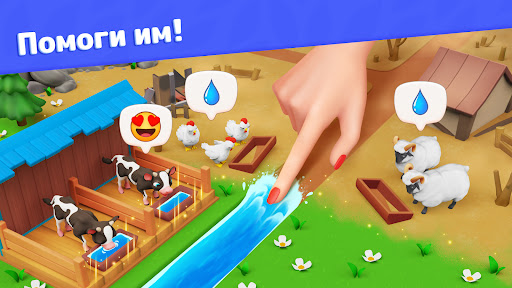
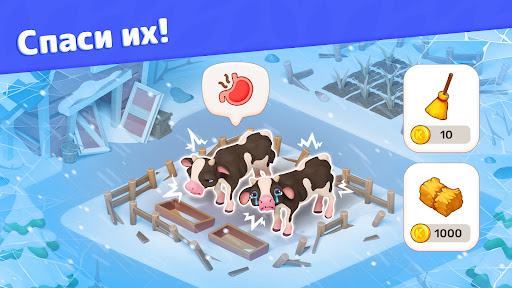
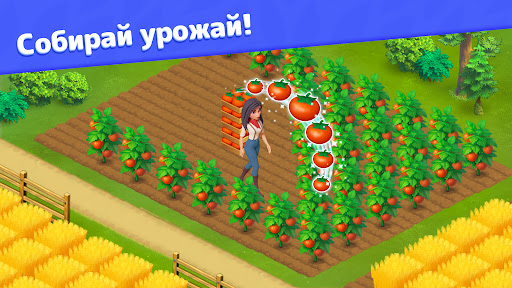
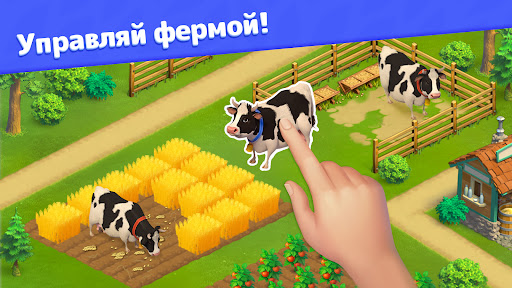
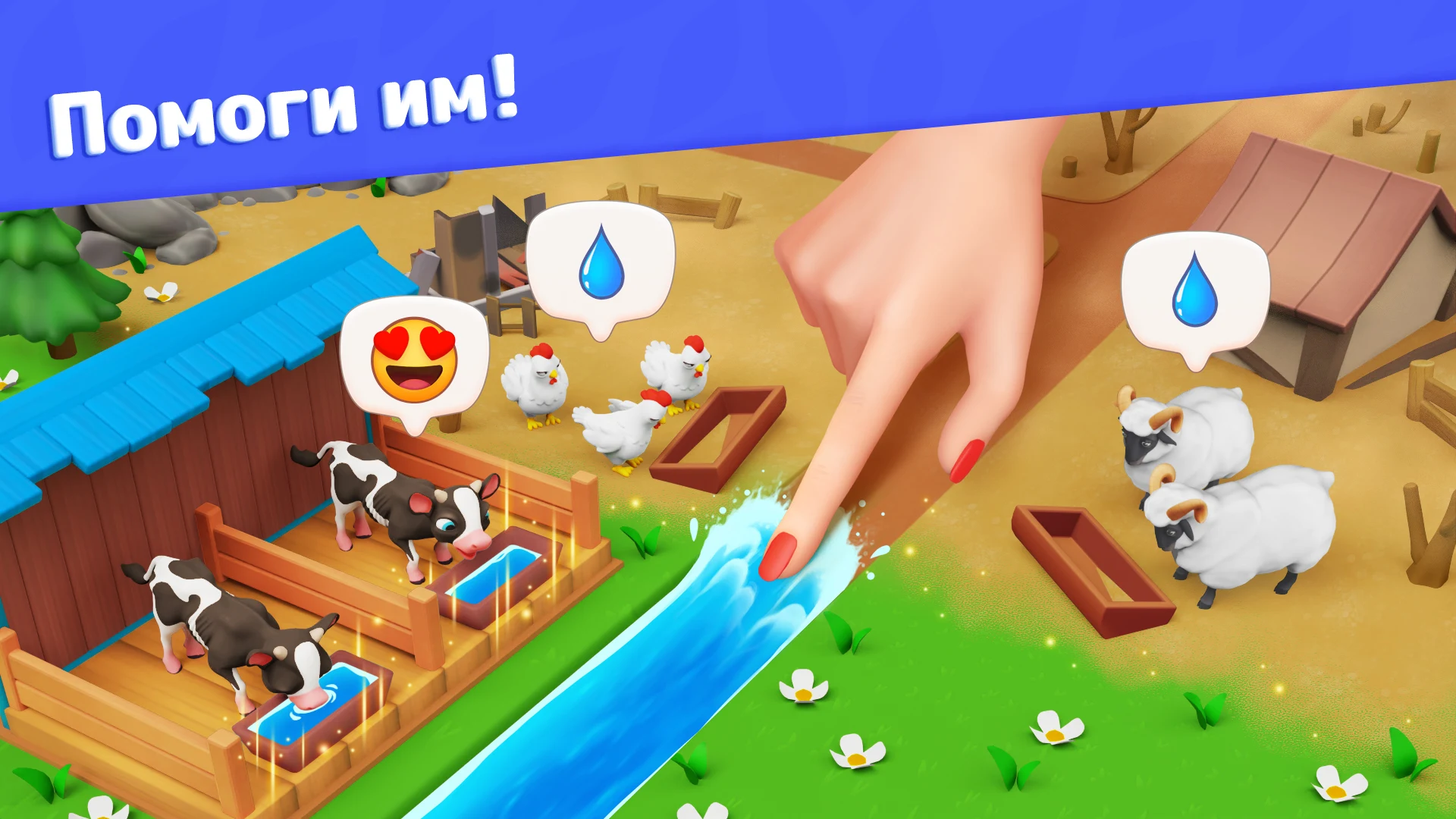
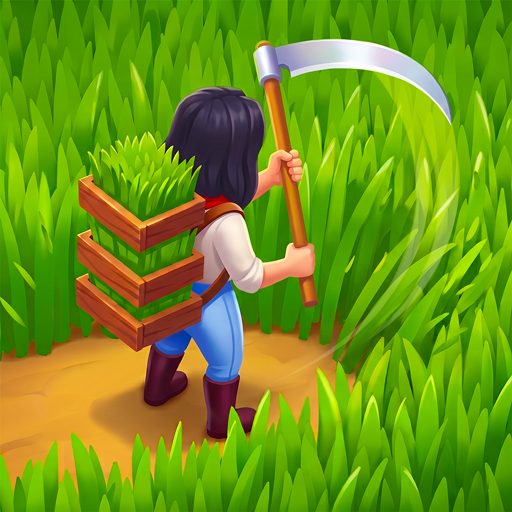
Dreaming of your own farm where everything is under your control? “Золотоискатели” isn't just another farm game — it's a cozy world you'll want to return to again and again! Complete tasks, build houses and factories, harvest crops, and raise adorable animals. Help Kate and Paul create their perfect dream farm!
Exciting adventures await you: from your very first garden beds to a full production line with greenhouses, conveyors, and trade routes.
Your farm grows and evolves along with you, turning into a flourishing farming empire — your very own unique and lively homestead.
Game Features:
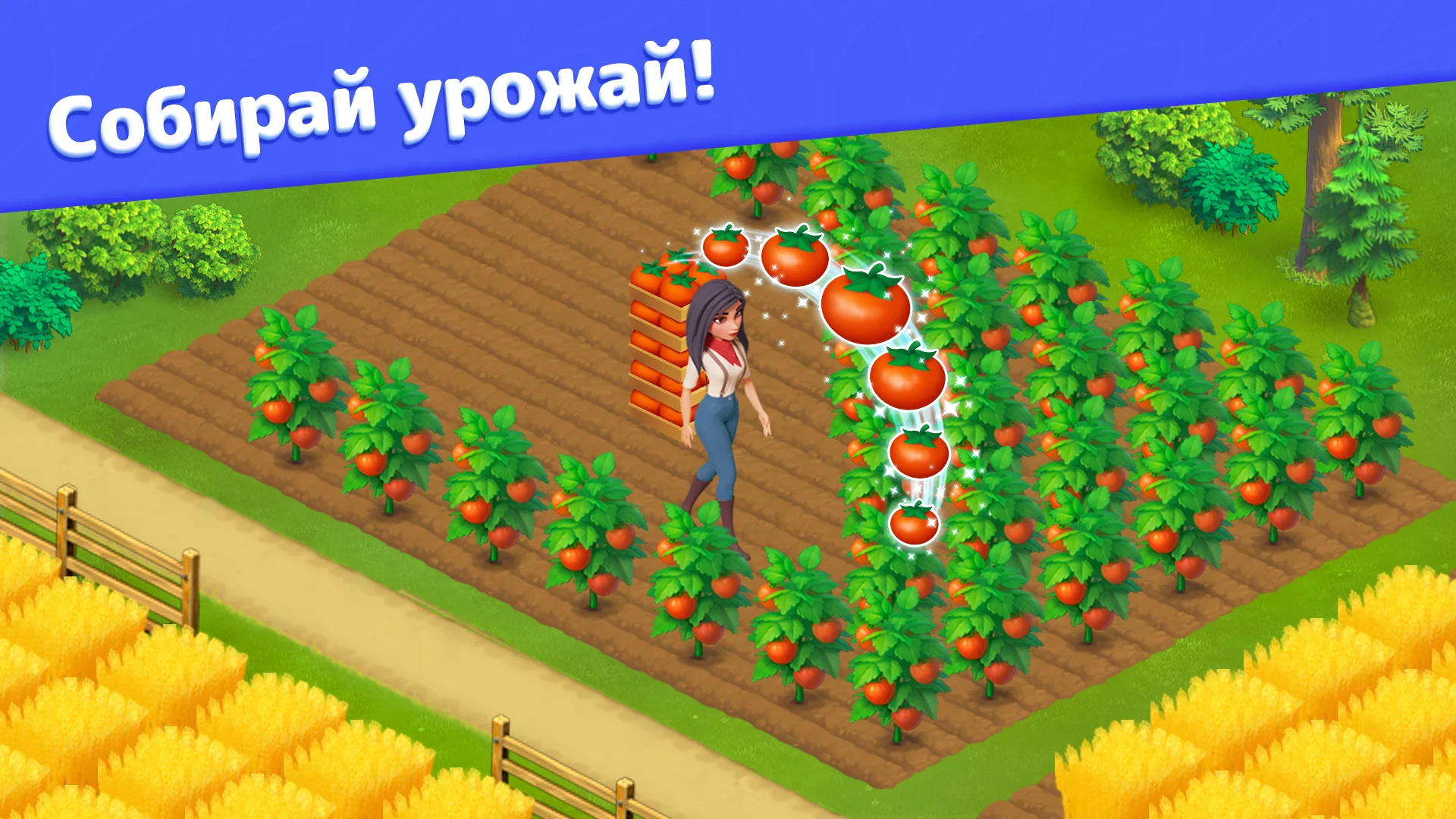
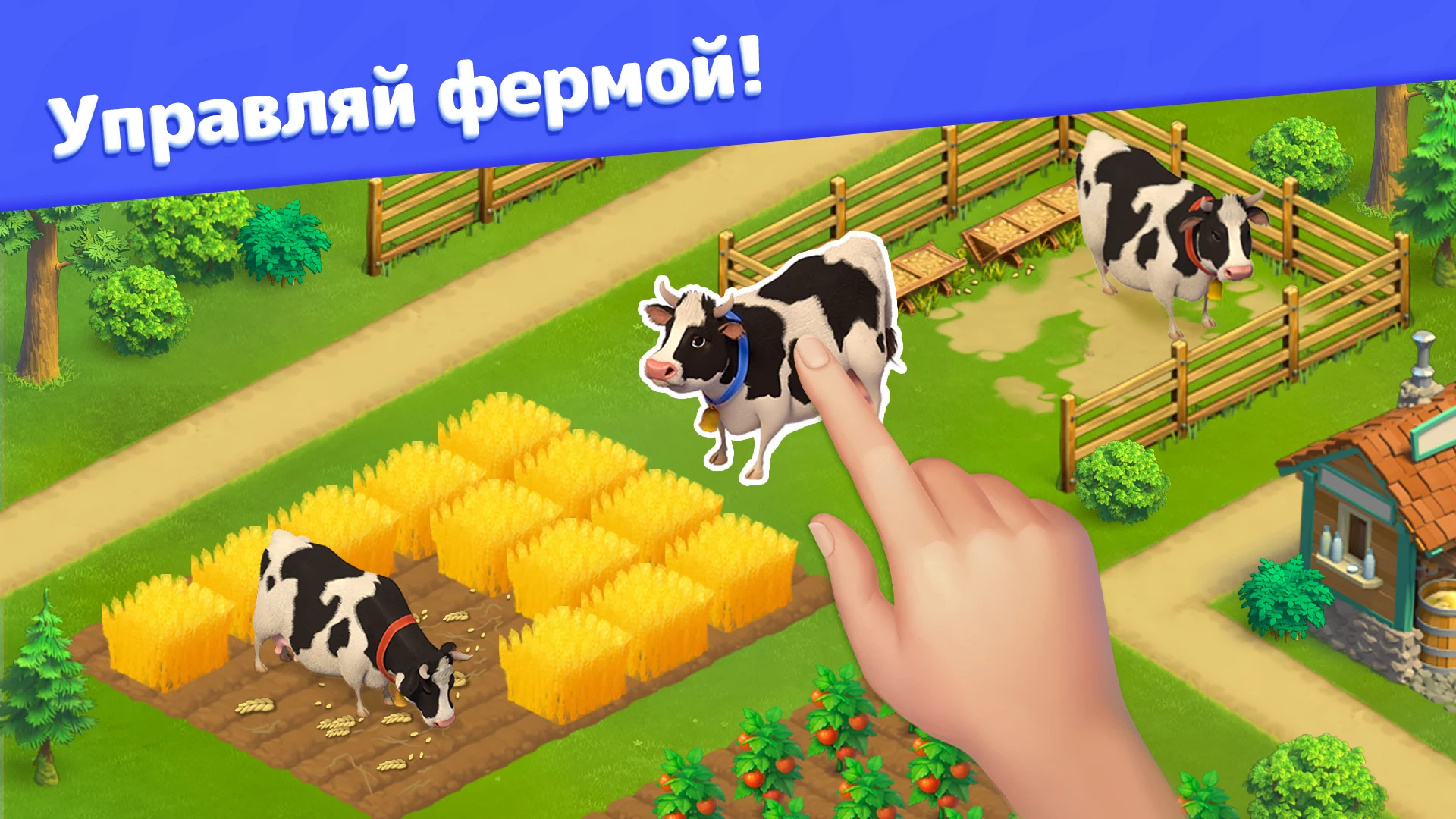
- Unique farming gameplay: build and expand your farm, decorate your land, construct buildings, produce valuable resources, complete orders, care for animals, and harvest crops.
- Seasonal events & themed locations: explore mysterious and dangerous corners of the world. Travel through wild nature, uncover ancient ruins, and reveal the secrets hidden deep within these fascinating places.
- Engaging quests: construct buildings, plant and harvest crops, and raise animals to supply your farm with everything it needs. Trade with neighbors, unlock new locations, complete dozens of quests, meet charming characters, restore the green farm, and uncover the mysteries of the surrounding lands.
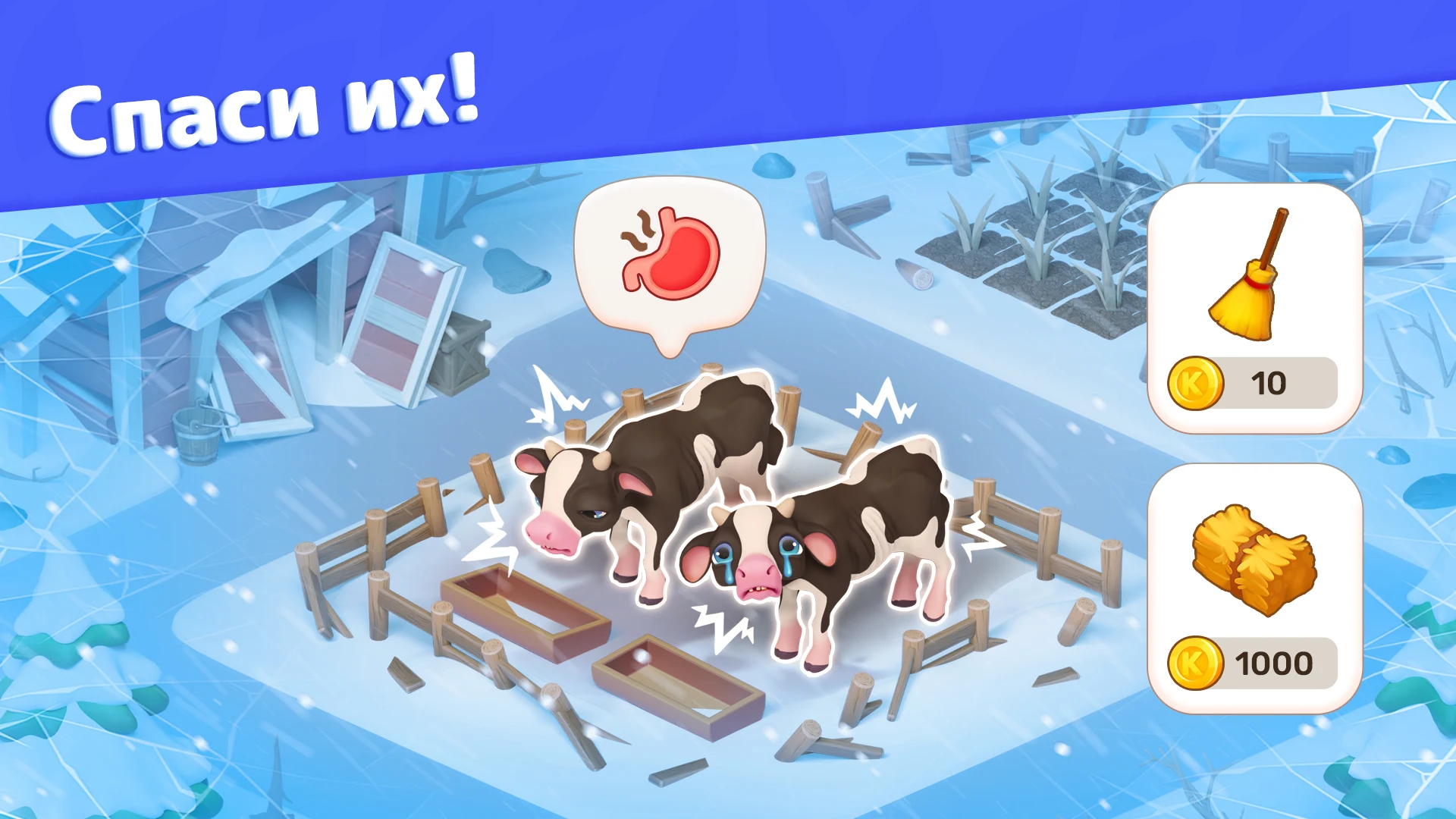
- Memorable characters: learn their touching stories and help them overcome the challenges of farm life, where every day brings new tasks, joys, and moments to smile about.
- Fun mini-games: take a break from your farming routine with bright, dynamic challenges! Earn valuable rewards and prizes to use on your farm.
- Stunning landscapes: every corner of the world is crafted with incredible detail. Explore wild lands and enjoy the warm, family farm atmosphere that invites you to embark on a journey with the main characters.
“Золотоискатели” is more than just a cute farm game—it's a whole world that you can shape and set up to your liking. Dive into the daily joys of rural life and begin your journey as a happy farmer!
By downloading the game, you accept the Azur Games User Agreement.
PLEASE NOTE: “Золотоискатели – Farm Game” can only be downloaded and played by persons who are at least 18 years old or have reached the age of majority under applicable law.
“Золотоискатели – Farm Game” is free to download and install, but offers in-app purchases. If you don't want to make in-app purchases, set up purchase protection in your Google Play Store settings.
An internet connection is required to play and participate in farm competitions.
USER AGREEMENT: https://aigames.ae/policy#terms
PRIVACY POLICY: https://aigames.ae/policy#privacy
Show more

1. Download MEmu installer and finish the setup

2. Start MEmu then open Google Play on the desktop

3. Search Золотоискатели in Google Play
Install
4. Download and Install Золотоискатели
5. On install completion click the icon to start

6. Enjoy playing Золотоискатели on PC with MEmu
MEmu Play is the best Android emulator and 100 million people already enjoy its superb Android gaming experience. The MEmu virtualization technology empowers you to play thousands of Android games smoothly on your PC, even the most graphic-intensive ones.
Bigger screen with better graphics; Long duration, without limitation of battery or mobile data.
Full Keymapping support for precise control of keyboard and mouse or gamepad.
Multiple game accounts or tasks on single PC at one time with Multi-Instance manager.
Play Золотоискатели on PC by following steps: