Mountain Climb 4x4 : Car Drive
Updated
Current Version
9.97
Offered By

With your passion for Mountain Climb 4x4 : Car Drive, you shouldn’t have to limit yourself to the small screen of a phone. Play like a pro and take full control of the game using a keyboard and mouse. MEmu gives you everything you’re looking for. Download and play Mountain Climb 4x4 : Car Drive on PC. Play as long as you want — no more worries about battery life, mobile data, or unexpected calls. The all-new MEmu 9 is the best way to play Mountain Climb 4x4 : Car Drive on PC. With our expertly designed keymapping system, Mountain Climb 4x4 : Car Drive feels just like a real PC game. The MEmu multi-instance manager lets you run two or more accounts on the same device at the same time. Most importantly, our exclusive emulation engine unlocks your PC’s full potential, delivering smooth and seamless performance.
Show more
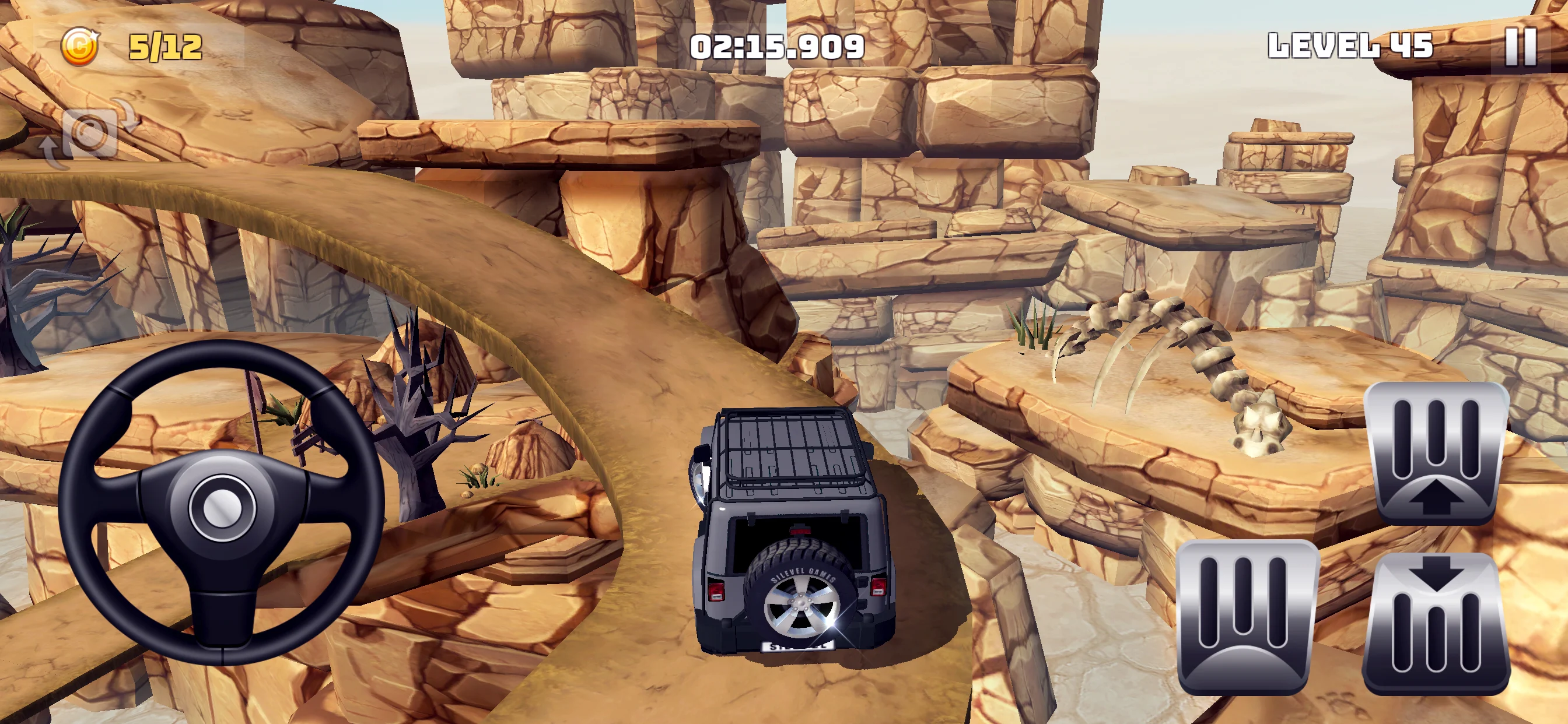
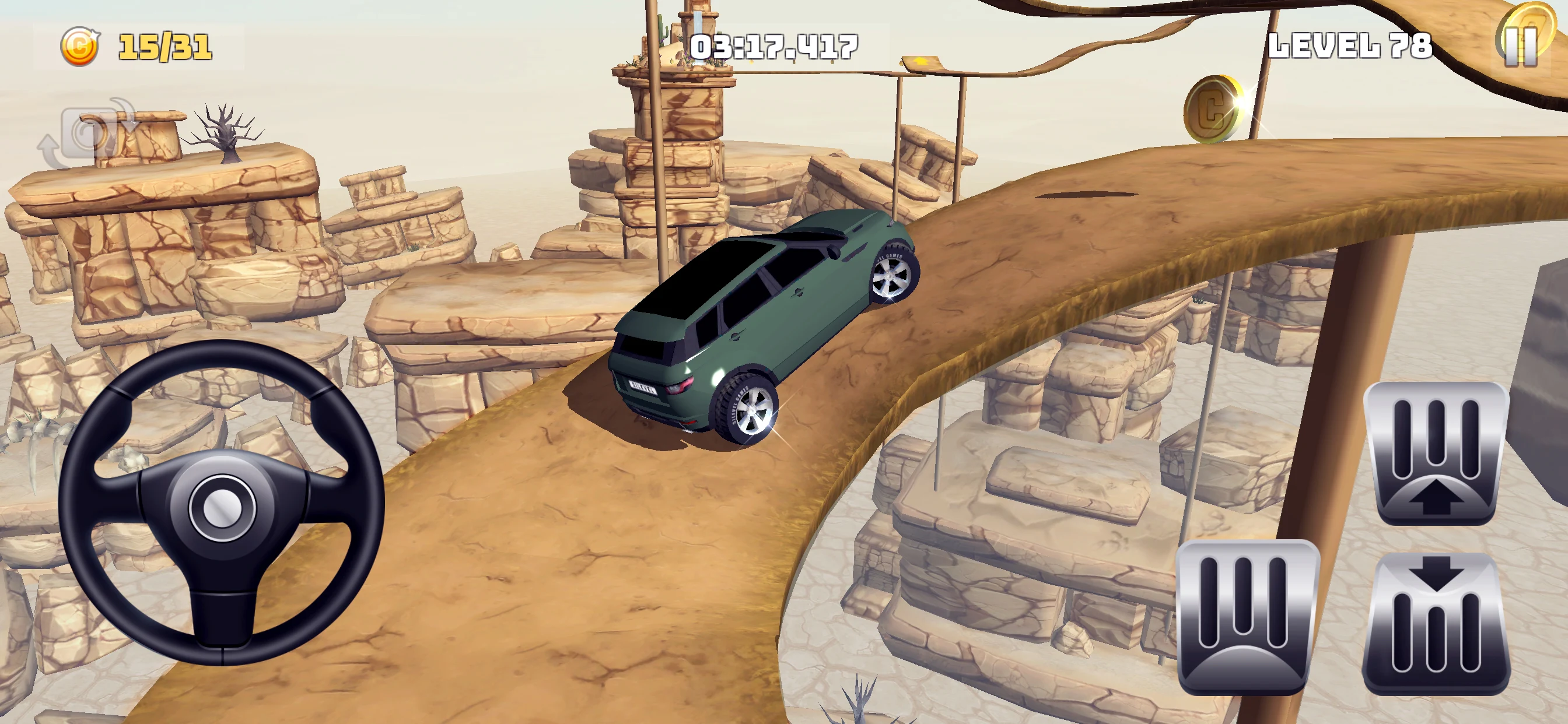
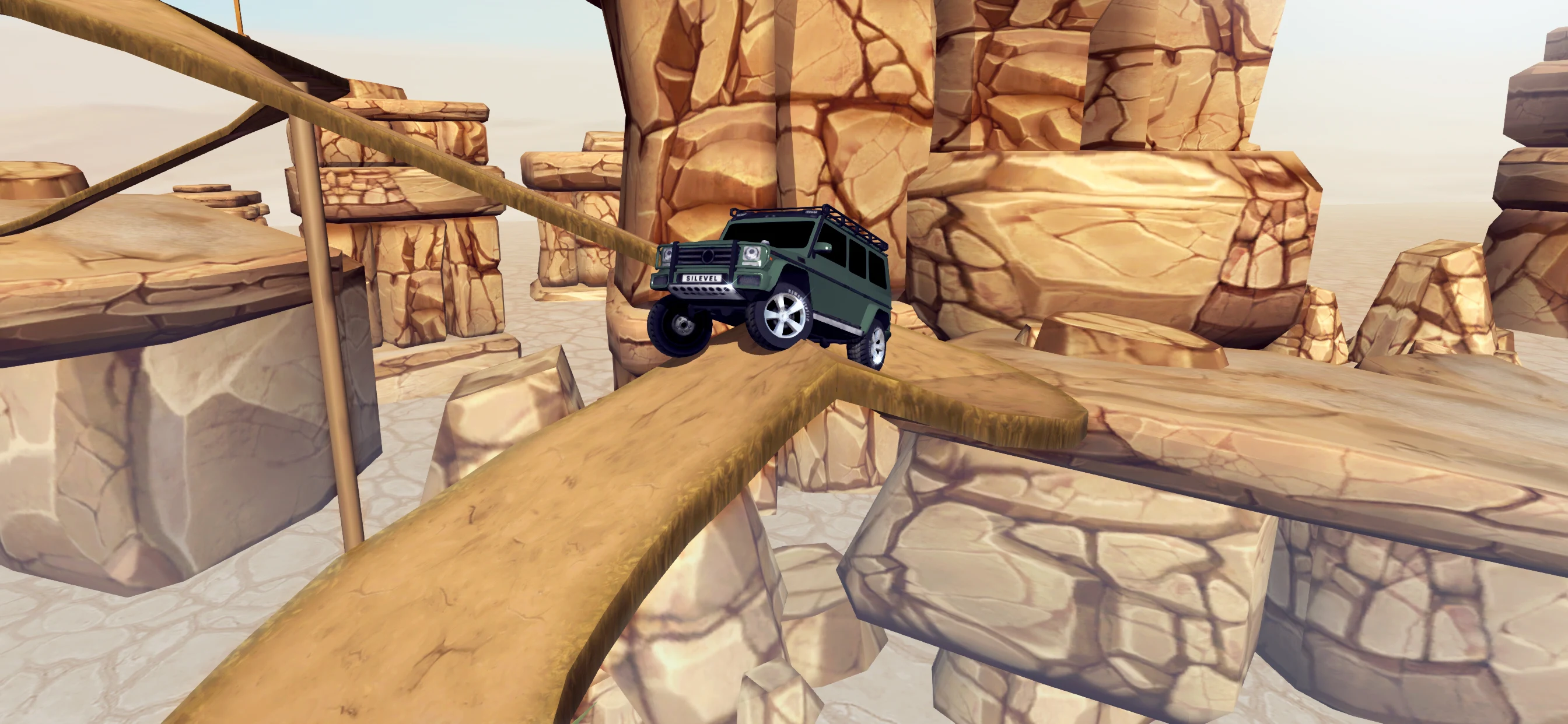
Download Mountain Climb 4x4 : Car Drive on PC with MEmu Android Emulator. Enjoy playing on big screen. Mountain Climb 4x4 : Offroad Car Drive is a realistic simulation and racing game that you need to climb hills by overcoming the obstacles by an off-road vehicle.


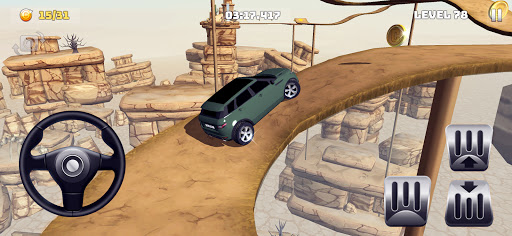

Mountain Climb 4x4 : Offroad Car Drive is a realistic simulation and racing game that you need to climb hills by overcoming the obstacles by an off-road vehicle. You should reach the hill as soon as possible by collecting all the coins on your way in the stage, and complete the stage successfully. You have to do your best to avoid falling from a cliff and facing an obstacle, while trying to reach the hill. You will be addicted to this game with its stages having difficulties and features different from each other, which receive continual updates.
FEATURES :
- An environment where the physics laws completely prevail! Cars go wherever you want them to go, and do whatever you want them to do.
- 5 different models of cars which have technical and hardware specifications different from each other (new cars are added continually)
- Modify some specifications of cars such as handling, motor and brake,
- Chance of changing the color, rim and appearance of cars
- High-quality and ever-changing environment models.
- Addictive episodes that are not boring at all
- Different actions that come with new episodes
- Newly added stages every 15 days
HOW TO PLAY?
- Please choose the most appropriate method to control the car. You can select a best driving type fit for you or adjust your device sensor in the Settings section. Do not forget to adjust the steering sensitivity, if you have difficulty to control the steering.
- Try to buy upgrades, if your car cannot overcome the obstacles or is not fast enough. If the updates are not enough, you need to buy a new car.
- If you run out of your coins, you can earn coins by tapping “watch video, win coins” button or replaying the stages that you have already played.
- Try to develop different methods while trying to overcome obstacles, because cars move according to the law of physics. Don’t expect to get different results by trying the same method over and over again.
We’ll be back soon with new graphics, new cars and brand-new stages. Thank you for your support.
Show more

1. Download MEmu installer and finish the setup

2. Start MEmu then open Google Play on the desktop

3. Search Mountain Climb 4x4 : Car Drive in Google Play
Install
4. Download and Install Mountain Climb 4x4 : Car Drive
5. On install completion click the icon to start

6. Enjoy playing Mountain Climb 4x4 : Car Drive on PC with MEmu
MEmu Play is the best Android emulator and 100 million people already enjoy its superb Android gaming experience. The MEmu virtualization technology empowers you to play thousands of Android games smoothly on your PC, even the most graphic-intensive ones.
Bigger screen with better graphics; Long duration, without limitation of battery or mobile data.
Full Keymapping support for precise control of keyboard and mouse or gamepad.
Multiple game accounts or tasks on single PC at one time with Multi-Instance manager.
Play Mountain Climb 4x4 : Car Drive on PC by following steps: