Legacy of Destiny II: Dark vs Light
Updated
Current Version
1.0.14
Offered By

With your passion for Legacy of Destiny II: Dark vs Light, you shouldn’t have to limit yourself to the small screen of a phone. Play like a pro and take full control of the game using a keyboard and mouse. MEmu gives you everything you’re looking for. Download and play Legacy of Destiny II: Dark vs Light on PC. Play as long as you want — no more worries about battery life, mobile data, or unexpected calls. The all-new MEmu 9 is the best way to play Legacy of Destiny II: Dark vs Light on PC. With our expertly designed keymapping system, Legacy of Destiny II: Dark vs Light feels just like a real PC game. The MEmu multi-instance manager lets you run two or more accounts on the same device at the same time. Most importantly, our exclusive emulation engine unlocks your PC’s full potential, delivering smooth and seamless performance.
Show more
Download Legacy of Destiny II: Dark vs Light on PC with MEmu Android Emulator. Enjoy playing on big screen. Classic return!
Classic return! New sequel of , Immortal Destiny: Darkness Origin is coming!
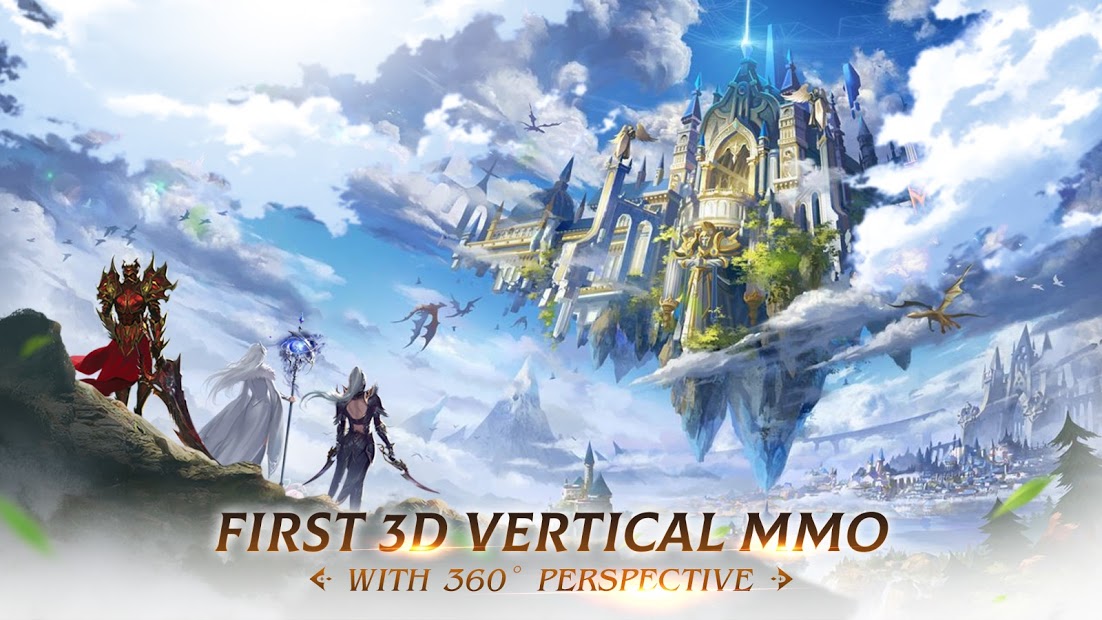
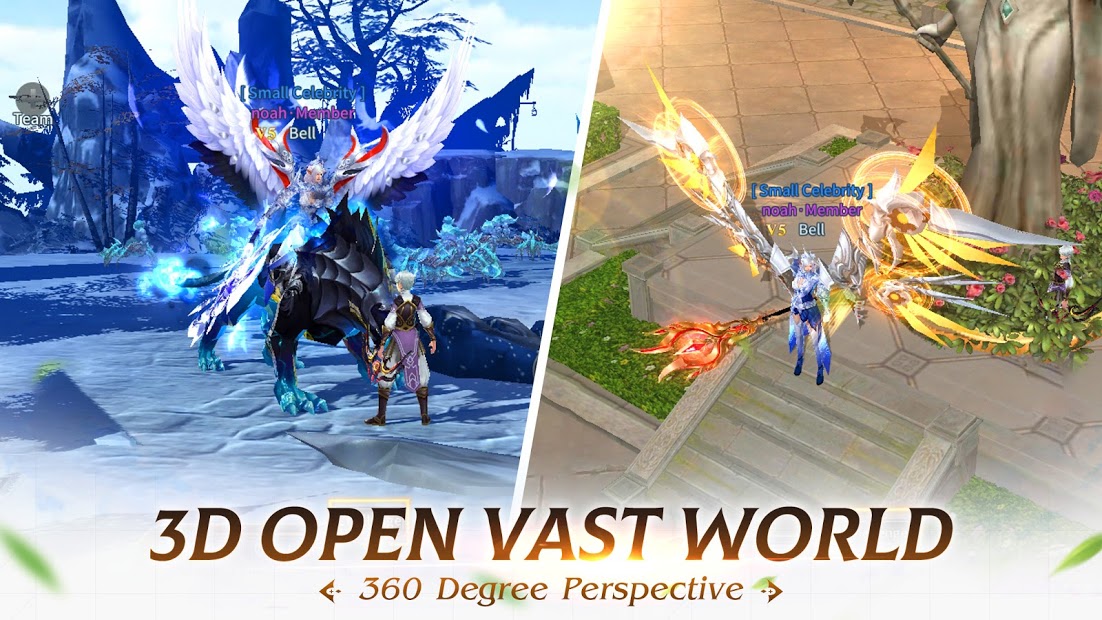
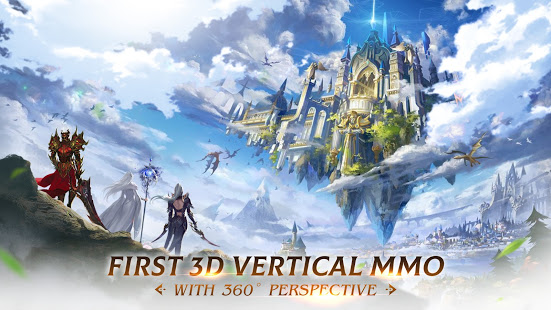
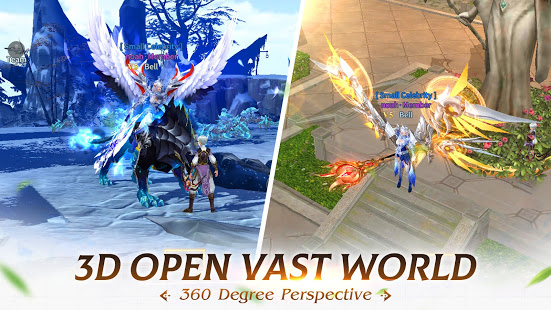
First 3D Vertical Open World MMORPG with 360 Degree Free Perspectives.
Facebook page: https://www.facebook.com/121840039727818
- New mode to play, one-hand operation.
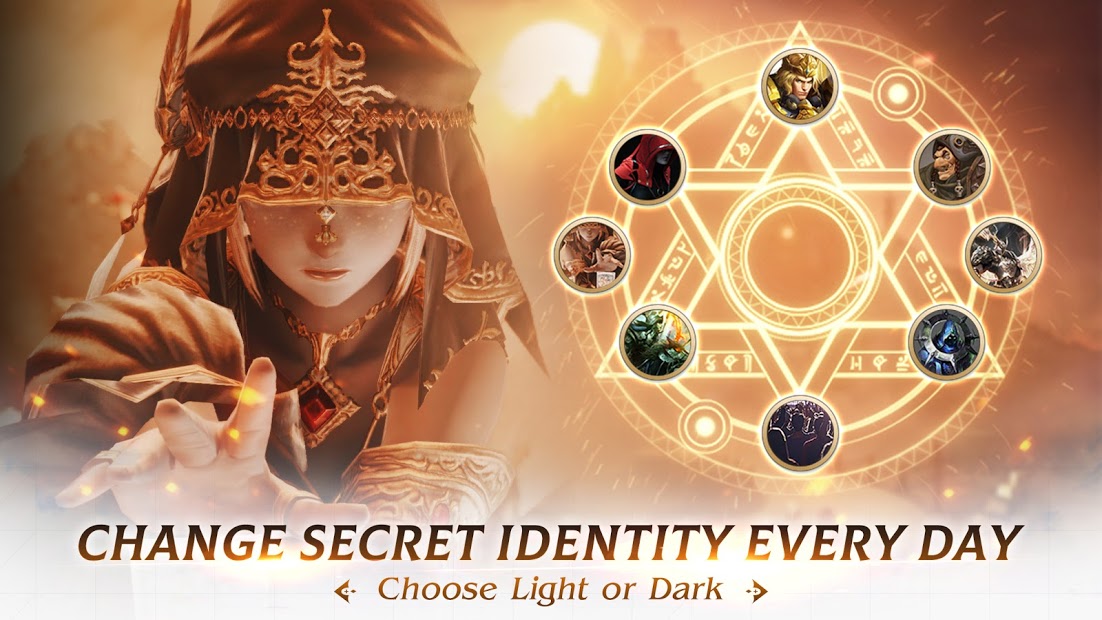
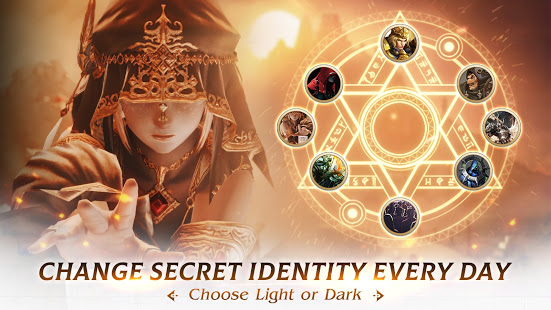
- Dark or Light? Choose your side and multiple secret identities.
- Abundant boss hunting and PVP are allowed on all maps.
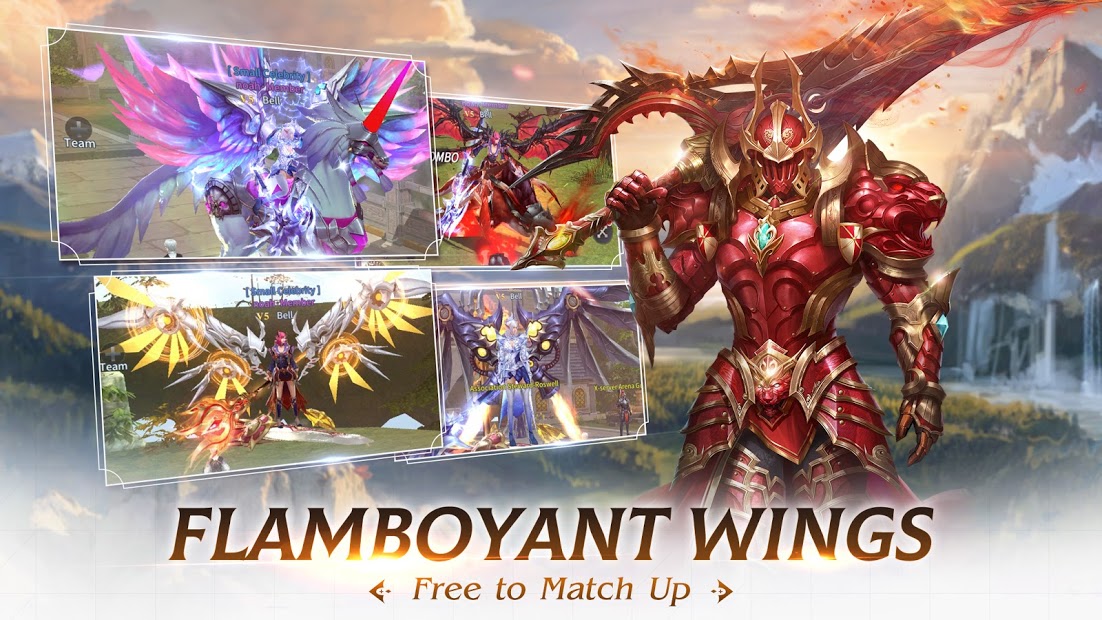
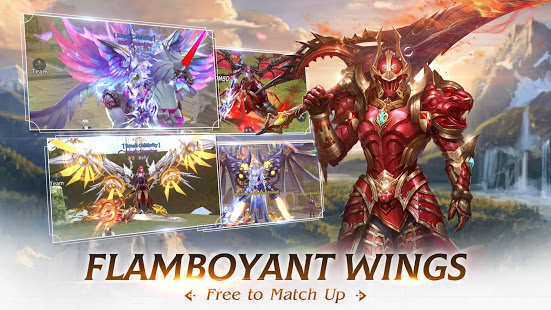
- Customized fashion, cool mounts & wings.
- Real & Romantic social experience. Wedding, trading system and so on.
[Game Features]
▶ 360 Degree Free Perspectives◀
- See the world from a 360 degree perspective, enjoy the splendid scenes in game. Tap to switch the perspectives as you like.
▶ Secret Identity: Dark or Light◀
- Multiple Secret Identities reveal at Lv.70.
- Choose Dark or Light. Each side has four kinds of secret identities.
- Different secret identities grant you different abilities.
▶ Abundant Gameplay & Fierce PVP ◀
- PvP is allowed on all maps. Unlimited PK in the grand open map and enjoy the excitement in massive PVP. Defeat red-name raider player will have a chance to get ultimate equipment. Seize your chance!
- Cross-server PK system will allow you to chase for the Top position with players from different servers. Just show your power!
- High drop rate of BOSS. Grab rich resources from fierce BOSS while you should take care of assaults from other players.
▶ Real & Romantic Social Experience ◀
- Sweet wedding. Easy to meet someone you love in the game. Play together and grow together, hand in hand to the romantic wedding ceremony. Special wedding fashion attire and powerful wedding rings. Exclusive couple dungeon for you to explore!
▶ Free Trade System ◀
- Earn profits everyday! In the trade market, you can sell all the items you don’t need or extra gear you obtained from killing bosses or other quests. None of your items or time shall be wasted.
▶ Customized Looks: Cool Mounts & Wings ◀
- Flying mount, really cool and useful. Dozens of cool mounts including Phoenix, flying rocket Kuma bear and so on. Accompany you to travel across the grand open world .
- Abundant wings will make you stand out of the ordinary. Will you be the angel goddess and save the era of chaos ?
- Customized fashion attires make you the fashion icon.
▶ Rich Welfare & Resources ◀
- “Fair play” proceeds fast growing and level up with plenty of resources needed for growth by doing daily quests, killing bosses and unlimited PK & events.
- With the high rate investment plan, you can gain 88800 diamonds for free easily!
- Offline autoplay system helps you to upgrade and gain resources easily. 24h non-stop to be the top player. Fast grow and level up!
Grand map, free to explore, enjoy unlimited fun!
Show more

1. Download MEmu installer and finish the setup

2. Start MEmu then open Google Play on the desktop

3. Search Legacy of Destiny II: Dark vs Light in Google Play
Install
4. Download and Install Legacy of Destiny II: Dark vs Light
5. On install completion click the icon to start

6. Enjoy playing Legacy of Destiny II: Dark vs Light on PC with MEmu
MEmu Play is the best Android emulator and 100 million people already enjoy its superb Android gaming experience. The MEmu virtualization technology empowers you to play thousands of Android games smoothly on your PC, even the most graphic-intensive ones.
Bigger screen with better graphics; Long duration, without limitation of battery or mobile data.
Full Keymapping support for precise control of keyboard and mouse or gamepad.
Multiple game accounts or tasks on single PC at one time with Multi-Instance manager.
Play Legacy of Destiny II: Dark vs Light on PC by following steps: