
Fun Offline Games - No WiFi
Updated
Current Version
3.59
Offered By

With your passion for Fun Offline Games - No WiFi, you shouldn’t have to limit yourself to the small screen of a phone. Play like a pro and take full control of the game using a keyboard and mouse. MEmu gives you everything you’re looking for. Download and play Fun Offline Games - No WiFi on PC. Play as long as you want — no more worries about battery life, mobile data, or unexpected calls. The all-new MEmu 9 is the best way to play Fun Offline Games - No WiFi on PC. With our expertly designed keymapping system, Fun Offline Games - No WiFi feels just like a real PC game. The MEmu multi-instance manager lets you run two or more accounts on the same device at the same time. Most importantly, our exclusive emulation engine unlocks your PC’s full potential, delivering smooth and seamless performance.
Show more
Download Fun Offline Games - No WiFi on PC with MEmu Android Emulator. Enjoy playing on big screen. Looking for a relaxing and entertaining way to pass the time without an internet connection?
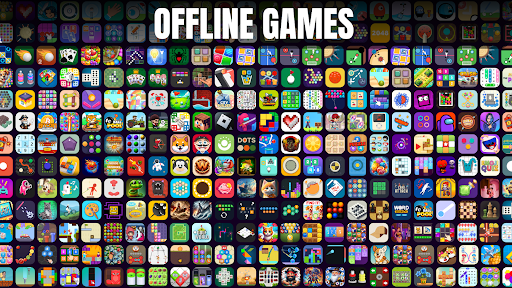
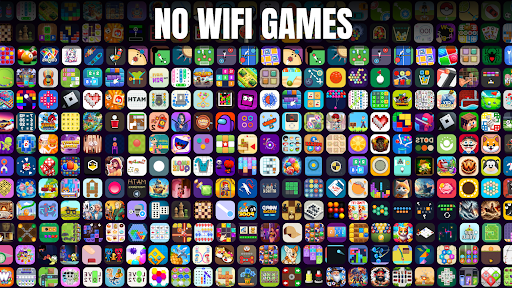
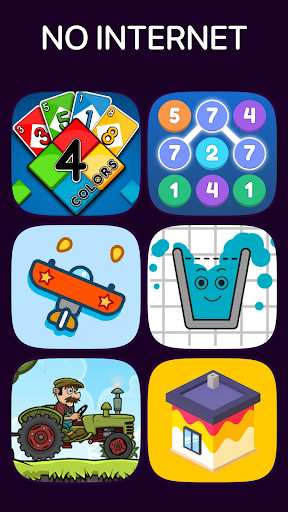
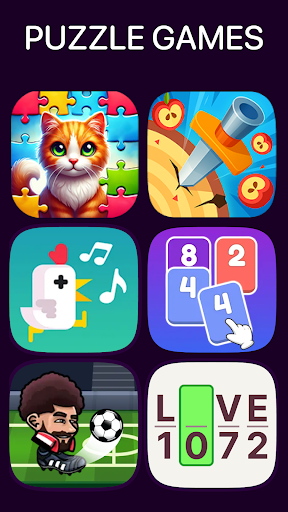
Looking for a relaxing and entertaining way to pass the time without an internet connection? "100+ Offline Games No WiFi Fun" offers a carefully curated collection of puzzles and games designed to keep you engaged and entertained wherever you are. Whether you're traveling, commuting, or just unwinding at home, this app delivers endless offline fun.
Why Choose This App?
Huge Selection of Games: Enjoy over 100 diverse puzzles and challenges, ranging from classic card games to creative brainteasers.
No Internet Required: Play anytime, anywhere without worrying about connectivity or data usage.
Engaging for All Ages: Perfect for fans of strategy, logic, and casual games, with options for every preference.
Seamless Experience: Optimized for smooth performance and minimal battery drain, ensuring hassle-free play.
Key Features:
Wide Variety of Puzzles: From classics like Solitaire to innovative block challenges, there’s something for everyone.
Offline Gameplay: Enjoy your favorite puzzles without needing WiFi or mobile data.
Challenging and Rewarding Levels: Test your skills with levels designed to keep you entertained and motivated.
Fresh Content: Regular updates bring new games and puzzles to explore.
High-Quality Visuals: Vibrant graphics and animations make each game visually appealing and enjoyable.
Game Highlights:
Block Challenges: Strategize and clear the board with fun and engaging block puzzles.
Solitaire and Variants: Master timeless card games with exciting twists.
Creative Puzzles: Enjoy unique challenges designed to stimulate your mind and provide hours of entertainment.
What Sets It Apart:
Efficient Design: Battery-friendly and lightweight, perfect for extended play sessions.
Universal Appeal: Suitable for players of all ages, making it ideal for families and individuals alike.
Play Anywhere: From remote locations to everyday downtime, this app is always ready to entertain.
How to Maximize Your Experience:
Stay Updated: Regularly check for updates to access new puzzles and features.
Try Different Modes: Explore various activities to keep your experience dynamic.
Compete with Friends: Share your progress and challenge friends to beat your scores.
Start Playing Today:
Install "100+ Offline Games No WiFi Fun" and explore a world of offline puzzles and games tailored to your preferences. Perfect for every moment when you want to enjoy quality entertainment without the need for an internet connection.
Experience gaming freedom anytime, anywhere. Get started now!
Show more

1. Download MEmu installer and finish the setup

2. Start MEmu then open Google Play on the desktop

3. Search Fun Offline Games - No WiFi in Google Play
Install
4. Download and Install Fun Offline Games - No WiFi
5. On install completion click the icon to start

6. Enjoy playing Fun Offline Games - No WiFi on PC with MEmu
MEmu Play is the best Android emulator and 100 million people already enjoy its superb Android gaming experience. The MEmu virtualization technology empowers you to play thousands of Android games smoothly on your PC, even the most graphic-intensive ones.
Bigger screen with better graphics; Long duration, without limitation of battery or mobile data.
Full Keymapping support for precise control of keyboard and mouse or gamepad.
Multiple game accounts or tasks on single PC at one time with Multi-Instance manager.
Play Fun Offline Games - No WiFi on PC by following steps: