
Dawn of Isles
Updated
Current Version
1.0.21
Offered By

With your passion for Dawn of Isles, you shouldn’t have to limit yourself to the small screen of a phone. Play like a pro and take full control of the game using a keyboard and mouse. MEmu gives you everything you’re looking for. Download and play Dawn of Isles on PC. Play as long as you want — no more worries about battery life, mobile data, or unexpected calls. The all-new MEmu 9 is the best way to play Dawn of Isles on PC. With our expertly designed keymapping system, Dawn of Isles feels just like a real PC game. The MEmu multi-instance manager lets you run two or more accounts on the same device at the same time. Most importantly, our exclusive emulation engine unlocks your PC’s full potential, delivering smooth and seamless performance.
Show more
Download Dawn of Isles on PC with MEmu Android Emulator. Enjoy playing on big screen. Welcome, Islanders!
Welcome, Islanders!
A great journey awaits!
-- INTRODUCTION –
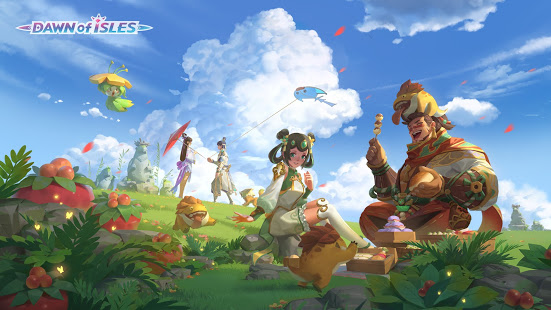
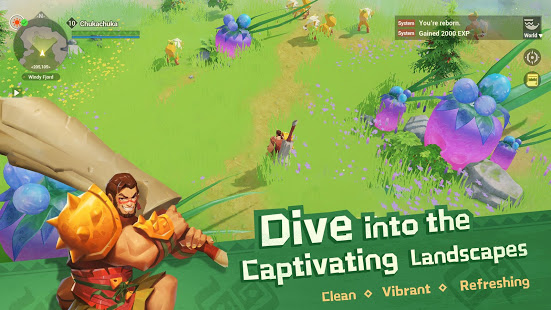
Featuring a vibrant new world that offers a unique gaming experience, Dawn of Isles is a multiplayer roleplaying game developed by NetEase Games. Craft the tools you need with your own two hands, use powerful elemental combos in combat, and match wits against your rivals and foes!
-- KEY FEATURES --
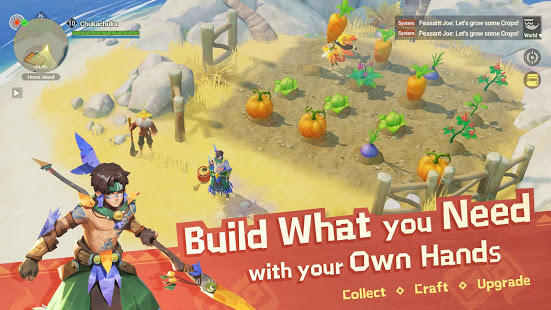
· Build an Uncharted Island!
- Use your Axe and Pickaxe to gather resources and begin construction from the ground up.
- Develop workshops, pits, and piers to produce, process, and sell products.
- Plant and harvest crops, or "borrow" some from your neighbors...
· Create Amazing Items!
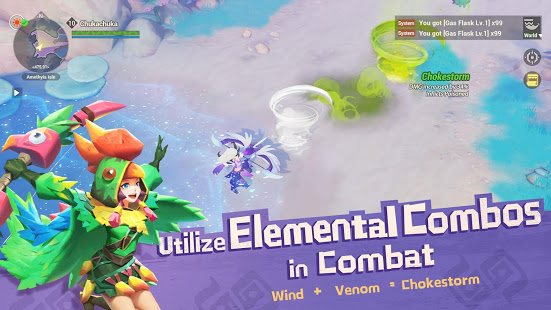
- Infuse flasks with Elemental Spirits and unleash the primal power of nature.
- Produce quality fishing rods try to reel in cunning fish.
- Prepare delicious feasts that will tingle the taste buds.
· Tame Incredible Pets!
- Roam beautiful and diverse lands with your exotic pets.
- Learn the way of the Hunter's Guild and dance with pets in the Flower Circle.
- Nourish and care for your animal companions, and let loose their potential with Pet Skills.
· Challenge Devious Foes!
- Choose from an array of weapons and skills for a variety of combat styles.
- Observe how the environment interacts with the elements and take full advantage to gain an edge in battle.
- Discern the weakness of fierce monsters, deal a fatal blow, and claim huge rewards.
-- CONTACT US --
Website:http://www.dawn-of-isles.com
Facebook:https://www.facebook.com/Dawnofisles
Discord:https://discord.gg/uPK9uAN
Show more

1. Download MEmu installer and finish the setup

2. Start MEmu then open Google Play on the desktop

3. Search Dawn of Isles in Google Play
Install
4. Download and Install Dawn of Isles
5. On install completion click the icon to start

6. Enjoy playing Dawn of Isles on PC with MEmu
MEmu Play is the best Android emulator and 100 million people already enjoy its superb Android gaming experience. The MEmu virtualization technology empowers you to play thousands of Android games smoothly on your PC, even the most graphic-intensive ones.
Bigger screen with better graphics; Long duration, without limitation of battery or mobile data.
Full Keymapping support for precise control of keyboard and mouse or gamepad.
Multiple game accounts or tasks on single PC at one time with Multi-Instance manager.
Play Dawn of Isles on PC by following steps: