
Family Hotel
Updated
Current Version
1735026757
Offered By

With your passion for Family Hotel, you shouldn’t have to limit yourself to the small screen of a phone. Play like a pro and take full control of the game using a keyboard and mouse. MEmu gives you everything you’re looking for. Download and play Family Hotel on PC. Play as long as you want — no more worries about battery life, mobile data, or unexpected calls. The all-new MEmu 9 is the best way to play Family Hotel on PC. With our expertly designed keymapping system, Family Hotel feels just like a real PC game. The MEmu multi-instance manager lets you run two or more accounts on the same device at the same time. Most importantly, our exclusive emulation engine unlocks your PC’s full potential, delivering smooth and seamless performance.
Show more
Download Family Hotel on PC with MEmu Android Emulator. Enjoy playing on big screen. Family Hotel: a plot-driven match-3 game with new mechanics, memorable characters and exciting side-quests.
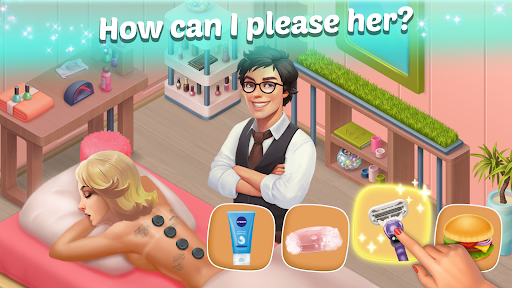
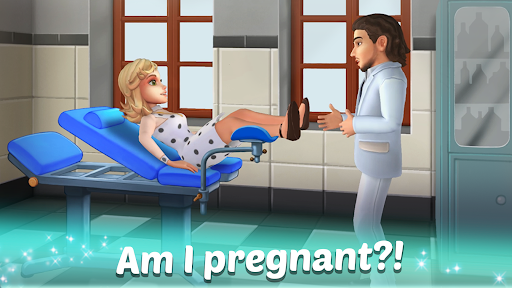
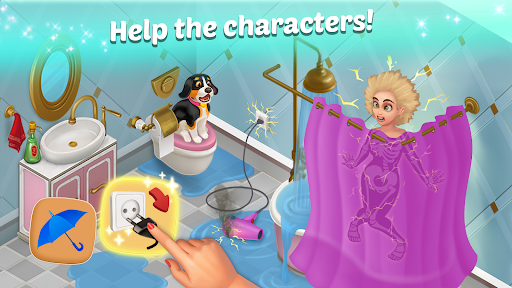
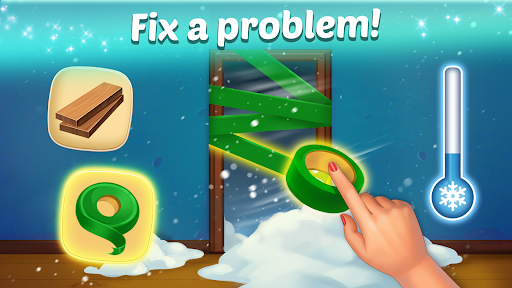
Family Hotel: a plot-driven match-3 game with new mechanics, memorable characters and exciting side-quests. Build a hotel of your dreams and enjoy romantic story happening in front of your eyes!
Enter the world of Family Hotel, the latest romance-based match-3 puzzle game!
You are going to turn a run-down countryside manor into the high class family inn. Play match-3 to clear the rubble and let your imagination flow as you start the building restoration and bring it back to its former glory. Enjoy your new hotel life!
Work alongside Emily and Max, the unusual duo behind the Family Hotel. When the co-managers first meet, it seems unlikely they’ll stand long enough to turn their vision into reality. As they join their forces and cooperate, though, the two realize just how much in
common they have. They develop a one of a kind mansion design that could make them famous.
Together, they’ll be able to build, furnish and customize each of the hotel’s rooms. Replace the worn-out fountain, add new unique decors and features, and prepare your new fun hotel to welcome hundreds of visiting guests. They will all have quests that you can help them complete for additional rewards!
Learn more about each of the characters in the game. Discover the details of Emily’s past and uncover the mystery that surrounds Max’s family. Chat with your patrons in the lobby and delve into one of the richest plots a match-3 game has ever had!
Will your project grow into a thriving business or spiral out of control and crash to the ground? Will you be able to renovate a hotel or the whole idea is a failure? Is love in the air for the two protagonists or will they fight until they split? The future of Family Hotel is entirely in your hands!
Here is what makes our hotel simulator game unique:
• Refreshing match-3 gameplay with dynamic combos, romance and mind-blowing power ups.
• Meaningful romantic choices that actively influence the campaign.
• A mysterious duo of protagonists whose future and fate you’ll be able to shape.
• Exciting side-quests, hotel stories and mini-games that will keep you glued to your phone.
• Opportunity to furnish hotel and decorate it just the way you want.
• An entire mansion to explore, restore and decorate as you see fit.
Enjoy the hotel adventures with our fantastic match-3 building game!
Show more

1. Download MEmu installer and finish the setup

2. Start MEmu then open Google Play on the desktop

3. Search Family Hotel in Google Play
Install
4. Download and Install Family Hotel
5. On install completion click the icon to start

6. Enjoy playing Family Hotel on PC with MEmu
MEmu Play is the best Android emulator and 100 million people already enjoy its superb Android gaming experience. The MEmu virtualization technology empowers you to play thousands of Android games smoothly on your PC, even the most graphic-intensive ones.
Bigger screen with better graphics; Long duration, without limitation of battery or mobile data.
Full Keymapping support for precise control of keyboard and mouse or gamepad.
Multiple game accounts or tasks on single PC at one time with Multi-Instance manager.
Play Family Hotel on PC by following steps: