Mini Relaxing – Stress Relief
Updated
Current Version
0.27.16
Offered By

With your passion for Mini Relaxing – Stress Relief, you shouldn’t have to limit yourself to the small screen of a phone. Play like a pro and take full control of the game using a keyboard and mouse. MEmu gives you everything you’re looking for. Download and play Mini Relaxing – Stress Relief on PC. Play as long as you want — no more worries about battery life, mobile data, or unexpected calls. The all-new MEmu 9 is the best way to play Mini Relaxing – Stress Relief on PC. With our expertly designed keymapping system, Mini Relaxing – Stress Relief feels just like a real PC game. The MEmu multi-instance manager lets you run two or more accounts on the same device at the same time. Most importantly, our exclusive emulation engine unlocks your PC’s full potential, delivering smooth and seamless performance.
Show more
Download Mini Relaxing – Stress Relief on PC with MEmu Android Emulator. Enjoy playing on big screen. Feeling stressed or bored?
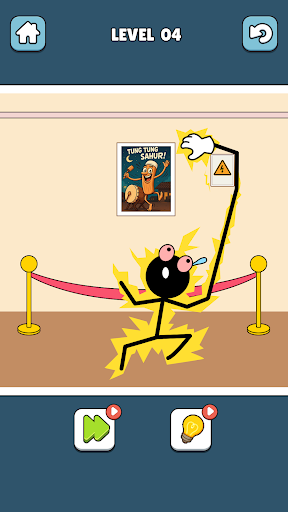
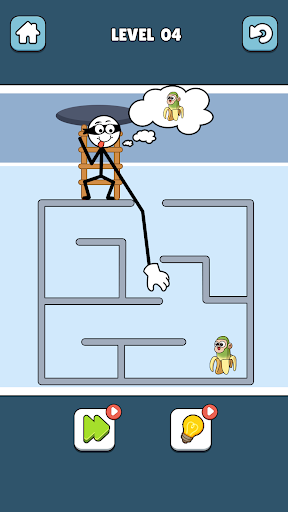
Feeling stressed or bored?
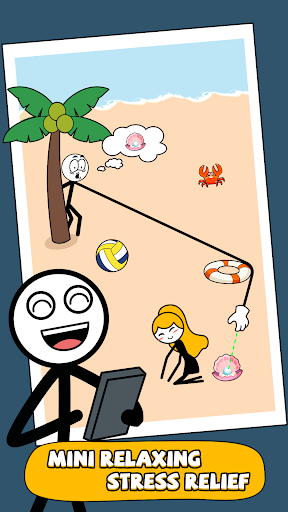
Take a deep breath and dive into Mini Relaxing – Stress Relief, a soothing collection of 25 offline mini games designed to calm your mind, entertain your brain, and help you unwind anytime, anywhere — no WiFi needed!
Play Anywhere, Anytime
Life is full of pressure — but your relaxation shouldn’t wait!
Whether you’re commuting, taking a short break, or lying in bed before sleep, Mini Relaxing brings peace and joy right to your fingertips.
Every mini game loads fast and plays smoothly offline, so you can enjoy instant fun even without an internet connection.
Wherever you are — at home, school, work, or on the road — you can relax your mind and relieve stress anytime, anywhere.
25 Unique Mini Games in One App!
Enjoy endless fun and relaxation with 25 creative, funny, and satisfying challenges:
• THIEF PUZZLE – Use your wits to steal items without getting caught.
• RESCUE LEOPARD – Use your imagination to rescue the trapped leopard with lines!
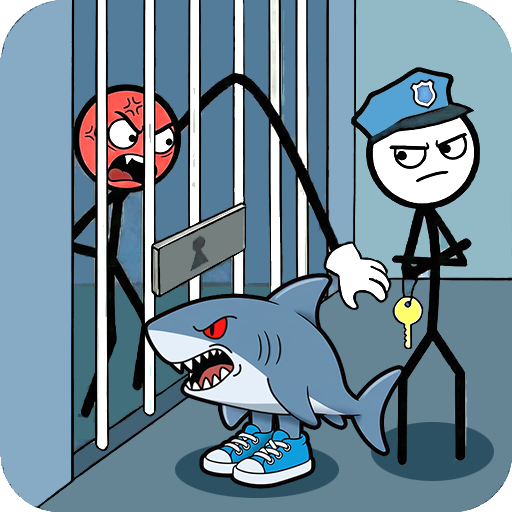
• BEAT THE SHARK – Aim and shoot to defeat the hungry shark!
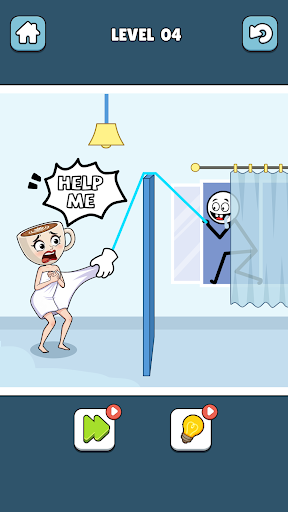
• SAVE STICKMAN – Draw lines to protect the stick figure from harm.
• MAZE JOURNEY – Find a way out of the maze, help the stick man get his stick, help the puppy get his bone, and help the boy go to the toilet.
• LINE PUZZLE – Use your imagination to complete the picture by drawing lines.
• TOILET RUSH – Help the poor guy get to the toilet in time!
• SUGAR COOKIE – Cut the sugar cookie perfectly like a pro.
• KILL ZOMBIE – Use your wits to successfully blow up the zombie with a bomb.
• CAR JAM – Clear the traffic so the main character's car can successfully drive away.
• PARKING – Park like a master!
• BUILD BRIDGE – Assemble and place the perfect bridge to allow the stick man to pass safely and successfully retrieve the stick.
• GUN SIMULATE – Experience weapon shooting and feel the stunning sound effects.
…and many more relaxing and funny mini games waiting for you to discover!
Relax and Train Your Brain
Mini Relaxing isn’t just a game — it’s a mindful playground.
Solve clever puzzles, improve concentration, and enjoy gentle mental stimulation while you unwind.
Every level is designed to balance calmness and creativity, helping you reset your mood without frustration.
It’s perfect for anyone who wants a few minutes of peace, mental clarity, or just a bit of fun after a busy day.
Perfect for Everyone
Whether you’re a kid, student, or adult, Mini Relaxing is made for all ages.
No violence, no competition — just stress-free fun and simple happiness.
Short levels, easy controls, and smooth gameplay make it ideal for casual play or quick relaxation.
Why You’ll Love Mini Relaxing – Stress Relief
• 25 unique offline mini games in one app
• Play anytime, anywhere — no WiFi needed
• Perfect for stress relief and daily relaxation
• Fun, family-friendly, and easy to play
• Free to download with regular updates and new mini games
Download Mini Relaxing – Stress Relief now and start your calm journey!
Relax, smile, and enjoy a pocket world full of relaxing mini games — anytime, anywhere.
Show more

1. Download MEmu installer and finish the setup

2. Start MEmu then open Google Play on the desktop

3. Search Mini Relaxing – Stress Relief in Google Play
Install
4. Download and Install Mini Relaxing – Stress Relief
5. On install completion click the icon to start

6. Enjoy playing Mini Relaxing – Stress Relief on PC with MEmu
MEmu Play is the best Android emulator and 100 million people already enjoy its superb Android gaming experience. The MEmu virtualization technology empowers you to play thousands of Android games smoothly on your PC, even the most graphic-intensive ones.
Bigger screen with better graphics; Long duration, without limitation of battery or mobile data.
Full Keymapping support for precise control of keyboard and mouse or gamepad.
Multiple game accounts or tasks on single PC at one time with Multi-Instance manager.
Play Mini Relaxing – Stress Relief on PC by following steps: