Tomb Raider Reloaded
Updated
Current Version
0.11.0
Offered By

With your passion for Tomb Raider Reloaded, you shouldn’t have to limit yourself to the small screen of a phone. Play like a pro and take full control of the game using a keyboard and mouse. MEmu gives you everything you’re looking for. Download and play Tomb Raider Reloaded on PC. Play as long as you want — no more worries about battery life, mobile data, or unexpected calls. The all-new MEmu 9 is the best way to play Tomb Raider Reloaded on PC. With our expertly designed keymapping system, Tomb Raider Reloaded feels just like a real PC game. The MEmu multi-instance manager lets you run two or more accounts on the same device at the same time. Most importantly, our exclusive emulation engine unlocks your PC’s full potential, delivering smooth and seamless performance.
Show more
Download Tomb Raider Reloaded on PC with MEmu Android Emulator. Enjoy playing on big screen. Tomb Raider blasts onto mobile.
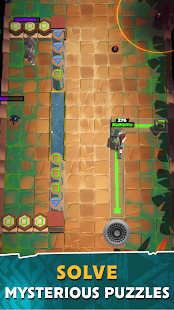
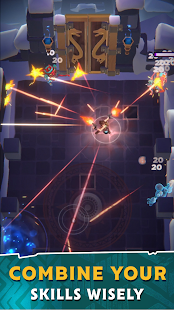
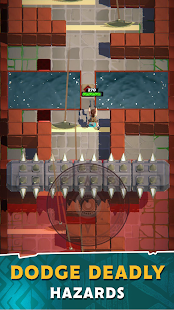
Tomb Raider blasts onto mobile. Play as the legendary Lara Croft like you’ve never seen her before!
Inspired by the original Tomb Raider games, wield Lara’s iconic twin-pistols and get ready for a globetrotting adventure!
Travel through the golden arch-shaped doors of the treacherous underground tombs, across hazardous mountain caves, flourishing jungles and lush waterfalls.
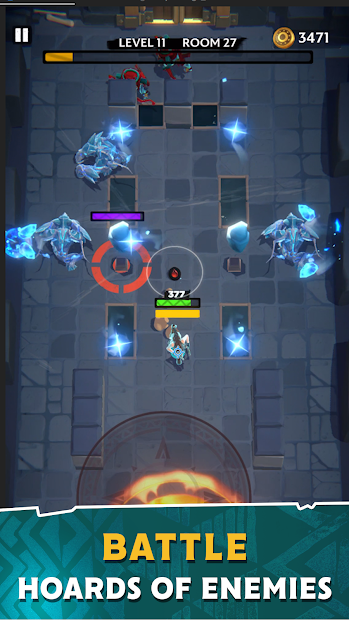
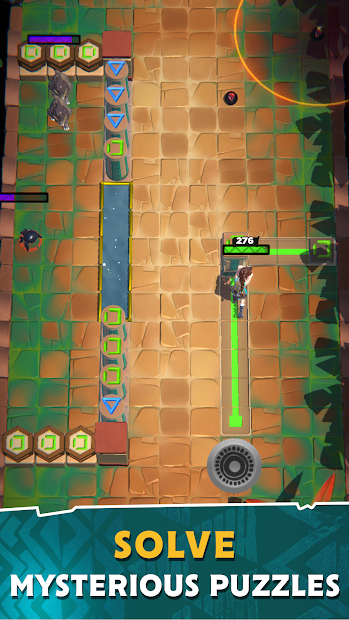
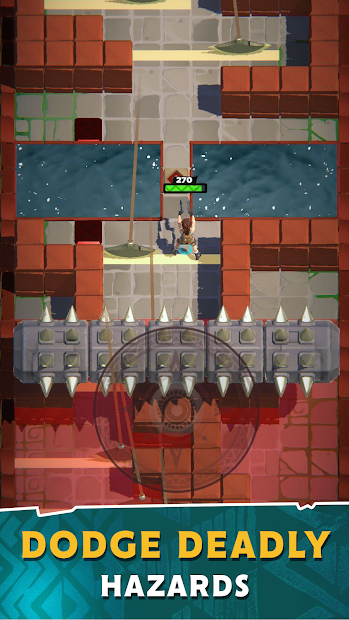
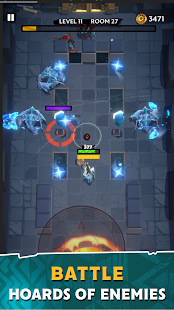
On your quest you’ll avoid hidden traps, discover ancient relics, solve a wide variety of puzzles and face off against different enemies and bosses (is that a T-Rex I hear!?) both new and familiar to the Tomb Raider series including bloodthirsty wolves, poisonous snakes, fearsome golems and magical elemental creatures!
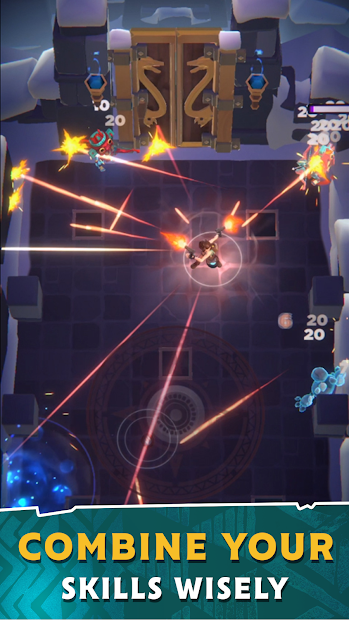
Gameplay features roguelike and procedurally generated stages for a new and varied experience with every run. As you progress through each level, you’ll be able to stack abilities and perks such as piercing shots, experience boosts, grenade throws and arch shots for more powerful attacks, quicker character leveling and a wider range of damage.
Dropping to a knee after an epic run doesn’t signal the end! You’ll be awarded a trove of coins and experience points to upgrade Lara’s outfits and weapons, increasing your base attack and HP stats.
Additional Features:
• Stylized cartoon visuals that reimagine Tomb Raider in ways you’ve never seen before
• An original orchestral soundtrack with reworked classic scores that pay homage to Tomb Raider’s iconic legacy
• Trademark Lara Croft actions: see Lara shoot, run, jump and handstand in classic Croft fashion
• Stumble upon collectables and unlockables including relics that provide increased damage and healing stats and blueprints that let you craft powerful new weapons, such as shotguns and mystical staffs
Gear up for the raid by visiting:
Facebook – Facebook.com/tombraiderreloaded
Show more

1. Download MEmu installer and finish the setup

2. Start MEmu then open Google Play on the desktop

3. Search Tomb Raider Reloaded in Google Play
Install
4. Download and Install Tomb Raider Reloaded
5. On install completion click the icon to start

6. Enjoy playing Tomb Raider Reloaded on PC with MEmu
MEmu Play is the best Android emulator and 100 million people already enjoy its superb Android gaming experience. The MEmu virtualization technology empowers you to play thousands of Android games smoothly on your PC, even the most graphic-intensive ones.
Bigger screen with better graphics; Long duration, without limitation of battery or mobile data.
Full Keymapping support for precise control of keyboard and mouse or gamepad.
Multiple game accounts or tasks on single PC at one time with Multi-Instance manager.
Play Tomb Raider Reloaded on PC by following steps: