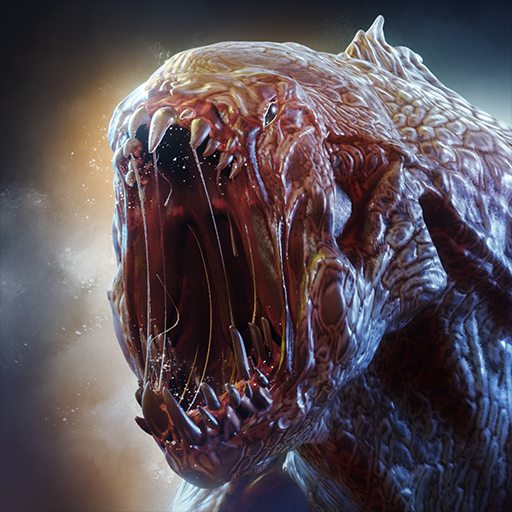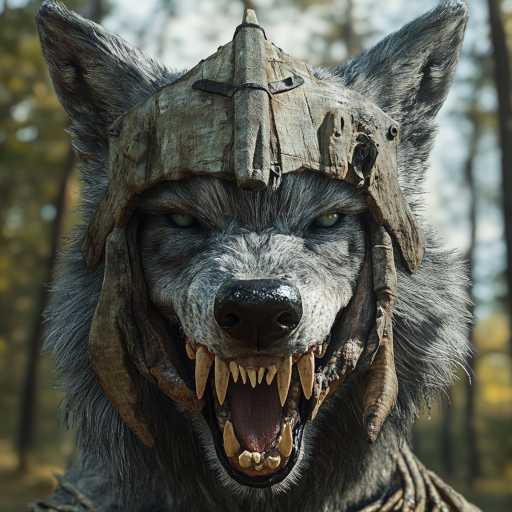
The Wolf
Updated
Current Version
3.6.2
Offered By

With your passion for The Wolf, you shouldn’t have to limit yourself to the small screen of a phone. Play like a pro and take full control of the game using a keyboard and mouse. MEmu gives you everything you’re looking for. Download and play The Wolf on PC. Play as long as you want — no more worries about battery life, mobile data, or unexpected calls. The all-new MEmu 9 is the best way to play The Wolf on PC. With our expertly designed keymapping system, The Wolf feels just like a real PC game. The MEmu multi-instance manager lets you run two or more accounts on the same device at the same time. Most importantly, our exclusive emulation engine unlocks your PC’s full potential, delivering smooth and seamless performance.
Show more
Download The Wolf on PC with MEmu Android Emulator. Enjoy playing on big screen. Dive into the world of wild wolves and live your life as one of them!
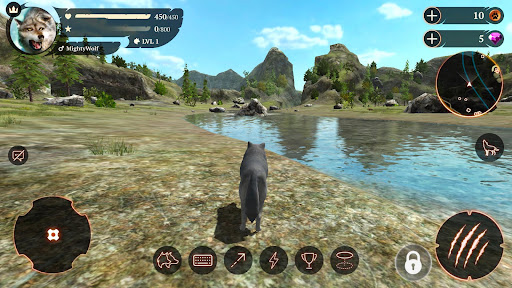
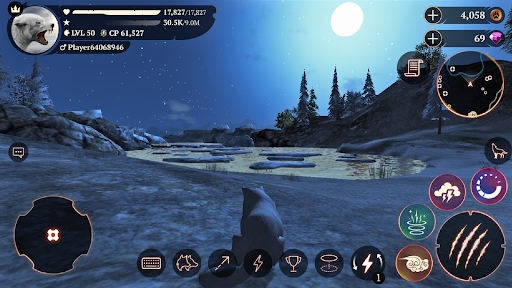
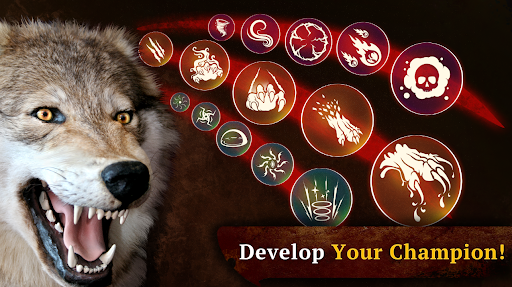
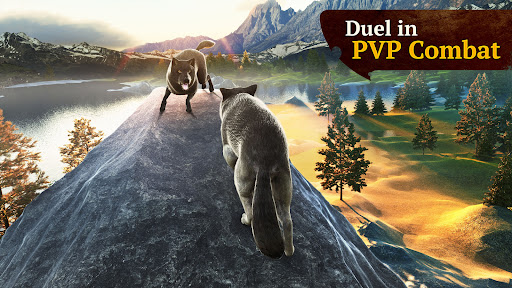
Dive into the world of wild wolves and live your life as one of them! The wolf RPG on mobile is finally here. Explore the amazing environment, develop your character and upgrade your skills to become the Alpha of your pack! You can try your strength in one of two modes: CO-OP or PVP - everything in Online Real-Time Multiplayer. Play with people from all over the World!
ONLINE MULTIPLAYER SIMULATOR
Compete with players from all around the World! The wilderness is never empty. Meet other wolves in real time and conquer the forest!
PLAY WITH FRIENDS
Join your friends and family in game! You can now easily create your own team and play together. Keeping in touch is easy thanks to the friends list and chat options.
CHARACTER CUSTOMIZATION
Are you a mighty Gray Wolf? A Dhole Wolf? Or maybe a mysterious Black Wolf resembles you the most? Choose your favorite and create your unique character!
RPG SYSTEM
You are the king of your own destiny! There is no imposed path to follow in this simulator. Decide which attributes to develop and which skills to upgrade to become the Alpha of the pack!
REALISTIC 3D GRAPHICS
Enjoy the stroll around the map and admire the stunning environment! Starting from your den all the way to the mountains and streams, the high-end graphics make the game incredibly pleasant. Don’t the animals look realistic? Try and chase them all!
VARIOUS GAME MODES
Hunting mode lets you explore the map while searching for prey: from rats and rabbits, through does, foxes and racoons, all the way to bisons and bulls. Cooperate with other players to fight the strongest opponents! If you need a bigger thrill, join the Battle Arena mode - you will be teamed up with other wolves to compete with another pack. This means war!
Show more

1. Download MEmu installer and finish the setup

2. Start MEmu then open Google Play on the desktop

3. Search The Wolf in Google Play
Install
4. Download and Install The Wolf
5. On install completion click the icon to start

6. Enjoy playing The Wolf on PC with MEmu
MEmu Play is the best Android emulator and 100 million people already enjoy its superb Android gaming experience. The MEmu virtualization technology empowers you to play thousands of Android games smoothly on your PC, even the most graphic-intensive ones.
Bigger screen with better graphics; Long duration, without limitation of battery or mobile data.
Full Keymapping support for precise control of keyboard and mouse or gamepad.
Multiple game accounts or tasks on single PC at one time with Multi-Instance manager.
Play The Wolf on PC by following steps: