Traffic Cop Simulator 3D
Updated
Current Version
16.1.3
Offered By

With your passion for Traffic Cop Simulator 3D, you shouldn’t have to limit yourself to the small screen of a phone. Play like a pro and take full control of the game using a keyboard and mouse. MEmu gives you everything you’re looking for. Download and play Traffic Cop Simulator 3D on PC. Play as long as you want — no more worries about battery life, mobile data, or unexpected calls. The all-new MEmu 9 is the best way to play Traffic Cop Simulator 3D on PC. With our expertly designed keymapping system, Traffic Cop Simulator 3D feels just like a real PC game. The MEmu multi-instance manager lets you run two or more accounts on the same device at the same time. Most importantly, our exclusive emulation engine unlocks your PC’s full potential, delivering smooth and seamless performance.
Show more
Download Traffic Cop Simulator 3D on PC with MEmu Android Emulator. Enjoy playing on big screen. Traffic Cop Simulator 3D - the Best Simulator of Police Traffic Officer!
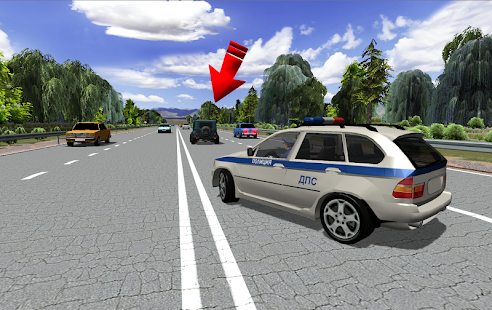
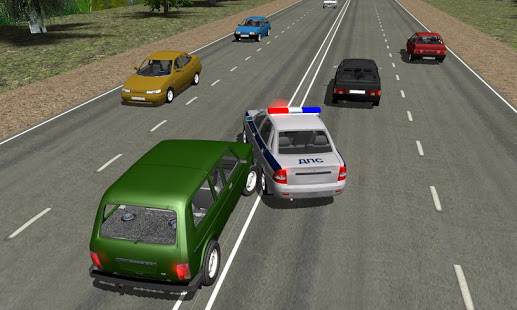
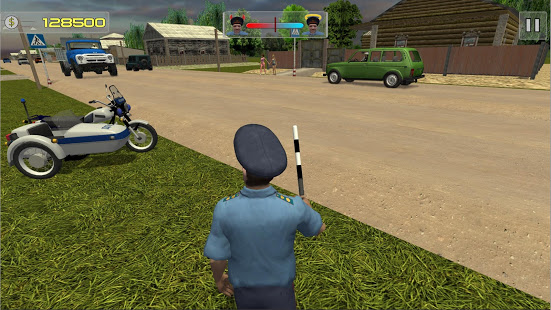
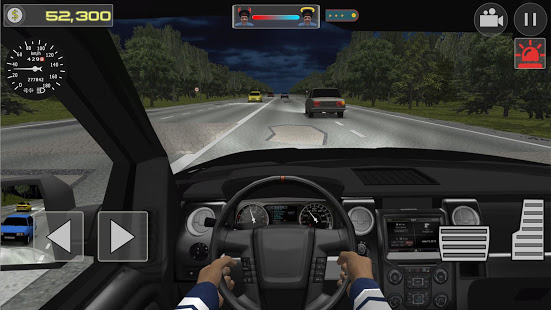
Traffic Cop Simulator 3D - the Best Simulator of Police Traffic Officer!
Try on the role of the traffic policeman! Stop the drivers and traffic offenders, write out fines, go to the hot pursuits and chases, but do not forget to do other common chores that traffic cop are used to handle every day.
Improve your character and raise it to the best rank! Like any traffic policeman you have two ways: legal and illegal ones. It is possible to strictly penalize offenders who fail to comply with traffic rules, so at the next inspection your work will be evaluated by the authorities and your status will be improved. Also you can cheat a little and begin to take bribes. Only you can decide which way to go: the right and long, or dishonest, but fast.
Features:
- Exciting police chases for traffic offenders
- More than 14 traffic police cars, including Soviet and foreign cars
- Ranks system: go through the way from private to police marshal
- Discover the life of traffic policeman within: get paid, get ready for the inspection of the authorities
- Three types of the vehicle control
- Day and night game modes
- Weather changes: check your skill in the summer on the hot highway, and in the winter on a snowy road
- Full realism of the traffic police crew - from the headlamps of car to the police siren
- Free choice of traffic cop shapes: from the usual summer to winter camouflage
- Unique patrol mode. Go to the open world, watch the streets and catch offenders
- Advanced Artificial Intelligence System: call on the incident in the patrol mode, live mate, fuel consumption in real-time
- Realistic physics engine: damage system of your patrol car, speedometer and refueling control
Love the hot police pursuits and chases? Always wanted to take a role of Traffic policeman? Then Traffic Cop Simulator 3D - your choice!
Show more

1. Download MEmu installer and finish the setup

2. Start MEmu then open Google Play on the desktop

3. Search Traffic Cop Simulator 3D in Google Play
Install
4. Download and Install Traffic Cop Simulator 3D
5. On install completion click the icon to start

6. Enjoy playing Traffic Cop Simulator 3D on PC with MEmu
MEmu Play is the best Android emulator and 100 million people already enjoy its superb Android gaming experience. The MEmu virtualization technology empowers you to play thousands of Android games smoothly on your PC, even the most graphic-intensive ones.
Bigger screen with better graphics; Long duration, without limitation of battery or mobile data.
Full Keymapping support for precise control of keyboard and mouse or gamepad.
Multiple game accounts or tasks on single PC at one time with Multi-Instance manager.
Play Traffic Cop Simulator 3D on PC by following steps:














































