Bullet Echo
Updated
Current Version
7.11.1
Offered By

With your passion for Bullet Echo, you shouldn’t have to limit yourself to the small screen of a phone. Play like a pro and take full control of the game using a keyboard and mouse. MEmu gives you everything you’re looking for. Download and play Bullet Echo on PC. Play as long as you want — no more worries about battery life, mobile data, or unexpected calls. The all-new MEmu 9 is the best way to play Bullet Echo on PC. With our expertly designed keymapping system, Bullet Echo feels just like a real PC game. The MEmu multi-instance manager lets you run two or more accounts on the same device at the same time. Most importantly, our exclusive emulation engine unlocks your PC’s full potential, delivering smooth and seamless performance.
Show more
Download Bullet Echo on PC with MEmu Android Emulator. Enjoy playing on big screen. Like action shooters?
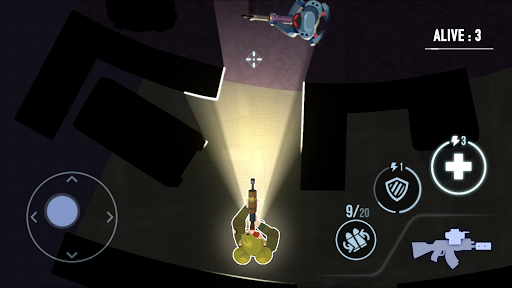
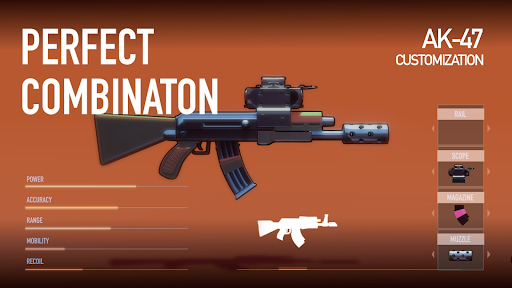
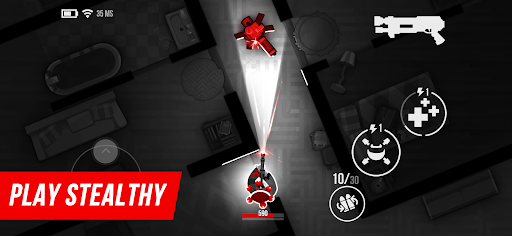
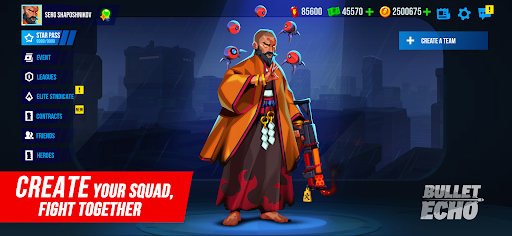
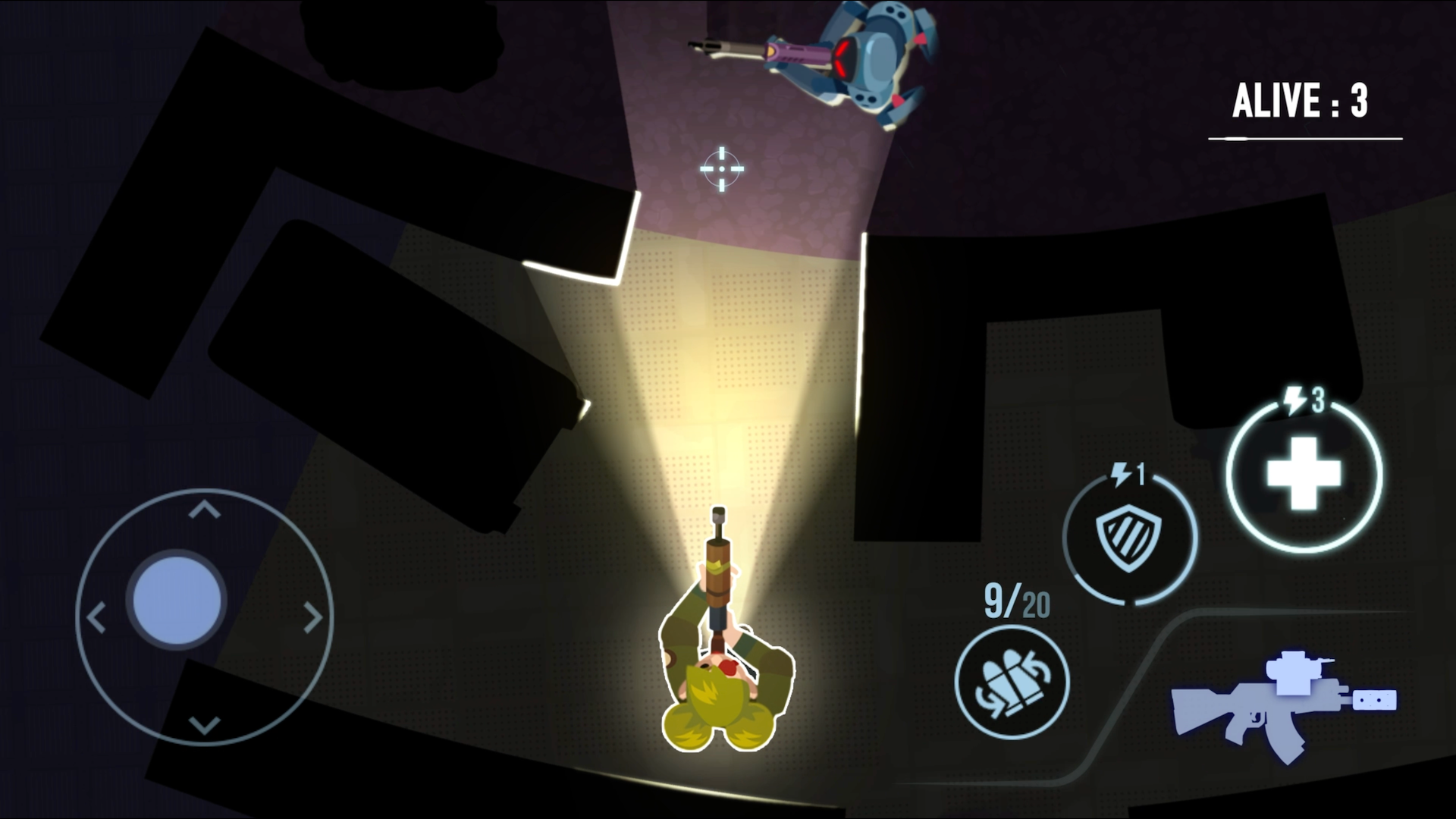
Like action shooters? Bullet Echo is an exciting PvP tactical top-down shooter. Use stealth, team up, and shoot to win in this shooting game with multiplayer!
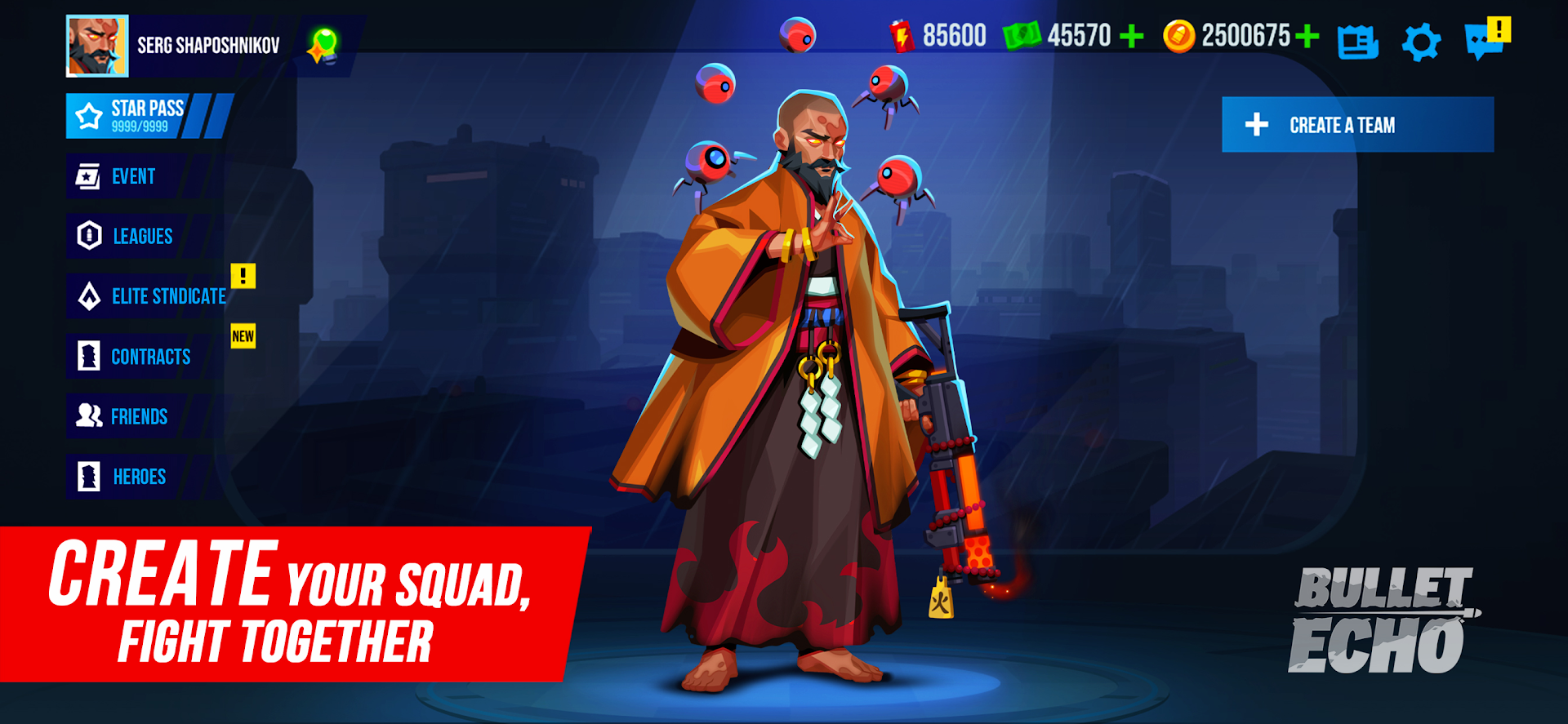
Choose from dozens of different heroes with unique play styles, guns and abilities.
Unite with friends, set a strategy, and be the last team standing when the battle ends!
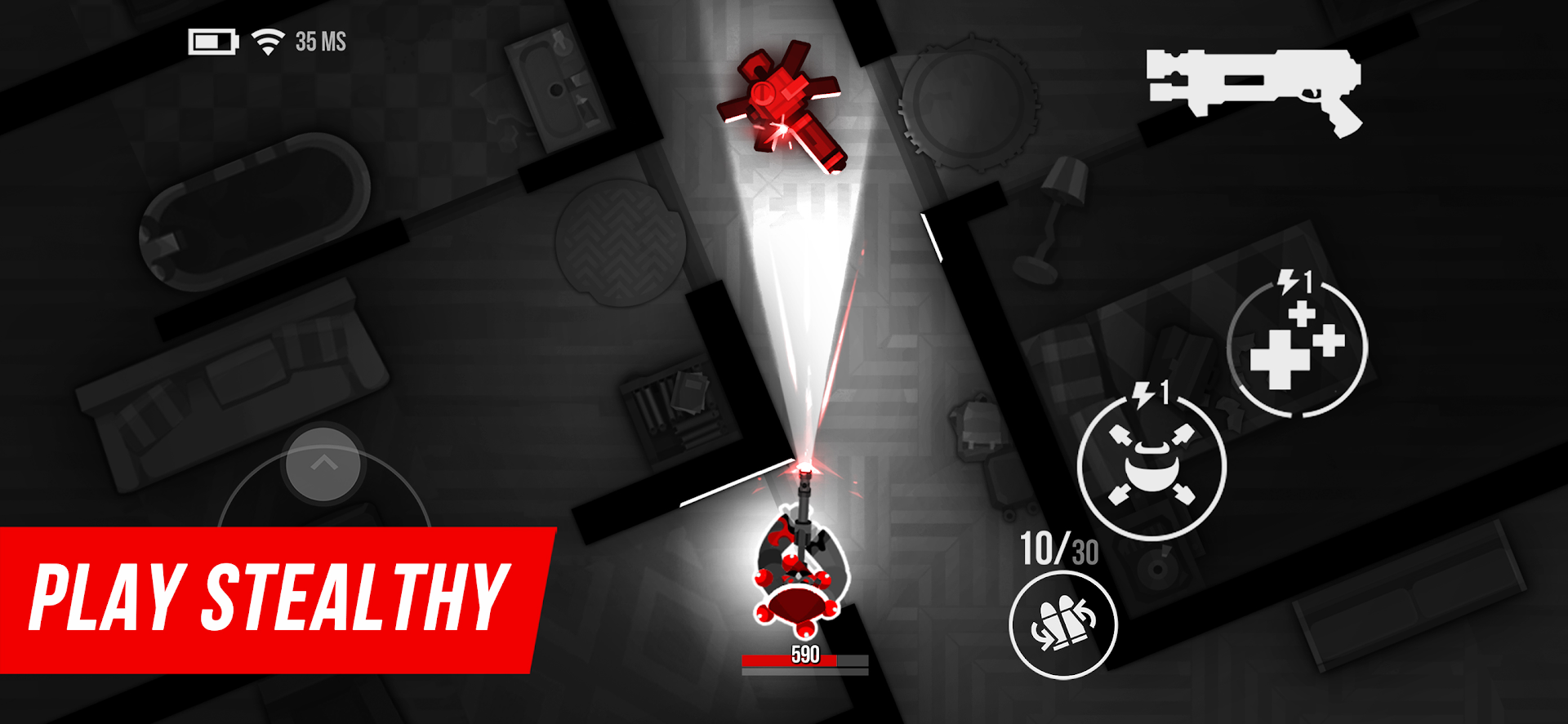
- UNIQUE TACTICAL STEALTH ACTION: Your vision is limited by the beam of a flashlight, but you can hear enemies' steps and shots.
- DESIGNED FOR TEAM PLAY: Start playing with friends online right away! The level of your hero is matched with the highest level in the party.
- MULTIPLE GAME MODES: Team vs Team, Solo and Battle Royale mode with 5 small teams on one map.
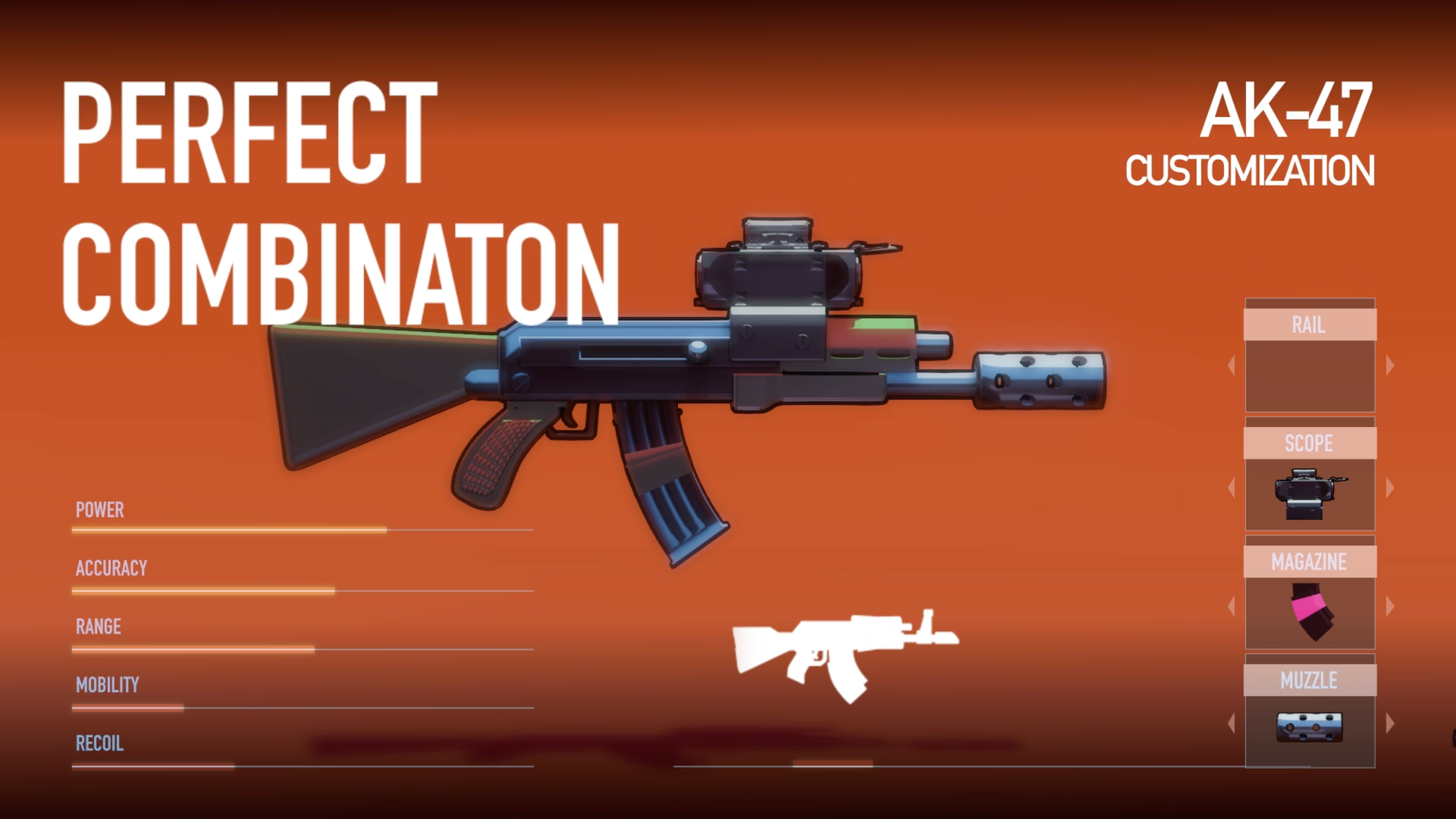
- UNLOCK AND UPGRADE NEW HEROES: Each hero has a unique set of abilities. Rank up to boost your hero's power and unlock new iguns perks.
- BE ON TOP: Participate in championships, accomplish missions, and receive valuable resources, mastering the art of CQB and precise bullet control.
- GET REWARDS: Fight to unlock new heroes with unique guns, new perks, maps and game modes!
From the creators of Cut the Rope.
Join our official Discord server to connect with other players and share your Bullet Echo tactics: https://discord.gg/u4ApPB7
Bullet Echo is free to download and play, however, some in-game items can be purchased for real money, including randomised items.
_____________________________________________________________________________
SUBSCRIPTION "GIFTS OF TECHNOLOGY"
Subscribe to “Gifts of Technology” and unlock premium benefits in Bullet Echo!
Gain access to exclusive perks from day one:
– +50% Bonus Kitty Bank Reward in the Vault Event;
– Random hero motivated for free every week, starting immediately;
– 10 Technology Tokens daily via free chests;
– Access the Technology store section with exclusive roulettes and offers;
– +20% bonus Festival Special Resource gain;
– +20% more Mimic Eyes in the Mimic Hunt event;
– Unique nickname effect to stand out.
Choose between two subscription options:
$5/week or $10/month (prices may vary by region).
If you subscribe via the Google Play, your account will be charged on confirmation. Subscriptions auto-renew unless turned off at least 24 hours before the current period ends.
You can disable auto-renewal anytime in your Google Play settings. Active subscriptions cannot be canceled mid-period. No subscription? No problem — you can still play Bullet Echo for free.
_____________________________________________________________________________
Terms of Use: https://www.zeptolab.com/terms
Privacy Policy: https://www.zeptolab.com/privacy
Show more

1. Download MEmu installer and finish the setup

2. Start MEmu then open Google Play on the desktop

3. Search Bullet Echo in Google Play
Install
4. Download and Install Bullet Echo
5. On install completion click the icon to start

6. Enjoy playing Bullet Echo on PC with MEmu
MEmu Play is the best Android emulator and 100 million people already enjoy its superb Android gaming experience. The MEmu virtualization technology empowers you to play thousands of Android games smoothly on your PC, even the most graphic-intensive ones.
Bigger screen with better graphics; Long duration, without limitation of battery or mobile data.
Full Keymapping support for precise control of keyboard and mouse or gamepad.
Multiple game accounts or tasks on single PC at one time with Multi-Instance manager.
Play Bullet Echo on PC by following steps: