Cryptogram Letters and Numbers
Updated
Current Version
3.3.3
Offered By

With your passion for Cryptogram Letters and Numbers, you shouldn’t have to limit yourself to the small screen of a phone. Play like a pro and take full control of the game using a keyboard and mouse. MEmu gives you everything you’re looking for. Download and play Cryptogram Letters and Numbers on PC. Play as long as you want — no more worries about battery life, mobile data, or unexpected calls. The all-new MEmu 9 is the best way to play Cryptogram Letters and Numbers on PC. With our expertly designed keymapping system, Cryptogram Letters and Numbers feels just like a real PC game. The MEmu multi-instance manager lets you run two or more accounts on the same device at the same time. Most importantly, our exclusive emulation engine unlocks your PC’s full potential, delivering smooth and seamless performance.
Show more
Download Cryptogram Letters and Numbers on PC with MEmu Android Emulator. Enjoy playing on big screen. Cryptogram – The Ultimate Crossword Puzzle Challenge!
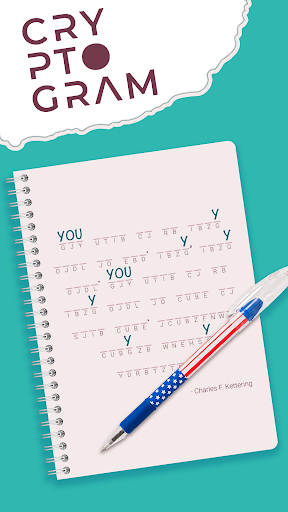
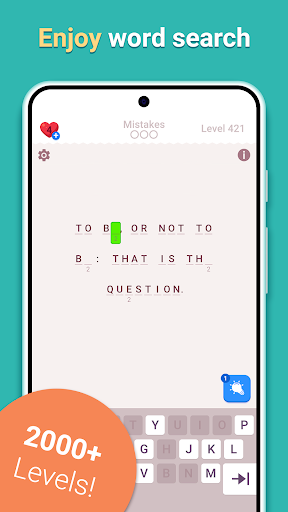
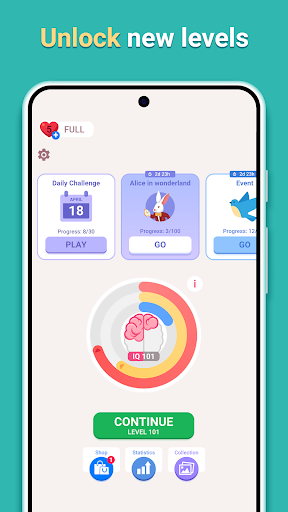
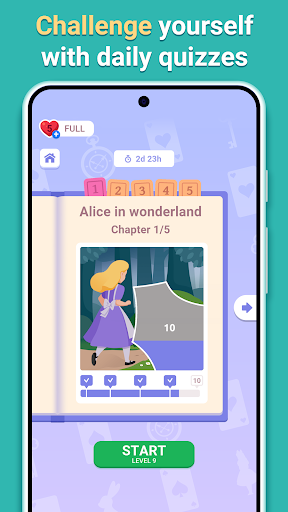
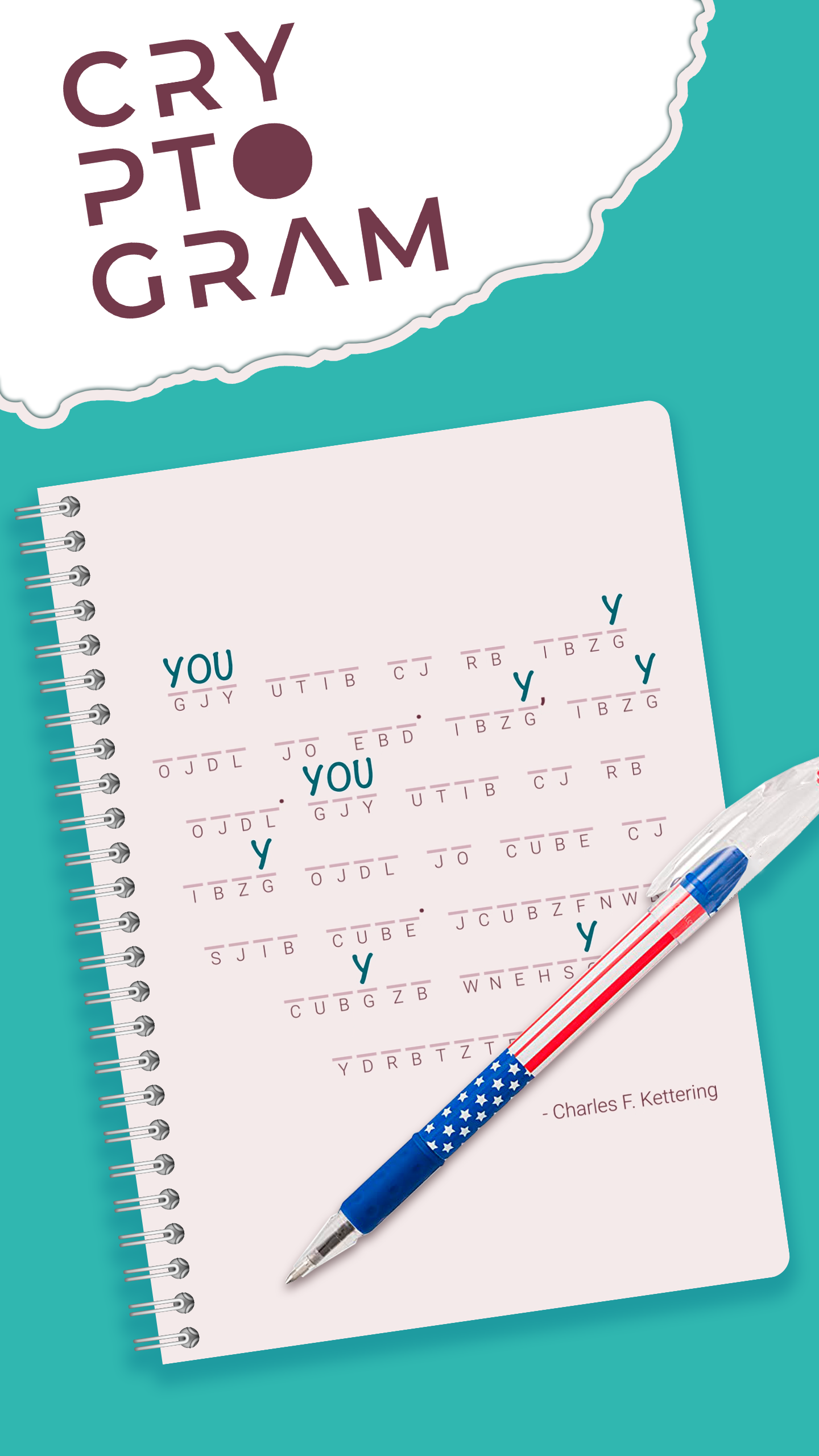
Cryptogram – The Ultimate Crossword Puzzle Challenge! Decode, Think & Win!
Do you love crossword puzzles, word puzzles, and logic puzzles? Then Cryptogram is the perfect game for you! Here, you’ll solve encrypted phrases, uncover hidden meanings, and sharpen your brain like never before. If you enjoy crosswords, then get ready for a new kind of challenge! Cryptogram is more than just a puzzle game – it's an adventure that pushes the boundaries of your mind. With each solved cryptogram, you’re not just unlocking answers, you’re unlocking your potential.
Each day brings new daily puzzles to test your skills. Your task is to search for letter connections, replace symbols with correct letters, and unlock famous quotes. The more you play, the better your brain gets at recognizing patterns and solving crossword puzzles faster! And don't forget, each puzzle is designed to be both fun and rewarding. Whether you are a beginner or a seasoned puzzle solver, Cryptogram will keep you engaged and mentally sharp.
What Awaits You in the Game?
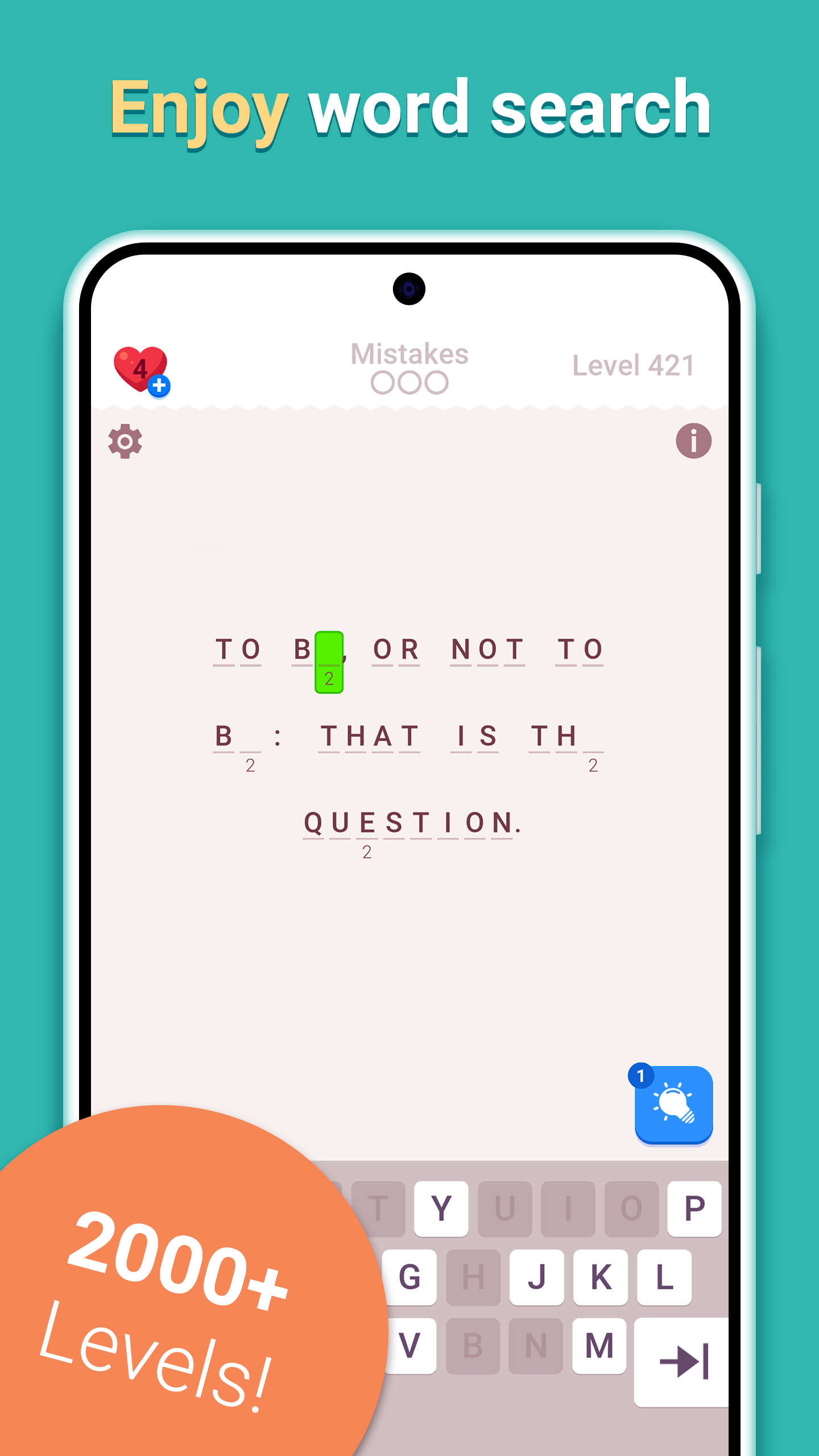
Unique Ciphers – Solve engaging crossword puzzles and crack hidden messages.
Brain-Boosting Challenges – Improve your thinking with fun word puzzles.
Increasing Difficulty – Start with simple logic puzzles and progress to tougher challenges.
Relaxing Gameplay – Enjoy distraction-free daily puzzle solving.
Master the Art of Connections – Train your brain by finding the right letter connections!
How to Play?
- Receive an encrypted phrase from our daily puzzle collection.
- Use your search skills to find the right letter connections.
- Decode famous quotes, sayings, and tricky word puzzles.
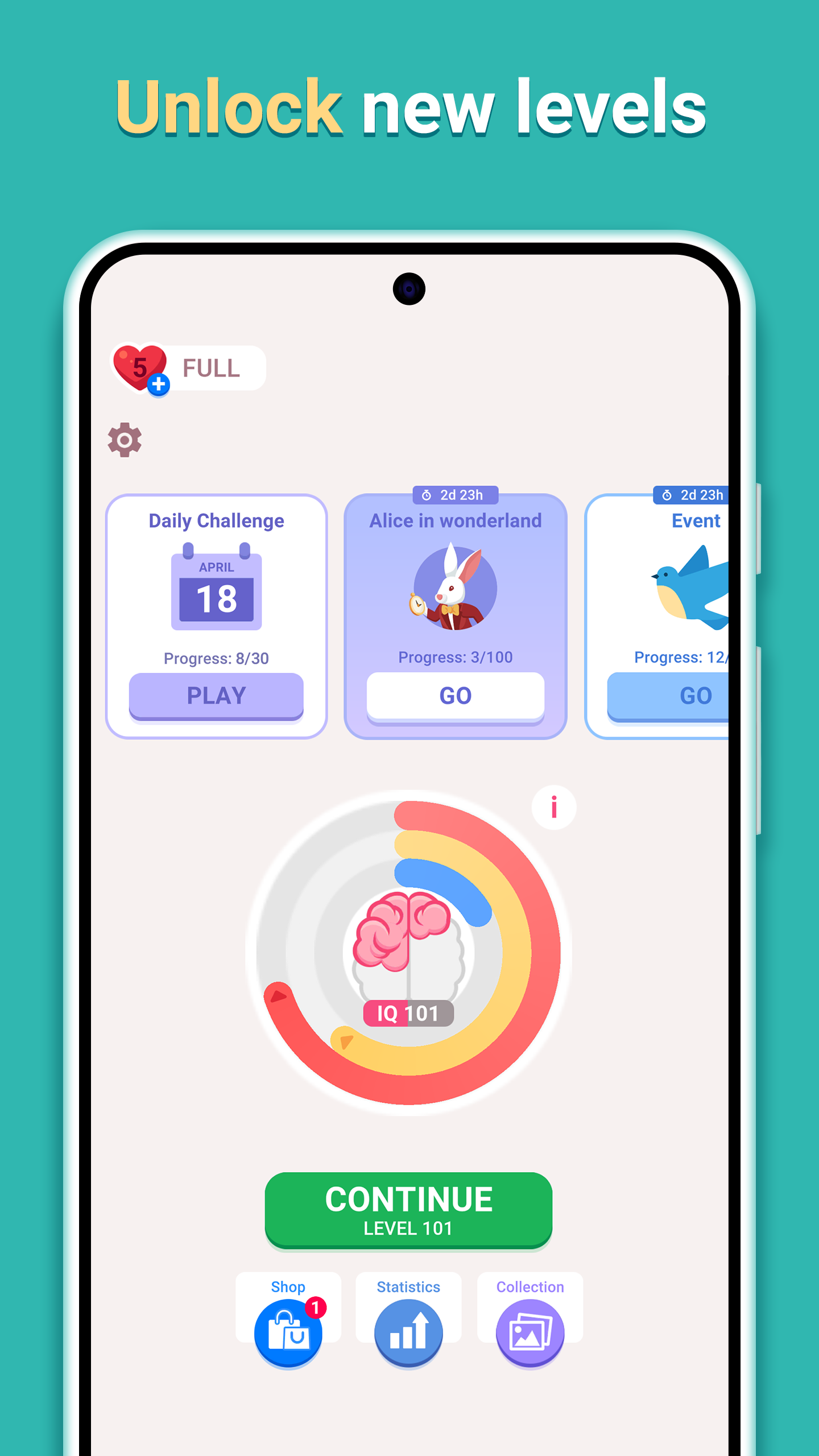
- Unlock new levels of logic puzzles and keep your brain sharp!
Every solved cryptogram is more than just a win. It’s a powerful brain exercise that improves memory, enhances problem-solving, and strengthens logical thinking. By solving crossword puzzles and recognizing word connections, you boost your intelligence and sharpen your focus. Plus, it’s a perfect way to relax with daily mental challenges! Not only will you become better at solving puzzles, but you’ll also find that your mind becomes sharper and more alert in everyday life. It’s amazing how these mental exercises can improve your overall thinking skills, creativity, and focus.
As you progress through the game, you’ll unlock new levels, each one more challenging than the last. Whether you’re enjoying a few minutes of relaxation or looking to test your limits, Cryptogram offers endless entertainment and a great workout for your brain. Each puzzle you solve brings you one step closer to becoming a true cryptogram master.
Love crosswords? Then you’ll love Cryptogram! Download now and become a master of word puzzles and logic puzzles!
Show more

1. Download MEmu installer and finish the setup

2. Start MEmu then open Google Play on the desktop

3. Search Cryptogram Letters and Numbers in Google Play
Install
4. Download and Install Cryptogram Letters and Numbers
5. On install completion click the icon to start

6. Enjoy playing Cryptogram Letters and Numbers on PC with MEmu
MEmu Play is the best Android emulator and 100 million people already enjoy its superb Android gaming experience. The MEmu virtualization technology empowers you to play thousands of Android games smoothly on your PC, even the most graphic-intensive ones.
Bigger screen with better graphics; Long duration, without limitation of battery or mobile data.
Full Keymapping support for precise control of keyboard and mouse or gamepad.
Multiple game accounts or tasks on single PC at one time with Multi-Instance manager.
Play Cryptogram Letters and Numbers on PC by following steps:










































![[3D Platformer] Super Bear Adventure PC](https://dl.memuplay.com/new_market/img/com.Earthkwak.Platformer.icon.2024-09-08-15-16-43.png)









