Dancing Cat 3: Cute Music Game
Updated
Current Version
1.4.7
Offered By

With your passion for Dancing Cat 3: Cute Music Game, you shouldn’t have to limit yourself to the small screen of a phone. Play like a pro and take full control of the game using a keyboard and mouse. MEmu gives you everything you’re looking for. Download and play Dancing Cat 3: Cute Music Game on PC. Play as long as you want — no more worries about battery life, mobile data, or unexpected calls. The all-new MEmu 9 is the best way to play Dancing Cat 3: Cute Music Game on PC. With our expertly designed keymapping system, Dancing Cat 3: Cute Music Game feels just like a real PC game. The MEmu multi-instance manager lets you run two or more accounts on the same device at the same time. Most importantly, our exclusive emulation engine unlocks your PC’s full potential, delivering smooth and seamless performance.
Show more
Download Dancing Cat 3: Cute Music Game on PC with MEmu Android Emulator. Enjoy playing on big screen. Dancing Cats 3: Rhythm Tiles — Feel the Beat, Meow to the Music!
Dancing Cats 3: Rhythm Tiles — Feel the Beat, Meow to the Music!
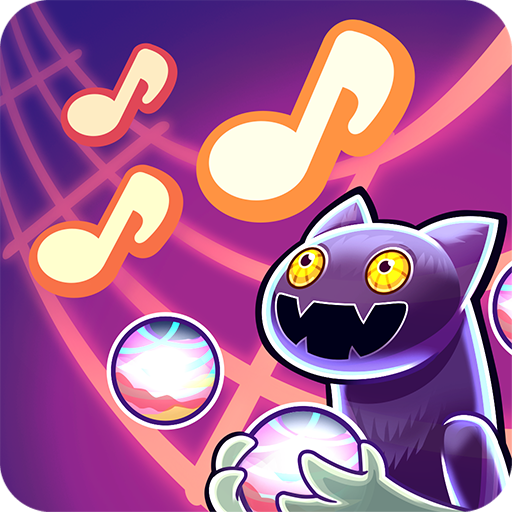
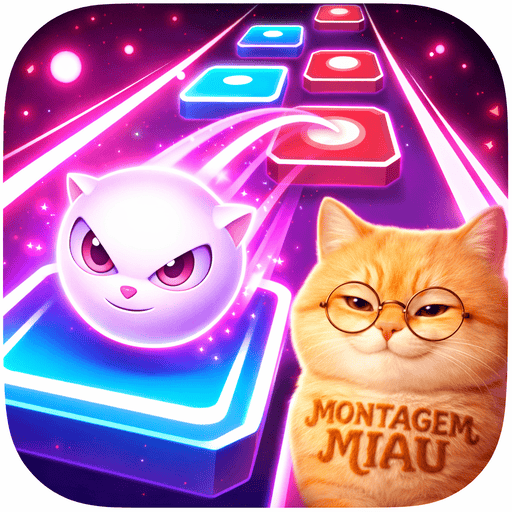
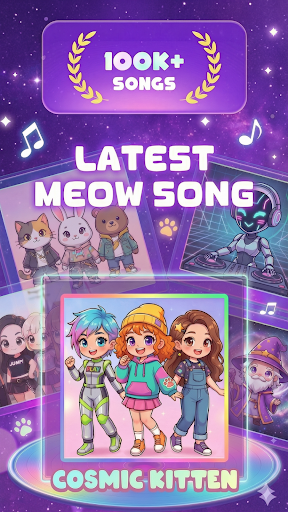
Dive into a world where music games meet ultimate cuteness! In Dancing Cats 3, every tap, slide, and purr syncs perfectly with your favorite tracks. Feel the energy of Pop, Kpop, EDM, and trending "Meow Meow" songs as your magical cat dashes across glowing music tiles.
Whether you love upbeat Pop anthems or calming meow melodies , you’ll find your groove here with your adorable feline friends!
Gameplay You’ll Love
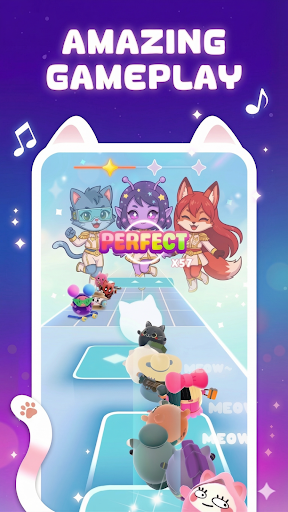
• Hold & Drag your cat character to steer it.
• Hit every tile on the rhythm path — miss one, and your kitty will stumble!
• Synchronize your movements with the beat and score high combos to create enchanting melodies.
• Complete songs to collect gold and unlock new magical cats!
Key Features
Massive Meow Music Library
Get down to an expanding playlist of Pop, Kpop, and EDM tracks, all uniquely mixed with "Meow Meow" vocals and soothing piano tunes. Every level is a new meow-sical party!
Endless Cute Cat Collection
Choose from a charming cast of adorable cat characters, each behaving like your own music ball and hopping across the tiles. From pop star cats to magical kitties with unique animations, collect them all!
Stunning Visual Effects
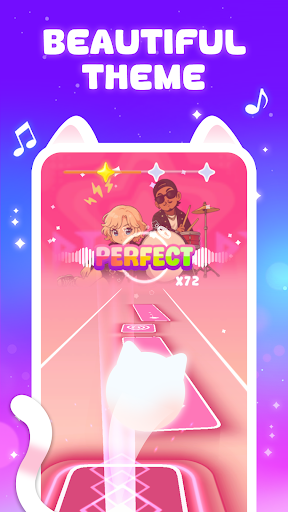
Immerse yourself in a world of vibrant colors and mesmerizing animations. Watch your cute cat tiles glow with every successful tap. Each level reacts to the rhythm of the music!
⭐ Easy One-Touch Controls
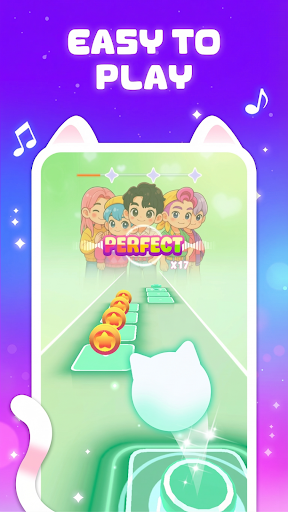
Simple to play, hard to master! perfectly designed for quick, satisfying play sessions — no tutorial needed to have fun games!
Dynamic Level Challenges
Dash through beautifully designed environments, from sparkling cities to serene sakura gardens. Every song brings new tile patterns, speeds, and surprises to challenge your reflexes!
No Wifi Games? No Problem! Enjoy Dancing Cats 2 anytime, anywhere. It's one of the best offline games and free games you'll find, ready for endless rhythm enjoyment.
Why You’ll Love Dancing Cats 3:
A seamless blend of cute games and challenging music gameplay that feels instantly rewarding.
Relaxing to unwind, thrilling to test your reflexes — perfect for any mood.
Constantly updated with new trending songs, special events, and new cat characters.
Let the Meow Meow Symphony Begin!
Every jump you make keeps the beat alive. Guiding your favorite cat games characters through exciting levels makes rhythm come alive right under your paws!
So put on your headphones, find your groove, and download for FREE today to jump into the music! Let the magic cats rush begin!
Show more

1. Download MEmu installer and finish the setup

2. Start MEmu then open Google Play on the desktop

3. Search Dancing Cat 3: Cute Music Game in Google Play
Install
4. Download and Install Dancing Cat 3: Cute Music Game
5. On install completion click the icon to start

6. Enjoy playing Dancing Cat 3: Cute Music Game on PC with MEmu
MEmu Play is the best Android emulator and 100 million people already enjoy its superb Android gaming experience. The MEmu virtualization technology empowers you to play thousands of Android games smoothly on your PC, even the most graphic-intensive ones.
Bigger screen with better graphics; Long duration, without limitation of battery or mobile data.
Full Keymapping support for precise control of keyboard and mouse or gamepad.
Multiple game accounts or tasks on single PC at one time with Multi-Instance manager.
Play Dancing Cat 3: Cute Music Game on PC by following steps: