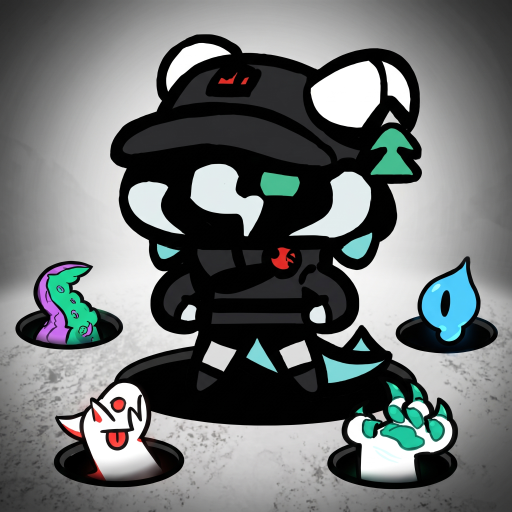
Defense Service
Updated
Current Version
Offered By

With your passion for Defense Service, you shouldn’t have to limit yourself to the small screen of a phone. Play like a pro and take full control of the game using a keyboard and mouse. MEmu gives you everything you’re looking for. Download and play Defense Service on PC. Play as long as you want — no more worries about battery life, mobile data, or unexpected calls. The all-new MEmu 9 is the best way to play Defense Service on PC. With our expertly designed keymapping system, Defense Service feels just like a real PC game. The MEmu multi-instance manager lets you run two or more accounts on the same device at the same time. Most importantly, our exclusive emulation engine unlocks your PC’s full potential, delivering smooth and seamless performance.
Show more
Download Defense Service on PC with MEmu Android Emulator. Enjoy playing on big screen. A dimensional rift has opened.
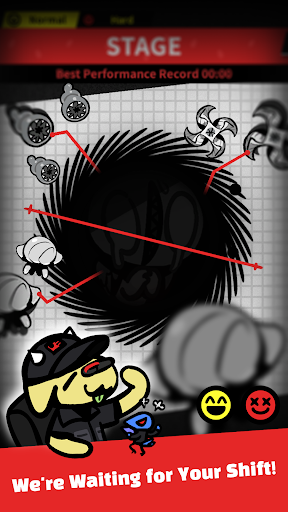
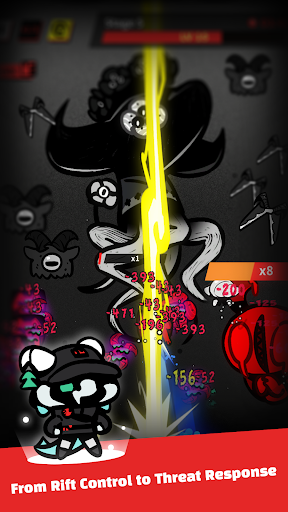
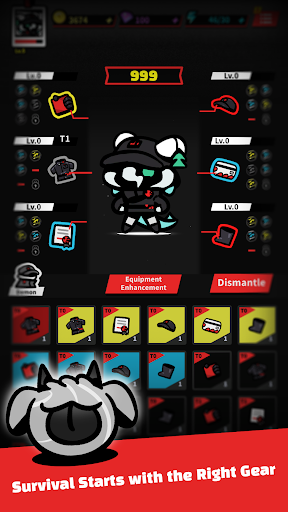
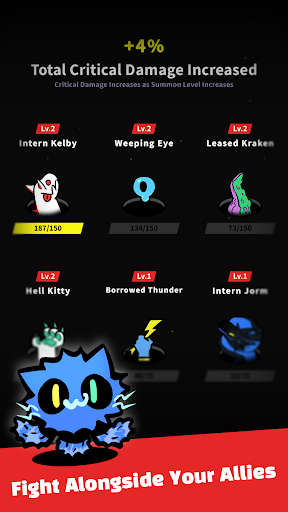
A dimensional rift has opened.
Stop the endless waves of hostile entities and defend a world on the verge of collapse!
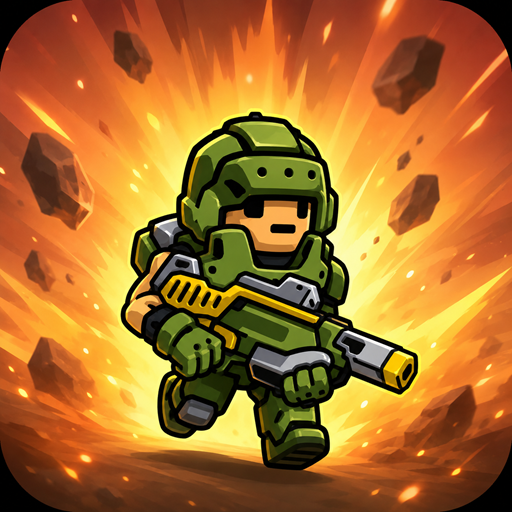
**Defense Service** is a special response agency created to protect humanity from dimensional disasters.
Mysterious rifts are appearing across the world, releasing dangerous unidentified entities.
Your mission is to eliminate the threats, secure the area, and stabilize collapsing dimensions before it is too late.
And today,
you have been assigned as the newest agent on the front line.
**Hold Back Endless Waves of Enemies**
Deploy to active rift zones and stop the relentless enemy assault.
Your top priority is simple: prevent enemies from breaking through the defense line and survive the operation.
Easy to play with one hand, but as the battle intensifies, quick decisions and smart choices become the key to victory.
Show more

1. Download MEmu installer and finish the setup

2. Start MEmu then open Google Play on the desktop

3. Search Defense Service in Google Play
Install
4. Download and Install Defense Service
5. On install completion click the icon to start

6. Enjoy playing Defense Service on PC with MEmu
MEmu Play is the best Android emulator and 100 million people already enjoy its superb Android gaming experience. The MEmu virtualization technology empowers you to play thousands of Android games smoothly on your PC, even the most graphic-intensive ones.
Bigger screen with better graphics; Long duration, without limitation of battery or mobile data.
Full Keymapping support for precise control of keyboard and mouse or gamepad.
Multiple game accounts or tasks on single PC at one time with Multi-Instance manager.
Play Defense Service on PC by following steps: