DRAGON QUEST VIII
Updated
Current Version
1.2.4
Offered By

With your passion for DRAGON QUEST VIII, you shouldn’t have to limit yourself to the small screen of a phone. Play like a pro and take full control of the game using a keyboard and mouse. MEmu gives you everything you’re looking for. Download and play DRAGON QUEST VIII on PC. Play as long as you want — no more worries about battery life, mobile data, or unexpected calls. The all-new MEmu 9 is the best way to play DRAGON QUEST VIII on PC. With our expertly designed keymapping system, DRAGON QUEST VIII feels just like a real PC game. The MEmu multi-instance manager lets you run two or more accounts on the same device at the same time. Most importantly, our exclusive emulation engine unlocks your PC’s full potential, delivering smooth and seamless performance.
Show more
Download DRAGON QUEST VIII on PC with MEmu Android Emulator. Enjoy playing on big screen. *************************.
*************************
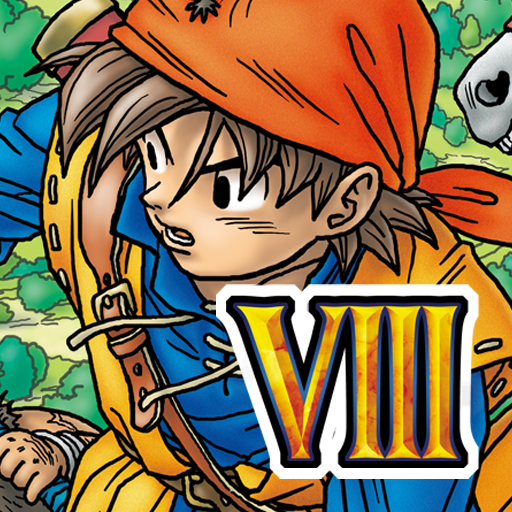
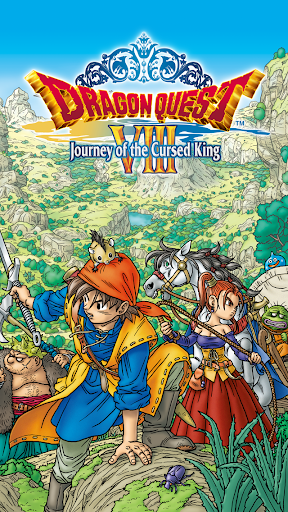
The 8th instalment in the legendary DRAGON QUEST series is now even easier to enjoy!
The phenomenally popular DRAGON QUEST VIII has sold 4.9 million units worldwide, and now it's coming to the Android for the first time!
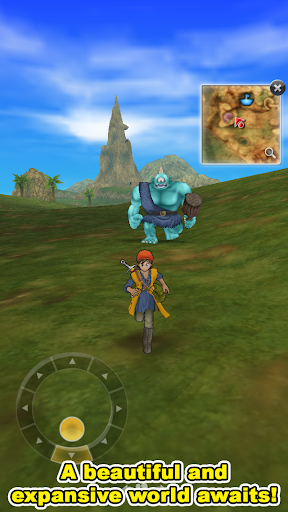
This was the first title in the series to be presented in full 3D, and its exquisitely detailed world has to be seen to be believed!
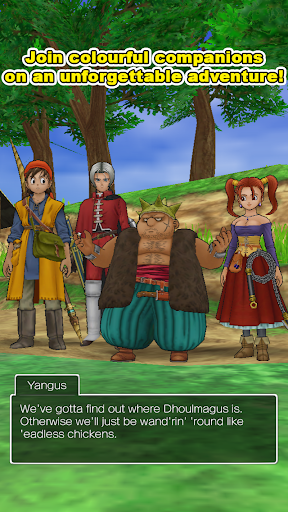
Set off on an unforgettable adventure with Yangus, the bandit with a heart of gold, Jessica, the high-born magical minx, and Angelo, knight and lothario, by your side!
Everything you need is here in a single package!
Once the app is downloaded, there's no more to pay, as every last shred of content is yours to enjoy.
So get ready to play the epic that is DRAGON QUEST VIII from beginning to end—and far beyond!
*************************
Prologue
Legends tell of an ancient sceptre, within which is sealed a fearsome power...
When the relic's long-dormant magics are awoken by the treachery of a malign magician, an entire kingdom falls into a cursed slumber, prompting a young soldier to embark on an unforgettable journey...
Game Features
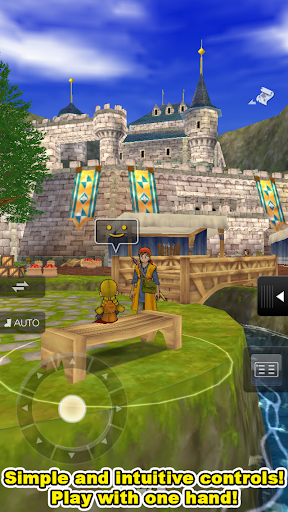
– Simple, Accessible Controls
The control system has been streamlined to work perfectly with modern touch interfaces.
The position of the directional pad can be adjusted freely, enabling players to switch between one-handed and two-handed play with a tap of the screen.
The combat system has also been reworked, allowing for one-tap battles as well as more complex play.
– The Tension System
During battle, you can select 'Psyche Up' to give your next attack some extra oomph!
The more you psyche a character up, the higher their tension will rise, until they finally reach an insane state known as super-high tension!
– Skill Points
Skill points are earned when your characters level up, and can be assigned to various skills in order to learn new spells and abilities.
This system allows you to perfectly tailor your team to your liking.
– Monster Teams
Certain monsters found in the field can be scouted for your monster team – if you're tough enough to beat them, that is!
Once assembled, your crack squad can take part in the fiercely-contested tournaments held at the monster arena, and can even come to your aid in battle!
– The Alchemy Pot
Combine existing items to create entirely new ones!
Even the most unassuming objects could be ingredients for the greatest items of all!
Seek out the recipes hidden all over the world, and see if you can cook up something truly special!
_____________
[Supported Devices]
Devices running Android 7.0 or higher (some devices not supported).
Show more

1. Download MEmu installer and finish the setup

2. Start MEmu then open Google Play on the desktop

3. Search DRAGON QUEST VIII in Google Play
Install
4. Download and Install DRAGON QUEST VIII
5. On install completion click the icon to start

6. Enjoy playing DRAGON QUEST VIII on PC with MEmu
MEmu Play is the best Android emulator and 100 million people already enjoy its superb Android gaming experience. The MEmu virtualization technology empowers you to play thousands of Android games smoothly on your PC, even the most graphic-intensive ones.
Bigger screen with better graphics; Long duration, without limitation of battery or mobile data.
Full Keymapping support for precise control of keyboard and mouse or gamepad.
Multiple game accounts or tasks on single PC at one time with Multi-Instance manager.
Play DRAGON QUEST VIII on PC by following steps: