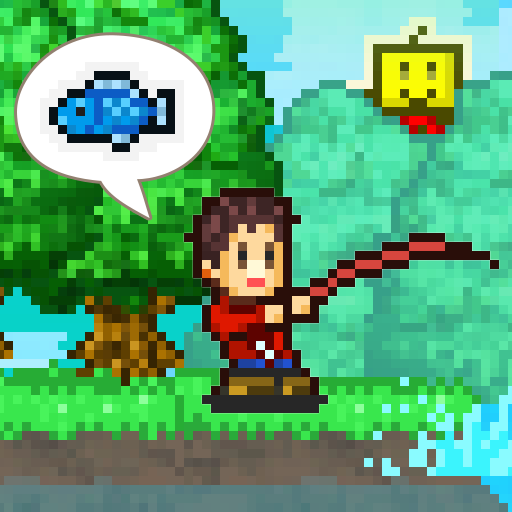
Fish Pond Park
Updated
Current Version
1.2.0
Offered By

With your passion for Fish Pond Park, you shouldn’t have to limit yourself to the small screen of a phone. Play like a pro and take full control of the game using a keyboard and mouse. MEmu gives you everything you’re looking for. Download and play Fish Pond Park on PC. Play as long as you want — no more worries about battery life, mobile data, or unexpected calls. The all-new MEmu 9 is the best way to play Fish Pond Park on PC. With our expertly designed keymapping system, Fish Pond Park feels just like a real PC game. The MEmu multi-instance manager lets you run two or more accounts on the same device at the same time. Most importantly, our exclusive emulation engine unlocks your PC’s full potential, delivering smooth and seamless performance.
Show more
Download Fish Pond Park on PC with MEmu Android Emulator. Enjoy playing on big screen. Nurture an idyllic slice of tourist's heaven into the top nature spot of the nation, furnishing it with a variety of services like inns, tours, and more!
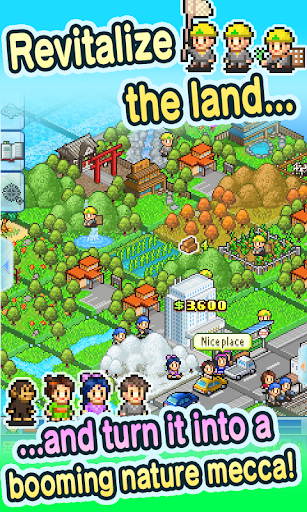
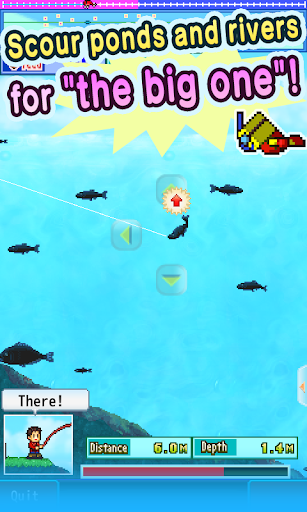
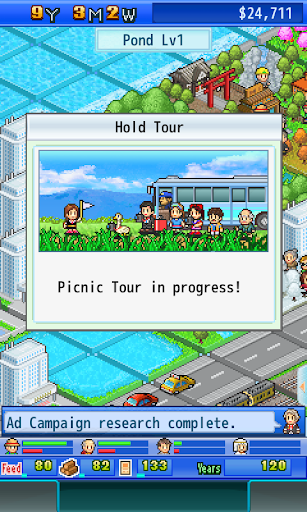
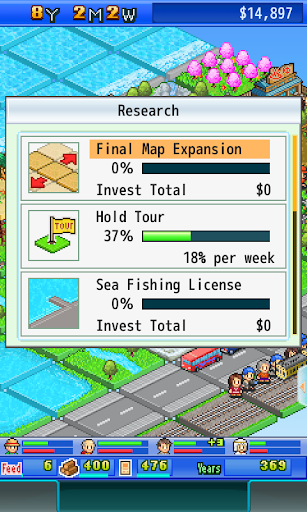
Nurture an idyllic slice of tourist's heaven into the top nature spot of the nation, furnishing it with a variety of services like inns, tours, and more!
Mix and match areas of your wooded wonderland to concoct exciting outdoor attractions that appeal to sightseers' sweet spots. Which combinations make what? Energize that outdoorsman's spirit and experiment for yourself!
Any pond or river also doubles as an aquatic habitat for fry--which you can raise for later fishing excursions in the all-new fishing mode! Do you have what it takes to land the big one? Come on down to Fish Pond Park and find out!
--
* All game progress is stored on your device. Save data cannot be transferred between devices, nor can it be restored after deleting or reinstalling the app.
Try searching for "Kairosoft" to see all of our games, or visit us at https://kairopark.jp. Be sure to check out both our free-to-play and our paid games!
Show more

1. Download MEmu installer and finish the setup

2. Start MEmu then open Google Play on the desktop

3. Search Fish Pond Park in Google Play
Install
4. Download and Install Fish Pond Park
5. On install completion click the icon to start

6. Enjoy playing Fish Pond Park on PC with MEmu
MEmu Play is the best Android emulator and 100 million people already enjoy its superb Android gaming experience. The MEmu virtualization technology empowers you to play thousands of Android games smoothly on your PC, even the most graphic-intensive ones.
Bigger screen with better graphics; Long duration, without limitation of battery or mobile data.
Full Keymapping support for precise control of keyboard and mouse or gamepad.
Multiple game accounts or tasks on single PC at one time with Multi-Instance manager.
Play Fish Pond Park on PC by following steps: