Gem Fortune: Treasure Spin
Updated
Current Version
1.0.0
Offered By

With your passion for Gem Fortune: Treasure Spin, you shouldn’t have to limit yourself to the small screen of a phone. Play like a pro and take full control of the game using a keyboard and mouse. MEmu gives you everything you’re looking for. Download and play Gem Fortune: Treasure Spin on PC. Play as long as you want — no more worries about battery life, mobile data, or unexpected calls. The all-new MEmu 9 is the best way to play Gem Fortune: Treasure Spin on PC. With our expertly designed keymapping system, Gem Fortune: Treasure Spin feels just like a real PC game. The MEmu multi-instance manager lets you run two or more accounts on the same device at the same time. Most importantly, our exclusive emulation engine unlocks your PC’s full potential, delivering smooth and seamless performance.
Show more
Download Gem Fortune: Treasure Spin on PC with MEmu Android Emulator. Enjoy playing on big screen. Compliance Notes.

Compliance Notes
This game is intended only for users aged 18 and above.
The game does not provide opportunities to win real money or prizes.
Achievements or practice in this social entertainment game do not imply success in real‑money gambling.
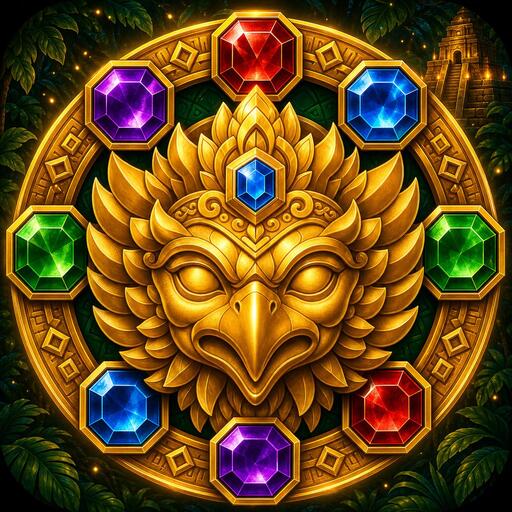
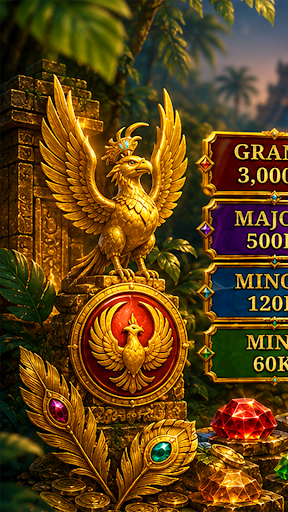
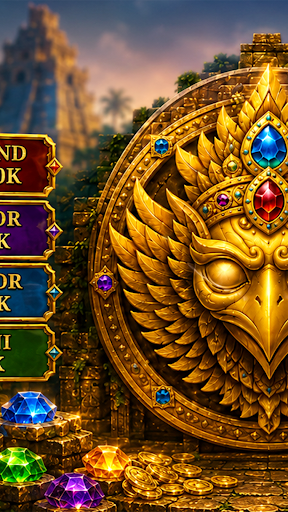
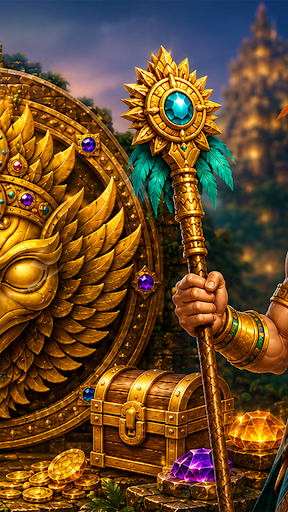
Gem Fortune: Treasure Spin transports players into a mystical treasure vault guarded by a golden garuda emblem. A six‑column board of octagonal gems lights up with ruby, emerald, sapphire, amethyst, and topaz. Each spin brings dazzling effects, glowing vault counters, and calm treasure‑room pacing.
Spin & Match Gems: Tap the large spin control to set gem columns in motion. Watch as wild symbols and jewel patterns settle into place.
Vault Score & Energy: Collect points tracked by the vault panel, with energy meters that encourage short, satisfying sessions.
Treasure Chest Events: Unlock special rounds when gem combinations trigger the golden chest, revealing bonus animations.
Garuda Emblem Watch: The guardian emblem lights up during rare gem alignments, adding cultural flair and excitement.
Quick Mobile Play: Portrait‑first design keeps the board, meters, and result messages easy to follow with one hand.
Show more

1. Download MEmu installer and finish the setup

2. Start MEmu then open Google Play on the desktop

3. Search Gem Fortune: Treasure Spin in Google Play
Install
4. Download and Install Gem Fortune: Treasure Spin
5. On install completion click the icon to start

6. Enjoy playing Gem Fortune: Treasure Spin on PC with MEmu
MEmu Play is the best Android emulator and 100 million people already enjoy its superb Android gaming experience. The MEmu virtualization technology empowers you to play thousands of Android games smoothly on your PC, even the most graphic-intensive ones.
Bigger screen with better graphics; Long duration, without limitation of battery or mobile data.
Full Keymapping support for precise control of keyboard and mouse or gamepad.
Multiple game accounts or tasks on single PC at one time with Multi-Instance manager.
Play Gem Fortune: Treasure Spin on PC by following steps: