Grow a Garden: Fruits & Animal
Updated
Current Version
0.0.2
Offered By

With your passion for Grow a Garden: Fruits & Animal, you shouldn’t have to limit yourself to the small screen of a phone. Play like a pro and take full control of the game using a keyboard and mouse. MEmu gives you everything you’re looking for. Download and play Grow a Garden: Fruits & Animal on PC. Play as long as you want — no more worries about battery life, mobile data, or unexpected calls. The all-new MEmu 9 is the best way to play Grow a Garden: Fruits & Animal on PC. With our expertly designed keymapping system, Grow a Garden: Fruits & Animal feels just like a real PC game. The MEmu multi-instance manager lets you run two or more accounts on the same device at the same time. Most importantly, our exclusive emulation engine unlocks your PC’s full potential, delivering smooth and seamless performance.
Show more
Download Grow a Garden: Fruits & Animal on PC with MEmu Android Emulator. Enjoy playing on big screen. Grow a Garden: The Ultimate Farming Simulator!
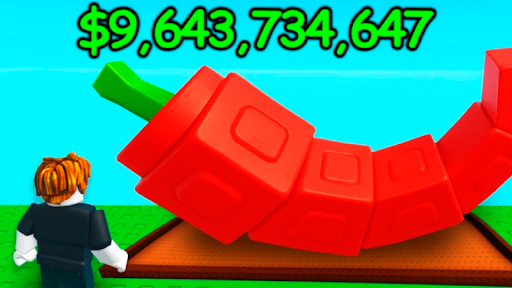
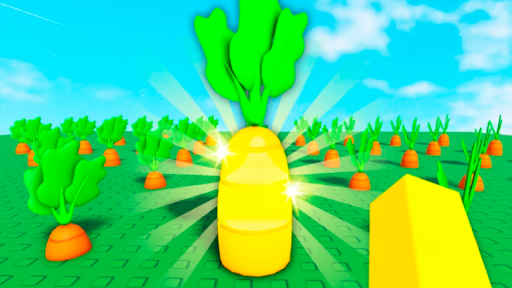
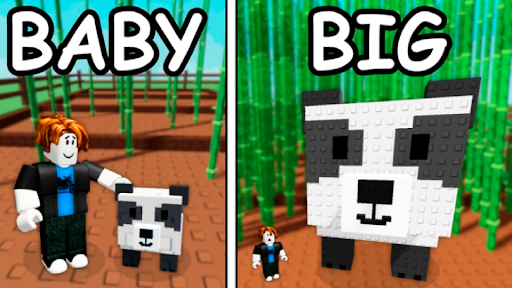
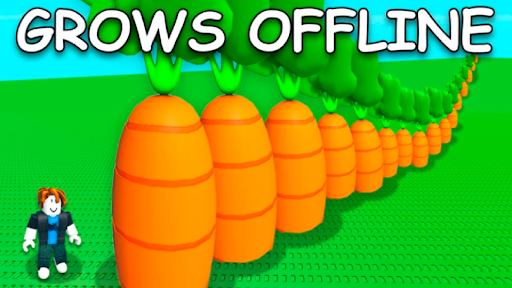
Grow a Garden: The Ultimate Farming Simulator!
Welcome to Grow a Garden, a relaxing and fun farming simulator where you can build your dream garden, raise animals, and enjoy the peaceful life of a happy farmer! Inspired by the popular Roblox experience, Grow a Garden brings you a colorful, casual mobile adventure.
Start Your Garden, Grow Your Dream!
Become a farmer and begin your journey with a small plot of land. Plant seeds, water them, and watch them grow into beautiful flowers, fruits, and vegetables. From carrot patches to strawberry bushes, every crop you plant brings you closer to building your royal farm.
As your crops grow, you'll experience the joy of harvest — sell your fresh produce at the market, store it in your warehouse, or use it to feed your adorable animals. Farming has never been more fun!
Raise Cute Animals on Your Animal Farm
From fluffy sheep and cows to cheerful chickens and funny pigs, your animal farm is full of life! Take care of your animals, feed them, and collect useful resources like egg, milk, and wool. You can even raise goats, rabbits, and a friendly dog or cat to keep you company!
The more you take care of your animals, the better they’ll reward you. With a healthy farm life, your garden will be more productive and your farm will grow faster than ever!
Farming Fun for Everyone
Whether you’re into farming games, casual games, or idle adventures, Grow a Garden is made for you. With casual, easy-to-learn gameplay, you can enjoy farming at your own pace. Decorate your garden, expand your town, and become one of the top farmer boys in the land.
There’s always something to do:
Harvest and sell fresh fruits like blueberry, corn, and apples
Decorate your garden with cute designs and creative layouts
Unlock new areas and expand your big farm
Complete daily harvest missions to earn coins and a special daily gift
Cute, Relaxing and Full
Love cute animals? Want to relax after a long day? This farming simulator is perfect for you. Enjoy adorable animals like a tiny bunny, sleepy snail, or even a playful monkey or panda nibbling on bamboo. It's a wholesome and uplifting experience for players of all ages.
Beautiful Graphics and Custom Design
Enjoy bright, cheerful graphics that bring your garden to life! Every plant, animal, and decoration is crafted with care. Design your land the way you want — it's your garden, your rules!
Grow, Sell, Upgrade, and Thrive
As your farming empire grows, you'll need to manage resources smartly. Sell your harvest at the market, upgrade your tools, and build new buildings to increase efficiency. From planting to selling, every step is part of your journey as a successful farmer.
Play Daily – There’s Always Something New!
Check in every day for your daily harvest tasks and bonuses. Get free daily gift rewards, unlock special plants, and discover new crops to cultivate.
⭐ Features:
Classic farming game mechanics with a relaxing twist
Raise animals like cows, sheep, chickens, and more
Enjoy idle income and watch your farm grow
Complete daily harvest goals and get rewards
Play offline or online – it’s always your farm, your way
Whether you're a fan of farmer boys, casual games, or deep farming games, Grow a Garden has something for everyone. With elements of gardenscapes, big farm, and even a little tycoon flavor, this game gives you everything you love about harvest.
No robux required – just your love for gardens, animals, and peaceful farm life.
Ready to grow the royal farm of your dreams?
Download now and begin your journey in the cutest and most relaxing farming simulator today! Let’s grow a garden together!
Show more

1. Download MEmu installer and finish the setup

2. Start MEmu then open Google Play on the desktop

3. Search Grow a Garden: Fruits & Animal in Google Play
Install
4. Download and Install Grow a Garden: Fruits & Animal
5. On install completion click the icon to start

6. Enjoy playing Grow a Garden: Fruits & Animal on PC with MEmu
MEmu Play is the best Android emulator and 100 million people already enjoy its superb Android gaming experience. The MEmu virtualization technology empowers you to play thousands of Android games smoothly on your PC, even the most graphic-intensive ones.
Bigger screen with better graphics; Long duration, without limitation of battery or mobile data.
Full Keymapping support for precise control of keyboard and mouse or gamepad.
Multiple game accounts or tasks on single PC at one time with Multi-Instance manager.
Play Grow a Garden: Fruits & Animal on PC by following steps:














































