Revue Starlight Re LIVE
Updated
Current Version
1.0.48
Offered By

With your passion for Revue Starlight Re LIVE, you shouldn’t have to limit yourself to the small screen of a phone. Play like a pro and take full control of the game using a keyboard and mouse. MEmu gives you everything you’re looking for. Download and play Revue Starlight Re LIVE on PC. Play as long as you want — no more worries about battery life, mobile data, or unexpected calls. The all-new MEmu 9 is the best way to play Revue Starlight Re LIVE on PC. With our expertly designed keymapping system, Revue Starlight Re LIVE feels just like a real PC game. The MEmu multi-instance manager lets you run two or more accounts on the same device at the same time. Most importantly, our exclusive emulation engine unlocks your PC’s full potential, delivering smooth and seamless performance.
Show more
Download Revue Starlight Re LIVE on PC with MEmu Android Emulator. Enjoy playing on big screen. The Adventure Begins on Stage in RPG Revue Starlight Re LIVE!


The Adventure Begins on Stage in RPG Revue Starlight Re LIVE!
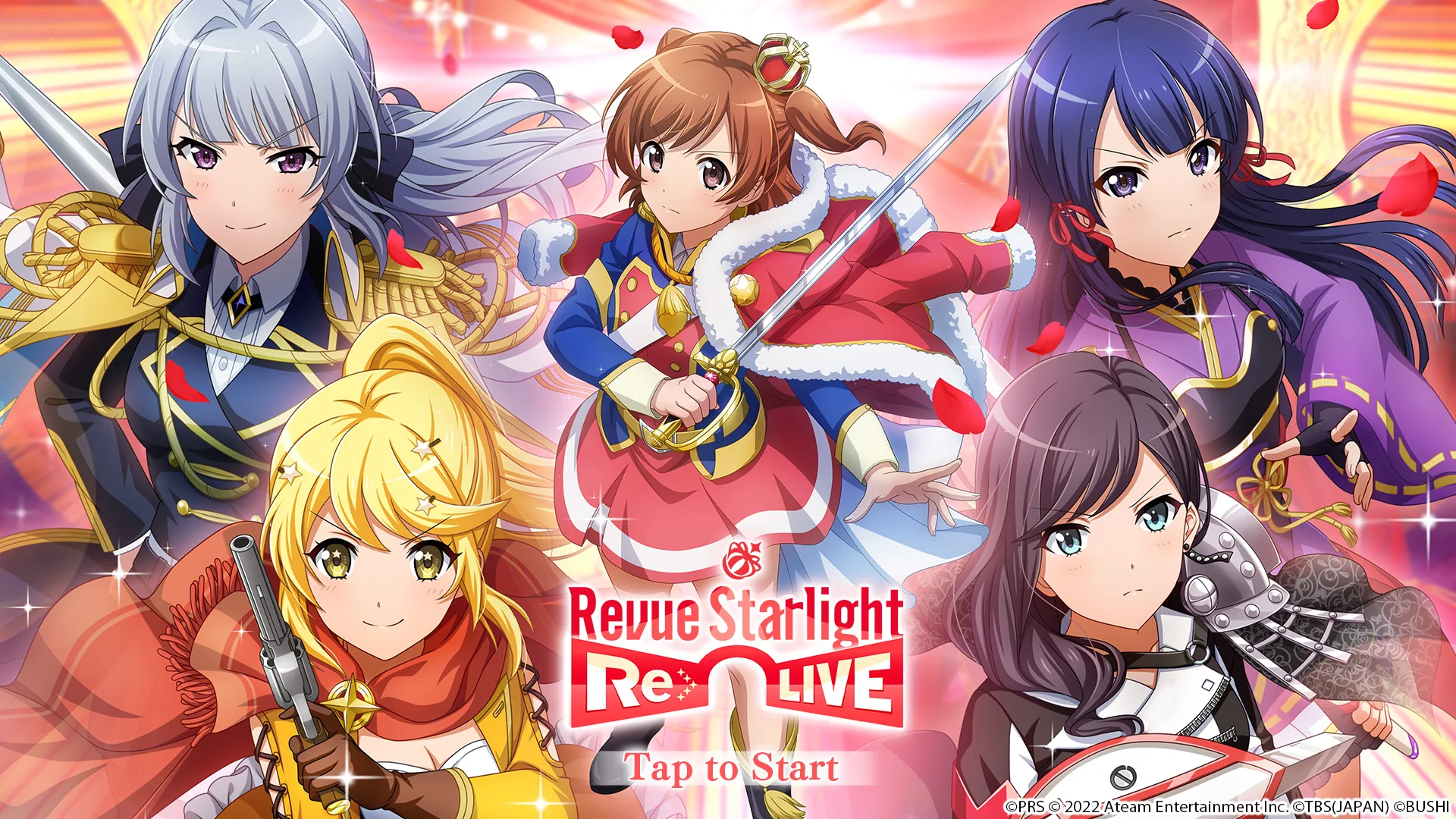
A direct continuation of hit anime Revue Starlight, the story of the game picks up right where the anime leaves off, but you don’t need to be a fan to enjoy all the excitement and drama that await in this RPG!
★ Original Story that Continues the Saga of the Anime
In addition to all your favorites from the anime, there are also tons of brand new characters making their first appearances!
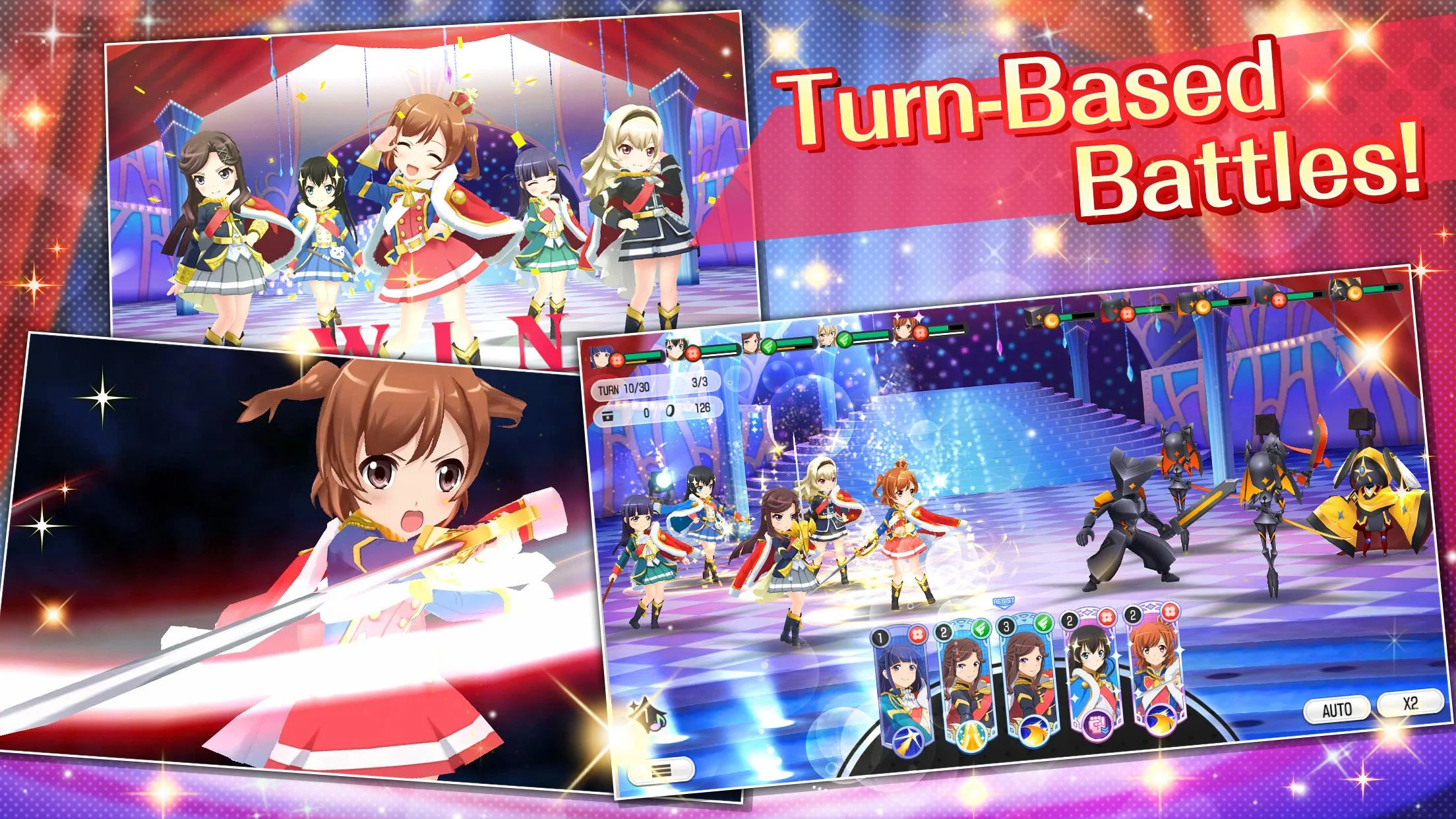
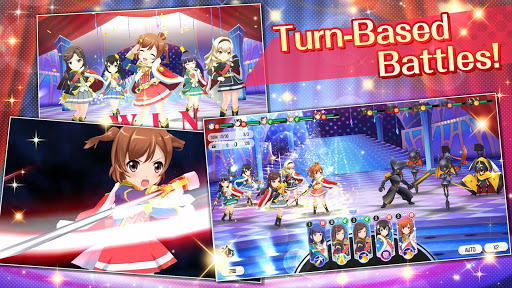
★ Deep Battle System with Optional Auto Mode
Using the skills of each of your Stage Girls effectively in battle will have you itching to get back into the fight. But if you just want to relax, put battles in auto mode so you can keep the momentum going!
★ Multitude of Character Growth Aspects Will Keep You Coming Back
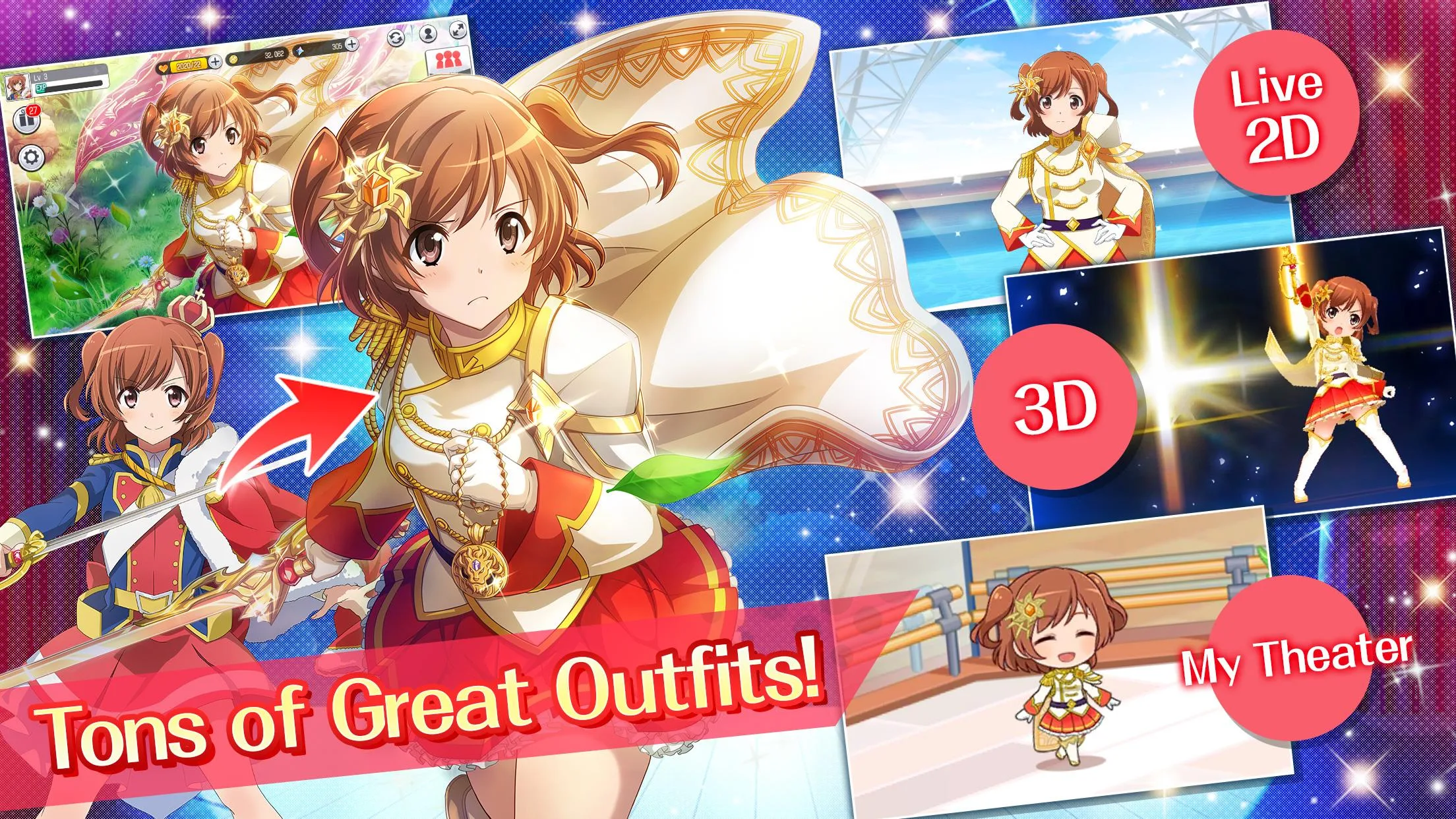
With numerous ways to raise your characters and unique stories for each that unlock as you power them up, you’ll be coming back to spend time with your favorites again and again to get to know them even more.
★ Stunning Visuals and Music
Battles are rendered with beautiful 3D graphics and each Stage Girl’s special skills are just as dramatic and stunning as you would expect with unique animations for each. Stories are also brought to life with impressive Live2D, and numerous songs from the anime appear with tons more on the way in future updates!
★ Fully Voiced by a Superb Japanese Voice Cast
The cast of the anime voicing their respective characters in addition to new voice talent will let anime fans fully immerse themselves into the world of Revue Starlight.
[Official Website]
https://www.en.revuestarlight-relive.com
[Official Facebook]
https://www.facebook.com/Revue-Starlight-Re-LIVE-2416025215299473/
[Price]
Free to play (in-app purchases available)
[Supported OS/Devices]
Android 5.0 and up
* We are unable to support or compensate for use on OS or devices outside of those that are officially supported.
* A Wi-Fi connection is recommended for the optimal Revue Starlight Re LIVE experience.
* Before playing Revue Starlight Re LIVE please read the End User License Agreement, which can be accessed from the in-game menu.
*Please see below for some common issues and potential solutions.
- Only a Black Screen Is Displayed and the Game Can't Be Played
You may be using an incompatible device.
- Unable to Use Google Authentication on AteamID
Please use another account to back up/transfer your data on AteamID.
- The Game Is in a Language I Don't Understand
Please follow the below steps after completing the tutorial.
English: Home > Other > Change Language
Chinese: [主畫面]>[其他]>[語言切換]
Korean: [홈]>[기타]>[언어 변경]
Show more

1. Download MEmu installer and finish the setup

2. Start MEmu then open Google Play on the desktop

3. Search Revue Starlight Re LIVE in Google Play
Install
4. Download and Install Revue Starlight Re LIVE
5. On install completion click the icon to start

6. Enjoy playing Revue Starlight Re LIVE on PC with MEmu
MEmu Play is the best Android emulator and 100 million people already enjoy its superb Android gaming experience. The MEmu virtualization technology empowers you to play thousands of Android games smoothly on your PC, even the most graphic-intensive ones.
Bigger screen with better graphics; Long duration, without limitation of battery or mobile data.
Full Keymapping support for precise control of keyboard and mouse or gamepad.
Multiple game accounts or tasks on single PC at one time with Multi-Instance manager.
Play Revue Starlight Re LIVE on PC by following steps: