Kewlbiverse
Updated
Current Version
1731505174
Offered By

With your passion for Kewlbiverse, you shouldn’t have to limit yourself to the small screen of a phone. Play like a pro and take full control of the game using a keyboard and mouse. MEmu gives you everything you’re looking for. Download and play Kewlbiverse on PC. Play as long as you want — no more worries about battery life, mobile data, or unexpected calls. The all-new MEmu 9 is the best way to play Kewlbiverse on PC. With our expertly designed keymapping system, Kewlbiverse feels just like a real PC game. The MEmu multi-instance manager lets you run two or more accounts on the same device at the same time. Most importantly, our exclusive emulation engine unlocks your PC’s full potential, delivering smooth and seamless performance.
Show more
Download Kewlbiverse on PC with MEmu Android Emulator. Enjoy playing on big screen. Kewlbiverse, a Chill Open-world Monster Tamer in Your Pocket.
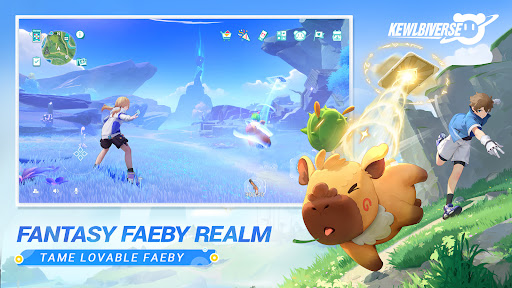
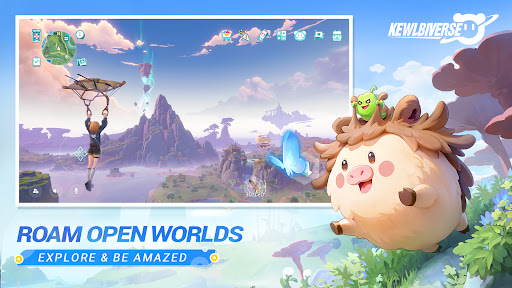
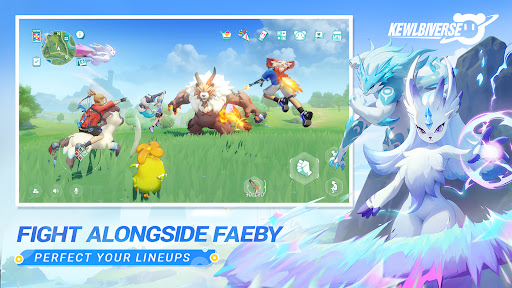
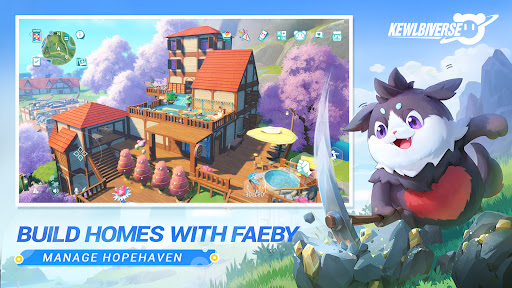
Kewlbiverse, a Chill Open-world Monster Tamer in Your Pocket.
Hey there, Pathfinder! Welcome to Kewlbiverse where monsters and adventure unite!
In this wild and wacky realm, you'll team up with lovable critters to build your dream playground, uncover hidden mysteries, and write your own legend. Every Faeby has a tale to tell, every corner hides a surprise, and every adventure is waiting for YOU to make it epic!
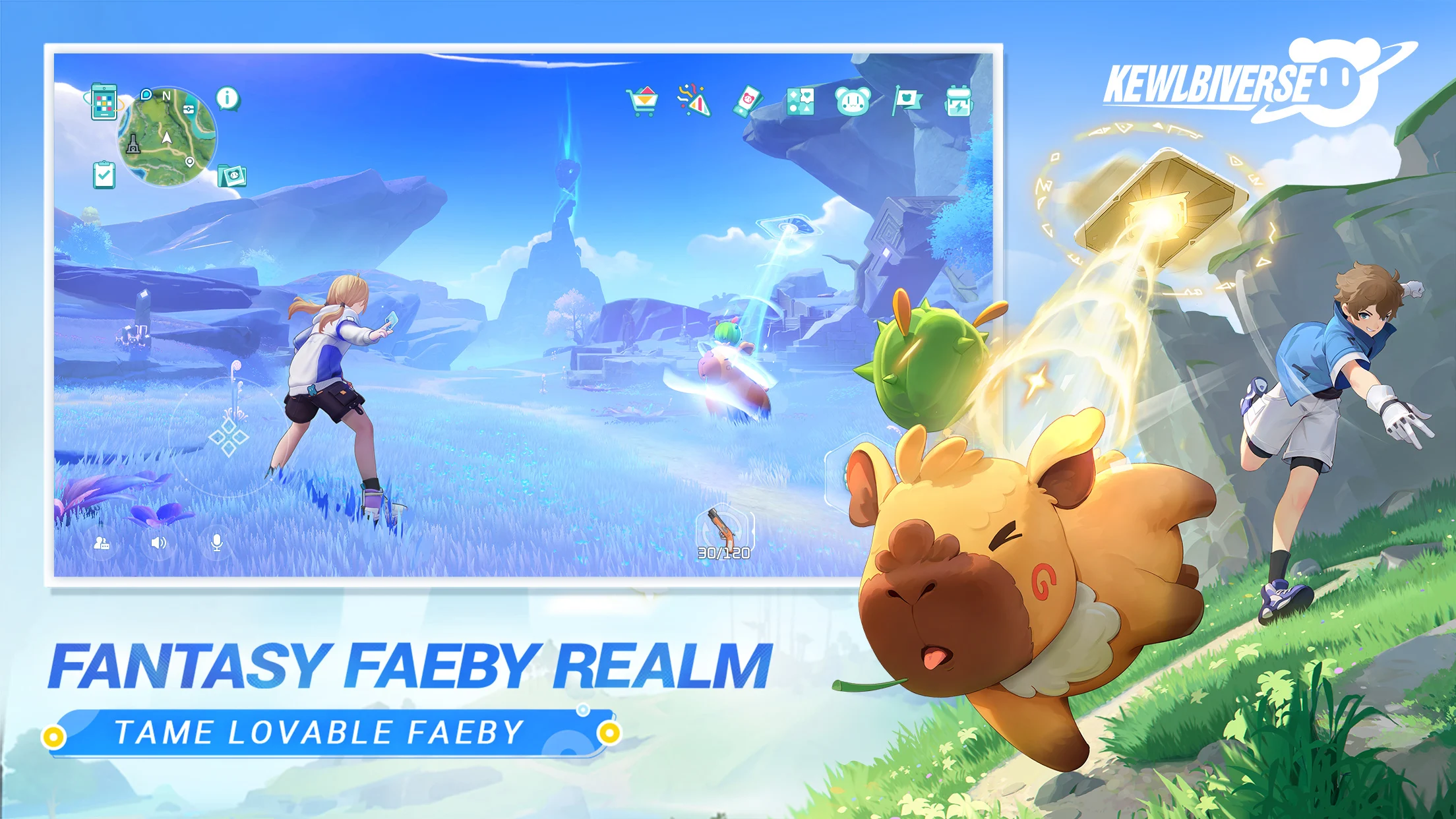
【Faeby Frenzy: Cuteness Overload!】
From cuddle bugs to drama queens, from class clowns to lazy geniuses – we've got 'em all! Take a break from the grind and hang out with your Faeby squad. Who says virtual pets can't give real feels?
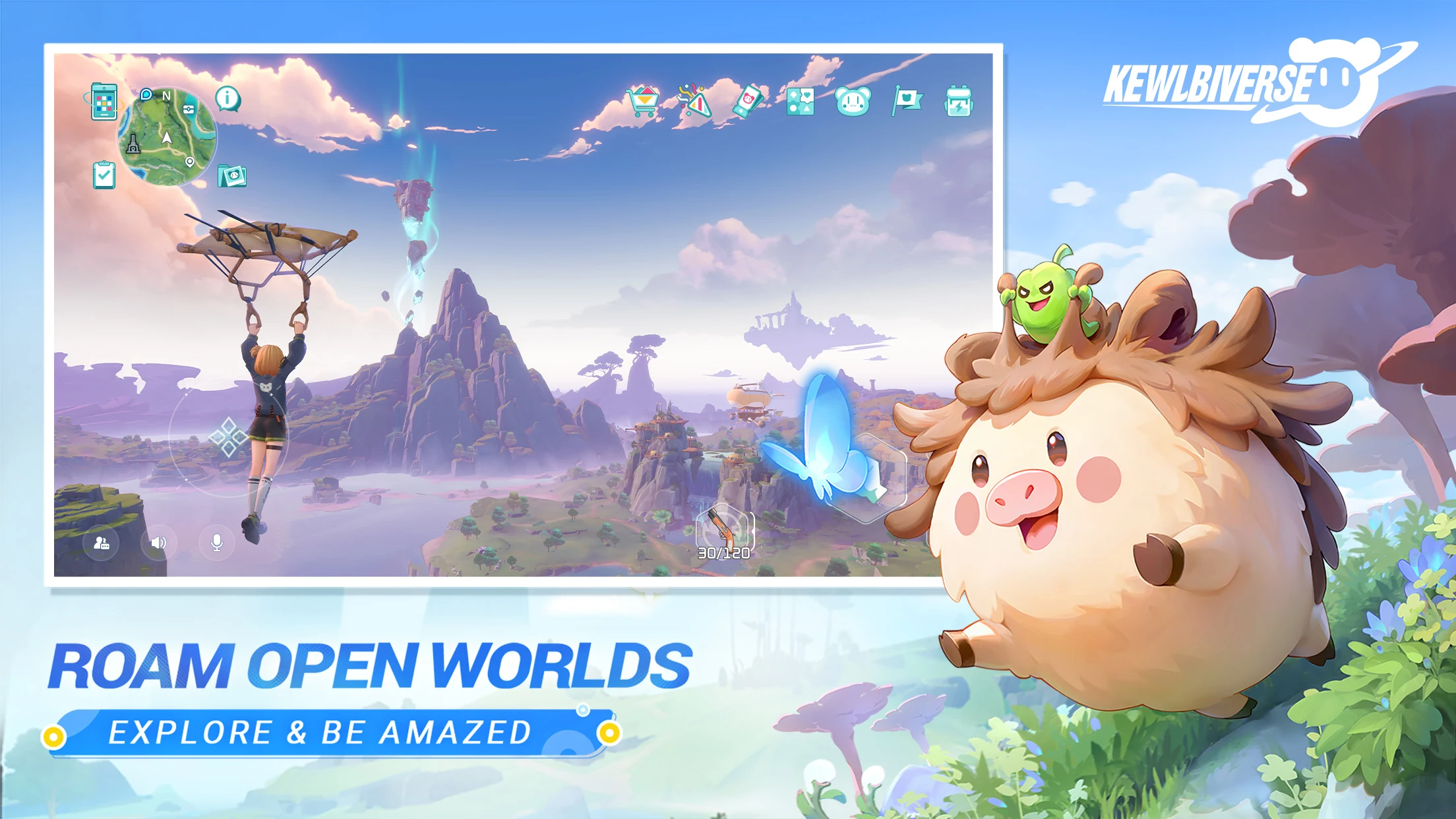
【Explore Till You Can't No More!】
Endless plains, sky-high mountains, shifty sand dunes—our world's got more flavors than a candy store! Day or night, there's always something new to discover. Oh, and keep your eyes peeled for secret treasures and special realmscapes!
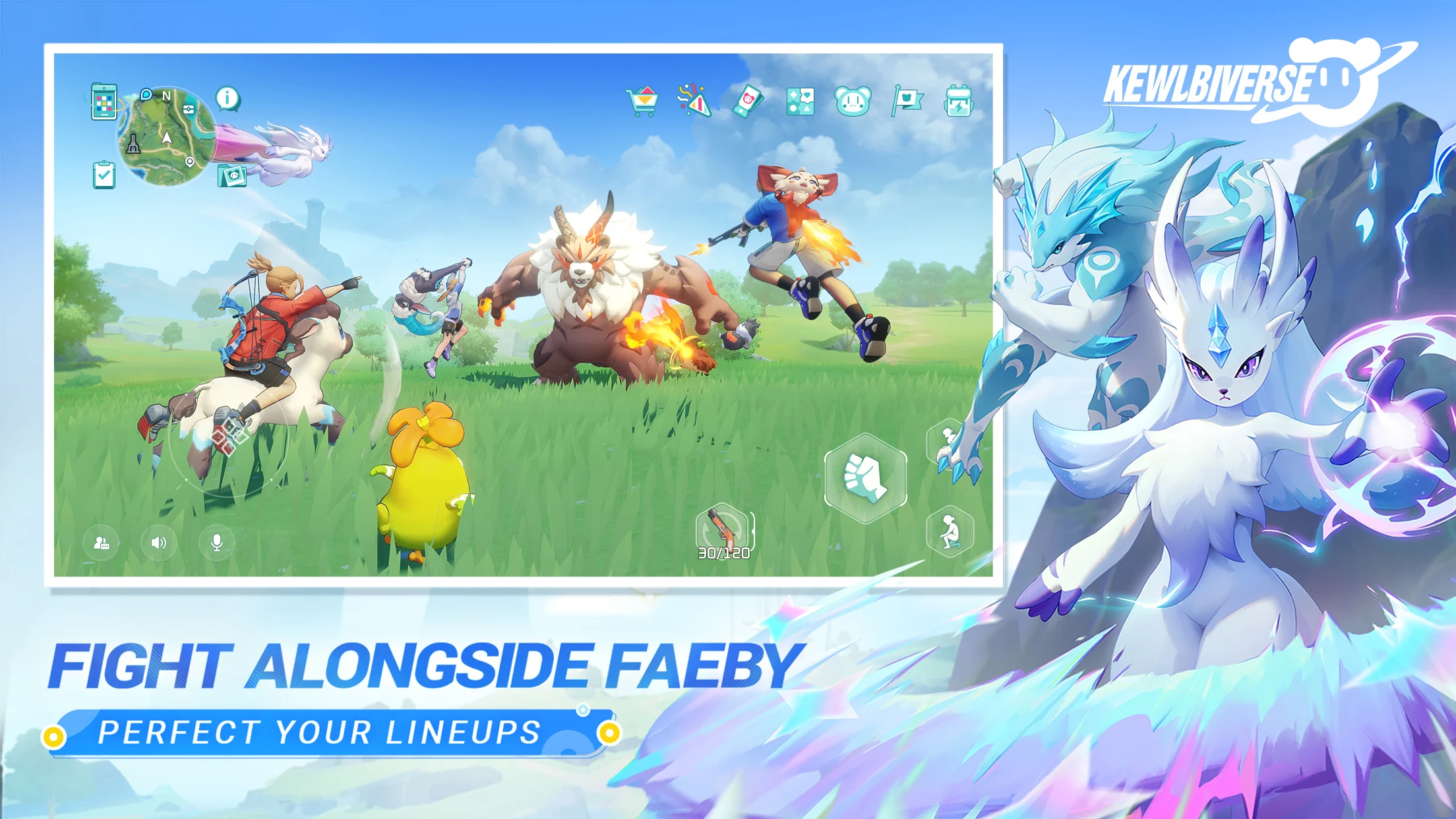
【Mix, Match, and Conquer!】
Saddle up on your Faeby for a joyride, or call in the cavalry with two Faeby tag-teaming in battle. Unlock cool new combos and level up your strategy. The fun just keeps multiplying!
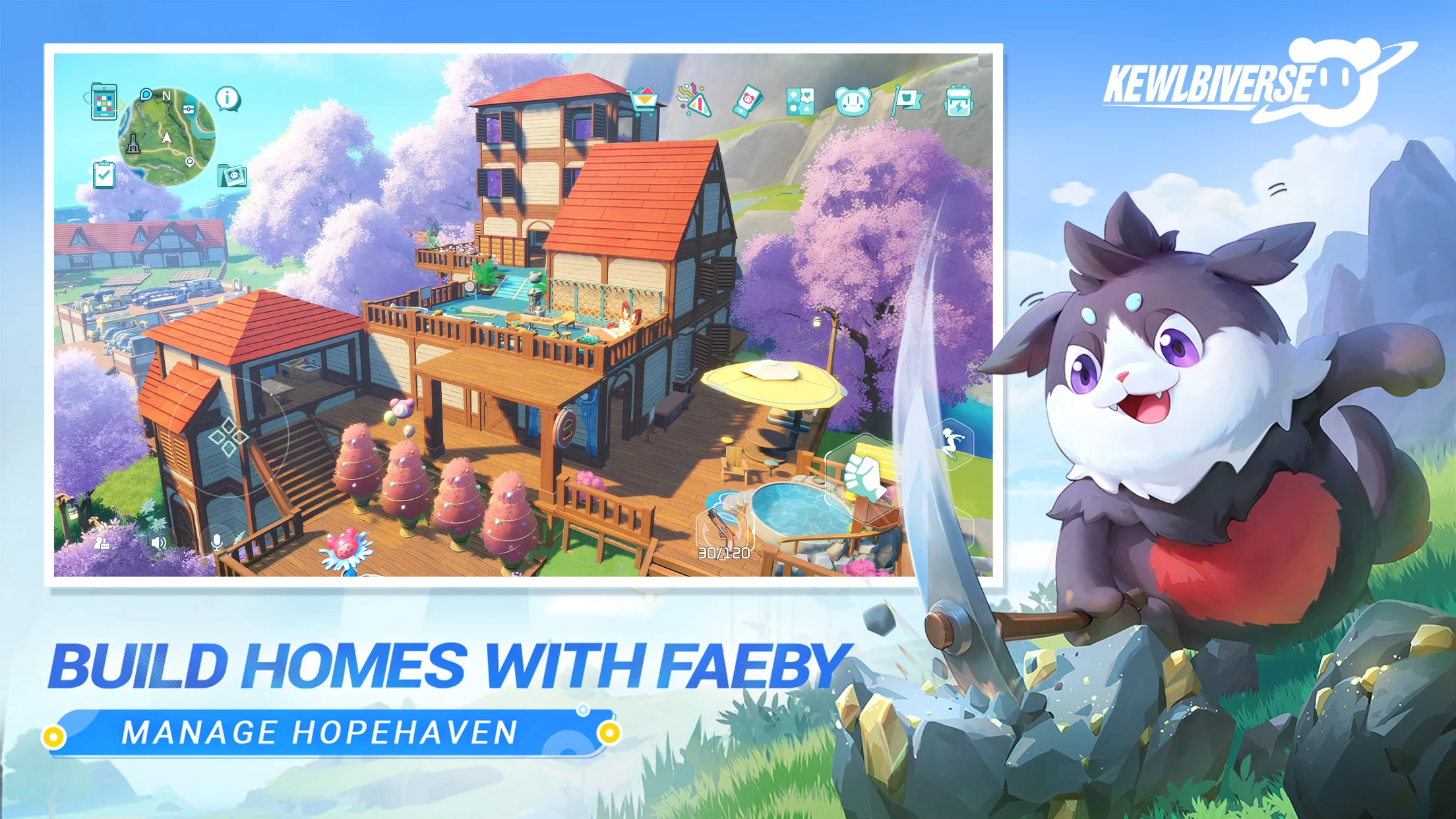
【Your Home, Your Way!】
Who knew your adventure buddies are also DIY pros? With Faeby by your side, building your dream home is a breeze! Gather, plant, cook—so easy! Enjoy the fun of home life with your quirky Faeby!
【Party with Your Friends!】
You’re not alone! Team up for epic realmscapes, leave funny messages, and share your best moments. Invite your buddies over for some Faeby fun—raid their gardens, exchange gifts, and celebrate the good times together!
Download Kewlbiverse now and jump into a world of Faeby-powered adventure. It's time for the cutest journey ever!
【You can also follow us for the latest updates】
Discord: https://discord.gg/9Eh8gxMJZB
X: https://twitter.com/kewlbiverse
Facebook: https://www.facebook.com/profile.php?id=61559137286495
Youtube: https://www.youtube.com/@Kewlbiverse_Global
TikTok: https://www.tiktok.com/@kewlbiverse
Instagram: https://www.instagram.com/kewlbiverse/
Official Website: https://kewlbi.com/
Show more

1. Download MEmu installer and finish the setup

2. Start MEmu then open Google Play on the desktop

3. Search Kewlbiverse in Google Play
Install
4. Download and Install Kewlbiverse
5. On install completion click the icon to start

6. Enjoy playing Kewlbiverse on PC with MEmu
MEmu Play is the best Android emulator and 100 million people already enjoy its superb Android gaming experience. The MEmu virtualization technology empowers you to play thousands of Android games smoothly on your PC, even the most graphic-intensive ones.
Bigger screen with better graphics; Long duration, without limitation of battery or mobile data.
Full Keymapping support for precise control of keyboard and mouse or gamepad.
Multiple game accounts or tasks on single PC at one time with Multi-Instance manager.
Play Kewlbiverse on PC by following steps: