
Legendary Bones
Updated
Current Version
1.0.0
Offered By

With your passion for Legendary Bones, you shouldn’t have to limit yourself to the small screen of a phone. Play like a pro and take full control of the game using a keyboard and mouse. MEmu gives you everything you’re looking for. Download and play Legendary Bones on PC. Play as long as you want — no more worries about battery life, mobile data, or unexpected calls. The all-new MEmu 9 is the best way to play Legendary Bones on PC. With our expertly designed keymapping system, Legendary Bones feels just like a real PC game. The MEmu multi-instance manager lets you run two or more accounts on the same device at the same time. Most importantly, our exclusive emulation engine unlocks your PC’s full potential, delivering smooth and seamless performance.
Show more
Download Legendary Bones on PC with MEmu Android Emulator. Enjoy playing on big screen. Start as a skeleton.
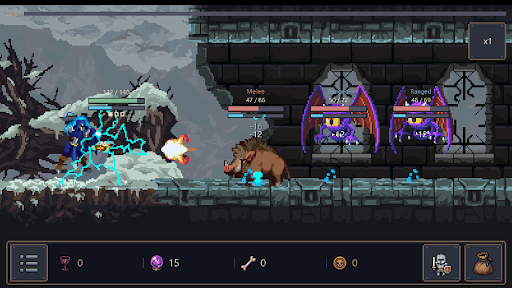
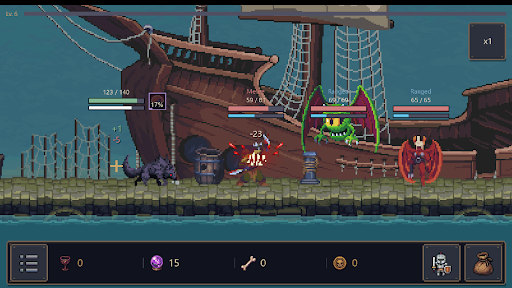
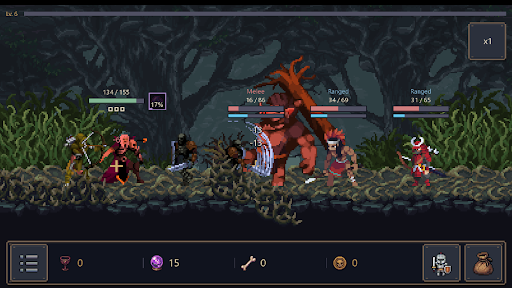
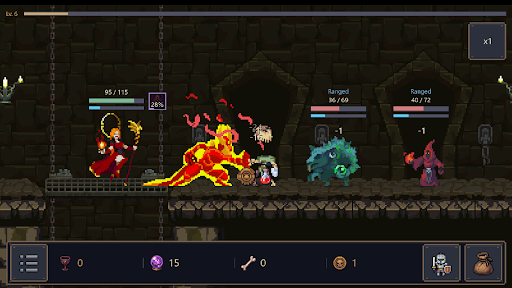
Start as a skeleton. Find your class. Build a legend, one battle at a time.
Legendary Bones is an offline pixel art RPG that combines roguelike runs with auto-battler combat. Your hero handles the fighting. You choose the route, equipment and upgrades that shape each run.
FIND YOUR WAY TO FIGHT
Discover 14 classes at altars during your adventure. Raise skeletons as a Necromancer, become a wolf as a Druid, command an infernal companion or strike with the Stormbringer's lightning. Each class has its own abilities, ultimate and specializations.
BUILD AROUND YOUR LOOT
Find weapons, armor and accessories with random properties. Combine attack power, spell power, critical chance and defenses to suit your class. Replace old gear as you venture deeper, or visit the ghostly blacksmith for an upgrade.
CHOOSE RISK AND REWARD
Take on cursed rooms, follow treasure maps and decide when to rest. Visit merchants, campfires and fountains. Your next choice can strengthen your build or put your run to the test.
FACE THE BOSSES
Fight through crypts, frozen depths, forests, prisons and pirate shores. Collect cursed keys, open nine gates and challenge the bosses beyond them, including Brax, the Reactor Heart, and the Wolf.
MAKE EVERY RUN COUNT
Earn bones for permanent upgrades, unlock achievements and beat your own score. Try another class and discover a different way to survive.
Play offline in landscape mode. Continue a saved run and switch between normal and double battle speed. No constant tapping: plan your build and watch it come to life.
Show more

1. Download MEmu installer and finish the setup

2. Start MEmu then open Google Play on the desktop

3. Search Legendary Bones in Google Play
Install
4. Download and Install Legendary Bones
5. On install completion click the icon to start

6. Enjoy playing Legendary Bones on PC with MEmu
MEmu Play is the best Android emulator and 100 million people already enjoy its superb Android gaming experience. The MEmu virtualization technology empowers you to play thousands of Android games smoothly on your PC, even the most graphic-intensive ones.
Bigger screen with better graphics; Long duration, without limitation of battery or mobile data.
Full Keymapping support for precise control of keyboard and mouse or gamepad.
Multiple game accounts or tasks on single PC at one time with Multi-Instance manager.
Play Legendary Bones on PC by following steps: