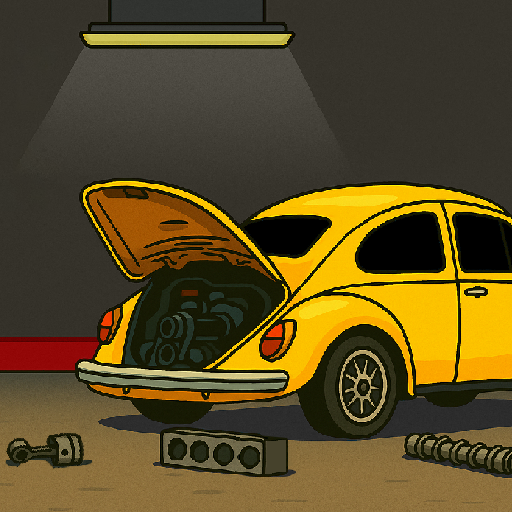
My Car My Life
Updated
Current Version
1.0.9002
Offered By

With your passion for My Car My Life, you shouldn’t have to limit yourself to the small screen of a phone. Play like a pro and take full control of the game using a keyboard and mouse. MEmu gives you everything you’re looking for. Download and play My Car My Life on PC. Play as long as you want — no more worries about battery life, mobile data, or unexpected calls. The all-new MEmu 9 is the best way to play My Car My Life on PC. With our expertly designed keymapping system, My Car My Life feels just like a real PC game. The MEmu multi-instance manager lets you run two or more accounts on the same device at the same time. Most importantly, our exclusive emulation engine unlocks your PC’s full potential, delivering smooth and seamless performance.
Show more
Download My Car My Life on PC with MEmu Android Emulator. Enjoy playing on big screen. My Car My Life is a 2D drag racing game with realistic physics, detailed mechanics, and a 100% Brazilian soul.
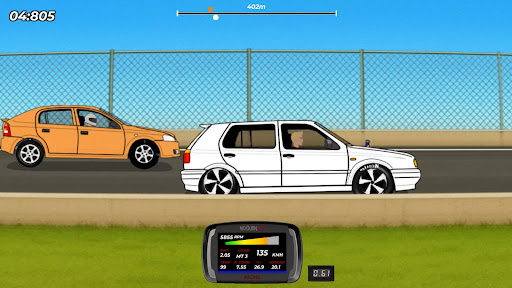
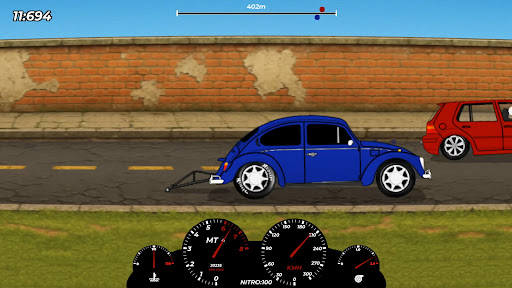
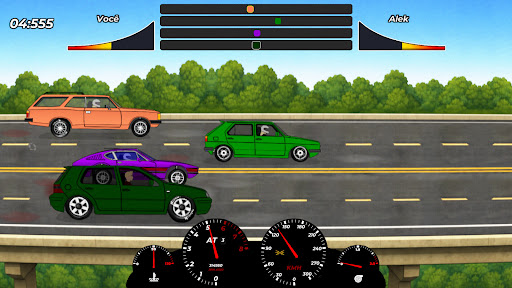
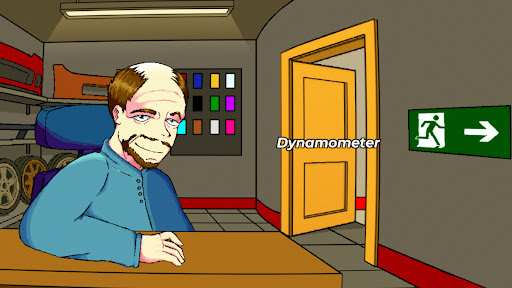
My Car My Life is a 2D drag racing game with realistic physics, detailed mechanics, and a 100% Brazilian soul.
Build, tune, and race cars that marked generations in Brazil, from the 1970s to the 2010s.
The focus here is the passion for building your project from scratch. The customization system is technical and demands attention. Each engine has its ideal combinations, and the game rewards players who truly understand how things work.
You also have NoguiinTech, a tuning center inspired by FuelTech, where you can adjust ignition, fuel injection, fuel pressure, O2 sensor readings, and more, all in real time.
In career mode, you will face 10 unique opponents, each with their own style and specially prepared car. You can also compete in seasonal championships (spring, summer, autumn, and winter), with categories for naturally aspirated and turbo cars.
There are three different tracks to race on:
- Abandoned Street
- Largados Raceway
- Ignorantes Highway
Outside the tracks, there is a Bar with three minigames where you can try your luck and earn extra money to invest in your car.
And the engine sounds? They are a show on their own. Each car has its own unique sound, with realistic and satisfying variations, both at idle and while accelerating.
If you love real drag racing, building projects, and the raw vibe of Brazilian car culture, this game is for you.
Show more

1. Download MEmu installer and finish the setup

2. Start MEmu then open Google Play on the desktop

3. Search My Car My Life in Google Play
Install
4. Download and Install My Car My Life
5. On install completion click the icon to start

6. Enjoy playing My Car My Life on PC with MEmu
MEmu Play is the best Android emulator and 100 million people already enjoy its superb Android gaming experience. The MEmu virtualization technology empowers you to play thousands of Android games smoothly on your PC, even the most graphic-intensive ones.
Bigger screen with better graphics; Long duration, without limitation of battery or mobile data.
Full Keymapping support for precise control of keyboard and mouse or gamepad.
Multiple game accounts or tasks on single PC at one time with Multi-Instance manager.
Play My Car My Life on PC by following steps:















































