My Talking Tom 2 PC

Download My Talking Tom 2 on PC

My Talking Tom 2 PC

My Talking Tom 2

  • Updated

  • Current Version

    1768395359

  • Offered By

    My Talking Tom 2 PC

Features of My Talking Tom 2 on PC

With your passion for My Talking Tom 2, you shouldn’t have to limit yourself to the small screen of a phone. Play like a pro and take full control of the game using a keyboard and mouse. MEmu gives you everything you’re looking for. Download and play My Talking Tom 2 on PC. Play as long as you want — no more worries about battery life, mobile data, or unexpected calls. The all-new MEmu 9 is the best way to play My Talking Tom 2 on PC. With our expertly designed keymapping system, My Talking Tom 2 feels just like a real PC game. The MEmu multi-instance manager lets you run two or more accounts on the same device at the same time. Most importantly, our exclusive emulation engine unlocks your PC’s full potential, delivering smooth and seamless performance.

Show more

Screenshots & Video of My Talking Tom 2 PC

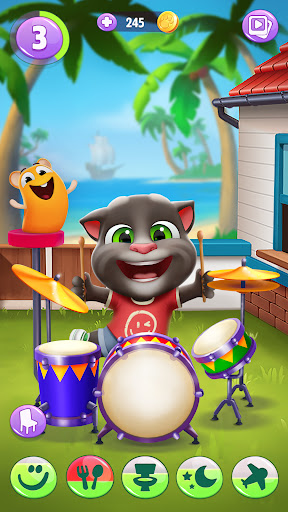
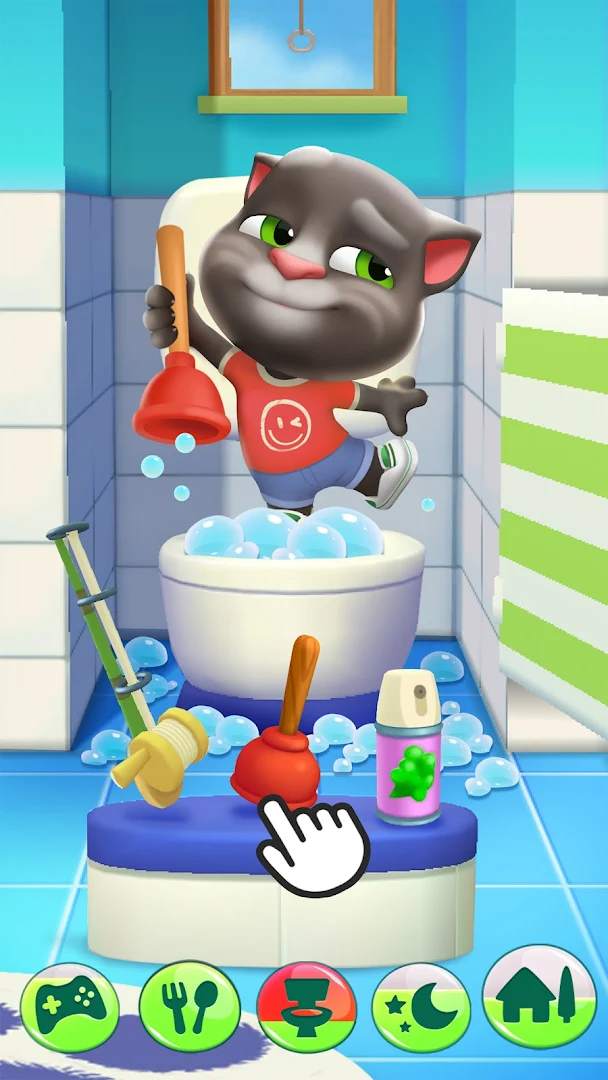
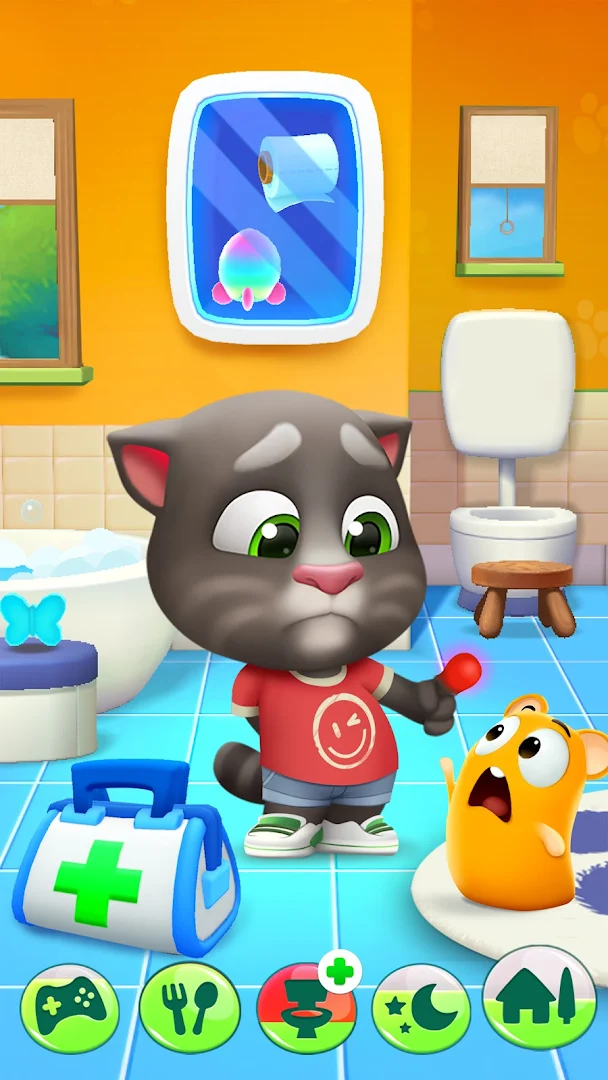
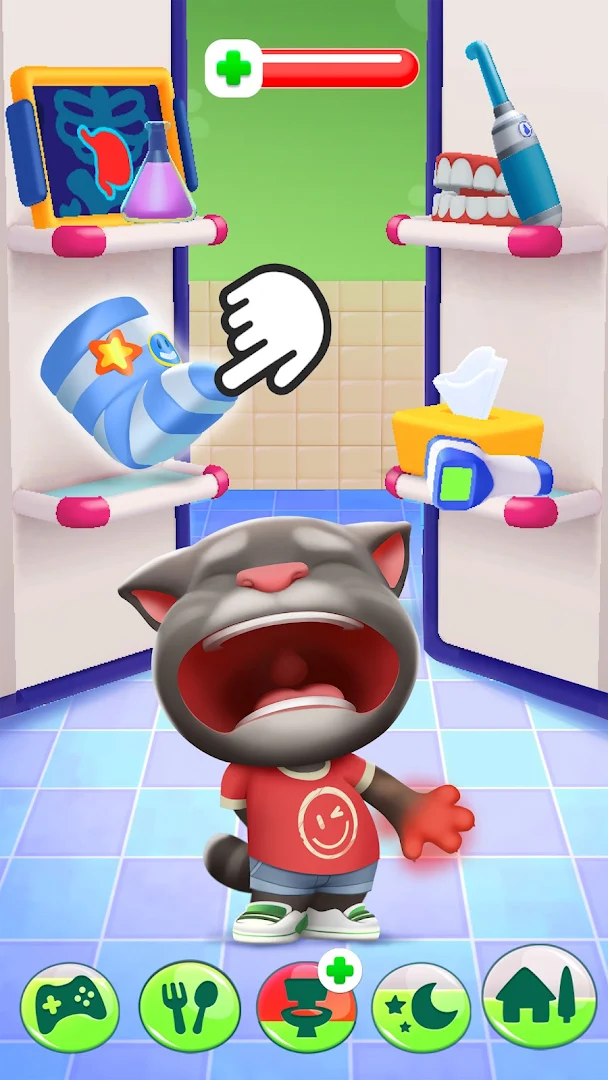
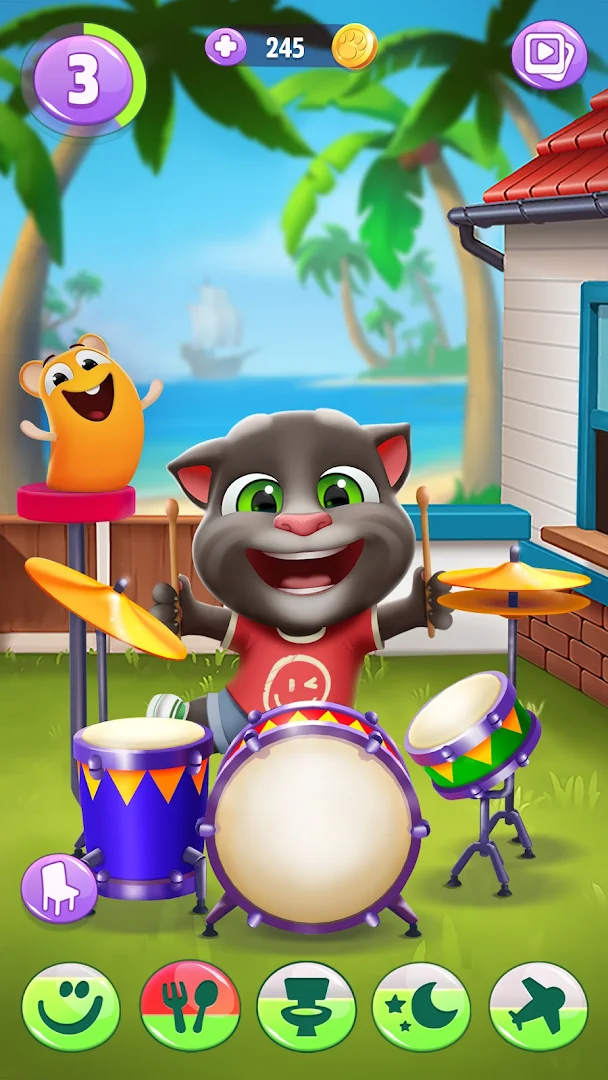
Download My Talking Tom 2 on PC with MEmu Android Emulator. Enjoy playing on big screen. My Talking Tom 2 brings your favorite virtual cat with more adventures, mini games, and unique pets to collect.

Game Info

My Talking Tom 2 brings your favorite virtual cat with more adventures, mini games, and unique pets to collect.

What You'll Do
Take care of Talking Tom by feeding him, making sure he gets enough sleep, and keeping him happy.

Gameplay Features


Pet Care & Daily Activities
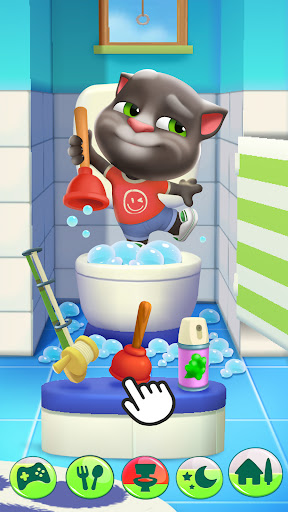
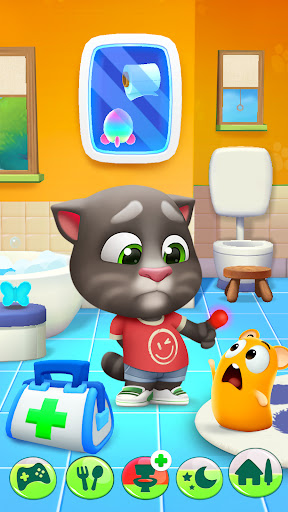
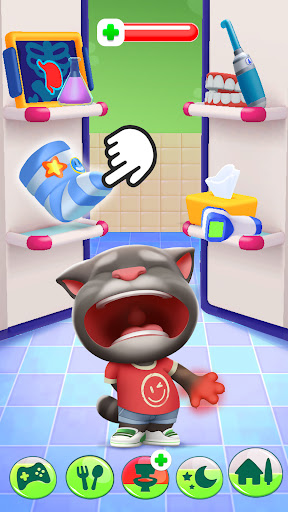
Feed Talking Tom his favorite food and watch his reactions. Help him brush his teeth and use the bathroom. Make sure he gets enough sleep and playtime. Daily routines keep play varied and help build habits through play.

Dress Up & Customization
Choose different outfits to express Talking Tom's personality. Dress him casually for a day at home, give him sporty gear for games, or pick fancy clothes for special occasions. Change his fur colors and decorate his house with furniture.

Mini Games Collection
Play action-packed mini games to earn coins and unlock rewards:
Space Trails: Navigate through obstacles
Sky Race: Compete in high-speed challenges
Dunk-a-Pet: Score baskets
Build Your Plane: Create and fly custom aircraft

Each mini game offers different challenges and rewards.

World Exploration
Visit magical destinations. Each world has unique activities, items to collect, and surprises to discover:
Candy Kingdom: Sweet adventure in a sugary paradise
Pirate Island: Hunt for hidden treasures
Underwater Home: Explore beneath the waves
Magic Forest: Mystical world and secrets
Cyber City: Futuristic challenges
Dragon Kingdom: Lunar New Year fantasy world

Pet Collection
Talking Tom has unique pet friends that join your adventures. Each pet has its own personality and behaviors. Care for them, play with them, and watch them interact with your favorite cat.

Skills & Learning
Teach Talking Tom new abilities like playing drums, shooting basketballs, and boxing. As he learns, you unlock new animations and interactions.

Why Families Choose This Game


Fun for the Whole Family
My Talking Tom 2 offers screen time that is both entertaining and meaningful. Players learn about caring for pets, managing daily routines, and responsibility through play.

Safe & Offline Play
Playable offline after installation (some features may require an internet connection), making it perfect for car rides, flights, or anywhere without an internet connection. The content is safe, lighthearted, and fun for all ages.

Perfect For Pet Lovers
This game suits anyone who enjoys virtual pet experiences, life simulation gameplay, or caring for digital companions. Whether you're 5 or 50, there's something enjoyable about watching Talking Tom grow.

Technical Details


Offline Play: No internet required after installation.
Free to Play: Download for free with optional in-app purchases.
Regular Updates: Seasonal content, new outfits, and special events.
Auto-Save: Pick up right where you left off.

What Makes It Special


Talking Tom responds to your actions in real time. The combination of pet care, exploration, mini-games, and customization means you are never doing the same thing twice.

Start your adventure with the iconic talking cat.

This app contains:
- Promotion of Outfit7's products and advertising;
- Links that direct customers to Outfit7’s websites and other apps;
- Personalization of content to encourage users to play the app again;
- The option to make in-app purchases;
- Items to purchase (available in different prices) using virtual currency, depending on the player’s progress;
- Alternative options to access all functionalities of the app without making any in-app purchases using real money.
- Some features may be subject to different pricing and availability.
Terms of use: https://talkingtomandfriends.com/eula/en/
Privacy policy for games: https://talkingtomandfriends.com/privacy-policy-games/en
Customer support: support@outfit7.com

Show more

How to Download My Talking Tom 2 on PC

  • My Talking Tom 2 PC

    1. Download MEmu installer and finish the setup

  • My Talking Tom 2 PC

    2. Start MEmu then open Google Play on the desktop

  • My Talking Tom 2 PC

    3. Search My Talking Tom 2 in Google Play

  • My Talking Tom 2 PC Install

    4. Download and Install My Talking Tom 2

  • My Talking Tom 2 PC

    5. On install completion click the icon to start

  • My Talking Tom 2 PC
    My Talking Tom 2 PC My Talking Tom 2 PC

    6. Enjoy playing My Talking Tom 2 on PC with MEmu

Why Use MEmu for My Talking Tom 2

MEmu Play is the best Android emulator and 100 million people already enjoy its superb Android gaming experience. The MEmu virtualization technology empowers you to play thousands of Android games smoothly on your PC, even the most graphic-intensive ones.

  • Bigger screen with better graphics; Long duration, without limitation of battery or mobile data.

  • Full Keymapping support for precise control of keyboard and mouse or gamepad.

  • Multiple game accounts or tasks on single PC at one time with Multi-Instance manager.

Ready to Play?

Hot Topics

My Talking Tom 2 - FAQs

  • How to play My Talking Tom 2 on PC?

    Play My Talking Tom 2 on PC by following steps:
    • Download MEmu, then install and launch it
    • Login to Google Play Store, install the game
    • Enjoy playing the game on PC with MEmu
  • What are the minimum system requirements to run My Talking Tom 2 on PC?
    • Intel or AMD Processor
    • Microsoft Windows 7 and above
    • 2GB of memory
    • 5GB of free disk space
    • Hardware Virtualization Technology
My Talking Tom 2 PC
My Talking Tom 2 PC
My Talking Tom 2 PC
My Talking Tom 2 PC