NBA 2K26 MyTEAM Mobile
Updated
Current Version
407.01.536354253
Offered By

With your passion for NBA 2K26 MyTEAM Mobile, you shouldn’t have to limit yourself to the small screen of a phone. Play like a pro and take full control of the game using a keyboard and mouse. MEmu gives you everything you’re looking for. Download and play NBA 2K26 MyTEAM Mobile on PC. Play as long as you want — no more worries about battery life, mobile data, or unexpected calls. The all-new MEmu 9 is the best way to play NBA 2K26 MyTEAM Mobile on PC. With our expertly designed keymapping system, NBA 2K26 MyTEAM Mobile feels just like a real PC game. The MEmu multi-instance manager lets you run two or more accounts on the same device at the same time. Most importantly, our exclusive emulation engine unlocks your PC’s full potential, delivering smooth and seamless performance.
Show more
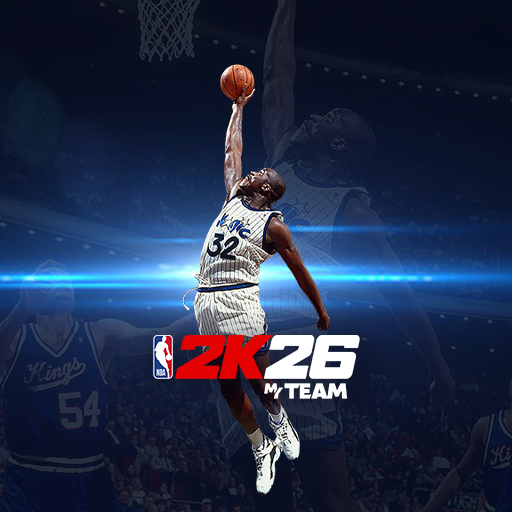
Download NBA 2K26 MyTEAM Mobile on PC with MEmu Android Emulator. Enjoy playing on big screen. Stay on the court with the NBA 2K26 MyTEAM app.
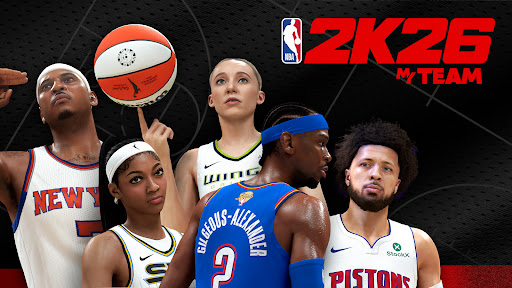
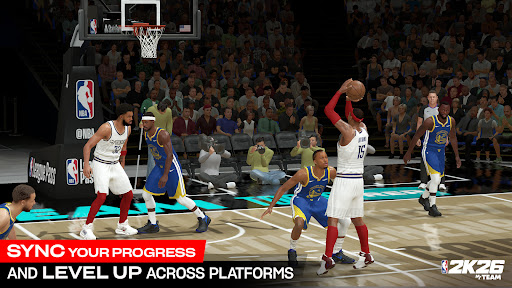
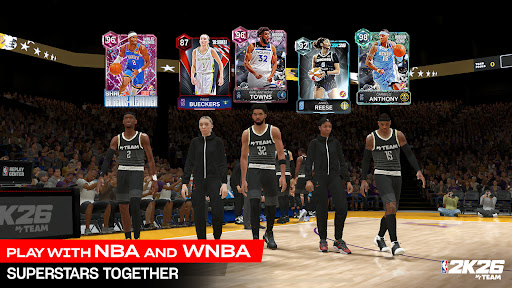
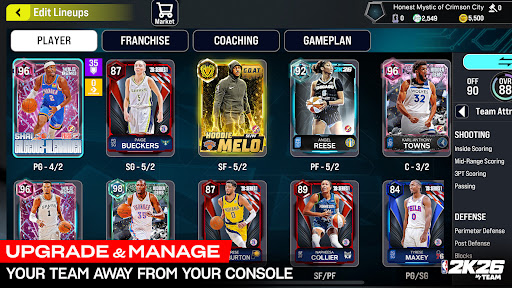
Stay on the court with the NBA 2K26 MyTEAM app. Build, strategize, and manage your star-studded roster of NBA and WNBA players anytime, anywhere. Collect your favorite players from every era and compete in single-player and multiplayer game modes on the go—because competition never rests.
Link the NBA 2K26 MyTEAM app to your PlayStation or Xbox account to sync your progress in NBA 2K26 and continue leveling up with cross-progression compatibility. Stay locked into all of the action and get the most out of your MyTEAM experience.
Piece together a Hall-of-Fame basketball lineup with today's superstars and legends of the game to expand your ever-growing collection as you challenge rival MyTEAM rosters. NBA 2K26 MyTEAM is perfect for fans of competitive basketball games, offering fast-paced action and deep strategy both on and off the court.
INTRODUCING WNBA PLAYER CARDS
For the first time ever—WNBA player cards are available in MyTEAM! Explore all-new unique lineup combinations that blend the best of the WNBA with the best of the NBA, or assemble a team of all WNBA superstars.
ALL-NEW GAME CHANGER CARDS
Change the game—literally—with all-new Game Changer cards. This new addition is unlike anything you’ve encountered before, giving you the ability to tailor your MyTEAM experience via special in-game power-ups. From auto-evolving a player card to recovering a win streak or reducing Domination difficulty, Game Changer cards can be used in a variety of ways.
COMPETE FROM ANYWHERE
Enjoy NBA 2K26’s competitive single-player and multiplayer game modes from the couch or anywhere. Put your lineups to the test in Breakout, Domination, Clutch Time, Triple Threat, and more. Pick up and play with ease and continue your progression with the NBA 2K26 MyTEAM app.
PLAY YOUR GAME
Fuel your competitive hunger with elite gameplay that boasts responsive controls, stunning presentation updates and heightened fidelity, and offers Bluetooth support for a more connected experience.
NBA 2K26 MyTEAM is free to download and includes optional in-game purchases (including random items). Information about drop rates for random item purchases can be found in-game.
Do Not Sell or Share My Personal Information: https://www.take2games.com/ccpa
Use of this application is governed by the Terms of Service (ToS) found at www.take2games.com/legal. Online and certain special features require an internet connection, may not be available to all users or at all times, and may be terminated, modified, or offered under different terms without notice. For more information on the availability of online features and services visit https://bit.ly/2K-Online-Services-Status.
Show more

1. Download MEmu installer and finish the setup

2. Start MEmu then open Google Play on the desktop

3. Search NBA 2K26 MyTEAM Mobile in Google Play
Install
4. Download and Install NBA 2K26 MyTEAM Mobile
5. On install completion click the icon to start

6. Enjoy playing NBA 2K26 MyTEAM Mobile on PC with MEmu
MEmu Play is the best Android emulator and 100 million people already enjoy its superb Android gaming experience. The MEmu virtualization technology empowers you to play thousands of Android games smoothly on your PC, even the most graphic-intensive ones.
Bigger screen with better graphics; Long duration, without limitation of battery or mobile data.
Full Keymapping support for precise control of keyboard and mouse or gamepad.
Multiple game accounts or tasks on single PC at one time with Multi-Instance manager.
Play NBA 2K26 MyTEAM Mobile on PC by following steps: