Ninja Party: Team Up & Brawl
Updated
Current Version
0.7.5
Offered By

With your passion for Ninja Party: Team Up & Brawl, you shouldn’t have to limit yourself to the small screen of a phone. Play like a pro and take full control of the game using a keyboard and mouse. MEmu gives you everything you’re looking for. Download and play Ninja Party: Team Up & Brawl on PC. Play as long as you want — no more worries about battery life, mobile data, or unexpected calls. The all-new MEmu 9 is the best way to play Ninja Party: Team Up & Brawl on PC. With our expertly designed keymapping system, Ninja Party: Team Up & Brawl feels just like a real PC game. The MEmu multi-instance manager lets you run two or more accounts on the same device at the same time. Most importantly, our exclusive emulation engine unlocks your PC’s full potential, delivering smooth and seamless performance.
Show more
Download Ninja Party: Team Up & Brawl on PC with MEmu Android Emulator. Enjoy playing on big screen. Ninja Party is a free parkour multiplayer action game from the creators of Shadow Fight and Vector.
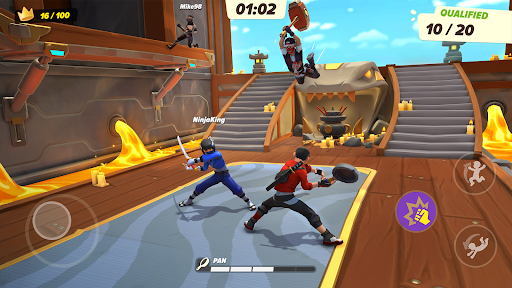
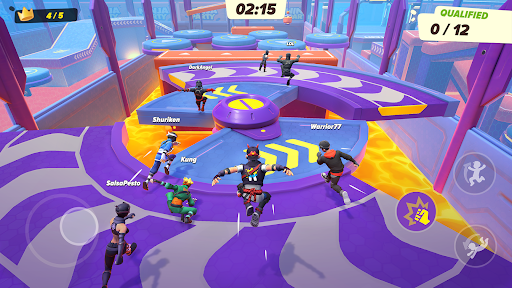
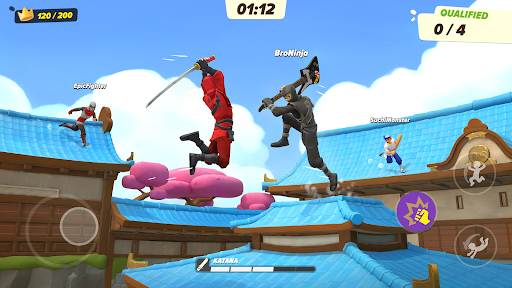
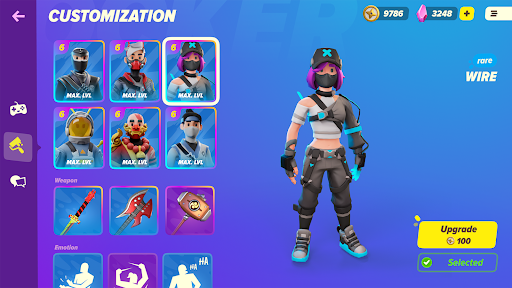
Ninja Party is a free parkour multiplayer action game from the creators of Shadow Fight and Vector. Compete with other players online in fun challenges for the title of the best ninja!
MULTIPLAYER PARKOUR ACTION
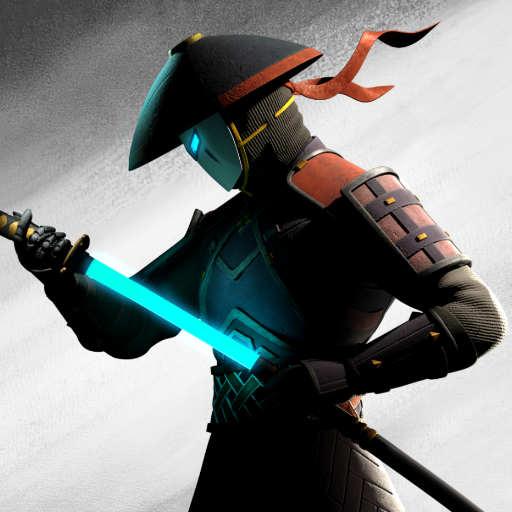
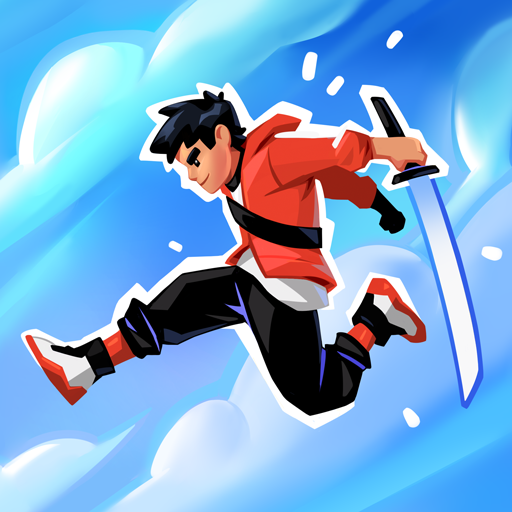
Run on walls, catch up with opponents and deal with them like a real ninja: using katanas, kunai, hammers, and anything that comes to hand — even a frying pan. This is Ninja Party, where each round is full of unpredictable fighting chaos. Did you fail and get knocked out? No problem — immediately return to the game and punish the offender, no boring waiting! Dynamic multiplayer gameplay guarantees that every match feels fresh and fast-paced. Whether you’re new or experienced, there’s always a way to surprise your opponents in this multiplayer battle.
PARTY ROYALE — BECOME THE BEST NINJA
Remain the only one among up to 12 players competing for the title of the best ninja. Complete challenges in various game modes one by one — experience the true ninja party royale! As each stage progresses, players are eliminated, and in the end, there is only one winner. Victory requires speed, cunning, and adaptability — every move counts in this online showdown. Welcome to the world of real-time multiplayer fighting games, where chaos meets strategy.
TEAM UP WITH FRIENDS
Team up with friends or meet new allies online! Create a group of up to three ninjas and lead your clan to victory. Working together gives you a real edge: cover each other, set traps, and turn the tide of battle. Playing as a team makes every moment of Ninja Party even more exciting — and unpredictable. Show your loyalty or go full betrayal — it’s up to you.
COLLECT AND UPGRADE SKINS
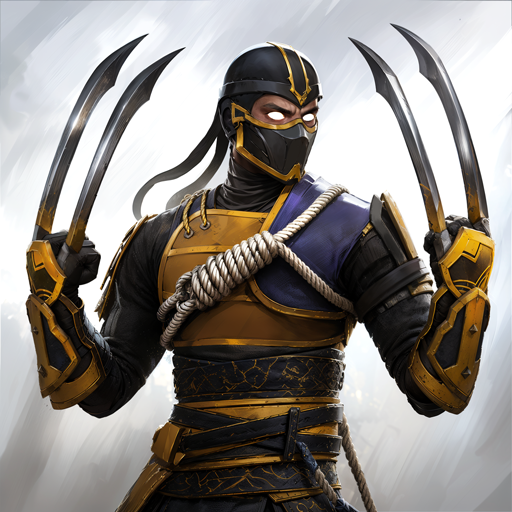
Just play and replenish your collection of unique ninja skins. Win matches, complete challenges, and unlock new appearances. Customize your style and stand out among other players — from classic stealthy looks to wild, fun costumes. As you progress, you can upgrade your favorite skins and improve their appearance by reaching new levels. Your ninja, your style.
Ninja Party is not just a game — it’s a nonstop action-packed experience with wild parkour, chaotic battles, and fast multiplayer rounds that keep you coming back. With up to 12 players online, a variety of game modes, and tons of unlockables, this game has everything for fans of multiplayer action games, fighting games, and party chaos. Play solo or with friends, take part in the most unpredictable competition, and become the ultimate ninja legend!
Ready for the party? Jump into the Ninja Party — your next multiplayer battle awaits.
Show more

1. Download MEmu installer and finish the setup

2. Start MEmu then open Google Play on the desktop

3. Search Ninja Party: Team Up & Brawl in Google Play
Install
4. Download and Install Ninja Party: Team Up & Brawl
5. On install completion click the icon to start

6. Enjoy playing Ninja Party: Team Up & Brawl on PC with MEmu
MEmu Play is the best Android emulator and 100 million people already enjoy its superb Android gaming experience. The MEmu virtualization technology empowers you to play thousands of Android games smoothly on your PC, even the most graphic-intensive ones.
Bigger screen with better graphics; Long duration, without limitation of battery or mobile data.
Full Keymapping support for precise control of keyboard and mouse or gamepad.
Multiple game accounts or tasks on single PC at one time with Multi-Instance manager.
Play Ninja Party: Team Up & Brawl on PC by following steps: