Satelital
Updated
Current Version
Offered By

With your passion for Satelital, you shouldn’t have to limit yourself to the small screen of a phone. Play like a pro and take full control of the game using a keyboard and mouse. MEmu gives you everything you’re looking for. Download and play Satelital on PC. Play as long as you want — no more worries about battery life, mobile data, or unexpected calls. The all-new MEmu 9 is the best way to play Satelital on PC. With our expertly designed keymapping system, Satelital feels just like a real PC game. The MEmu multi-instance manager lets you run two or more accounts on the same device at the same time. Most importantly, our exclusive emulation engine unlocks your PC’s full potential, delivering smooth and seamless performance.
Show more
Download Satelital on PC with MEmu Android Emulator. Enjoy playing on big screen. Satelital is a rule-discovery game about solving alien puzzles through observation and experimentation.
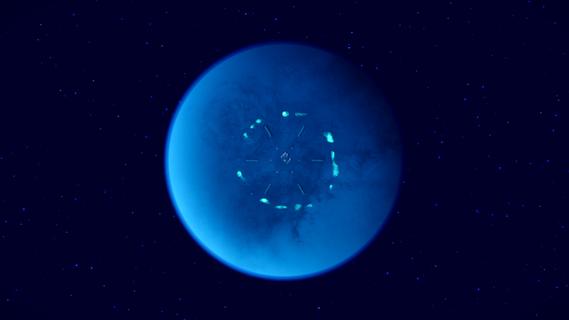
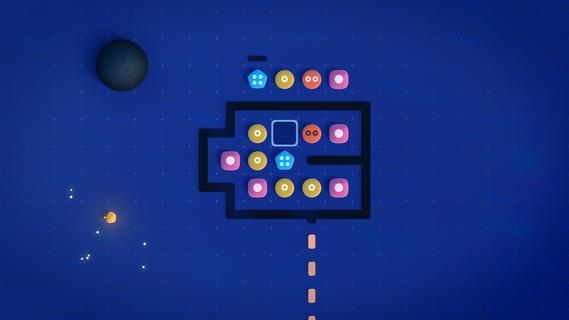
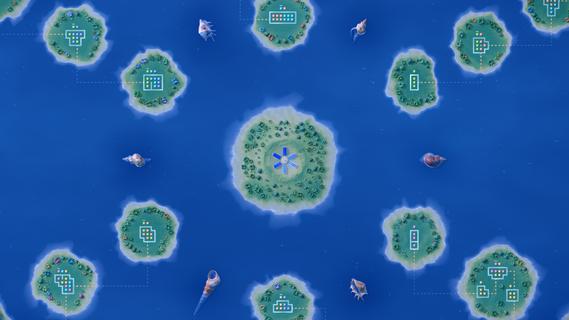
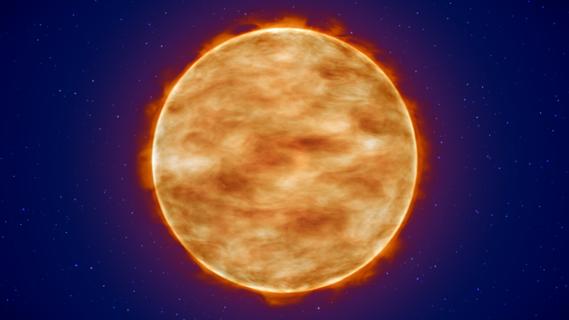
Satelital is a rule-discovery game about solving alien puzzles through observation and experimentation.Travel between six celestial bodies, each featuring a unique set of rules. Place symbols on a grid and study their interactions to learn how they work. Each puzzle introduces a new idea and expands on what you've learned before, without lengthy tutorials or explicit explanations.Listen to a calm ambient soundscape as you explore the cosmos at your own pace.FeaturesOpen Exploration1 moon, 1 star and 4 planets that can be visited in any orderOver 120 Handcrafted PuzzlesEach bringing a new idea that builds on the last4-6 HoursA compact puzzle journey that respects your timeOriginal SoundtrackAtmospheric ambient music for concentration
Show more

1. Download MEmu installer and finish the setup

2. Start MEmu then open Google Play on the desktop

3. Search Satelital in Google Play
Install
4. Download and Install Satelital
5. On install completion click the icon to start

6. Enjoy playing Satelital on PC with MEmu
MEmu Play is the best Android emulator and 100 million people already enjoy its superb Android gaming experience. The MEmu virtualization technology empowers you to play thousands of Android games smoothly on your PC, even the most graphic-intensive ones.
Bigger screen with better graphics; Long duration, without limitation of battery or mobile data.
Full Keymapping support for precise control of keyboard and mouse or gamepad.
Multiple game accounts or tasks on single PC at one time with Multi-Instance manager.
Play Satelital on PC by following steps:

















































