StarSavior
Updated
Current Version
2.00.2203081
Offered By

With your passion for StarSavior, you shouldn’t have to limit yourself to the small screen of a phone. Play like a pro and take full control of the game using a keyboard and mouse. MEmu gives you everything you’re looking for. Download and play StarSavior on PC. Play as long as you want — no more worries about battery life, mobile data, or unexpected calls. The all-new MEmu 9 is the best way to play StarSavior on PC. With our expertly designed keymapping system, StarSavior feels just like a real PC game. The MEmu multi-instance manager lets you run two or more accounts on the same device at the same time. Most importantly, our exclusive emulation engine unlocks your PC’s full potential, delivering smooth and seamless performance.
Show more
Download StarSavior on PC with MEmu Android Emulator. Enjoy playing on big screen. Long ago, the legendary Star Savior defeated the Void Star.
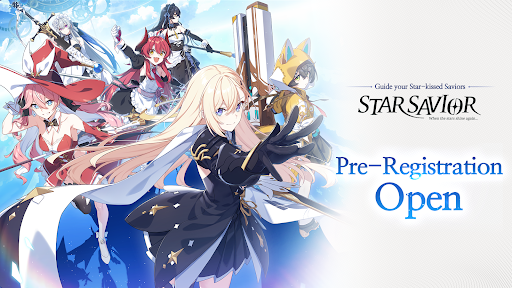
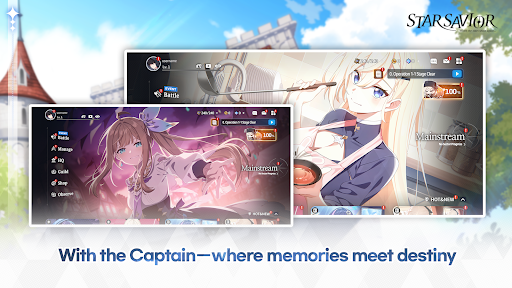
Long ago, the legendary Star Savior defeated the Void Star.
Now, the Journey—a trial to inherit the great power he left behind—begins once more.
Take on the Journey alongside star-powered girls and inherit the legacy of the Star Savior.
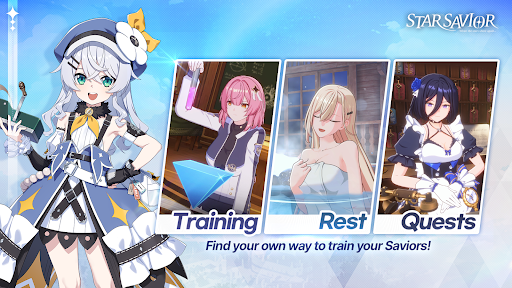
A training RPG to raise a new shining light to illuminate the cosmos in an age where the stars are fading.
StarSavior: Guide your Saviors through the star-kissed Journey.
■ A Journey with girls who wield the power of the stars
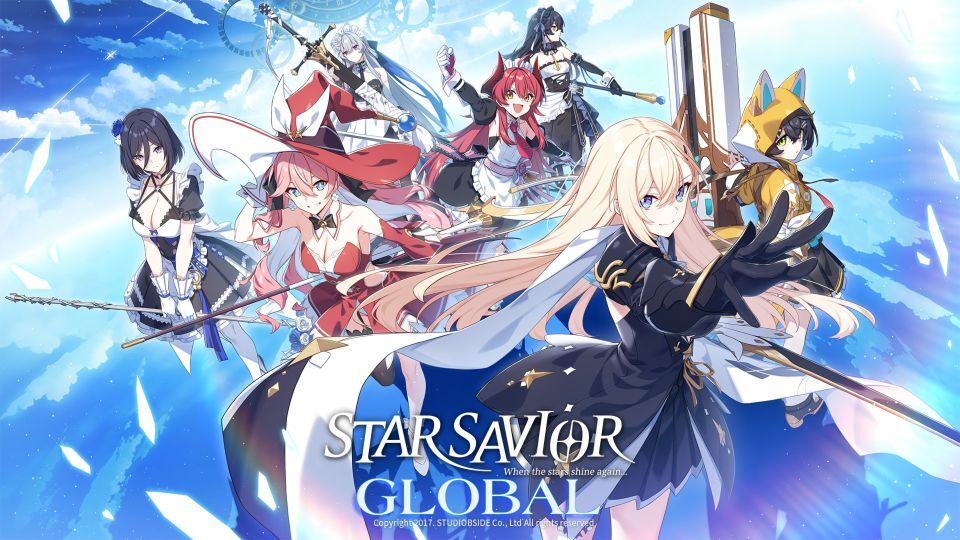
You become the Captain of the Savior Party, tasked with leading the star-powered girls known as Saviors.
Forge bonds with star-powered Saviors and lead them through the Journey—to inherit the legacy of the Star Savior.
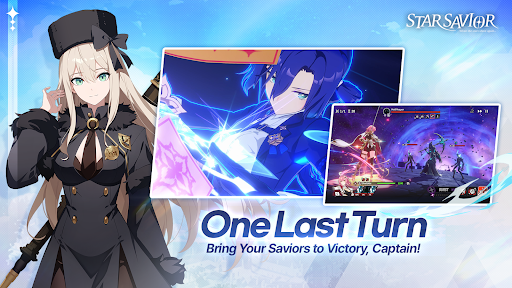
■ Turn-based battles with cinematic skill animations
Each Savior possesses unique abilities and traits.
Combine their distinct skills and attributes with stunning visual effects to build the optimal party,
and overcome formidable enemies through turn-based combat guided by your strategy as Captain.
■ The legacy of the Star Savior — and a new story
Follow in the footsteps of the Star Savior and uncover a new tale.
Experience a story where past and future, fate and bonds, intertwine.
■ Anime-style illustrations and 3D graphics
The world of StarSavior comes alive through anime-style illustrations,
paired with 3D visuals rendered in a distinct aesthetic.
■ Official Community
▶ Official Hompage: https://starsavior.com/intro
▶ Official YouTube: https://www.youtube.com/@StarSavior_EN
▶ Official X: https://x.com/StarSavior_EN
■ Recommended Specifications
Android OS 15 / RAM 8GB or higher
■ Optional Permissions
- Notifications: Required to receive promotional and informational notifications.
- Photos/Media/Files: Required to save screenshots.
Show more

1. Download MEmu installer and finish the setup

2. Start MEmu then open Google Play on the desktop

3. Search StarSavior in Google Play
Install
4. Download and Install StarSavior
5. On install completion click the icon to start

6. Enjoy playing StarSavior on PC with MEmu
MEmu Play is the best Android emulator and 100 million people already enjoy its superb Android gaming experience. The MEmu virtualization technology empowers you to play thousands of Android games smoothly on your PC, even the most graphic-intensive ones.
Bigger screen with better graphics; Long duration, without limitation of battery or mobile data.
Full Keymapping support for precise control of keyboard and mouse or gamepad.
Multiple game accounts or tasks on single PC at one time with Multi-Instance manager.
Play StarSavior on PC by following steps: