Subnautica: Below Zero
Updated
Current Version
1.22.55047
Offered By

With your passion for Subnautica: Below Zero, you shouldn’t have to limit yourself to the small screen of a phone. Play like a pro and take full control of the game using a keyboard and mouse. MEmu gives you everything you’re looking for. Download and play Subnautica: Below Zero on PC. Play as long as you want — no more worries about battery life, mobile data, or unexpected calls. The all-new MEmu 9 is the best way to play Subnautica: Below Zero on PC. With our expertly designed keymapping system, Subnautica: Below Zero feels just like a real PC game. The MEmu multi-instance manager lets you run two or more accounts on the same device at the same time. Most importantly, our exclusive emulation engine unlocks your PC’s full potential, delivering smooth and seamless performance.
Show more
Download Subnautica: Below Zero on PC with MEmu Android Emulator. Enjoy playing on big screen. Get it at a special 10% off launch price!
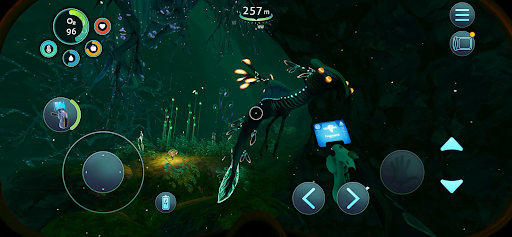
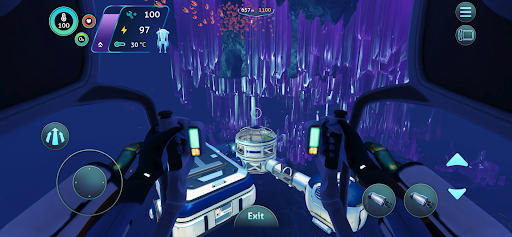
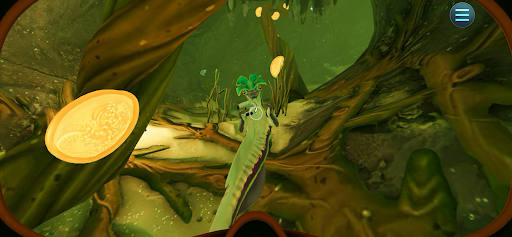
Get it at a special 10% off launch price!
*Please make sure your device is supported before purchasing Below Zero!*
Below Zero is the next chapter of Subnautica, the underwater survival open world set on an alien ocean planet.
Submerge yourself in an all-new, sub-zero expedition in an arctic region of Planet 4546B. After crash landing planetside, set out into frigid waters to investigate what happened to your sister...
Discover new biomes, creatures, challenges and story! Below Zero expands the Subnautica universe, diving deeper into the adventure and mysteries introduced in the original game.
UNCOVER THE TRUTH - Who were the aliens who came here before? Why were they on this planet? What really happened to your sister? And will exposing the truth give some closure to your loss?
SURVIVE THE COLD - The freezing temperatures of this arctic region pose a new challenge. Craft a toasty cold suit, sip on piping hot coffee, and warm up next to Thermal Lilies to stave off the chill.
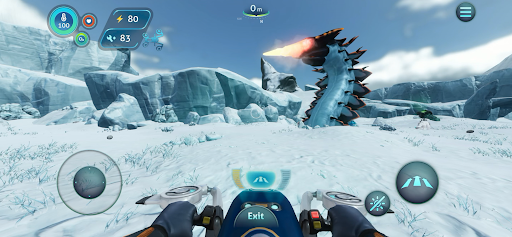
CRAFT YOUR WAY - Survive the harsh climate by constructing extensive habitats, scavenging for resources, and crafting equipment. Blast across the snowy tundra on a Snowfox hoverbike. Cruise through enchanting and perilous biomes in your modular Seatruck.
EXPLORE THE PLANET - Swim beneath the blue-lit, arching expanses of Twisty Bridges, be mesmerized by the Crystal Caverns, venture into the icy caves of Glacial Basin or maneuver between erupting Thermal Vents to discover ancient alien artifacts.
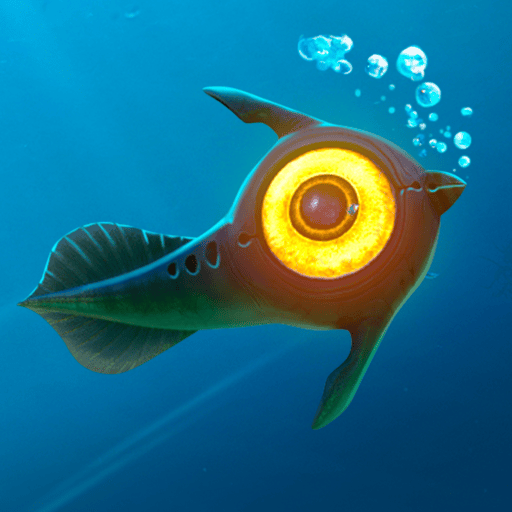
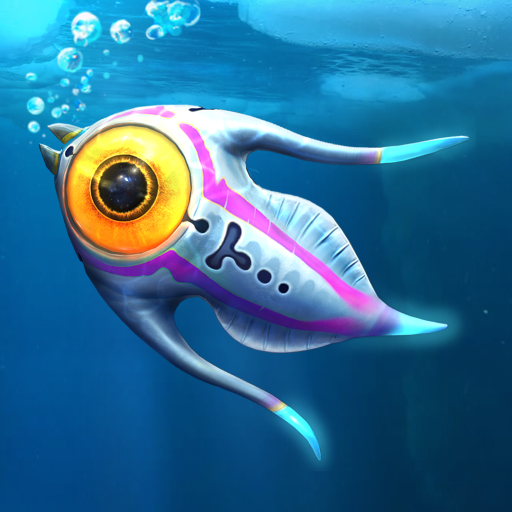
MEET NEW CREATURES - Something undiscovered lurks around every corner. Swim through the giant Titan Holefish, encounter the haunting Shadow Leviathan, and visit the adorable Pengwings. Keep your wits about you. Not all creatures in this strange world are friendly.
REIMAGINED AND OPTIMIZED FOR MOBILE
- Revamped interface – exclusive mobile UI with complete touch control
- Google Play Games achievements
- Cloud Save – Share your progress between Android devices
Continue your Subnautica adventure with Below Zero, now available in Unknown World's mobile catalog!
Show more

1. Download MEmu installer and finish the setup

2. Start MEmu then open Google Play on the desktop

3. Search Subnautica: Below Zero in Google Play
Install
4. Download and Install Subnautica: Below Zero
5. On install completion click the icon to start

6. Enjoy playing Subnautica: Below Zero on PC with MEmu
MEmu Play is the best Android emulator and 100 million people already enjoy its superb Android gaming experience. The MEmu virtualization technology empowers you to play thousands of Android games smoothly on your PC, even the most graphic-intensive ones.
Bigger screen with better graphics; Long duration, without limitation of battery or mobile data.
Full Keymapping support for precise control of keyboard and mouse or gamepad.
Multiple game accounts or tasks on single PC at one time with Multi-Instance manager.
Play Subnautica: Below Zero on PC by following steps: