Super Stylist: Fashion Star
Updated
Current Version
1.3.6
Offered By

With your passion for Super Stylist: Fashion Star, you shouldn’t have to limit yourself to the small screen of a phone. Play like a pro and take full control of the game using a keyboard and mouse. MEmu gives you everything you’re looking for. Download and play Super Stylist: Fashion Star on PC. Play as long as you want — no more worries about battery life, mobile data, or unexpected calls. The all-new MEmu 9 is the best way to play Super Stylist: Fashion Star on PC. With our expertly designed keymapping system, Super Stylist: Fashion Star feels just like a real PC game. The MEmu multi-instance manager lets you run two or more accounts on the same device at the same time. Most importantly, our exclusive emulation engine unlocks your PC’s full potential, delivering smooth and seamless performance.
Show more
Download Super Stylist: Fashion Star on PC with MEmu Android Emulator. Enjoy playing on big screen. Welcome to the glamorous world of fashion stars and style makeovers!
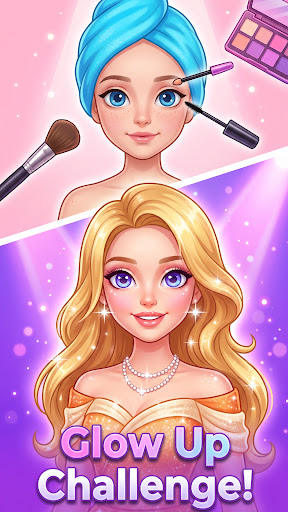
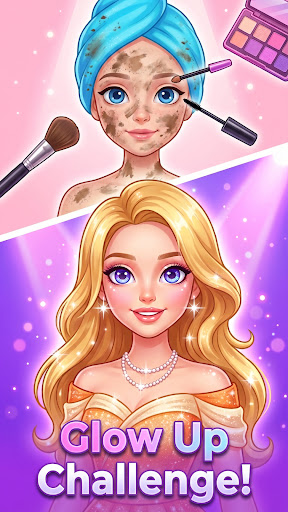
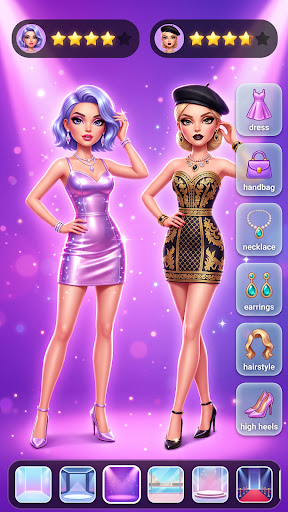
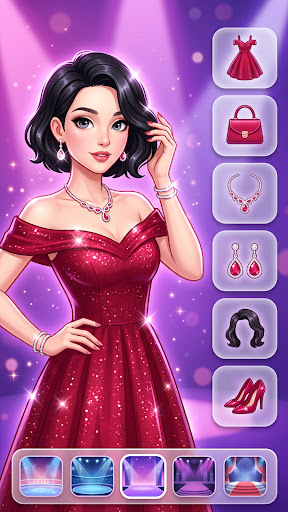
Welcome to the glamorous world of fashion stars and style makeovers!
In Super Stylist: Fashion Star, you’re not just playing dress up—you’re creating stunning runway looks and styling models like a pro! From casual cool to red carpet glam, YOU are the ultimate fashion designer and makeover artist.
Design outfits, glam up with makeup, and get your models ready to steal the spotlight. With endless options in clothes, cosmetics, and accessories, the only limit is your imagination!
Style & Dress Up Like a Pro
Mix & match trendy tops, pants, dresses, skirts and more
Customize every outfit for different events: runway, streetwear, party & royal
Accessorize with shoes, bags, hats, sunglasses, and sparkly jewelry
Makeup Makeover Studio
Create flawless makeup looks: lipstick, blush, eyeliner, eyeshadow & more
Choose from cute, glam, bold, or natural styles
Add glitter, stickers & special effects for extra flair
Hair Salon Fun
Style, curl, straighten or color your model’s hair
Try cool styles from braids to rainbow waves
Rule the Runway
Get your models ready for fashion shows
Compete in styling events and unlock rare outfits
Showcase your creations and rise to the top!
Why You’ll Love It
Perfect for kids & girls who love fashion and creativity
Endless outfit combinations and makeup styles
Beautiful graphics and intuitive controls
Totally safe, no ads, no time pressure – just pure fun!
Are you ready to be the next Fashion Star? Your dream styling journey starts now!
Download Super Stylist: Fashion Star today and let your creativity shine!
Show more

1. Download MEmu installer and finish the setup

2. Start MEmu then open Google Play on the desktop

3. Search Super Stylist: Fashion Star in Google Play
Install
4. Download and Install Super Stylist: Fashion Star
5. On install completion click the icon to start

6. Enjoy playing Super Stylist: Fashion Star on PC with MEmu
MEmu Play is the best Android emulator and 100 million people already enjoy its superb Android gaming experience. The MEmu virtualization technology empowers you to play thousands of Android games smoothly on your PC, even the most graphic-intensive ones.
Bigger screen with better graphics; Long duration, without limitation of battery or mobile data.
Full Keymapping support for precise control of keyboard and mouse or gamepad.
Multiple game accounts or tasks on single PC at one time with Multi-Instance manager.
Play Super Stylist: Fashion Star on PC by following steps: