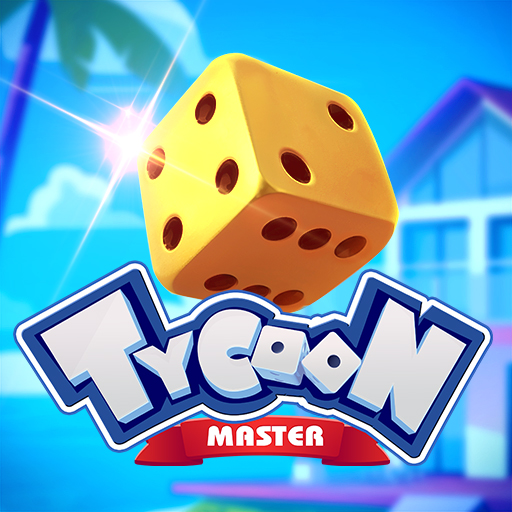
Tycoon Master
Updated
Current Version
1.9.4
Offered By

With your passion for Tycoon Master, you shouldn’t have to limit yourself to the small screen of a phone. Play like a pro and take full control of the game using a keyboard and mouse. MEmu gives you everything you’re looking for. Download and play Tycoon Master on PC. Play as long as you want — no more worries about battery life, mobile data, or unexpected calls. The all-new MEmu 9 is the best way to play Tycoon Master on PC. With our expertly designed keymapping system, Tycoon Master feels just like a real PC game. The MEmu multi-instance manager lets you run two or more accounts on the same device at the same time. Most importantly, our exclusive emulation engine unlocks your PC’s full potential, delivering smooth and seamless performance.
Show more
Download Tycoon Master on PC with MEmu Android Emulator. Enjoy playing on big screen. Welcome to Tycoon Master!




Welcome to Tycoon Master! Roll your lucky dice and get ready for a wild ride of fortune through tycoon board!
[Game Features]
● Become a property tycoon!
Invest in diverse assets to unlock limitless business opportunities of tycoon board, ranging from banks and amusement parks to luxury homes and shopping malls! Make massive profits by gathering the core assets!
● Achieve wealth by investing in unique architecture!
Create a wide range of themed buildings from scratch, one step at a time! Build your own wealthy paradise!
● Collect Treasures!
Gather a variety of beautiful stickers to complete the seasonal album! Use the diverse range of transportation tools, characters, portraits, emotes, and other visually appealing options at your disposal to create your desired personal image!
● Explore a city of wealth and surprises!
Unearth secret routes as you travel! In this vibrant and ever-changing city, experience the ultimate entertainment, ranging from slot machines, roulette, to scratch cards and more!
● Play with your friends
Invite your friends to play with you. It's time to play pranks on each other! You can also offer them a ride on your journey to fame and fortune!
Please note: TYCOON MASTER is a virtual game that does not involve real gambling. Any virtual gambling elements in the game are purely for entertainment purposes and do not represent real gambling. The virtual currency and items in the game have no real-world value and cannot be exchanged for real money or goods. Playing TYCOON MASTER does not guarantee any winnings in real gambling activities.
Discord: https://discord.gg/RqV62j4FQw
Show more

1. Download MEmu installer and finish the setup

2. Start MEmu then open Google Play on the desktop

3. Search Tycoon Master in Google Play
Install
4. Download and Install Tycoon Master
5. On install completion click the icon to start

6. Enjoy playing Tycoon Master on PC with MEmu
MEmu Play is the best Android emulator and 100 million people already enjoy its superb Android gaming experience. The MEmu virtualization technology empowers you to play thousands of Android games smoothly on your PC, even the most graphic-intensive ones.
Bigger screen with better graphics; Long duration, without limitation of battery or mobile data.
Full Keymapping support for precise control of keyboard and mouse or gamepad.
Multiple game accounts or tasks on single PC at one time with Multi-Instance manager.
Play Tycoon Master on PC by following steps: