Warspark
Updated
Current Version
1755742402
Offered By

With your passion for Warspark, you shouldn’t have to limit yourself to the small screen of a phone. Play like a pro and take full control of the game using a keyboard and mouse. MEmu gives you everything you’re looking for. Download and play Warspark on PC. Play as long as you want — no more worries about battery life, mobile data, or unexpected calls. The all-new MEmu 9 is the best way to play Warspark on PC. With our expertly designed keymapping system, Warspark feels just like a real PC game. The MEmu multi-instance manager lets you run two or more accounts on the same device at the same time. Most importantly, our exclusive emulation engine unlocks your PC’s full potential, delivering smooth and seamless performance.
Show more
Download Warspark on PC with MEmu Android Emulator. Enjoy playing on big screen. When the Chaos Core cracks, only you can stop the apocalypse.
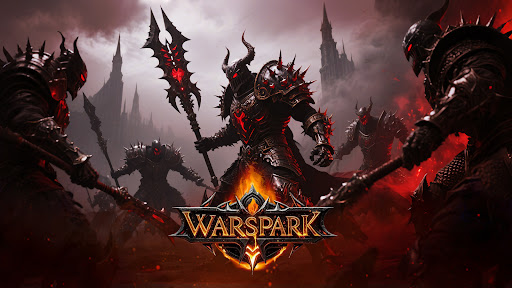
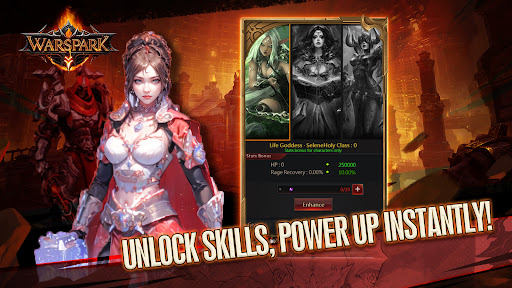
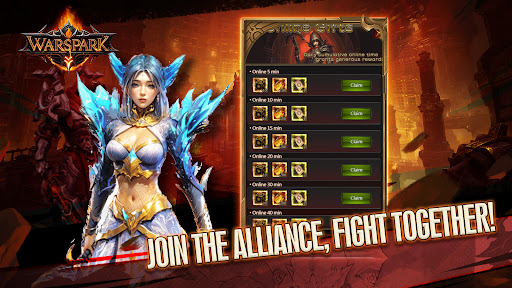
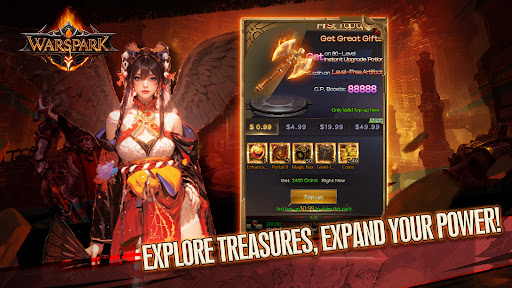
When the Chaos Core cracks, only you can stop the apocalypse.
In the year 2374 of the Age of Chaos, you awaken on the cursed plains, far from the shattered altar where the Demon God Diaros broke free. With a magical box in hand and time slipping through a frozen hourglass etched into your flesh, you must gather allies, grow stronger, and fight to stop the world’s final collapse.
Warspark is a dark fantasy ARPG that blends gear-hunting, explosive PvP, and squad-based combat into one action-packed adventure. Start your journey with a mysterious loot box—open it to change your fate.
「Loot to Grow」
Open magical boxes to unlock rare gear and legendary weapons. The better your loot, the stronger your path to domination.
「Build Your Mercenary Squad」
Recruit elite fighters with unique skills and synergies. Create the perfect team to survive the chaos.
「Fight for the Final Blow」
Enter 100-player chaotic boss battles. Only one can land the last hit—and the winner takes all.
「Conquer the Shattered Realm」
Explore corrupted forests, molten ruins, and cursed battlefields in a world on the brink of destruction.
「Dominate the Server」
Equip epic gear, rise through the ranks, and become the strongest in this dark and dangerous land.
Time is running out. The blood moon will rise again—and when it does, Diaros will return.
Download Warspark now and claim your destiny before the final sand falls.
Show more

1. Download MEmu installer and finish the setup

2. Start MEmu then open Google Play on the desktop

3. Search Warspark in Google Play
Install
4. Download and Install Warspark
5. On install completion click the icon to start

6. Enjoy playing Warspark on PC with MEmu
MEmu Play is the best Android emulator and 100 million people already enjoy its superb Android gaming experience. The MEmu virtualization technology empowers you to play thousands of Android games smoothly on your PC, even the most graphic-intensive ones.
Bigger screen with better graphics; Long duration, without limitation of battery or mobile data.
Full Keymapping support for precise control of keyboard and mouse or gamepad.
Multiple game accounts or tasks on single PC at one time with Multi-Instance manager.
Play Warspark on PC by following steps: