Eternal City
Updated
Current Version
1.32.40
Offered By

With your passion for Eternal City, you shouldn’t have to limit yourself to the small screen of a phone. Play like a pro and take full control of the game using a keyboard and mouse. MEmu gives you everything you’re looking for. Download and play Eternal City on PC. Play as long as you want — no more worries about battery life, mobile data, or unexpected calls. The all-new MEmu 9 is the best way to play Eternal City on PC. With our expertly designed keymapping system, Eternal City feels just like a real PC game. The MEmu multi-instance manager lets you run two or more accounts on the same device at the same time. Most importantly, our exclusive emulation engine unlocks your PC’s full potential, delivering smooth and seamless performance.
Show more
Download Eternal City on PC with MEmu Android Emulator. Enjoy playing on big screen. ‘Eternal City’ is a real-time battle RPG, with many heroes and different plot lines to help keep you engaged.
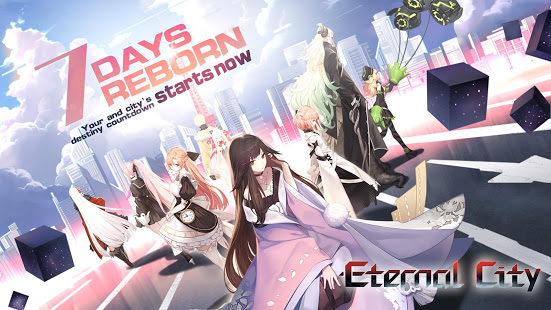
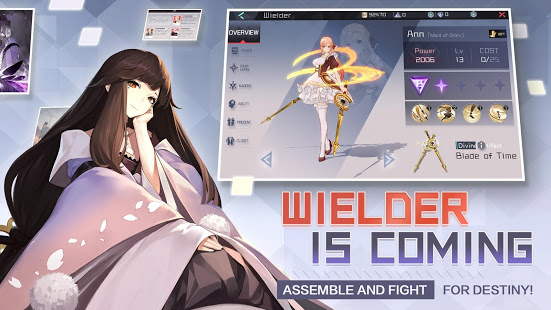
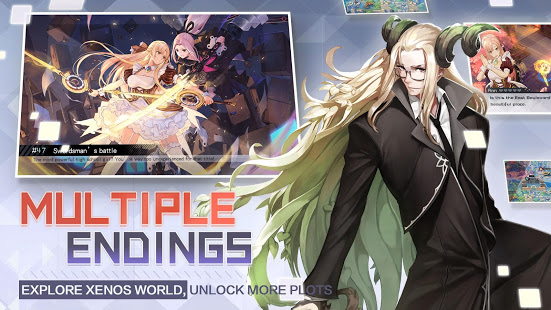
‘Eternal City’ is a real-time battle RPG, with many heroes and different plot lines to help keep you engaged. This is guaranteed to bring you a unique and captivating experience!
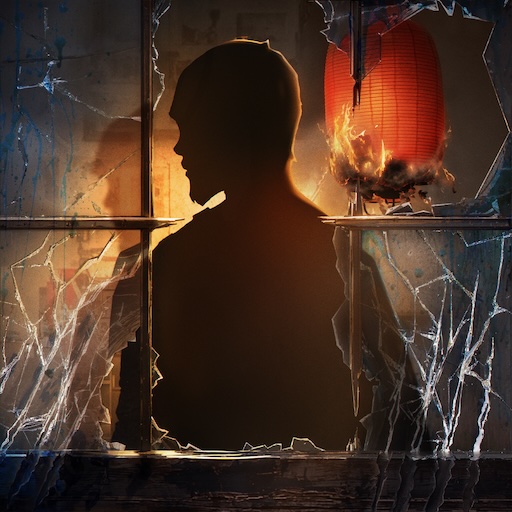
The game’s story takes place in a modern coastal city. One day, the ‘Black Gate’ appeared in the city, and monsters from different dimensions invaded the city. The entire city was covered with a disorienting mist, and all peace was instantly destroyed. During this time, it was discovered that some humans that held special abilities and had the power to use mythological weapons. These humans can not only can kill these monsters, but they can also destroy the Black Gate. These heroic characters, called "Wielders", eventually assembled at the ‘Central Department’ to rise up against the Xenos World and fight for their destiny!
This is the moment the character you’re playing enters to the city. You as the protagonist hold a rare and special ability that Wielders rely on. After learning more about the world, you’ve discovered things are not as simple as you’d once thought. The threat is not just the Black Gate and the monsters it summons. A 7-day countdown that controls the fate of the city is quickly approaching…
Many well-known artists were invited to participate in the game’s production. Based on Netease's self-developed engine, and unique performance technology, the 2.5-D anime-style visuals will bring a unique experience to each player.
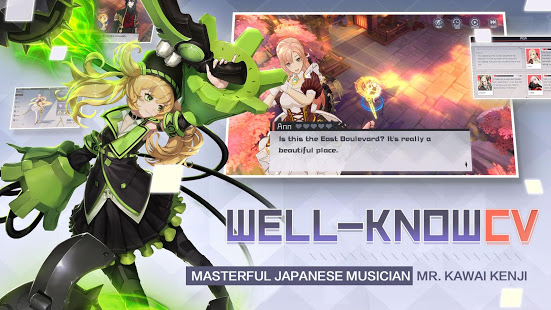
The game’s music was created by the masterful Japanese musician - Mr. Kawai Kenji. He has created many original soundtracks for the diverse gameplay within ‘Eternal City’. In addition, dozens of well-known Japanese CV such as Hanazawa Kana, Uchida Maaya, and Kugimiya Rie have participated in the game’s dubbing. Total duration of the dubbing exceeds 10 hours.
• CAMERA: It is used in the Camera function when players want to take pictures and use them as portrait.
• RECORD_AUDIO: It is used in world channel when players want to send some voice messages
Fixed an issue that occurred with some Sony earphone models
• EXTERNAL_STORAGE: It is used to save some of the game's resources
Show more

1. Download MEmu installer and finish the setup

2. Start MEmu then open Google Play on the desktop

3. Search Eternal City in Google Play
Install
4. Download and Install Eternal City
5. On install completion click the icon to start

6. Enjoy playing Eternal City on PC with MEmu
MEmu Play is the best Android emulator and 100 million people already enjoy its superb Android gaming experience. The MEmu virtualization technology empowers you to play thousands of Android games smoothly on your PC, even the most graphic-intensive ones.
Bigger screen with better graphics; Long duration, without limitation of battery or mobile data.
Full Keymapping support for precise control of keyboard and mouse or gamepad.
Multiple game accounts or tasks on single PC at one time with Multi-Instance manager.
Play Eternal City on PC by following steps: