CameraFi Live
Updated
Current Version
1.35.47.1127
Offered By

Stop worrying about high battery drain when using CameraFi Live on your phone. Free yourself from the tiny screen and enjoy the app on a much larger display. From now on, get a full-screen experience of your app with the convenience of a keyboard and mouse. MEmu offers you all the surprising features you’d expect: quick installation and easy setup, intuitive controls, and no more worries about battery life, mobile data, or unexpected calls. The all-new MEmu 9 is the choice for using CameraFi Live on your computer. With the MEmu multi-instance manager, you can run two or more accounts at the same time. Most importantly, our exclusive emulation engine unlocks your PC’s full potential, delivering smooth and enjoyable performance.
Show more
Enjoy superb experience of using CameraFi Live on PC with MEMU App Player. It's a powerful free Android emulator which provides you with thousands of android apps for their desktop version. Enjoy connecting with friends and polishing your work with higher efficiency! [App Description].
[App Description]
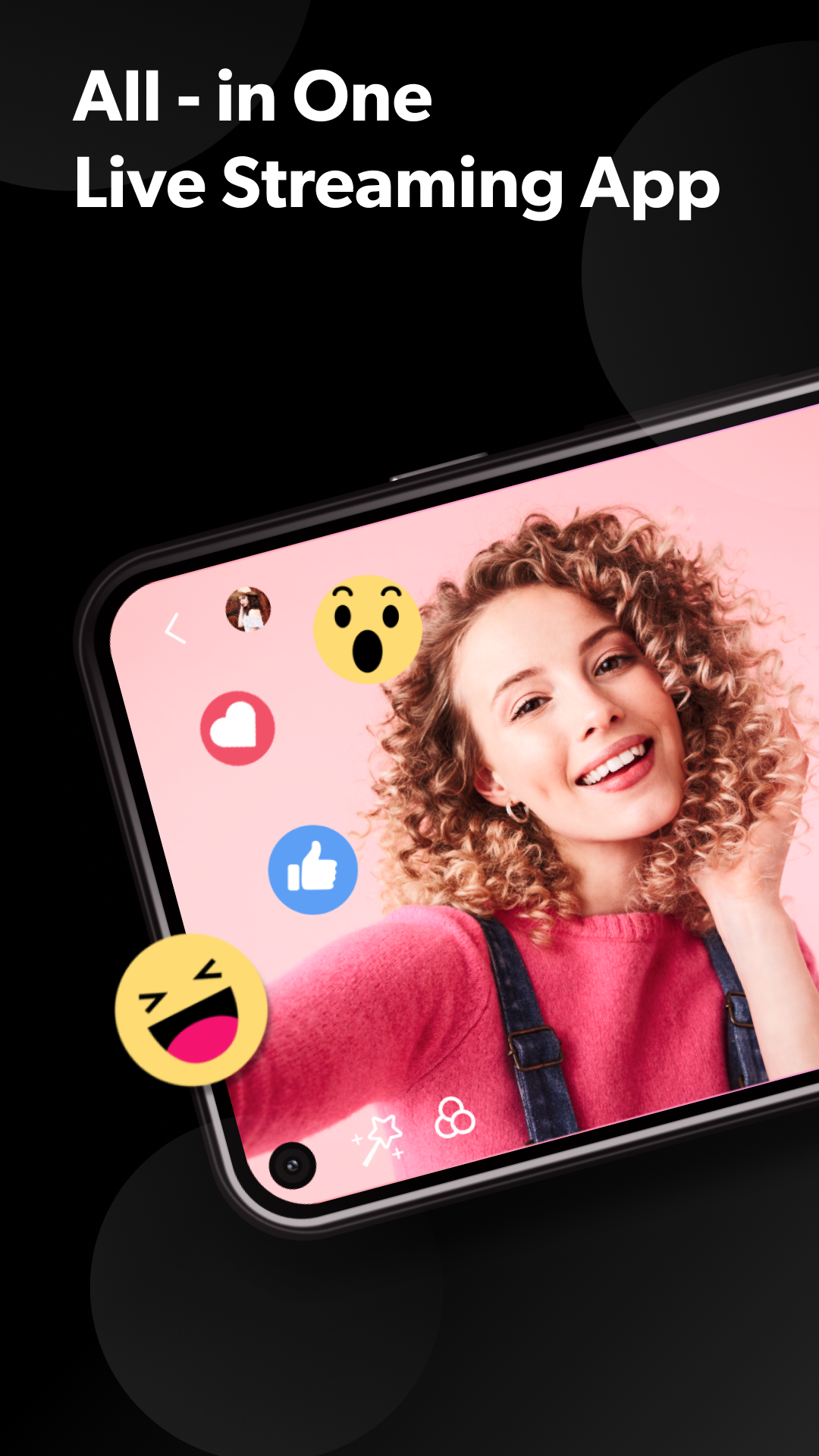
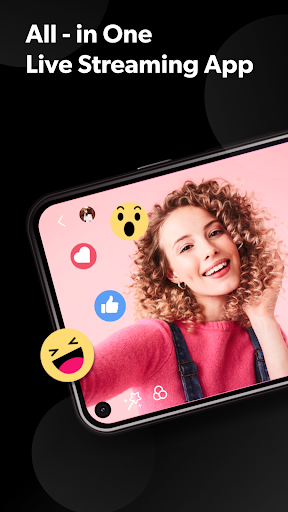
CameraFi Live is an Android app for live streaming that can help streamers to broadcast high-quality videos easily with their smartphone. It supports diverse camera connection and real-time video editing features.
[Features]
* Select Mode
Choose between Camera and Screen modes to either broadcast your camera shooting or smartphone screen.
* External Camera Connection
It supports external camera connection. You are able to live stream high-quality videos through clear shooting and zoom function using USB cameras with high performance (camcorder, DSLR, etc.).
* Image, Text, Video, Audio Overlay
You can easily add image/video/audio files while live-streaming. You can write the text overlay as well.
* Video Filter
Various video filters including emboss, mosaic, mono, cartoon will make your live stream eye-catching.
* Chat Overlay
You could interact with viewers by showing live chat. Also, Super Chat is supported.
* Web Browser Overlay
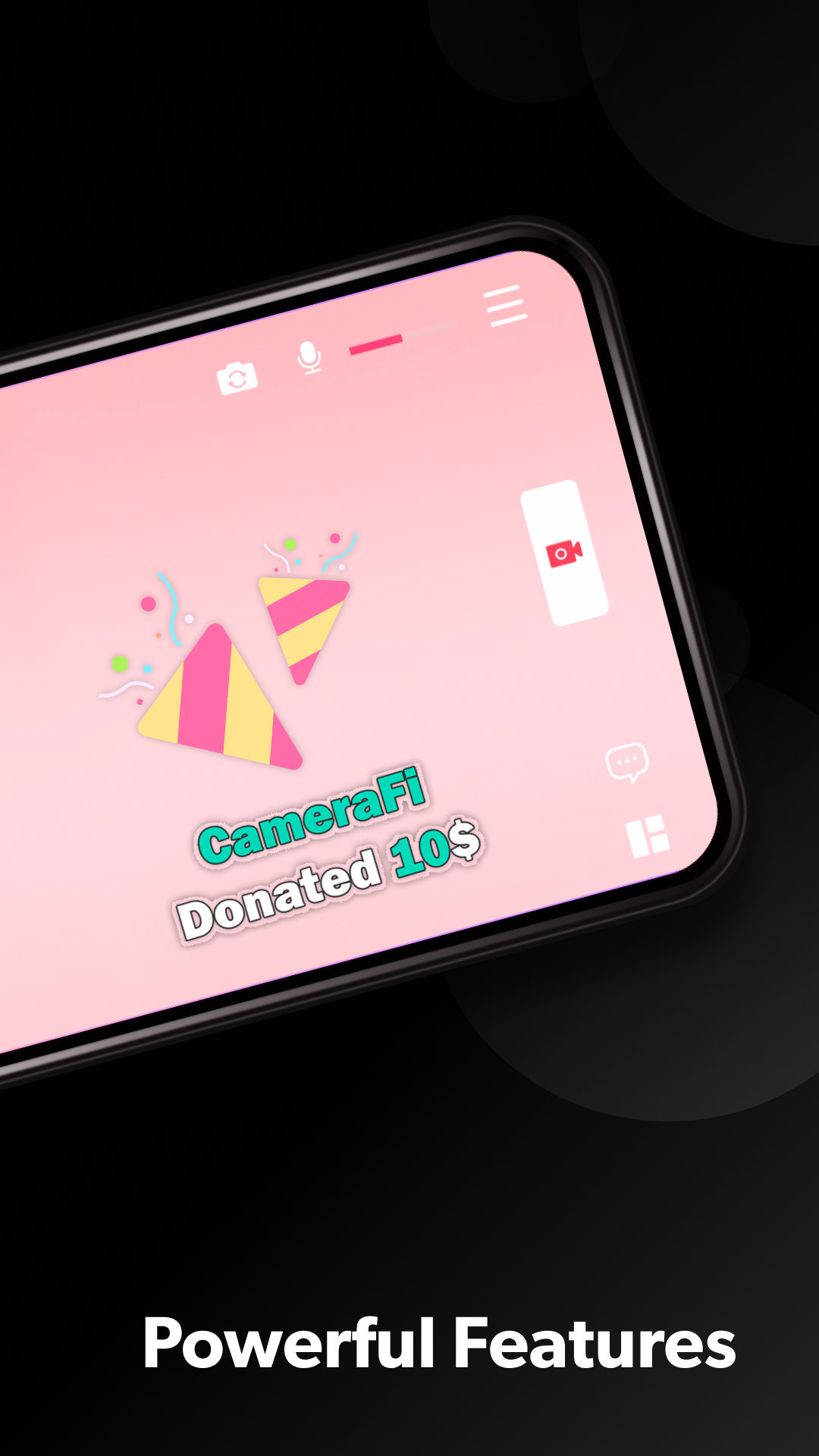
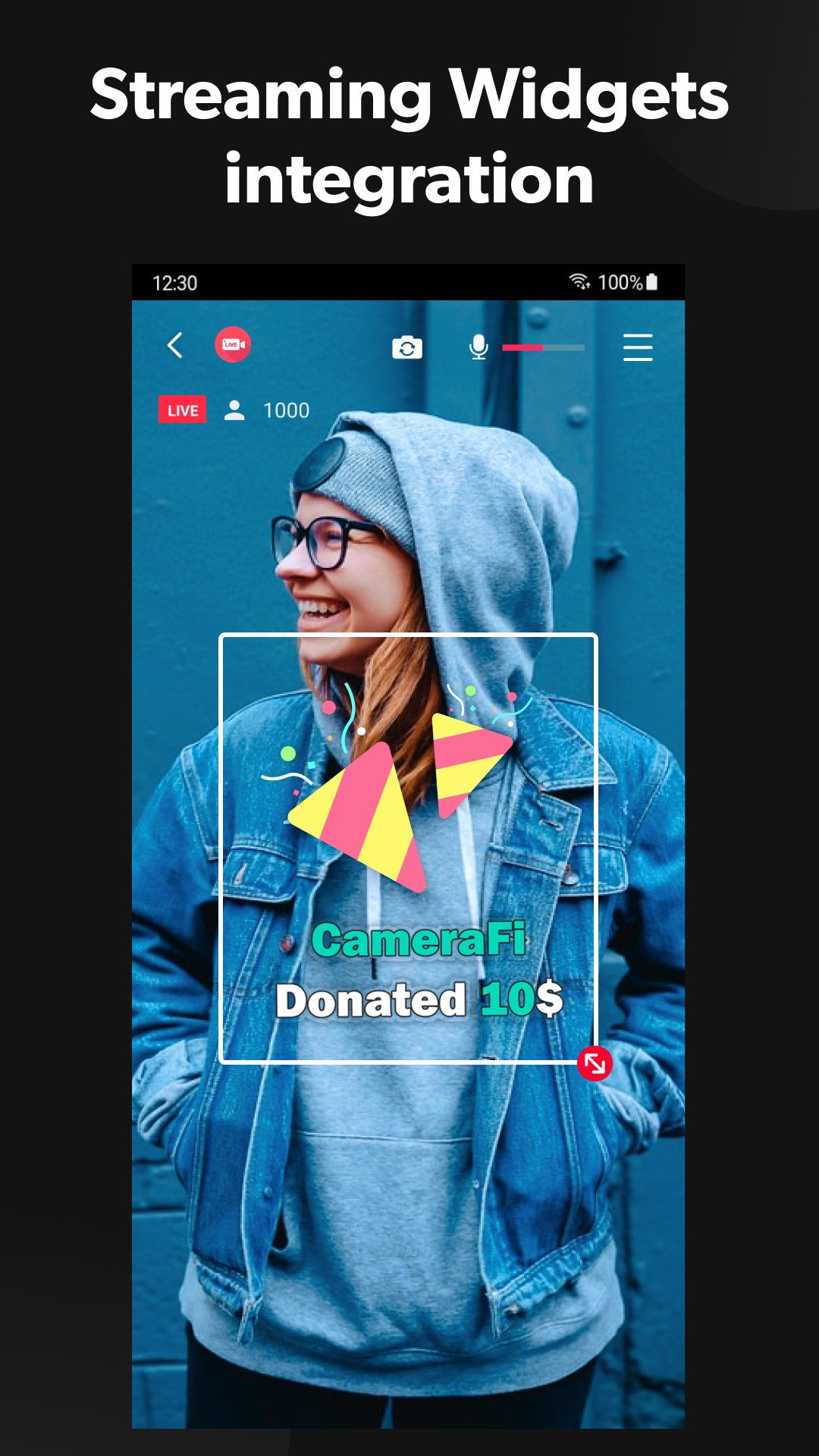
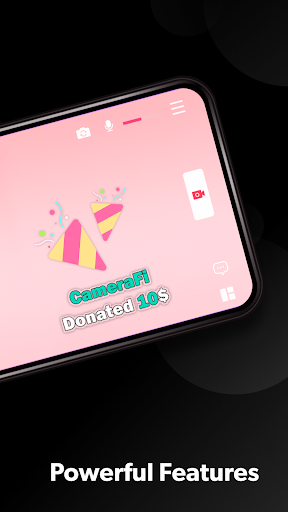
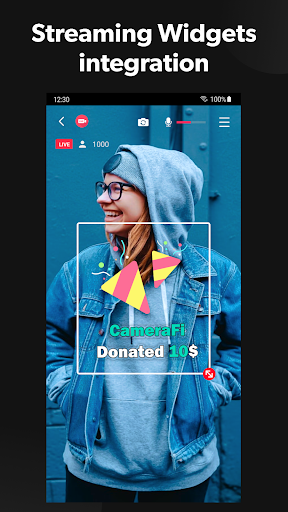
You can connect live-streaming donation/subscription alert platforms such as Streamlabs by web source overlay. Monetize your live broadcast.
* Motion Effect
Apply diverse cool effects to attract viewers. Motion effects from scoreboards to news graphics can be used in sports live-streaming, news reporting, etc.
* Picture in Picture (PIP)
You can show two video sources at the same time.
* Audio Mixer
Use free copyright music files as BGM(background music) for your live stream.
* Preset
Apply various overlays within a few clicks? Faster broadcasting preparation is available thanks to preset feature.
* Multiple shot
With a built-in smartphone camera, you can create multiple shots like you use several cameras.
* Multi-stream
You can broadcast to 30+ streaming platforms using Restream.
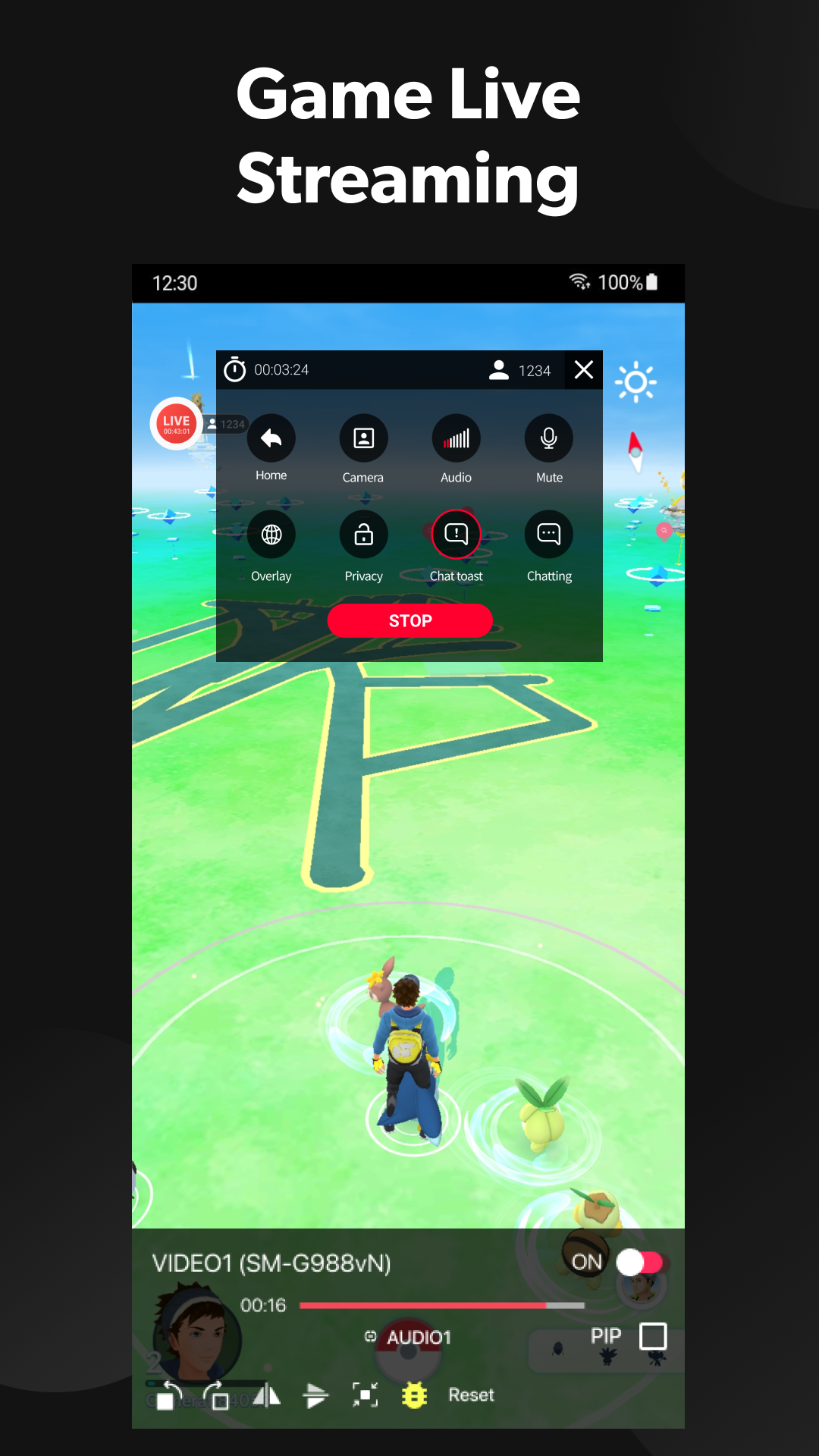
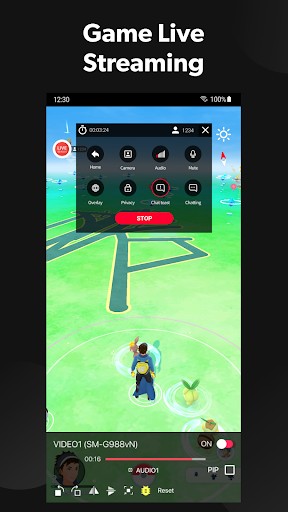
* Screen Capture Live (game live stream)
You can broadcast all kinds of game genres by using the front camera and built-in mic.
* Save a Live Video
You can save your live-streaming video in your smartphone memory to create a highlight video afterwards.
[Specifications]
* Compatible Android version
Android version 5.0 or above
* Streaming Server
YouTube, Facebook, Twitch, Restream(for multistream), RTMP and SRT(Secure Reliable Transport)
* Interfaces
- Video source: built-in Camera, USB Camera, capture cards (HDMI, SDI, CVBS) and Video files
- Audio source: Built-in Mic, USB microphone, Bluetooth microphone, Internal sound and Audio files
* Video Size
SD(640×480), HD(1280×720), FHD(1920x1080) ~ up to UHD(4K, 3840x2160)
(Varies from platforms and smartphone models)
* Encoder
H.264 and HEVC
[Required Permissions]
- READ_EXTERNAL_STORAGE: To get photos
- WRITE_EXTERNAL_STORAGE: To back up and restore statistics data
- RECORD_AUDIO: To record sound
- CAMERA: To capture photos or videos
[Optional Permissions]
- GET_ACCOUNTS: To obtain email address for activating All-In-One Serial Key
[Feedback]
If you have any comments or questions about the app, please send us email or visit our SNS channel.
- Home: https://www.camerafi.com/camerafi-live/
- Blog: https://blog.camerafi.com/
- Facebook: https://www.facebook.com/vaultmicrocamerafi
- Email: apps.help@vaultmicro.com
Show more

1. Download MEmu installer and finish the setup

2. Start MEmu then open Google Play on the desktop

3. Search CameraFi Live in Google Play
Install
4. Download and Install CameraFi Live
5. On install completion click the icon to start

6. Enjoy using CameraFi Live on PC with MEmu
MEmu Play is the best Android emulator, and 100 million users already enjoy its superb Android app experience. Powered by advanced virtualization technology, it lets you enjoy thousands of Android apps smoothly on your PC—including the most graphics-intensive ones.
Bigger screen with better graphics; Long duration, without limitation of battery or mobile data.
Full Keymapping support for precise control of keyboard and mouse or gamepad.
Multiple game accounts or tasks on single PC at one time with Multi-Instance manager.
Use CameraFi Live on PC by following steps: