Animal 4D+
Updated
Current Version
4.2.5
Offered By

Stop worrying about high battery drain when using Animal 4D+ on your phone. Free yourself from the tiny screen and enjoy the app on a much larger display. From now on, get a full-screen experience of your app with the convenience of a keyboard and mouse. MEmu offers you all the surprising features you’d expect: quick installation and easy setup, intuitive controls, and no more worries about battery life, mobile data, or unexpected calls. The all-new MEmu 9 is the choice for using Animal 4D+ on your computer. With the MEmu multi-instance manager, you can run two or more accounts at the same time. Most importantly, our exclusive emulation engine unlocks your PC’s full potential, delivering smooth and enjoyable performance.
Show more
Enjoy superb experience of using Animal 4D+ on PC with MEMU App Player. It's a powerful free Android emulator which provides you with thousands of android apps for their desktop version. Enjoy connecting with friends and polishing your work with higher efficiency! - Multi languages: English, Spanish, Turkish, Japanese, Bahasa, Dutch, Mandarin, Korean, French, Ukrainian, Russian.
- Multi languages: English, Spanish, Turkish, Japanese, Bahasa, Dutch, Mandarin, Korean, French, Ukrainian, Russian
- Holographic Mode
- Interactive Quiz
- Voice over
- Performance Optimization
(The features above will be available through serial number registration)
----
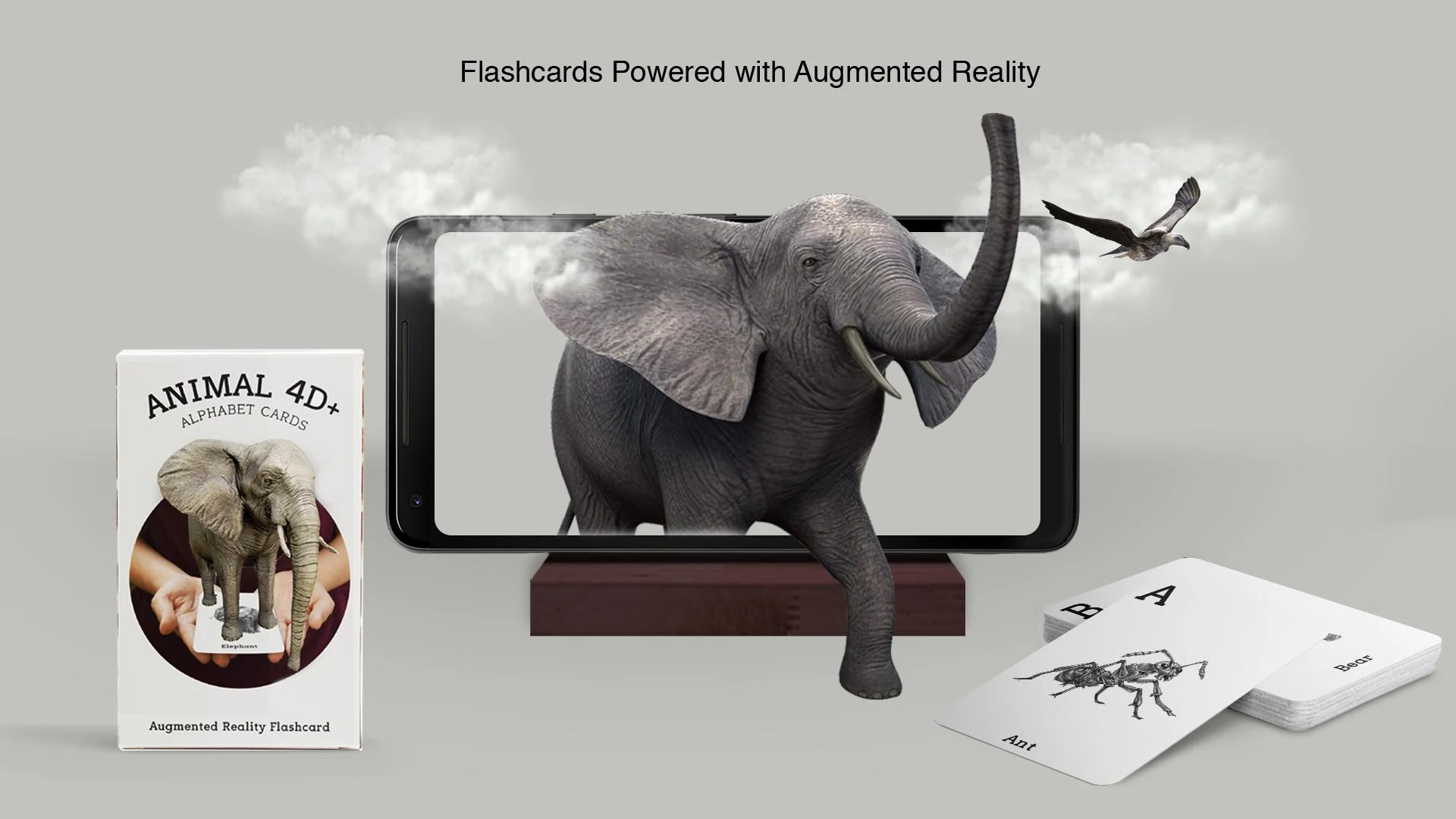
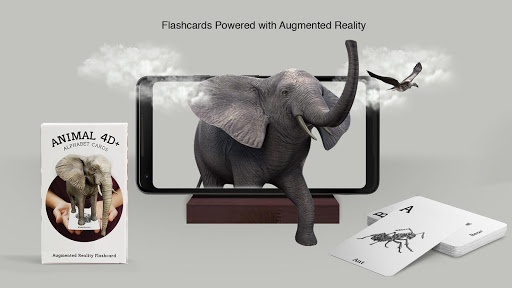
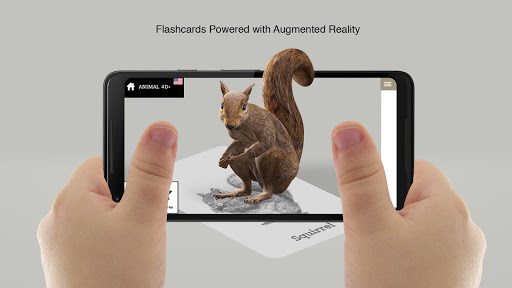
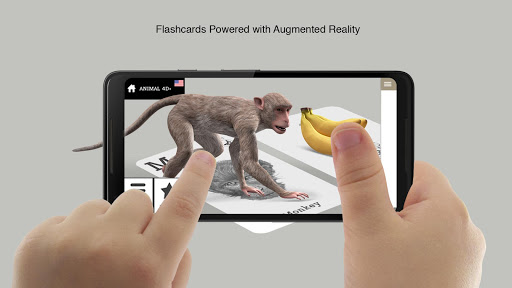
Flashcards are no longer boring with Octagon 4D+. Created by Octagon Studio, Animal 4D+ is a fast and lightweight app that allows you to scan the printed animal cards and witness how the animals come alive right before your eyes!
The Animal 4D+ app brings you a new way of seeing animals in Augmented Reality. This gives you an unforgettable experience and will always leave a smile on the faces of children and adults alike.
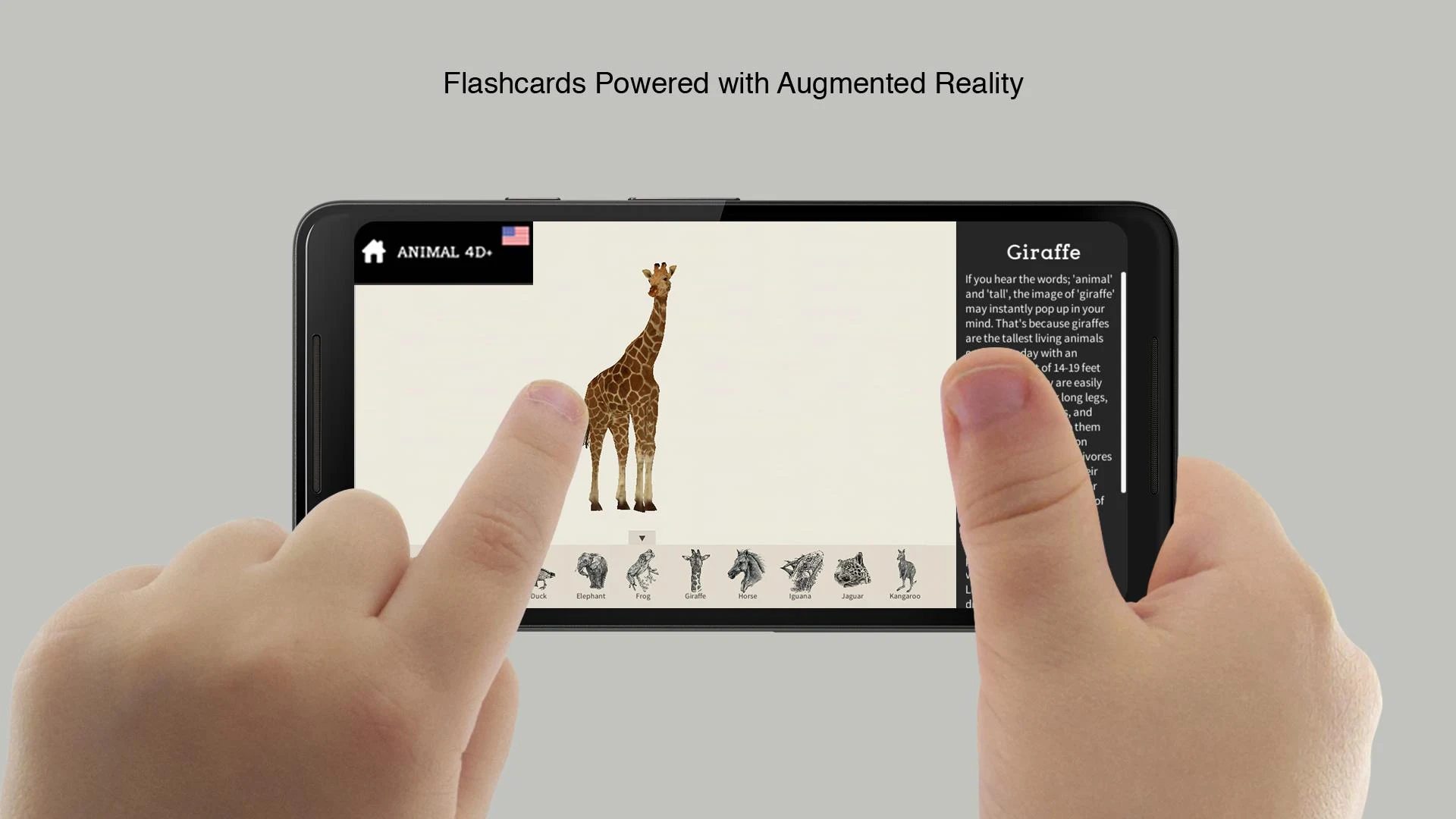
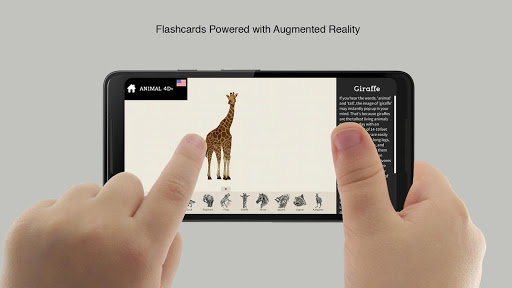
Animal 4D+ gives you both interesting and informative facts about animals through A to Z such as the Ant, Giraffe, Horse, Elephant and Iguana.
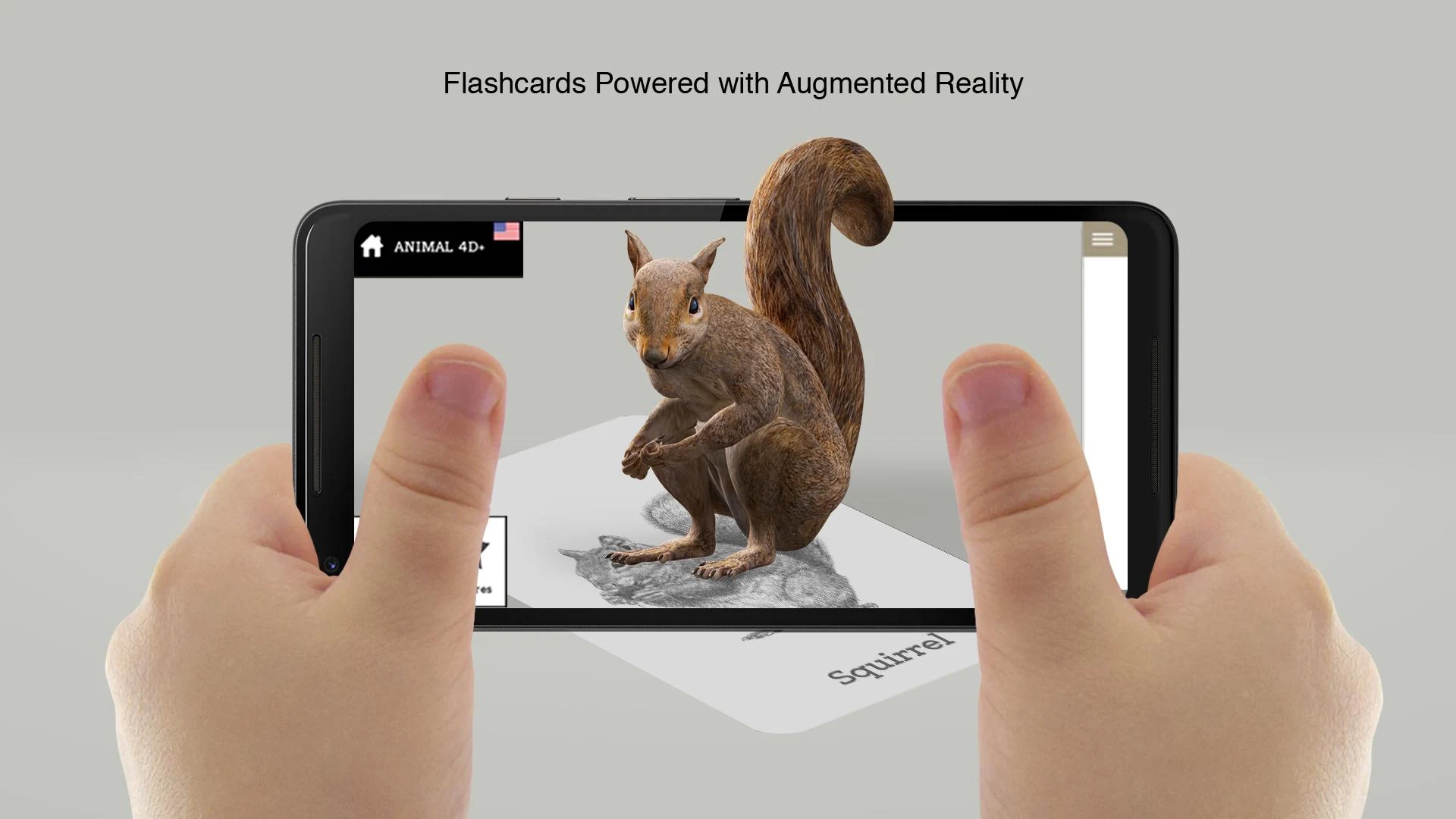
With the scan option and using the Animal 4D+ Alphabet cards the animals spring to life. Have a giraffe on the palm of your hand or maybe you’d prefer a lion instead. You can scan a number of cards at once, why not make a zoo out of it.
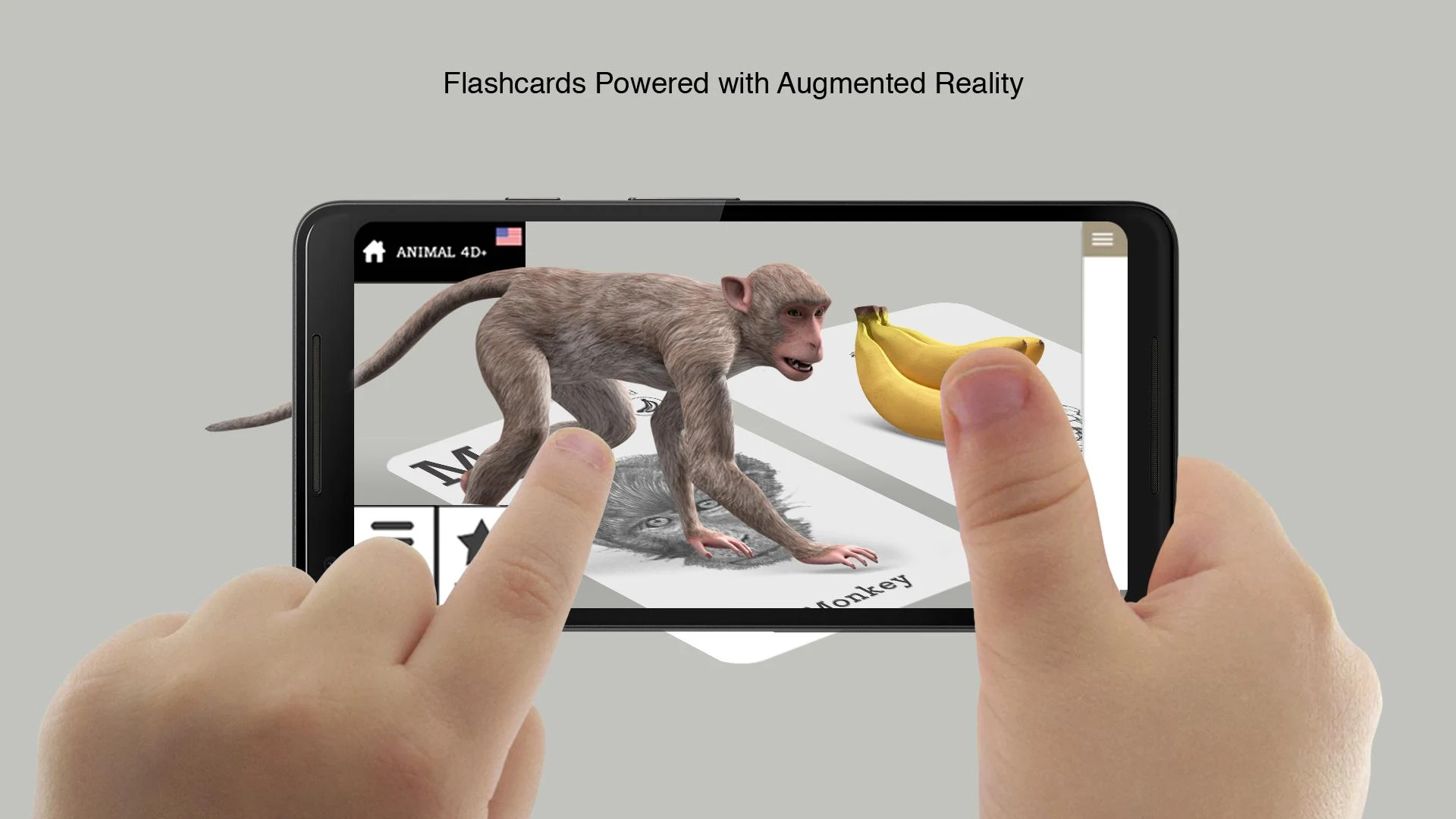
Examine some of these animals up close with the 3D option. This turns that 2D sketch into a 3D moving animation which allows you to spin, turn and zoom in and out of each animal.
----
Minimum Requirements:
1. OS:
- Android 5.0 (Lollipop),
- iOS: 11.0
2. Processor: Qualcomm chipset, 1.2 GHz
3. Ram: 1 GB
4. Camera: 5 MPX
5. Memory card supports Augmented Reality feature
6. Not compatible with Intel Atom processor
Not Compatible for:
Acer ICONIA Tab 8 A1-850-13FQ, Asus zenfone 2, Asus zenfone 4, Asus zenfone 5, Asus zenfone 6, Asus fonpad 8 fe380, Asus ZenPad 10, Asus FonePad K012, Asus ze551ml, HTC SC One, Lenovo A7000, Lenovo S880, Lenovo Yoga Tablet 2.8.0, LG G4 Stylus, LG L7, Samsung Tab GT-P7500, vivo x3s
----
** TRY and PRINT the Animal 4D+ sample cards for free through this link: https://sample.octagon.studio/animal.html
** Check our store here:
https://octagon.studio/octagon-linktree/
Show more

1. Download MEmu installer and finish the setup

2. Start MEmu then open Google Play on the desktop

3. Search Animal 4D+ in Google Play
Install
4. Download and Install Animal 4D+
5. On install completion click the icon to start

6. Enjoy using Animal 4D+ on PC with MEmu
MEmu Play is the best Android emulator, and 100 million users already enjoy its superb Android app experience. Powered by advanced virtualization technology, it lets you enjoy thousands of Android apps smoothly on your PC—including the most graphics-intensive ones.
Bigger screen with better graphics; Long duration, without limitation of battery or mobile data.
Full Keymapping support for precise control of keyboard and mouse or gamepad.
Multiple game accounts or tasks on single PC at one time with Multi-Instance manager.
Use Animal 4D+ on PC by following steps: