CGX by Caroline Girvan
Updated
Current Version
v1.7.2
Offered By

Stop worrying about high battery drain when using CGX by Caroline Girvan on your phone. Free yourself from the tiny screen and enjoy the app on a much larger display. From now on, get a full-screen experience of your app with the convenience of a keyboard and mouse. MEmu offers you all the surprising features you’d expect: quick installation and easy setup, intuitive controls, and no more worries about battery life, mobile data, or unexpected calls. The all-new MEmu 9 is the choice for using CGX by Caroline Girvan on your computer. With the MEmu multi-instance manager, you can run two or more accounts at the same time. Most importantly, our exclusive emulation engine unlocks your PC’s full potential, delivering smooth and enjoyable performance.
Show more
Enjoy superb experience of using CGX by Caroline Girvan on PC with MEMU App Player. It's a powerful free Android emulator which provides you with thousands of android apps for their desktop version. Enjoy connecting with friends and polishing your work with higher efficiency! Build who you want to be with CGX by Caroline Girvan – certified personal trainer, MNU certified nutritionist, and pre-and postnatal specialist with 13+ years of experience and 3 million subscribers on YouTube.

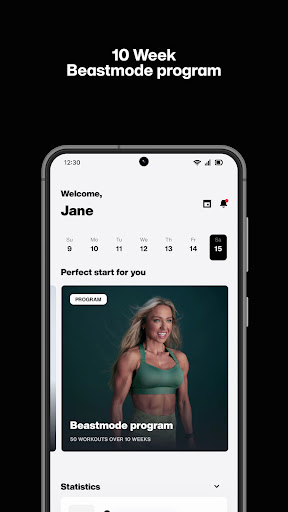
Build who you want to be with CGX by Caroline Girvan – certified personal trainer, MNU certified nutritionist, and pre-and postnatal specialist with 13+ years of experience and 3 million subscribers on YouTube.
What’s in the app?
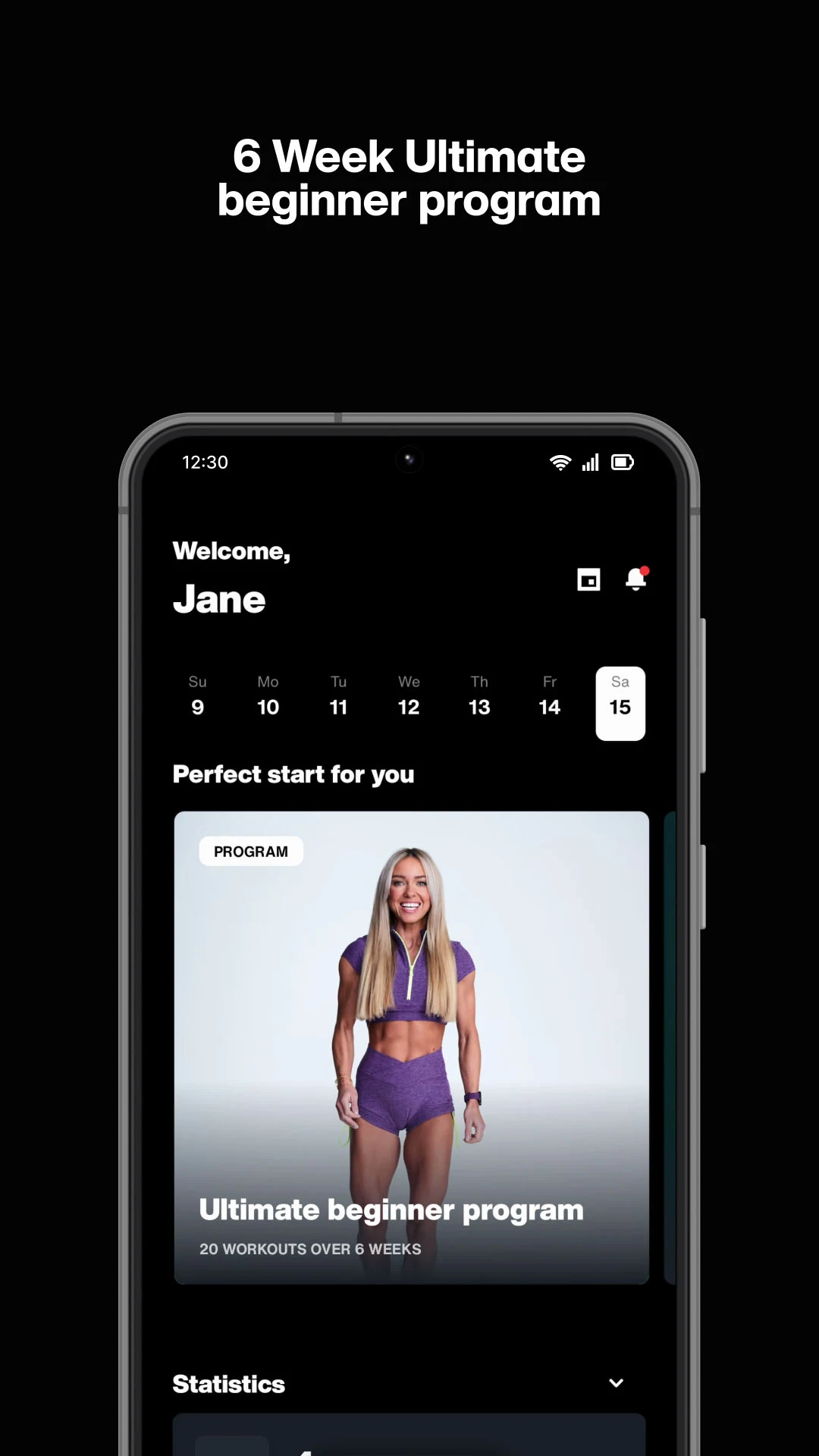
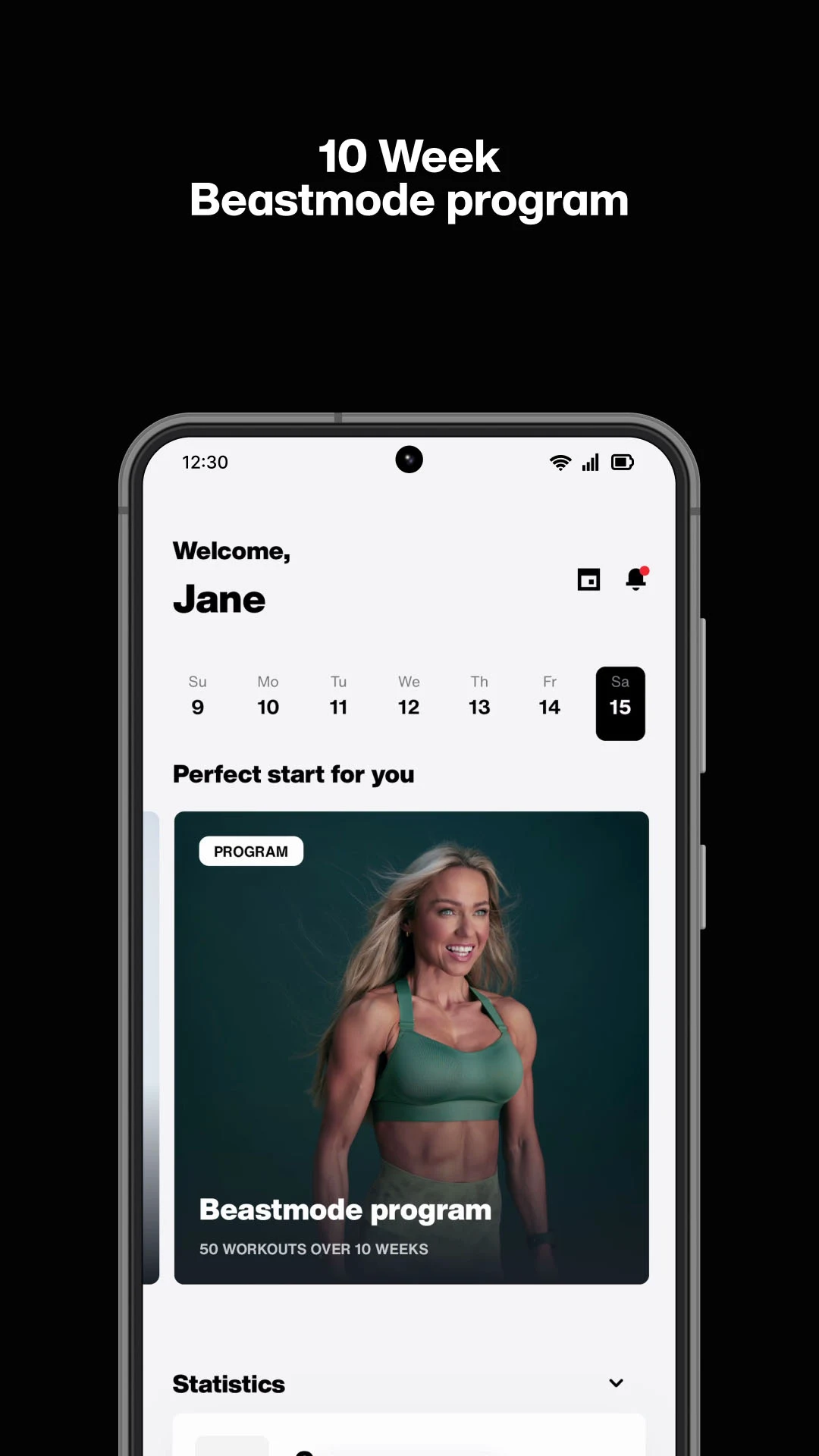
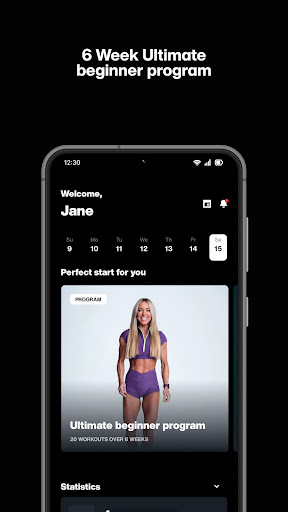
- A growing suite of brand new workout programs to suit any fitness level, including Ultimate Beginner
- Hundreds of brand new workouts for various muscle groups and equipment, with new workouts added weekly
- 50+ instructional videos by Caroline to make sure your form is correct and safe
- 6 quick progress tests to track your strength and cardio progress
- Nutritious, budget-friendly, and delicious meal ideas
- Hot-off-the-press evidence-based articles published throughout the week from Caroline and industry experts to boost your health and fitness knowledge
Fit CGX into your day-to-day:
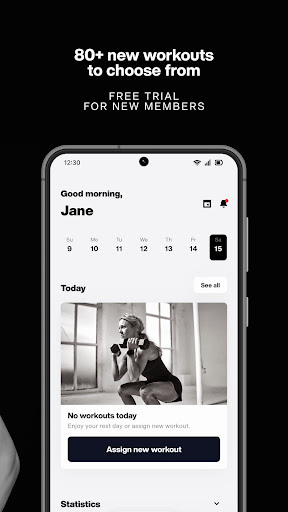
- Schedule workouts and programs into your CGX calendar
- Cast workouts to your TV via Chromecast
- Download workouts so you can keep on track when you’re offline
- Soundtrack your workouts with Caroline's music, no music, or your own music via Apple Music or Spotify (Apple Music / Spotify subscription required)
- Sync your Google Fit with the CGX app
- Keep a note of your progress for each workout
- Join the buzz of the community with supportive comments, helpful tips, and fun chat on each workout
- Found something you love? Tap the heart to favourite it
- Follow workouts on your laptop or computer through the CGX website
Need help with CGX?
- Check our help site for answers to common questions and full step-by-step guides: https://support.cgxapp.com/
- Reach out to our team for help: support@cgxapp.com
Throughout her career, Caroline's worked closely with clients to help them build muscle, become stronger, and even run their first marathon. Now, you can join her and the millions of people she has already inspired on the journey to transform your body and mind.
Let's go!
Show more

1. Download MEmu installer and finish the setup

2. Start MEmu then open Google Play on the desktop

3. Search CGX by Caroline Girvan in Google Play
Install
4. Download and Install CGX by Caroline Girvan
5. On install completion click the icon to start

6. Enjoy using CGX by Caroline Girvan on PC with MEmu
MEmu Play is the best Android emulator, and 100 million users already enjoy its superb Android app experience. Powered by advanced virtualization technology, it lets you enjoy thousands of Android apps smoothly on your PC—including the most graphics-intensive ones.
Bigger screen with better graphics; Long duration, without limitation of battery or mobile data.
Full Keymapping support for precise control of keyboard and mouse or gamepad.
Multiple game accounts or tasks on single PC at one time with Multi-Instance manager.
Use CGX by Caroline Girvan on PC by following steps: